PVZ Fusion

Fan-made Plants vs Zombies spinoff built around combining plants

Beginner
Screenshot of PVZ Fusion, Fan-made Plants vs Zombies spinoff built around combining plants

What is PVZ Fusion?

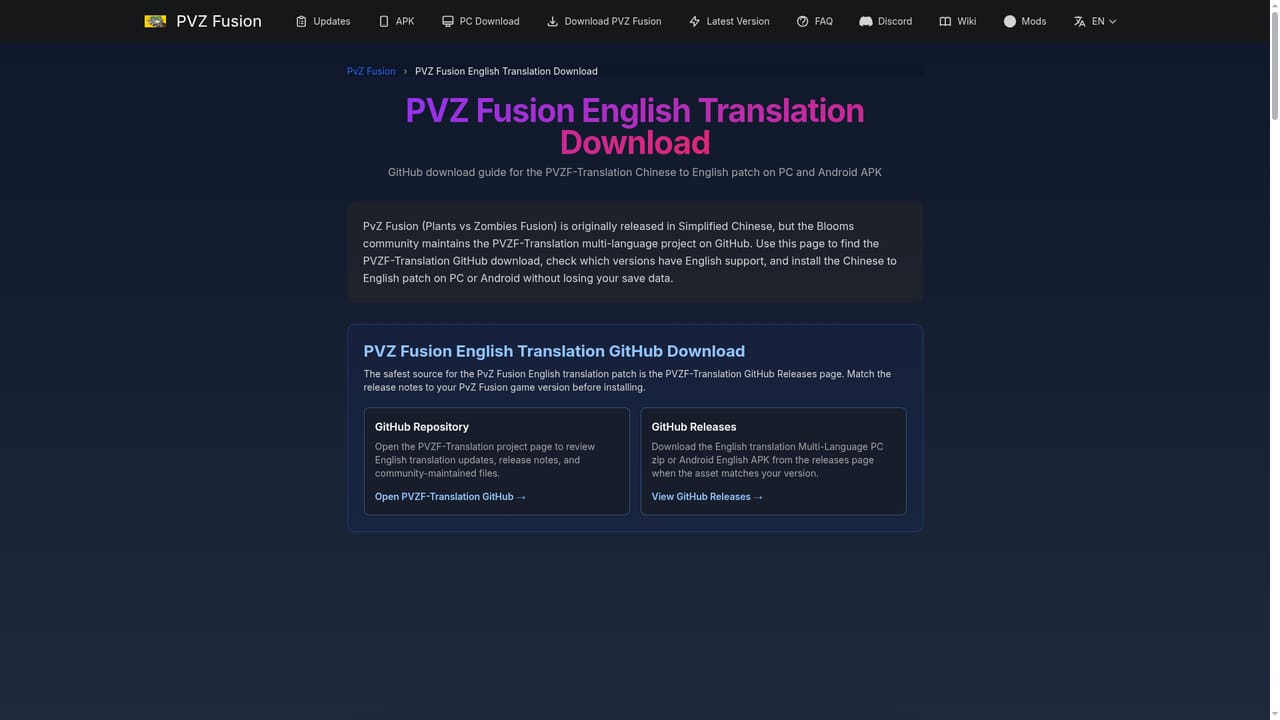
PVZ Fusion is a game modding tool. A standalone fan-made Plants vs Zombies game for Windows and Android, built around combining plants into named hybrid defenders. The 4.1 base release is Chinese, with community English translations that vary by platform and version.

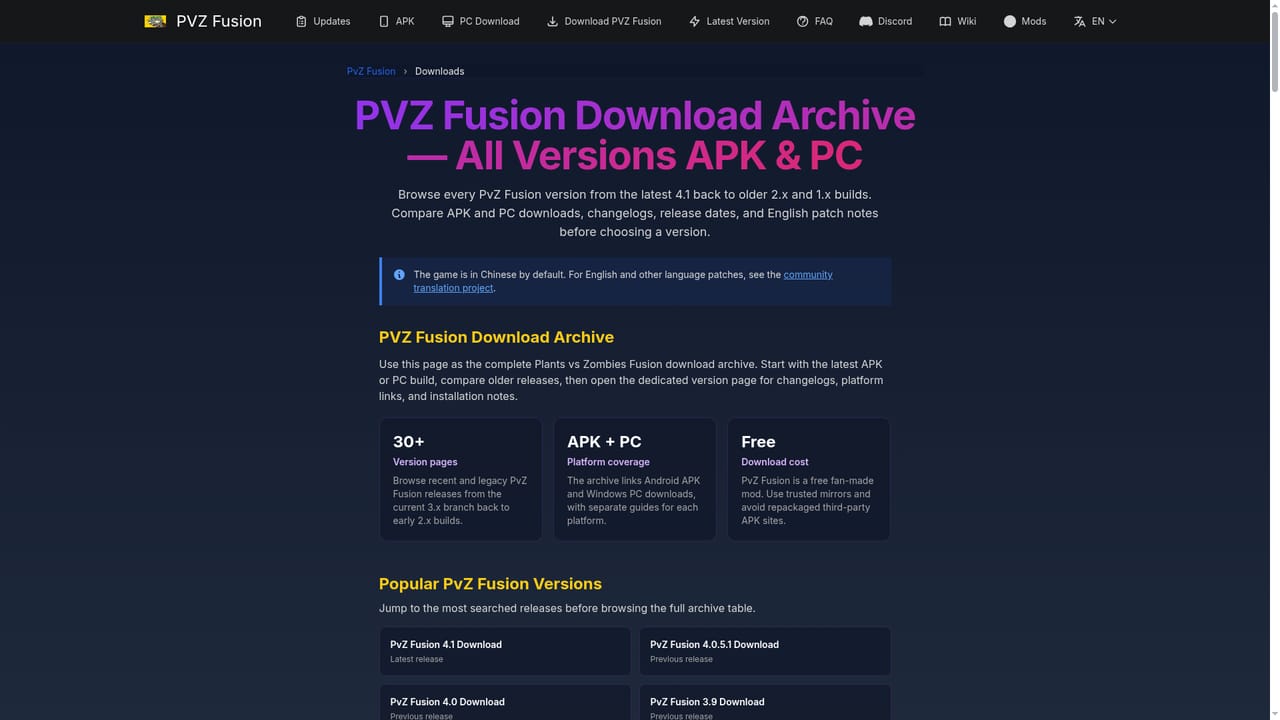
PVZ Fusion is a standalone fan game inspired by Plants vs Zombies, distributed as a Windows ZIP or an Android APK. Despite the mod label that shows up in searches, it runs on its own Unity engine and does not patch an existing PvZ installation. The hook is the fusion system: compatible plants are combined into named defenders with new attacks, defenses and upgrade paths. Sunshooter pairs Peashooter with Sunflower, Spike-nut pairs Spikeweed with Wall-nut, and Cherry-nut pairs Cherry Bomb with Wall-nut. The current release is version 4.1, published on November 1, 2026, and the base build ships in Chinese. English support comes from community translation projects, and those builds can lag behind or diverge from the newest Chinese release, so version and language have to be checked together before downloading. Files are hosted on Google Drive or MEGA and routed through the PVZ Fusion Fans Discord release listing. This site is an independent fan guide that organizes those links; it is not affiliated with EA, PopCap or the game's developer. It suits players who already know the PvZ formula and want a deeper defensive puzzle. The base roster keeps familiar roles (ranged damage, sun production, lane blocking) and turns those roles into ingredients for larger recipes. Zombies such as Buckethead, Pole Vaulting and Pogo pressure different lanes, and building around a single damage type tends to fail. Adventure introduces the systems, while Challenge, Survival and Odyssey change which recipes and positioning are practical; Odyssey adds exclusive fusions, rotating maps and modifiers. Compared with playing the original Plants vs Zombies or its sequels, this is a community project with real friction. There is no official store listing, no publisher guarantee and no browser version of this build. Players trade that convenience for a large fusion catalogue, a wiki that documents plants, fusions, zombies and mechanics, and a version archive going back through 4.0.5.1, 4.0, 3.9 and 3.8.1. Back up saves before updating.

How do you use PVZ Fusion?

  1. 1Pick your platform
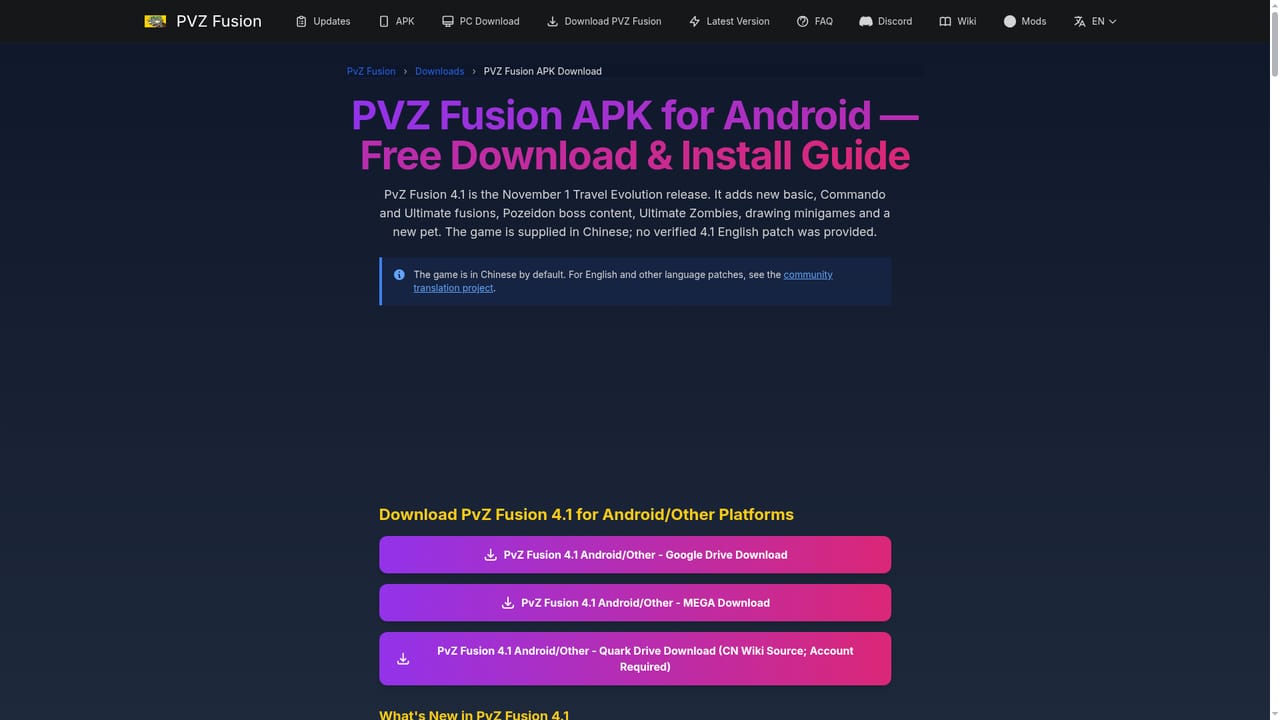
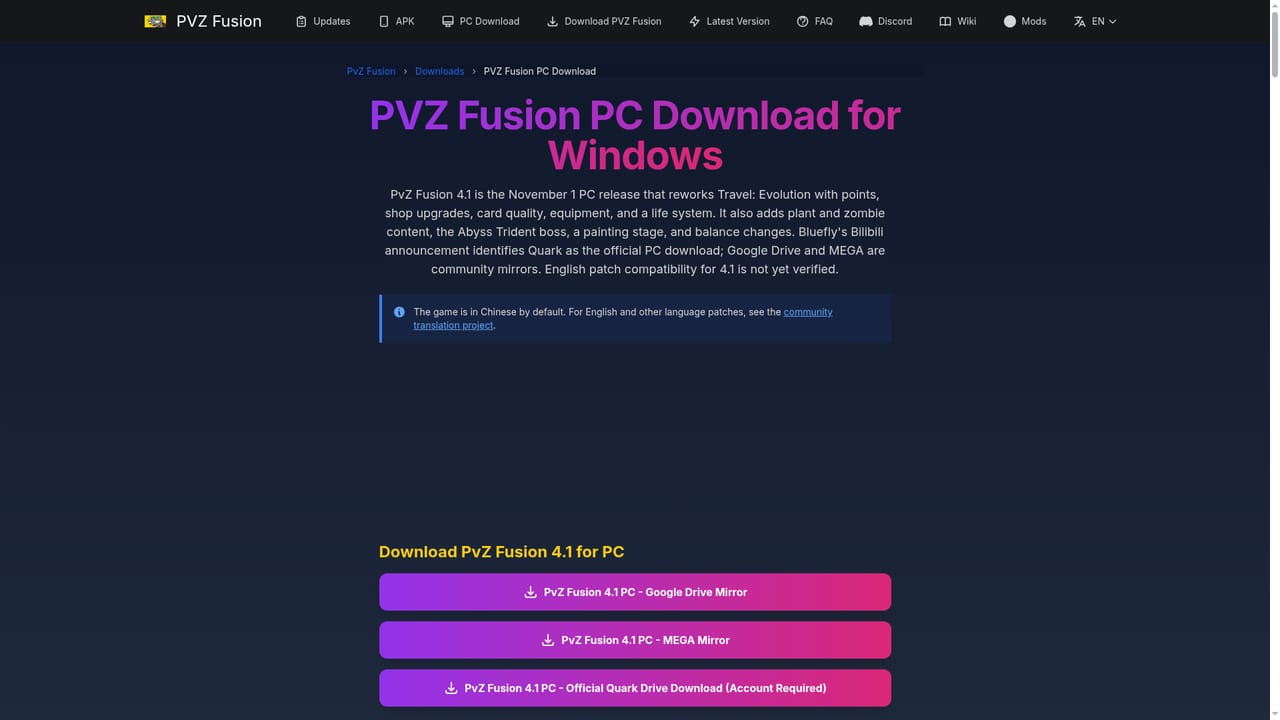
    Decide between the Windows ZIP and the Android APK before anything else. Each platform page states the current version, base language and file type.
    PVZ Fusion — Pick your platform
  2. 2Check the English translation status
    The base release is Chinese. Read the compatibility page to see whether an English build exists for your platform and whether it matches the newest version.
    PVZ Fusion — Check the English translation status
  3. 3Download from the named host
    Open the PC or APK page and follow the listed Google Drive or MEGA destination. The host is labeled before you leave the guide.
    PVZ Fusion — Download from the named host
  4. 4Install on Windows or Android
    On Windows, extract the full ZIP into its own folder and run the executable from there, never from inside the archive. On Android, allow installs from your browser or file manager and open the APK.
    PVZ Fusion — Install on Windows or Android
  5. 5Learn the fusion system
    Work through the beginner guide, then look up recipes such as Sunshooter and Spike-nut in the wiki before tackling harder modes.
  6. 6Verify the release source
    Cross-check version, filename and host against the PVZ Fusion Fans Discord listing, and scan the downloaded file before opening it.

Pros and cons

Pros

  • Fusion recipes give the classic lane defense formula a genuinely new layer of planningAI
  • Runs as its own Unity game on PC and Android, with no emulator needed for WindowsAI
  • Documented wiki covering plants, fusions, zombies and mechanics, plus a beginner guideAI
  • Version archive and changelogs let players match a build to a known releaseAI
  • Named external hosts are shown before any download link is clickedAI

Cons

  • Base game ships in Chinese, so English play depends on community translations that may lagAI
  • No official store listing or publisher support, and files sit on Google Drive or MEGAAI
  • Downloading means trusting a fan release trail and scanning archives yourselfAI
  • No browser build of this release, so nothing can be tried without installingAI

How much does PVZ Fusion cost?

Support

Help is community-run. A wiki FAQ hub covers download, install and troubleshooting questions, the release trail is tracked through the PVZ Fusion Fans Discord, and a beginner guide explains the fusion system. No official publisher support exists.

Learn more

Features

A standalone Unity fan game built on plant fusion: compatible plants merge into named defenders with distinct attacks, defenses and upgrade paths. Modes include Adventure, Challenge (which unlocks Super recipes), Survival and Odyssey. Version 4.1 adds Inferno difficulty and Curse Trial traits to Gods Evolved, new standard and Ultimate fusions, new zombies and the Abyss Trident boss, and a Snow Land rework. A wiki documents plants, fusions, zombies and mechanics.

Learn more

Frequently asked questions about PVZ Fusion

  • How do you use PVZ Fusion?
    The walkthrough on this page covers 6 steps: 1. Pick your platform 2. Check the English translation status 3. Download from the named host 4. Install on Windows or Android 5. Learn the fusion system 6. Verify the release source.
  • What platforms does PVZ Fusion support?
    PVZ Fusion is available on Windows and Android.
  • What are the limitations of PVZ Fusion?
    Base game ships in Chinese, so English play depends on community translations that may lag. No official store listing or publisher support, and files sit on Google Drive or MEGA. Downloading means trusting a fan release trail and scanning archives yourself.

Status

StatusActive
Views0
Outbound clicks0
Added11/3/2026

Platforms

WindowsAndroid

Pricing

Free