Free trial
No credit card is required. A free account includes 5 generations or modifications per day permanently, rather than a time limited trial.
Learn moreAI that writes Minecraft plugins, builds and Blockbench models for you

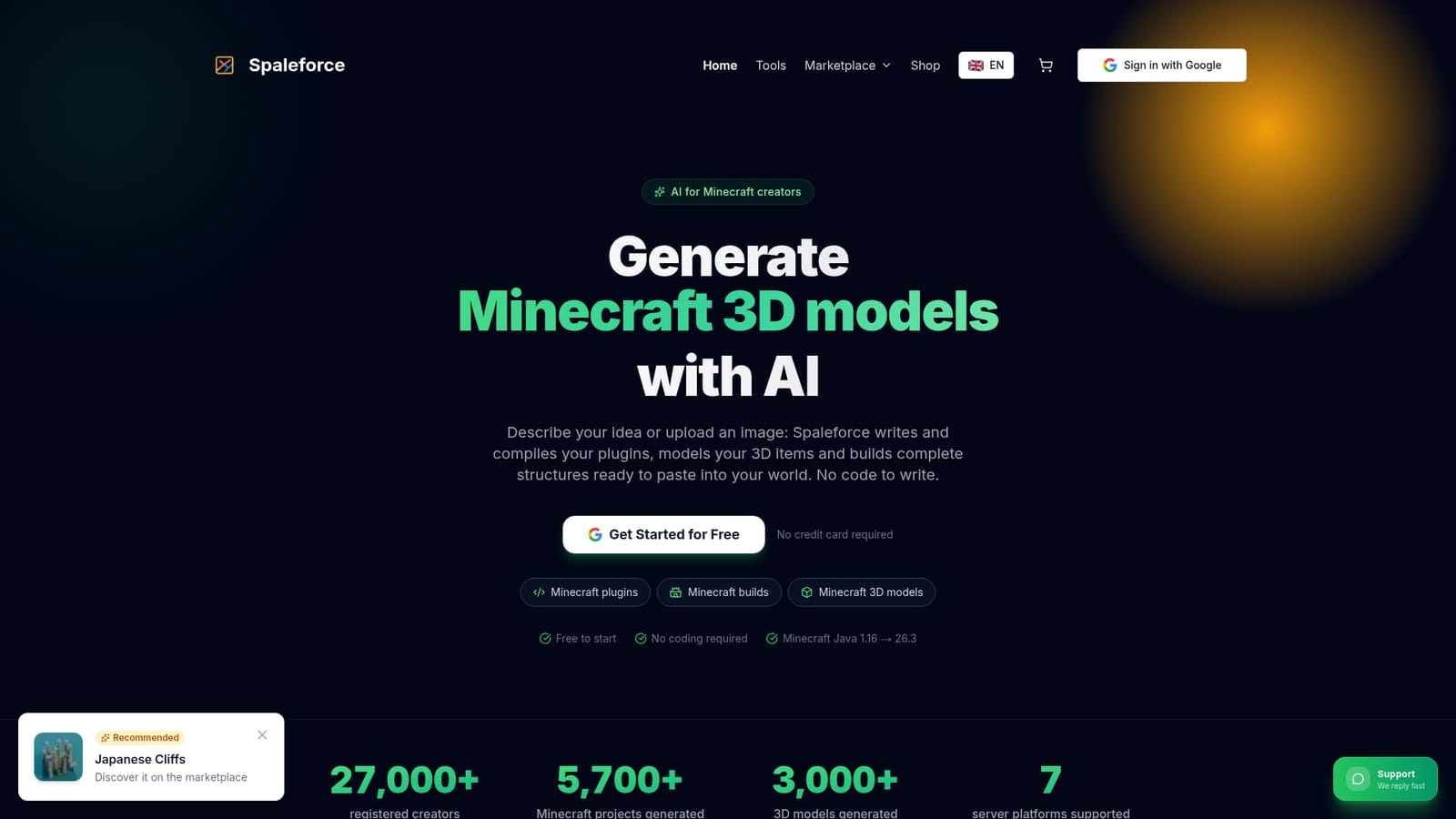
Spaleforce turns plain descriptions or a single reference image into Minecraft plugins, complete builds and Blockbench 3D models. Java plugins are compiled automatically for seven server platforms across versions 1.16 to 26.3, and builds export as .schem files ready for WorldEdit.
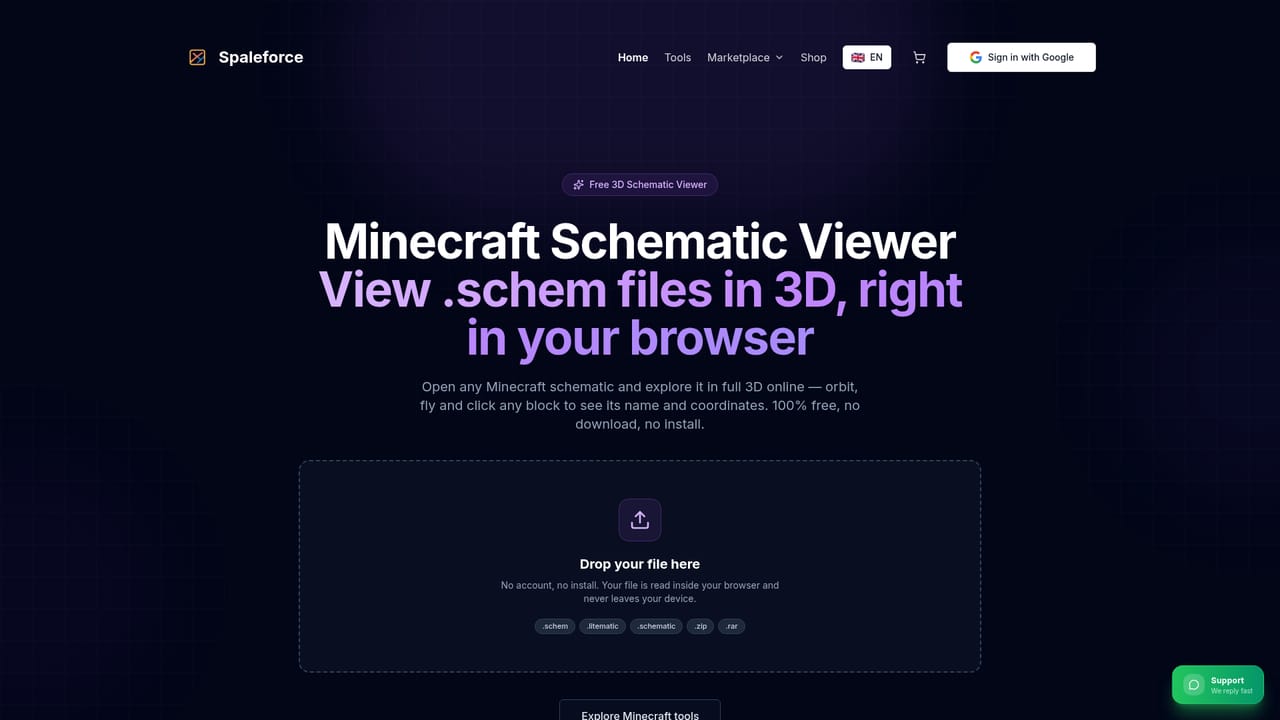
Spaleforce is a browser based AI workspace aimed squarely at Minecraft server owners and content creators. Instead of one generic assistant, it ships separate generators for the things a server actually needs: compiled Java plugins, furnished builds exported as .schem files, and Blockbench ready 3D models with pixel art textures. A description in plain language, a list of commands, or a single reference image is enough to start a project. The plugin tool is the most technically involved part. You explain what a command or mechanic should do and the system writes the Java code, compiles it into a .jar and resolves its own compile errors online. It targets Paper, Purpur, Pufferfish, Leaf, Folia, Spigot and Bukkit across Minecraft Java 1.16 to 26.3, picking the matching API and Java version, and a built in test server lets you run the plugin before installing it on a live world. Follow-up changes are requested in ordinary language rather than through a code editor. The build generator takes a photo, concept art or screenshot and produces floor plans, walls, roofs, interiors, vegetation and terrain from it, previewed in 3D with real block models and a construction replay. Output sticks to vanilla blocks and exports as a lightweight .schem for WorldEdit. The 3D model tool builds items, weapons, furniture and creatures cube by cube, paints textures in vanilla style and hands back .bbmodel files for ItemsAdder, Oraxen, ModelEngine or resource packs. Adjacent utilities cover Fabric and NeoForge mods, AI resource packs, hosted Discord bots, a free .schem and .litematic viewer, OBJ to .schem conversion, and a tree and rock generator. It suits server admins without a Java developer, builders who want a fast first draft, and pack makers producing item assets. Compared with general purpose coding assistants, the value is the Minecraft specific pipeline: compilation, test server, block palettes and native editing formats. A community marketplace also sells finished builds at around 10 euros each. Free accounts get a small daily quota, so the paid tiers are mainly about volume.
No credit card is required. A free account includes 5 generations or modifications per day permanently, rather than a time limited trial.
Learn moreThree tiers: Free at 0 euros per month with 5 generations or modifications per day; Pro at 20 euros per month for 20 per day, no waiting period and 3 hosted Discord bots running 24/7; Ultimate at 50 euros per month for 50 generations plus 20 modifications per day and access to the V3 3D model generator.
Learn moreThe site states that support replies fast, and a Discord bot generator is offered as part of the product line. No dedicated help centre or documentation hub is listed on the homepage.
Outputs are built for the Minecraft server and creator stack: Paper, Purpur, Pufferfish, Leaf, Folia, Spigot and Bukkit for plugins, Fabric and NeoForge for mods, WorldEdit for .schem builds, and Blockbench along with ItemsAdder, Oraxen and ModelEngine for models.
Learn morePlugin generator that writes, compiles and error-fixes Java for Paper, Purpur, Pufferfish, Leaf, Folia, Spigot and Bukkit across 1.16 to 26.3, with a test server and plain-language edits. Image to build generator with furnished interiors and .schem export. Blockbench 3D models with pixel-art textures. Also Fabric and NeoForge mods, resource packs, Discord bots, schematic viewer, OBJ to .schem and a tree generator.
Learn more AI Angels400+ customizable AI girlfriends for NSFW chat, voice calls, and roleplay
 Candy AIExperience the future of companionship with AI friends who chat, role-play, and connect with you on a human level.
 ourdream.aiA vast AI roleplay platform with millions of characters for chat, images, video and voiceAI Angels400+ customizable AI girlfriends for NSFW chat, voice calls, and roleplayCandy AIExperience the future of companionship with AI friends who chat, role-play, and connect with you on a human level.ourdream.aiA vast AI roleplay platform with millions of characters for chat, images, video and voice