Pricing
The Gumroad listing shows $0+ with a name-your-price field, so the app can be downloaded at no cost and buyers may choose to pay an amount they consider fair. No tiers, subscriptions or paid upgrades are described on the page.
Learn moreSummon ChatGPT and Bard from any window with one keystroke

Quickcast is a ChatGPT tool. A macOS menu-bar style utility that opens ChatGPT and Bard above any active window with the cmd + e shortcut. It is built for people who want fast, repeated chatbot access without switching browser tabs, and it is distributed on Gumroad as a name-your-price download.
Quickcast is a small macOS utility that puts ChatGPT and Bard one shortcut away. Rather than switching to a browser tab, the app floats above whatever window is currently active, so the assistant is available while you work in a document, an editor or another application. The stated trigger is cmd + e, and the selling point is speed: open the assistant, ask, and return to the task without losing your place. The product is aimed at Mac users who consult AI assistants many times a day and find tab switching disruptive. It suits writers, developers, researchers and anyone who treats a chatbot as a constant reference tool. The developer pitches hotkey-driven access and a claim of 10x productivity, which is marketing language rather than a measured result. In practice the workflow is deliberately narrow: a global shortcut, an overlay that sits on top of other windows, and nothing else to configure for the basic case. Among alternatives, Quickcast is not a full chat client with project folders, model settings and long conversation management. It is closer to a launcher: a lightweight layer that removes the friction of reaching a model. That makes it a complement to a browser-based assistant rather than a replacement, and it will appeal most to people who already know which model they want and simply want it faster. Anyone who needs deep prompt libraries, team sharing or detailed conversation history should look elsewhere. Two practical caveats matter. The app is distributed on Gumroad with a macOS label and a note that it can be tested at quickcast.lol, so buyers on other operating systems are out of scope. Pricing is listed as $0+ with a name-your-price field, meaning a free download is possible and a paid contribution is optional. The listing shows a small rating base, 10 ratings, with most scores at five stars and one at one star, so treat the feedback as thin. Support and update terms are not described on the page, and the page says nothing about data handling or where conversations are stored.
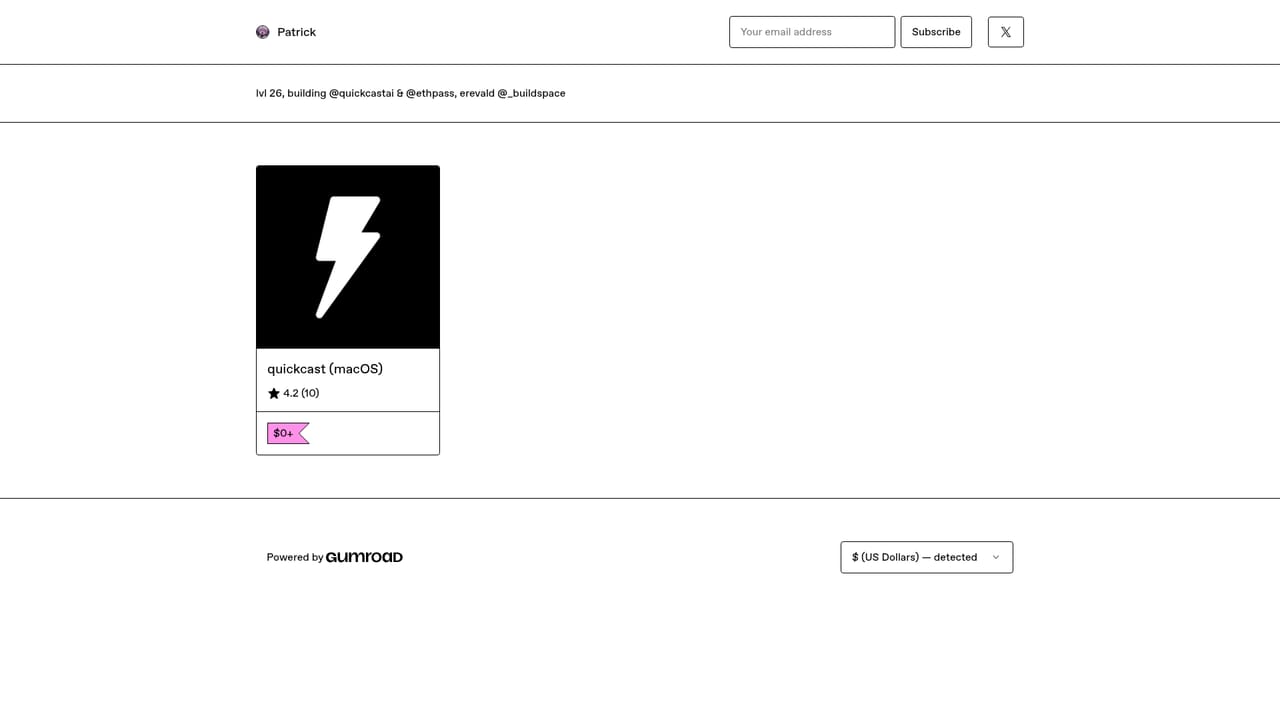
The Gumroad listing shows $0+ with a name-your-price field, so the app can be downloaded at no cost and buyers may choose to pay an amount they consider fair. No tiers, subscriptions or paid upgrades are described on the page.
Learn moreGlobal cmd + e shortcut for instant ChatGPT and Bard access, an assistant panel that sits on top of any window, hotkey-driven workflow for repeated queries, and a compact macOS app distributed as a 163 MB download. The page also mentions a browser-based test at quickcast.lol.
Learn more AI Angels400+ customizable AI girlfriends for NSFW chat, voice calls, and roleplay
 Candy AIExperience the future of companionship with AI friends who chat, role-play, and connect with you on a human level.
 ourdream.aiA vast AI roleplay platform with millions of characters for chat, images, video and voiceAI Angels400+ customizable AI girlfriends for NSFW chat, voice calls, and roleplayCandy AIExperience the future of companionship with AI friends who chat, role-play, and connect with you on a human level.ourdream.aiA vast AI roleplay platform with millions of characters for chat, images, video and voice


