Free trial
Registered users receive free daily credits every time they log in, which covers light use of the reader without payment.
Learn moreTurn any PDF, scanned or not, into natural speech in 142 languages
Own ReadPDFAloud.com? Verify ownership to get a dofollow link

ReadPDFAloud.com is an AI narration tool that turns any PDF, scanned or not, into natural speech in 142 languages. ReadPDFAloud.com converts PDFs and other documents into spoken audio using AI voices. It handles scanned files via OCR, supports 142 languages and 600 plus voices, runs entirely in a browser, and exports MP3.
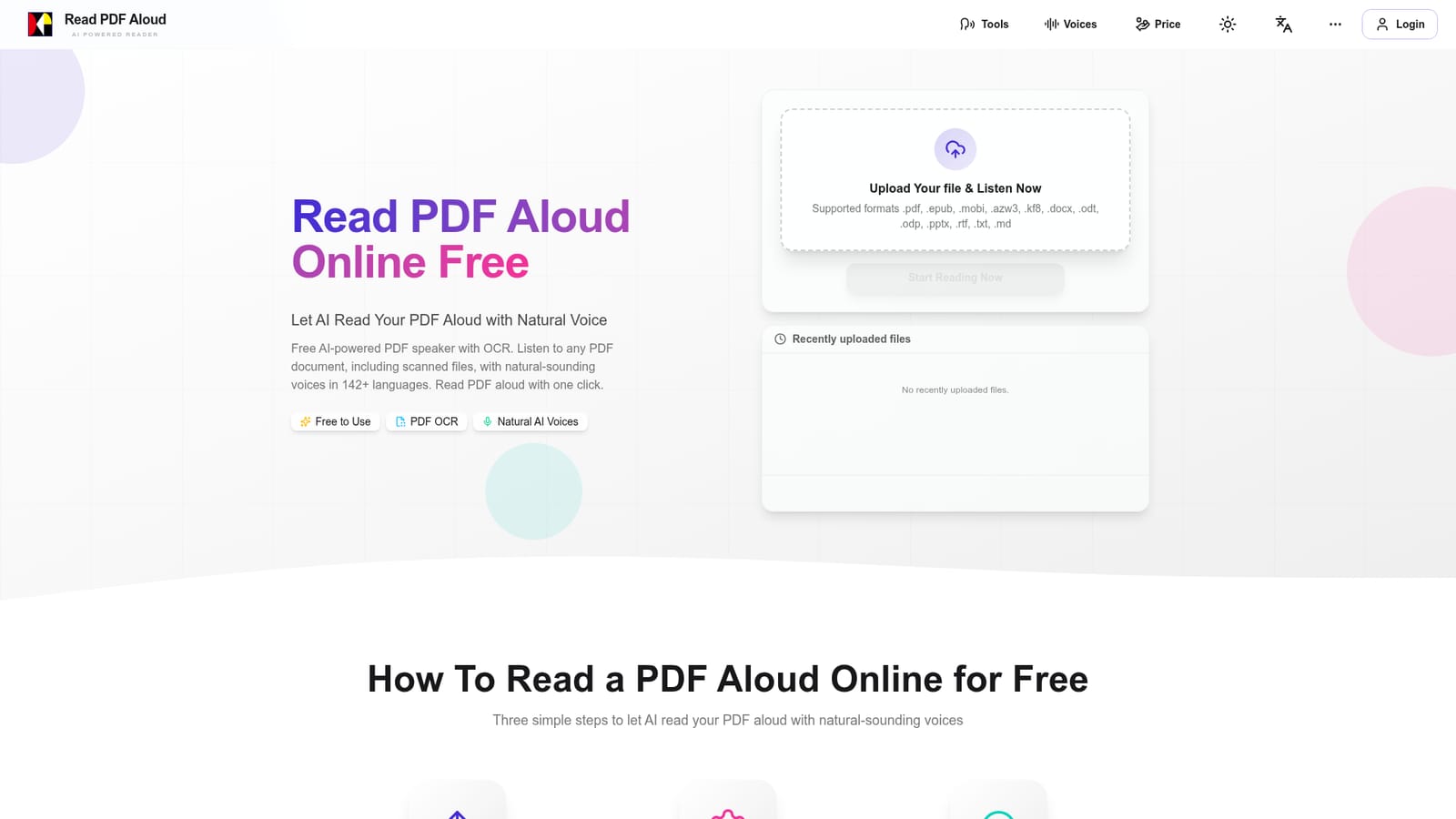
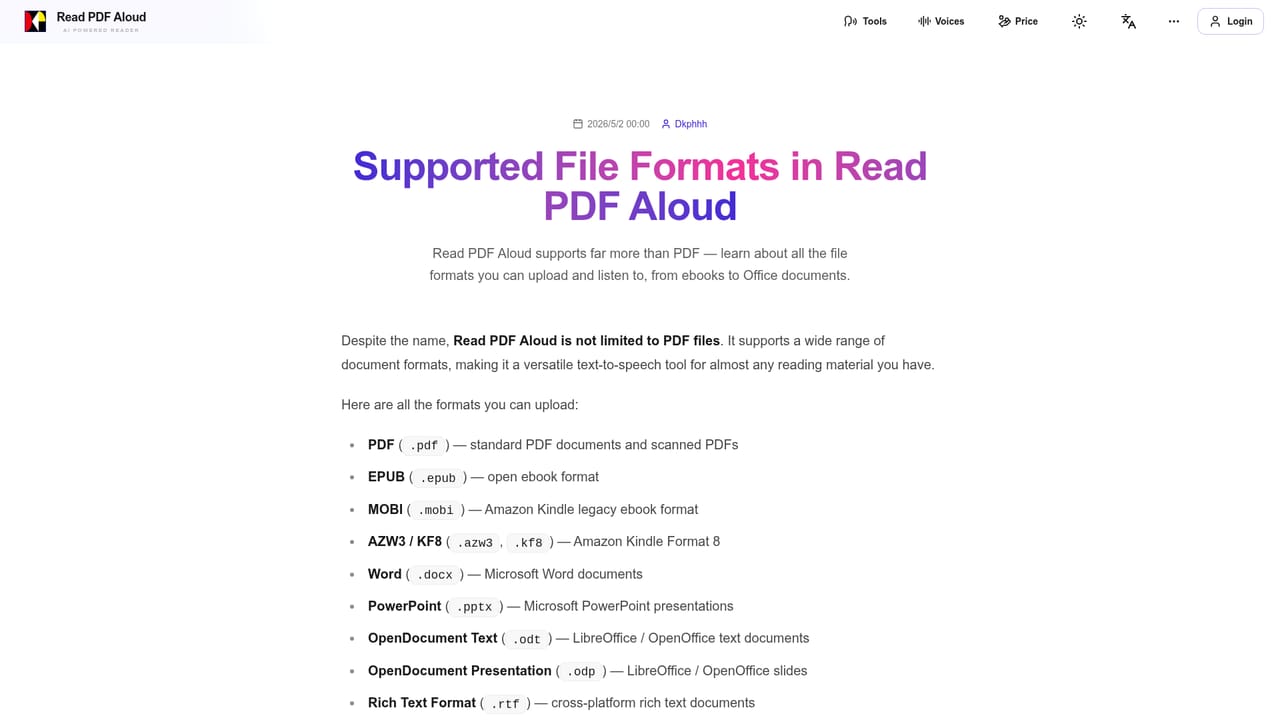
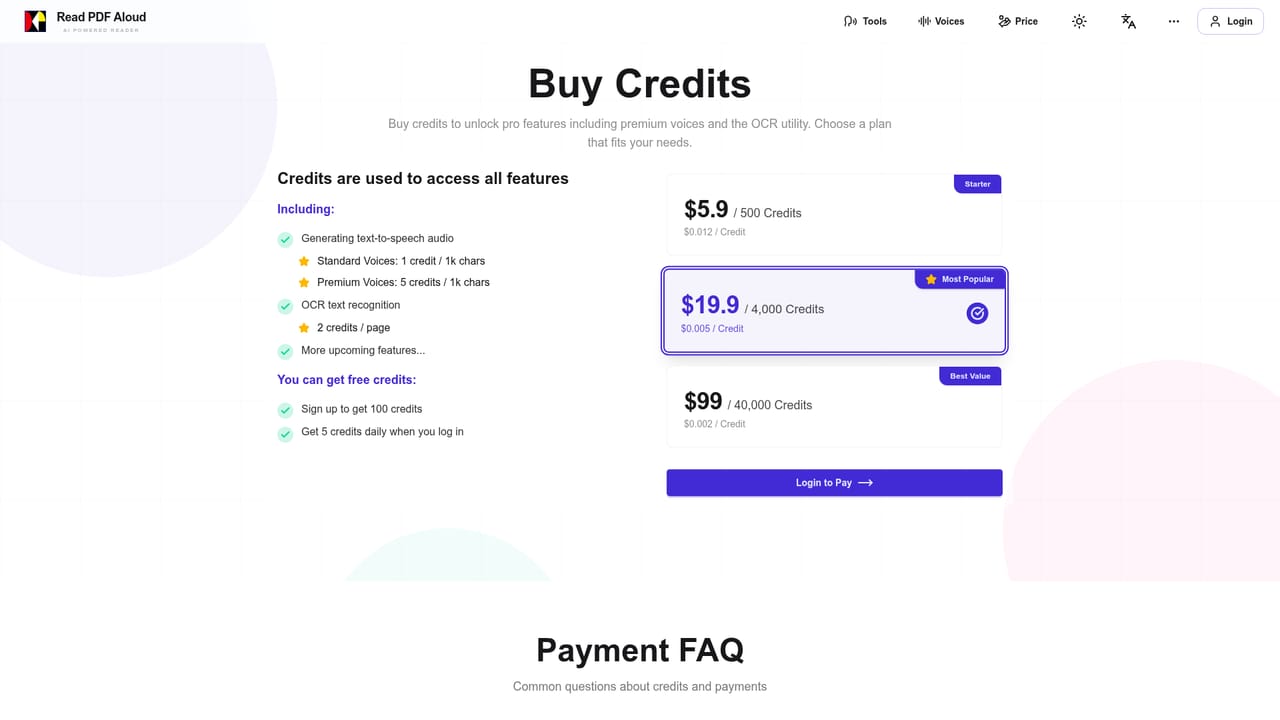
ReadPDFAloud.com is a browser based PDF to speech converter. Upload a document, pick a language and voice, and the tool reads it back with AI generated narration. It handles standard text PDFs, scanned files through built in OCR, and complex layouts with images and tables. The upload form also accepts epub, mobi, azw3, kf8, docx, odt, odp, pptx, rtf, txt and md, so ebooks and office documents go through the same pipeline as PDFs. The workflow is local first. When a file is uploaded the text is parsed and saved on the device rather than waiting on a server round trip, which is why playback starts quickly. Inside the reader, clicking a sentence or the play button starts narration from that point, and speed is adjustable. The voice library spans 600 plus natural sounding options across 142 languages, with male, female and different accent choices, so the same document can be heard in English, Spanish, Japanese, Arabic, Hindi or any of the other supported languages. Finished audio can be downloaded as MP3 for offline listening. The audience is broad by design. Students convert textbooks and lecture notes, professionals listen to reports and contracts on the commute, language learners use it for pronunciation practice, and dyslexic or visually impaired readers rely on the adjustable playback. Researchers get OCR for older scans and handwritten notes, while book lovers and teachers use it to build audiobooks or help children with homework reading. Pricing is pay as you go rather than subscription. Accounts receive free daily credits on login, and credit packs unlock premium voices and OCR. The three tiers run from $5.9 for 500 credits to $99 for 40,000 credits, with the middle $19.9 pack offering the better credit per dollar rate. There is no native app; everything runs in a modern browser on phones, tablets, desktops and Linux, which sets it apart from installed PDF readers that bolt speech on as an afterthought.
Registered users receive free daily credits every time they log in, which covers light use of the reader without payment.
Learn morePay as you go credit packs, no subscription required. Starter is $5.9 for 500 credits, the popular tier is $19.9 for 4,000 credits, and the best value pack is $99 for 40,000 credits. Credits unlock premium voices and PDF OCR, and registered users get free daily credits on login.
Learn moreA frequently asked questions section on the homepage covers credits, languages, device support, export and OCR, alongside a blog with format and language guides.
Learn moreAI text to speech for PDFs plus epub, mobi, azw3, docx, pptx, txt and other formats. OCR reads scanned pages and handwritten notes. 142 languages and 600 plus natural voices. Sentence level playback control, adjustable speed, MP3 export and local first parsing for fast start.
Learn more AI Angels400+ customizable AI girlfriends for NSFW chat, voice calls, and roleplay
 Candy AIExperience the future of companionship with AI friends who chat, role-play, and connect with you on a human level.
 ourdream.aiA vast AI roleplay platform with millions of characters for chat, images, video and voiceAI Angels400+ customizable AI girlfriends for NSFW chat, voice calls, and roleplayCandy AIExperience the future of companionship with AI friends who chat, role-play, and connect with you on a human level.ourdream.aiA vast AI roleplay platform with millions of characters for chat, images, video and voice


