Support
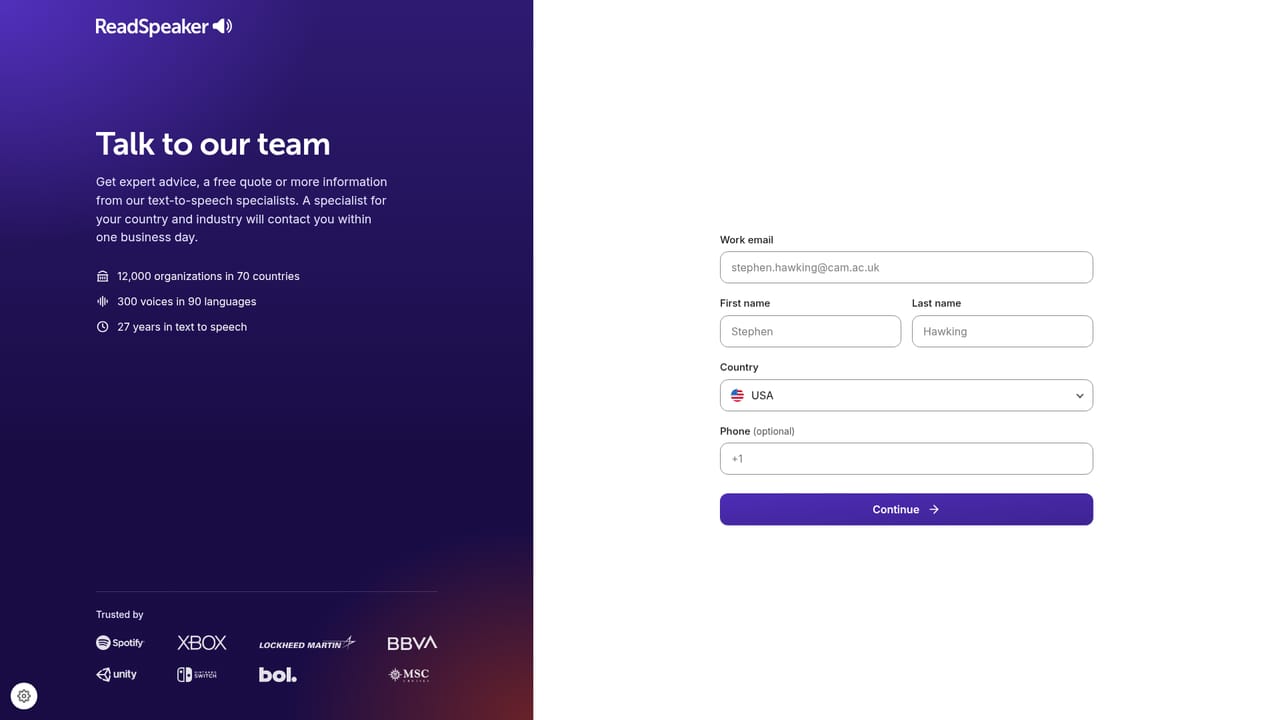
Support runs through a contact page and sales-led conversations, with a live demo offered on your own content. The site does not publish a help centre or SLA details on the homepage.
Learn moreVoice technology since 1999: text to speech for schools, products and brands
Own ReadSpeaker AI? Verify ownership to get a dofollow link

ReadSpeaker AI is an AI narration tool. ReadSpeaker is a veteran text to speech vendor offering a full voice kit: accessibility readers for education (TextAid, webReader, docReader), plus SDKs, on-premise engines, REST APIs and custom brand voices for enterprise, across 90+ languages and 300+ voices.
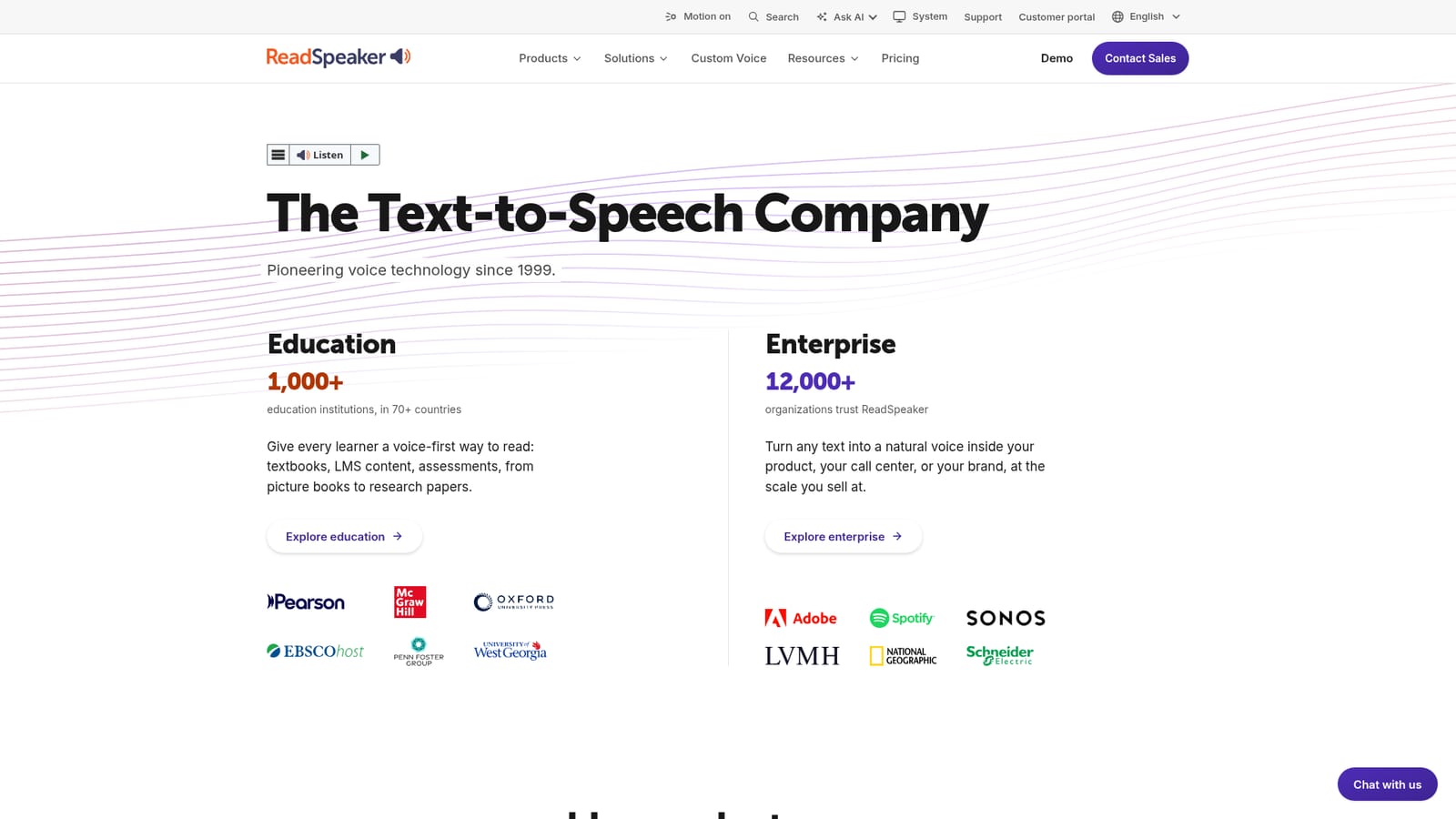
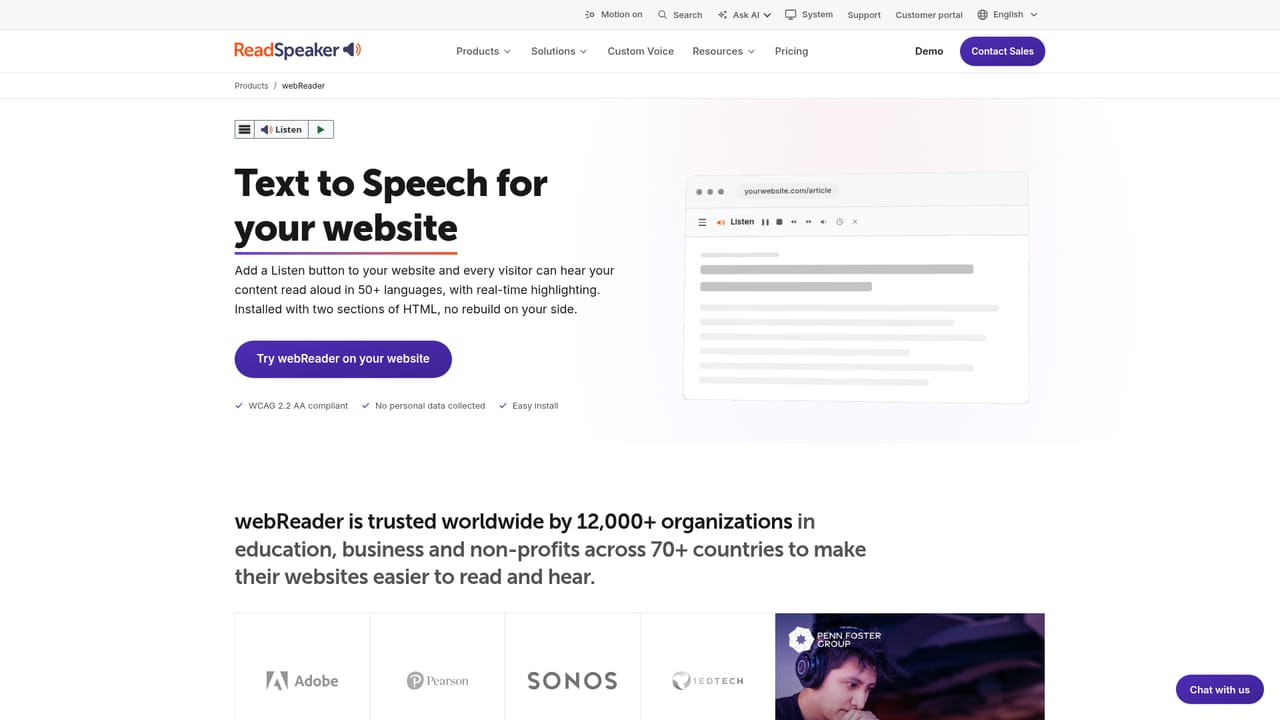
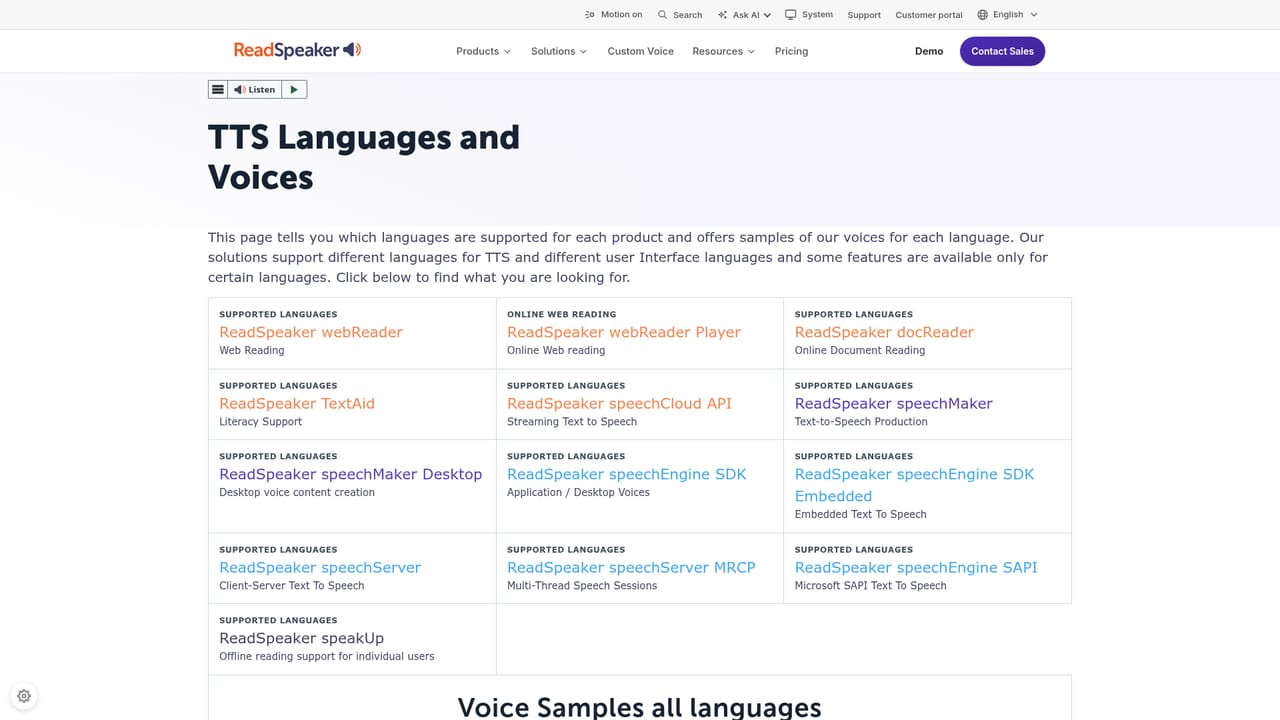
ReadSpeaker is a text to speech company that has been building voice technology since 1999. Rather than a single consumer app, it is a catalogue of speech products aimed at two large audiences: education and enterprise. On the education side, more than 1,000 institutions across 70 countries use its tools to make textbooks, course content and assessments listenable inside the platforms schools already run. On the enterprise side, around 12,000 organizations license engines, APIs and custom voices to put speech inside their own products and services. The education line is built from three products. TextAid is a personal reading and writing toolkit students carry across devices. webReader places listening controls directly on a website or learning platform so any visitor can hear the page. docReader reads course documents aloud in place while keeping the original layout intact. Deployments cover learning management systems (Moodle certified, plus Blackboard, Brightspace and Schoology), exams where every candidate hears identical instructions without booking a human reader, K-12 and higher education. Existing SCORM packages can gain voice without a rebuild. For companies, ReadSpeaker sells pieces rather than a finished app. speechEngine SDK and its embedded variant put the engine inside desktop software or on-device hardware with no network. speechServer and speechServer MRCP handle multithreaded sessions and contact centre platforms. speechCloud API delivers speech over REST, speechMaker produces audio files on the desktop, and speechMaker Studio is a browser workspace where teams create and manage voice content together. Custom Voice builds a brand persona, and sector pages address defense, transportation, healthcare, gaming, publishing and public services. Coverage is the strongest argument: 90+ languages and 300+ voices, all from one vendor. The public site also runs a browser demo where you can paste text or pick a scenario, adjust speed, pitch and volume, and listen before talking to sales. The trade-off is that this is a procurement-led product, not a self-serve subscription, so small teams comparing it with consumer TTS apps should expect a sales conversation rather than a checkout page.
Support runs through a contact page and sales-led conversations, with a live demo offered on your own content. The site does not publish a help centre or SLA details on the homepage.
Learn moreLMS coverage includes Moodle (certified), Blackboard, Brightspace and Schoology, plus SCORM packages built with Genially, Rise, Adobe Captivate, Lectora and iSpring. Enterprise options include Microsoft Speech API support and MRCP for IVR and contact centre platforms.
Learn moreText to speech across 90+ languages and 300+ voices, delivered as education readers (TextAid, webReader, docReader), SCORM and LMS integrations, and enterprise building blocks: speechEngine SDK, embedded and SAPI variants, speechServer, MRCP, speechCloud REST API, speechMaker desktop and Studio, plus custom brand voices.
Learn more AI Angels400+ customizable AI girlfriends for NSFW chat, voice calls, and roleplay
 Candy AIExperience the future of companionship with AI friends who chat, role-play, and connect with you on a human level.
 ourdream.aiA vast AI roleplay platform with millions of characters for chat, images, video and voiceAI Angels400+ customizable AI girlfriends for NSFW chat, voice calls, and roleplayCandy AIExperience the future of companionship with AI friends who chat, role-play, and connect with you on a human level.ourdream.aiA vast AI roleplay platform with millions of characters for chat, images, video and voice


