Integrations
Export targets named on the site are Unity, Unreal, Blender and Maya. A developer API is offered through the API hub.
Turn written prompts into playable 3D character motion in about 30 seconds

Rebellis AI is a generative video tool that turns written prompts into playable 3D character motion in about 30 seconds. A text to 3D motion service that generates short character animation clips from written descriptions, with a library of pre-designed characters, custom uploads, and export aimed at Unity, Unreal, Blender and Maya.
Rebellis AI is a text to 3D motion tool. Instead of keyframing a character by hand, you describe a movement in plain language and the service returns a finished 3D animation clip. The homepage advertises up to three high quality motions per generation and roughly 30 seconds of turnaround, which puts it in the same working lane as reference video capture or AI motion tools such as Plask and DeepMotion, though Rebellis frames itself around prompt input rather than camera or video sources. In practice the workflow is short. You pick a pre-designed character from the built in library or upload one of your own, type a description of the action you want, and let the model produce motion clips. Those clips are meant to leave the platform as motion data for standard 3D pipelines. The site names Unity, Unreal, Blender and Maya as export targets, so the output is positioned as animation data you drop into an existing rig rather than a rendered video file. That matters for anyone judging whether it fits a game, film or previz workflow. The likely audience is indie game developers, animators and technical artists who need quick locomotion, gesture or combat placeholders before a proper animation pass. It also suits prototyping and previz teams that want to test timing and staging without committing a character animator. A developer API, documented through the separate API hub page, points toward studios that want generation built into their own tools or asset pipelines. Where Rebellis sits among alternatives depends on what you already have. It is not a full animation suite, and the homepage says nothing about rigging, facial animation or editing of the resulting motion, so teams expecting cleanup tools should look at Blender or Maya for the finishing work. Its advantage is the size of the step it removes: an idea can become a usable clip without a capture stage or manual keyframing, which is a real gain for small teams short on animation hours.
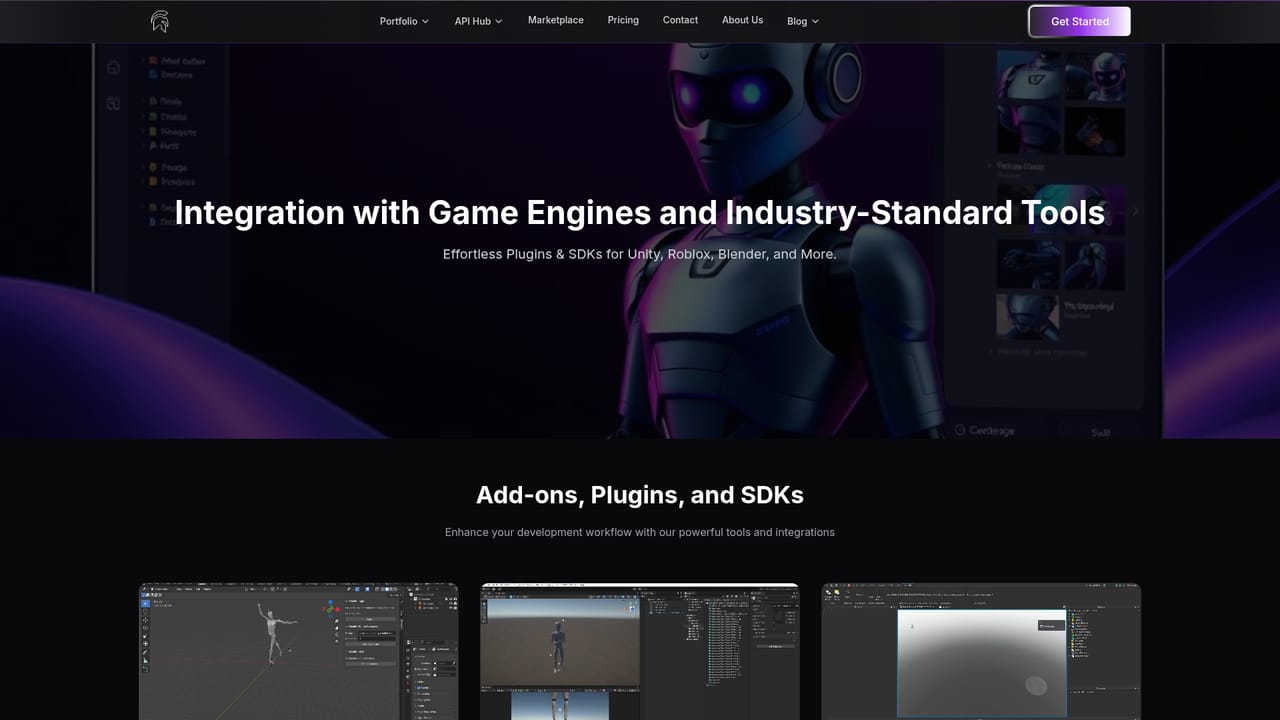
Export targets named on the site are Unity, Unreal, Blender and Maya. A developer API is offered through the API hub.
Text to 3D motion generation with up to three animation clips per request and roughly 30 second turnaround, according to the homepage. Includes a library of pre-designed characters, support for custom uploaded characters, and export intended for Unity, Unreal, Blender and Maya. A developer API is available for teams that want generation inside their own tools.
 AI Angels400+ customizable AI girlfriends for NSFW chat, voice calls, and roleplay
 Candy AIExperience the future of companionship with AI friends who chat, role-play, and connect with you on a human level.
 ourdream.aiA vast AI roleplay platform with millions of characters for chat, images, video and voiceAI Angels400+ customizable AI girlfriends for NSFW chat, voice calls, and roleplayCandy AIExperience the future of companionship with AI friends who chat, role-play, and connect with you on a human level.ourdream.aiA vast AI roleplay platform with millions of characters for chat, images, video and voice


