Pricing
Pricing is per finished file using credits, starting at 40 credits per job. The exact price is shown before each run, only completed jobs are billed, and purchased credits do not expire. There is no subscription.
Learn moreFive browser-based video tools, priced per file, no subscription required.

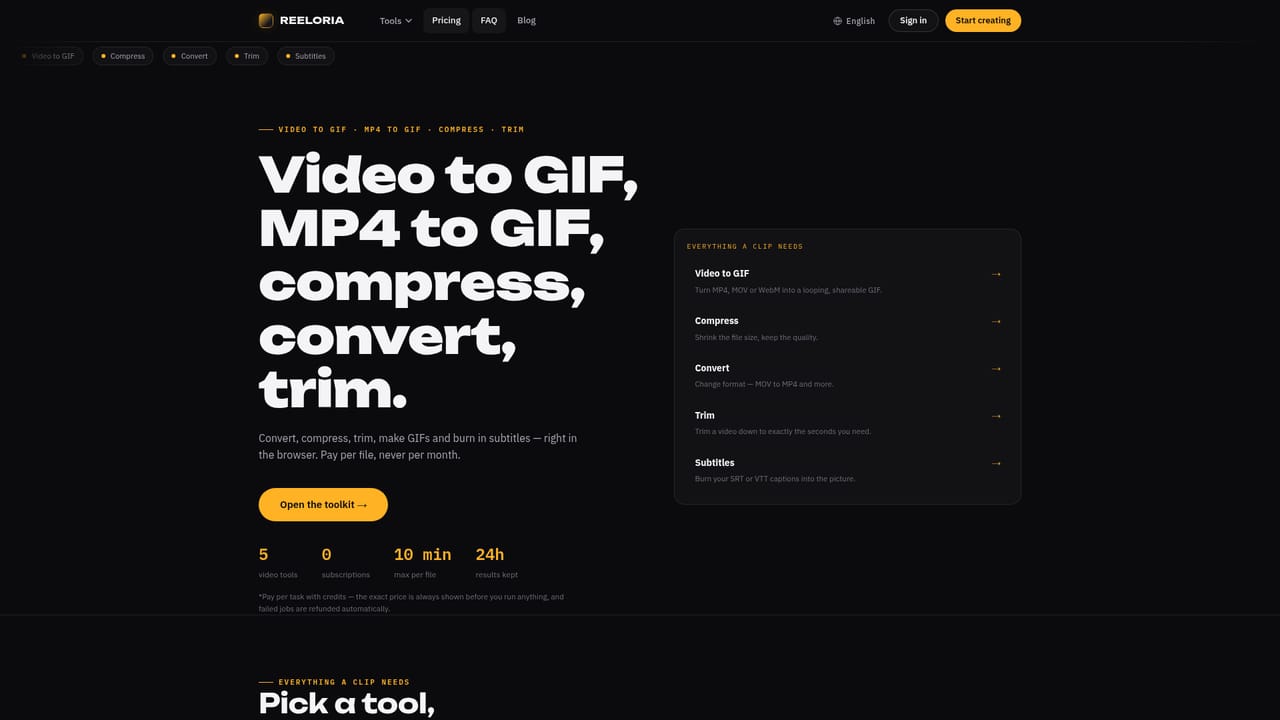
Reeloria is a video editing tool. Reeloria offers five browser-based video utilities, GIF conversion, compression, format conversion, trimming and subtitle burn-in, billed per finished file with no subscription or install.
Reeloria is a browser-based toolkit built around five discrete video tasks: turning clips into GIFs, compressing file size, converting between formats, trimming length, and burning subtitles directly into the video. Nothing installs locally; each tool runs as its own page, and a finished file is produced without the need for desktop software or ongoing software licenses. The toolkit suits people who handle video occasionally rather than constantly: social media managers preparing short clips, product teams recording demos, course creators exporting lesson footage, and support staff building documentation that needs captions or a smaller file size. Because each tool is single-purpose, someone can land on the trim page, cut a clip, and leave without learning a full editing interface. Pricing works on a per-file credit model rather than a monthly plan. Credits start at 40 per job, the exact cost is shown before the file is processed, and only successful output is charged, so a failed run does not consume credits. Purchased credits do not expire, which removes the pressure to use them within a billing cycle. Export options include VP9/WebM, aimed at producing web-ready files that are noticeably smaller than the source. Within the broader video tooling market, Reeloria sits between heavyweight desktop editors and subscription-based online converters. It does not attempt to replace a full editing suite, and there is no mention of templates, multi-track timelines, or AI-generated video content. Instead it targets the narrow, recurring jobs: shrink this file, change this format, cut this clip, add these captions, make this GIF, with a cost structure that scales with actual usage rather than a flat recurring fee.

Pricing is per finished file using credits, starting at 40 credits per job. The exact price is shown before each run, only completed jobs are billed, and purchased credits do not expire. There is no subscription.
Learn moreA contact and support page is available for direct assistance, and the blog section provides step-by-step guides covering common conversion and editing tasks.
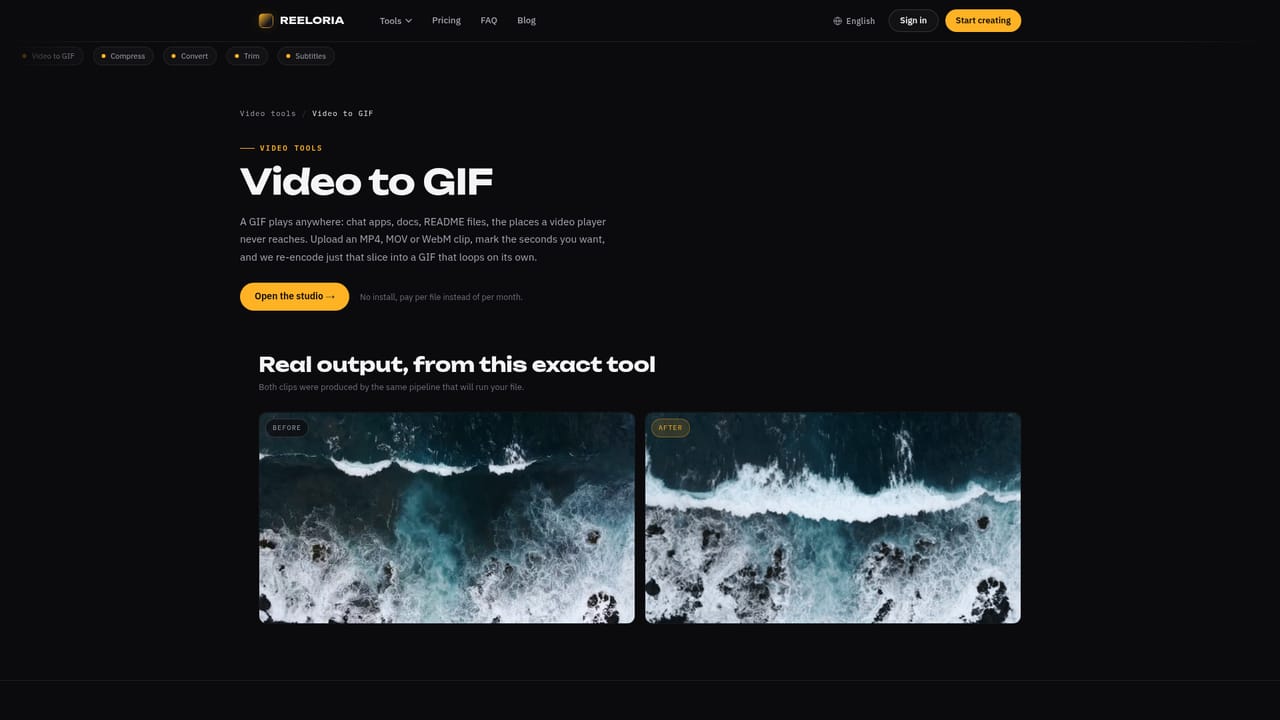
Learn moreFive browser-based tools: video to GIF, video compression, format conversion, trimming, and subtitle burn-in. Export options include VP9/WebM encoding aimed at smaller, web-ready files. No installation is required.
Learn moreTwitter / X
 AI Angels400+ customizable AI girlfriends for NSFW chat, voice calls, and roleplay
 Candy AIExperience the future of companionship with AI friends who chat, role-play, and connect with you on a human level.
 ourdream.aiA vast AI roleplay platform with millions of characters for chat, images, video and voiceAI Angels400+ customizable AI girlfriends for NSFW chat, voice calls, and roleplayCandy AIExperience the future of companionship with AI friends who chat, role-play, and connect with you on a human level.ourdream.aiA vast AI roleplay platform with millions of characters for chat, images, video and voice


