Free trial
New accounts receive 15 free credits to try the tool without upfront payment, usable toward processing clips.
Learn moreAI erases burned-in subtitles and rebuilds the background, no crop or watermark

remove text from video is a video inpainting tool. A browser tool that detects and erases burned-in subtitles and captions from video, reconstructing the background behind the text instead of blurring or cropping it, with no watermark added to the output.
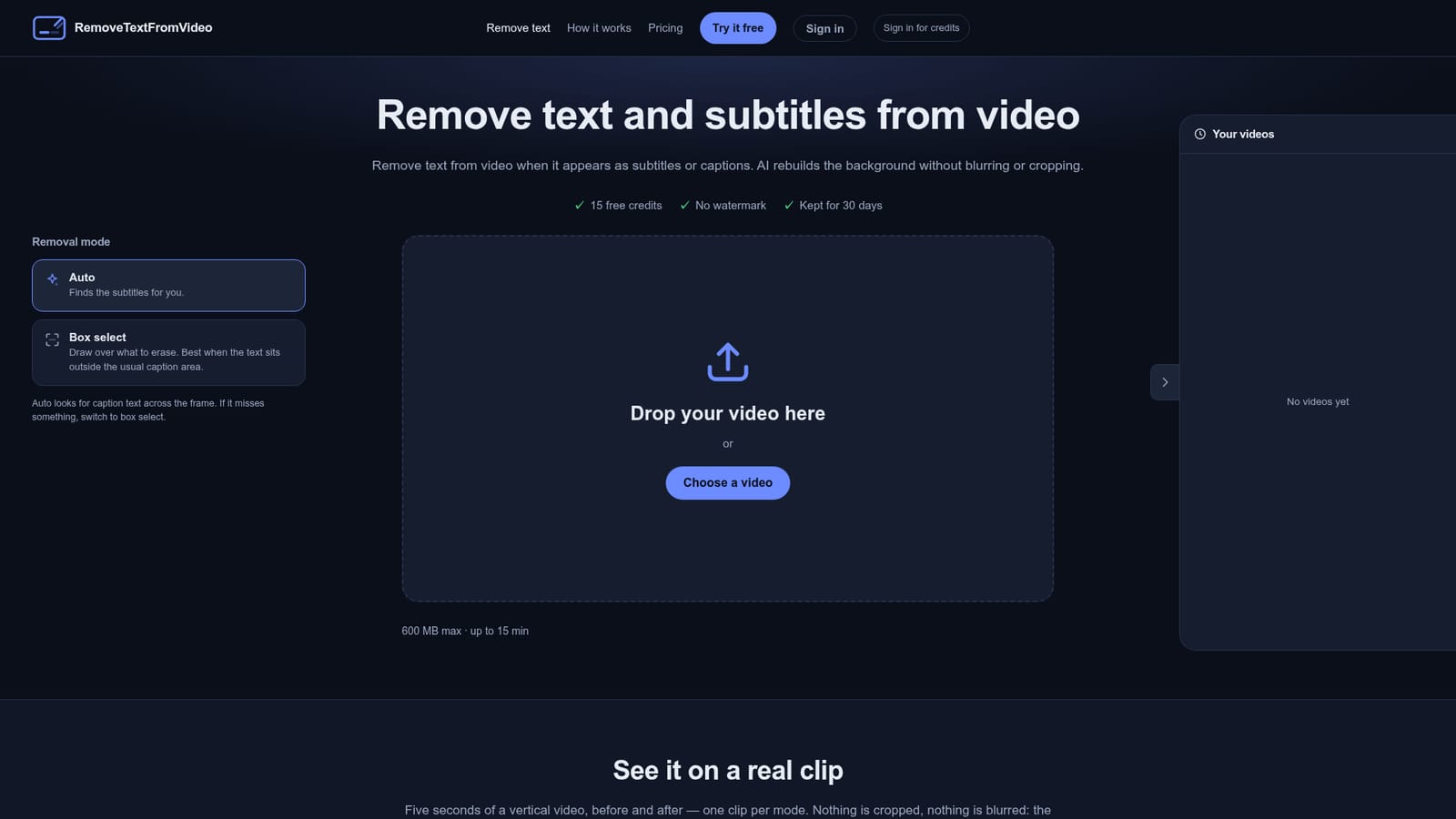
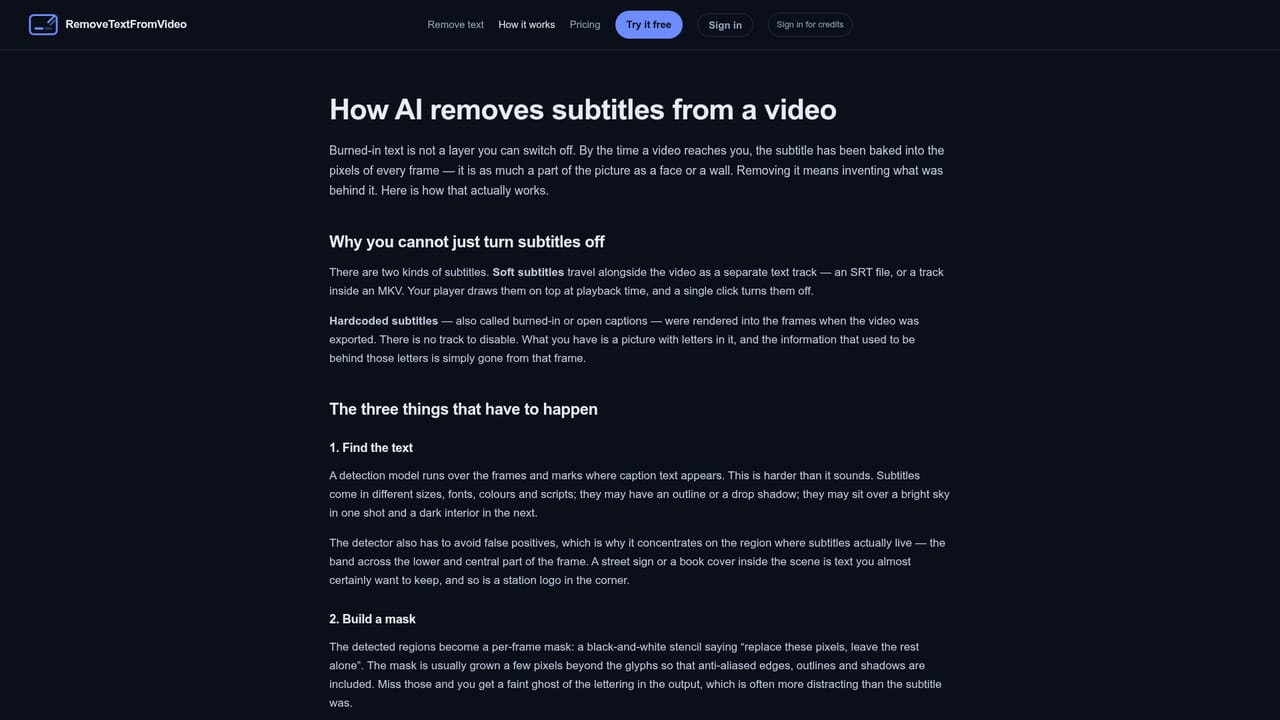
Remove Text from Video is a browser-based tool built to strip subtitles and captions that have been burned directly into a video file. Because hardcoded text is part of the image itself rather than a separate track, it cannot be toggled off in a player; this tool scans every frame, masks the detected caption region and repaints the background using information from surrounding frames, rather than covering the area with a blur box. It is aimed at editors and creators who only have a rendered export left (no project file), teams repurposing social clips across markets, and anyone cleaning up screen recordings or archive footage that has identifying captions baked in. Two removal modes are offered: an automatic mode that locates subtitle-style text on its own, and a box-select mode for drawing over text that sits outside the usual caption band, useful when auto-detection misses something. In practice, a user uploads a clip in a common format such as MP4, MOV, WebM, MKV or AVI, waits while the AI processes the footage frame by frame, then previews the result in the browser before downloading an MP4 with no watermark added. Detection works across scripts including Latin, Chinese, Japanese, Korean, Arabic, Cyrillic and Thai, and tracks captions that move or change line rather than averaging them into a static box. The model is deliberately scoped to the subtitle band across the lower and central frame, so corner watermarks, channel logos, top-pinned scrolling banners and text that is part of the scene (signs, screens, packaging) are generally left untouched. Compared to manual masking or blur-box plugins in traditional editors, this tool positions itself around background reconstruction rather than obscuring the text, and it requires no software installation since everything runs server-side through the browser.
New accounts receive 15 free credits to try the tool without upfront payment, usable toward processing clips.
Learn morePricing details sit on a dedicated pricing page; the homepage does not state exact plan prices, but notes new accounts get 15 free credits to start.
Learn moreA contact page and FAQ section address common questions about formats, privacy, processing time and what the tool can and cannot remove.
Removes hardcoded subtitles and captions from video using AI that reconstructs the background rather than blurring or cropping it; supports multiple languages and scripts, tracks moving captions per frame, keeps original resolution or allows downscaling, and runs fully in-browser with no watermark on output.
Learn more AI Angels400+ customizable AI girlfriends for NSFW chat, voice calls, and roleplay
 Candy AIExperience the future of companionship with AI friends who chat, role-play, and connect with you on a human level.
 ourdream.aiA vast AI roleplay platform with millions of characters for chat, images, video and voiceAI Angels400+ customizable AI girlfriends for NSFW chat, voice calls, and roleplayCandy AIExperience the future of companionship with AI friends who chat, role-play, and connect with you on a human level.ourdream.aiA vast AI roleplay platform with millions of characters for chat, images, video and voice


