Free trial
No signup is required to listen: clips can be previewed free, up to five files an hour from the same network, before any credit is spent on a download.
Learn moreTurn down hiss, hum, fans and room tone under speech, for audio or video alike.

Remove Noise is an audio editing tool that turns down hiss, hum, fans and room tone under speech, for audio or video alike. A web based noise remover that cleans hiss, hum, fan rumble and room tone from short audio or video clips, with a free listen and a one credit download.
Remove Noise is a browser based utility that strips steady background noise out of a voice recording or a talking head video. Upload a clip, up to 60 seconds and 16MB, and the service runs a speech denoiser on the soundtrack while leaving the picture untouched for video files. The result sits next to the original with matching waveforms so the difference can be heard and seen before anything is saved. The tool is built for people who capture sound in imperfect rooms: a voice memo recorded in a kitchen or a car, a podcast take with a fan rumbling under the mic, a short meeting export with air conditioning hiss, or a talking head clip shot without a treated room. It is narrow by design. It targets hiss, hum, fan and AC rumble, and general room tone under a single speaker, and it says plainly what it will not fix well: overlapping speakers, music mixed under a voice, or a hard slap echo. In practice the workflow is a single page per job. Separate pages exist for video, audio, fan noise and echo, each tuned to one wording so the right expectation is set before upload. Listening to the cleaned result is free, capped at five files an hour per network, and no account is required for that step. Downloading the finished MP3 or MP4 asks for a Google sign in and spends one credit. Files are processed in memory for that single request and are not kept as a library afterward. Against dedicated audio restoration suites or NLE noise plugins, Remove Noise trades depth and manual control for speed and zero setup: there is no project file, no spectral editing, and no desktop install, just a clip in and a cleaner clip out. That makes it a fit for a quick pre-edit pass rather than a mastering stage.
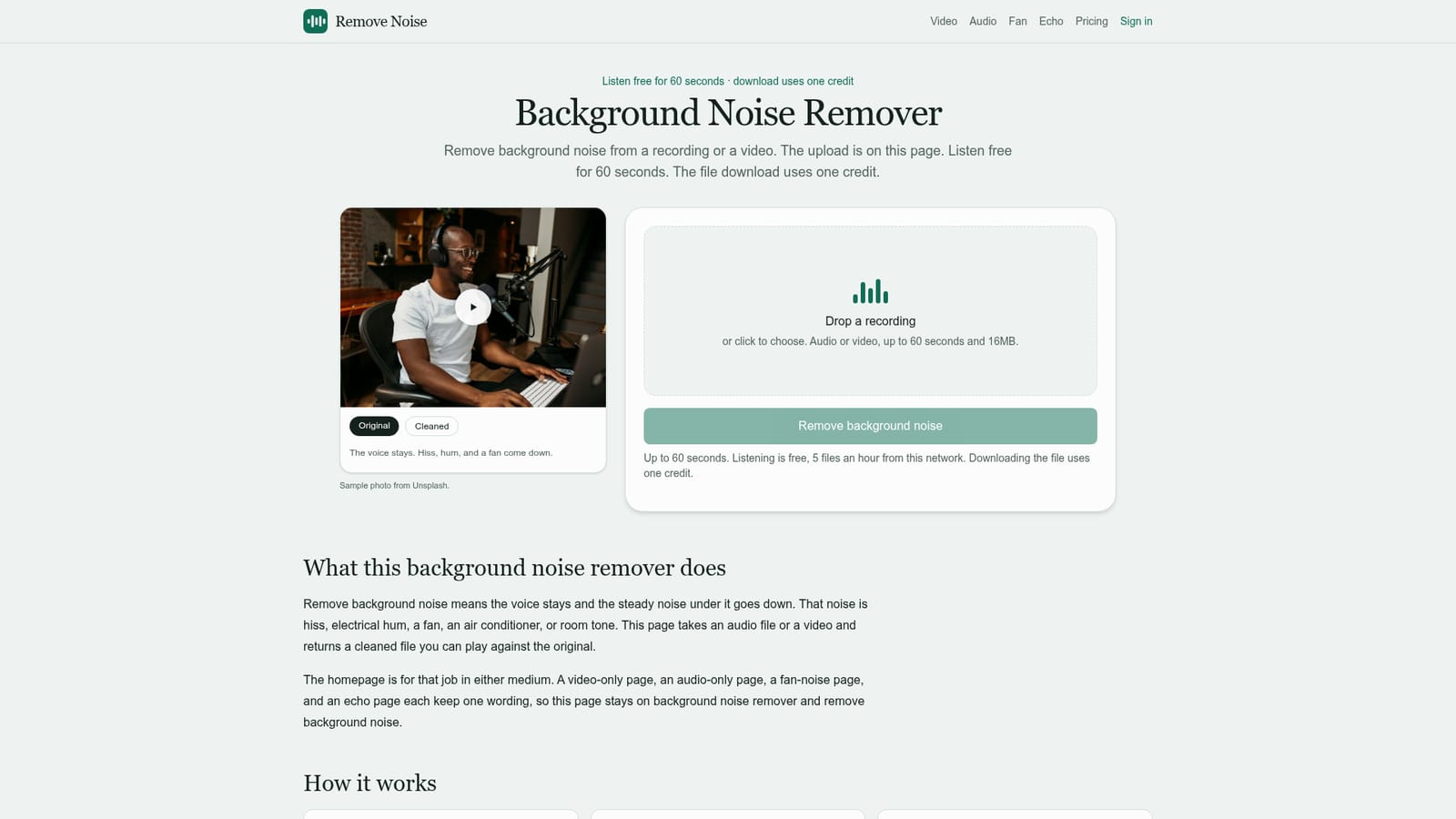
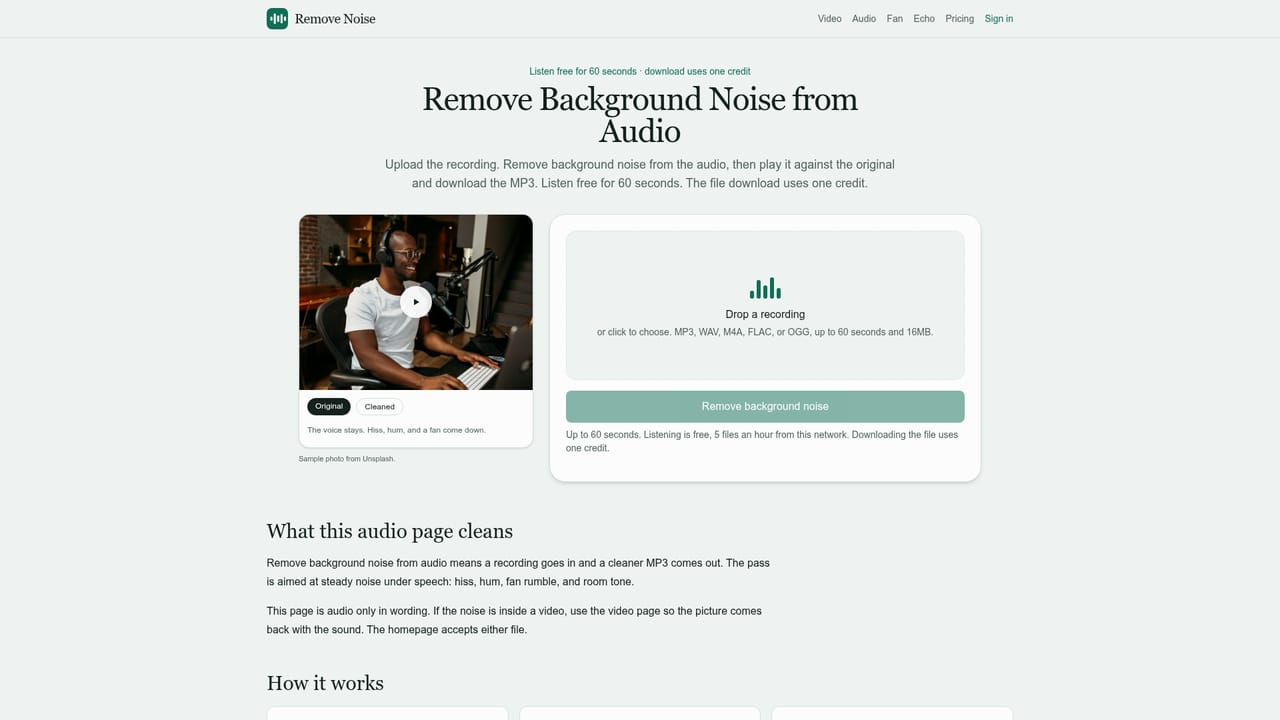

No signup is required to listen: clips can be previewed free, up to five files an hour from the same network, before any credit is spent on a download.
Learn moreListening to results is free. Downloading a cleaned file costs one credit per file, purchased and tracked against a Google account; exact credit prices are detailed on the pricing page.
Learn moreRemoves hiss, hum, fan and AC rumble, and room tone from a single speaker in audio or video up to 60 seconds, with side by side waveform playback of the original and cleaned take, separate pages for video, audio, fan noise and echo, and in-memory processing with no stored file library.
Learn more AI Angels400+ customizable AI girlfriends for NSFW chat, voice calls, and roleplay
 Candy AIExperience the future of companionship with AI friends who chat, role-play, and connect with you on a human level.
 ourdream.aiA vast AI roleplay platform with millions of characters for chat, images, video and voiceAI Angels400+ customizable AI girlfriends for NSFW chat, voice calls, and roleplayCandy AIExperience the future of companionship with AI friends who chat, role-play, and connect with you on a human level.ourdream.aiA vast AI roleplay platform with millions of characters for chat, images, video and voice


