Remo.co

Virtual event platform where attendees move between tables like a real venue

Beginner
Screenshot of Remo.co, Virtual event platform where attendees move between tables like a real venue

What is Remo.co?

Remo.co is a communication tool. Remo hosts virtual conferences, webinars, career fairs and networking events inside 3D floor plans where attendees move between tables for small group video chats. One-click switching between conversation and presentation modes, 80+ floor plan templates and all features on every plan make it a direct alternative to Zoom, Teams, Cvent and vFairs.

Remo is a virtual event platform built around a spatial metaphor: instead of a grid of webcam tiles, attendees arrive in a 3D floor plan and move between tables, joining small conversations the way they would wander a conference hall. Hosts switch with one click from conversation mode into presentation mode, so a networking hour can turn into a keynote and back again without moving anyone to another tool. The same platform covers conferences, webinars, career fairs, trade shows, exhibitions and hybrid events. In practice, an organiser picks a floor plan (Remo advertises more than 80 pre-made themes and the option to commission bespoke layouts), sets the agenda, then shares a registration link. Guests are represented as avatars on the floor and click a table to sit down; each table carries its own video chat, and platform-wide tools such as polls, Q&A, chat, ticketing, custom registration questions and sponsor banners sit alongside. Remo positions itself as a replacement for Zoom, Teams, Cvent and vFairs, and claims 3.2x more engagement than general meeting tools, figures the vendor publishes itself rather than independent research. The audience is event marketers, community and membership managers, universities running career fairs and enterprises hosting internal or customer-facing gatherings. It suits teams that care about spontaneous peer connection rather than one-to-many broadcast, and the human onboarding support the company emphasises implies organisers who want a hand rather than a self-serve API-first product. Remo does not present itself as an AI tool, and the homepage makes no AI claims: the draw is the environment design and the conversation model. Pricing is described as simple and affordable with every feature on every plan, and unlimited events and registrations, but the homepage does not publish numbers. Buyers should check the pricing page and confirm which third party tools actually integrate before committing.

How do you use Remo.co?

  1. 1Book a demo and walk through the platform
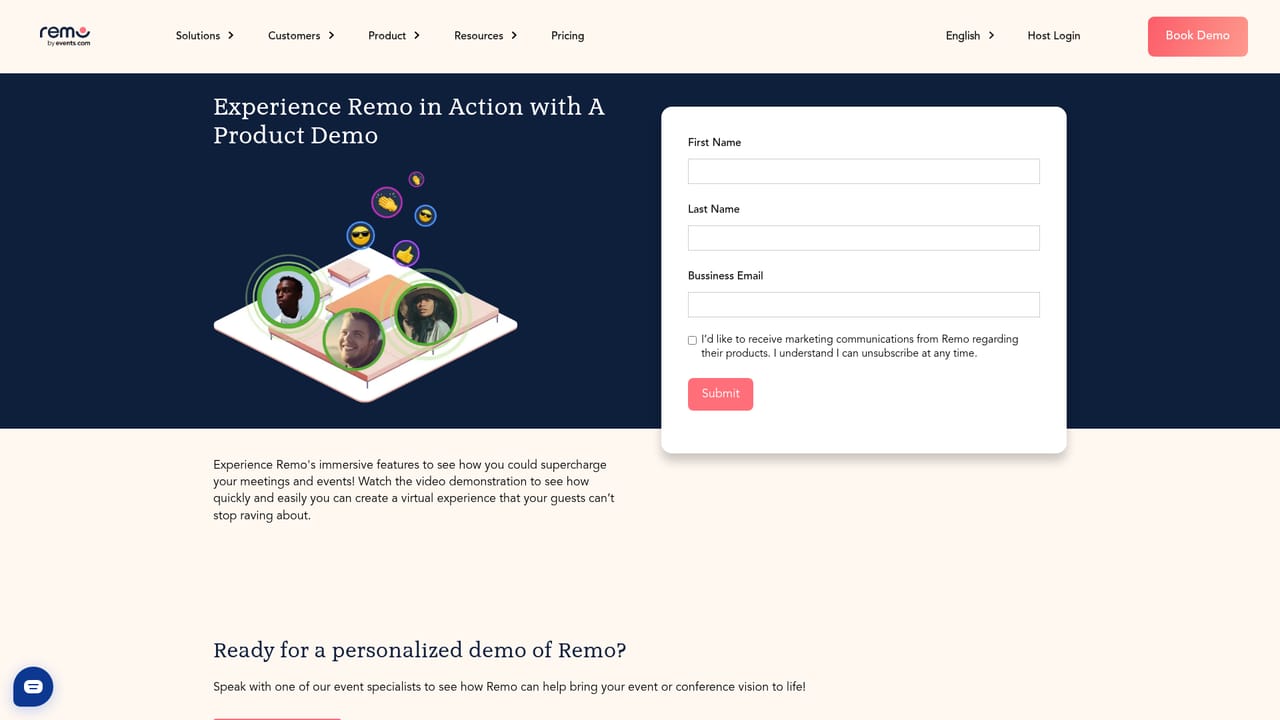
    Use the demo request on the homepage to see conversation mode, presentation mode and floor plans in a live session before committing to a plan.
    Remo.co — Book a demo and walk through the platform
  2. 2Compare plans and confirm what is included
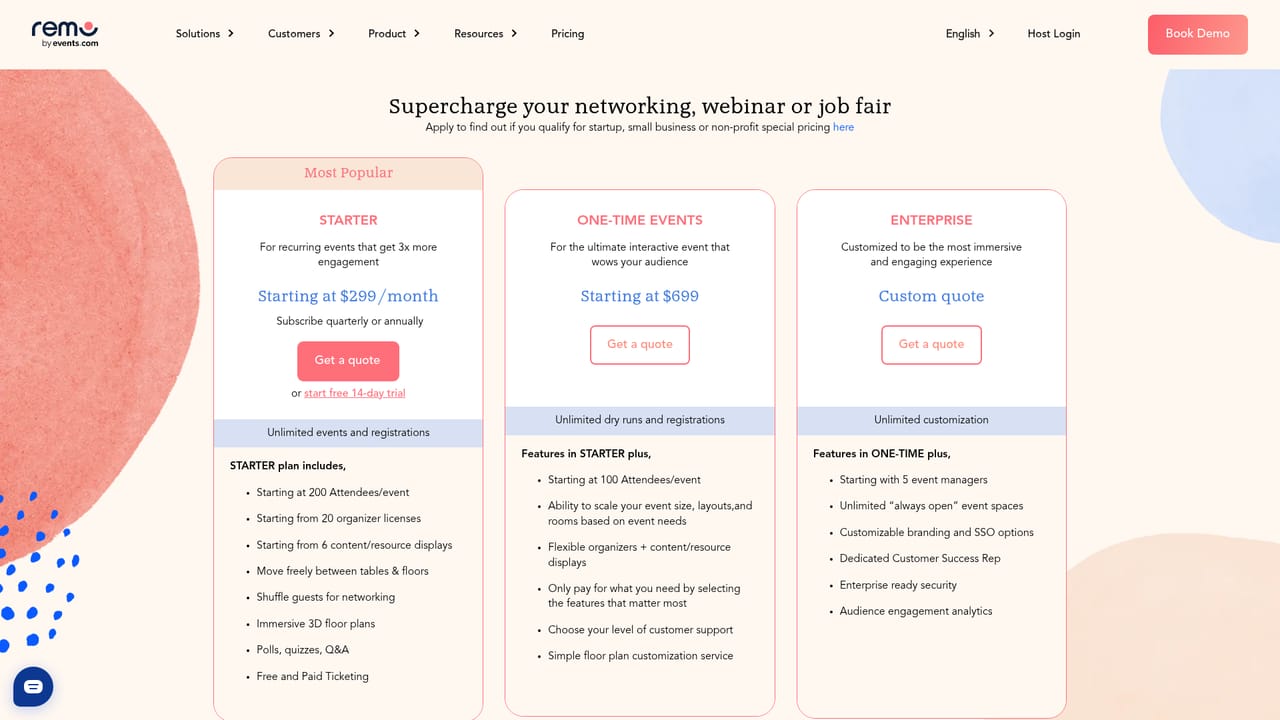
    Visit the pricing page to see plan tiers and confirm the unlimited events and all-features promise against your expected attendee volume.
    Remo.co — Compare plans and confirm what is included
  3. 3Choose a floor plan for your event
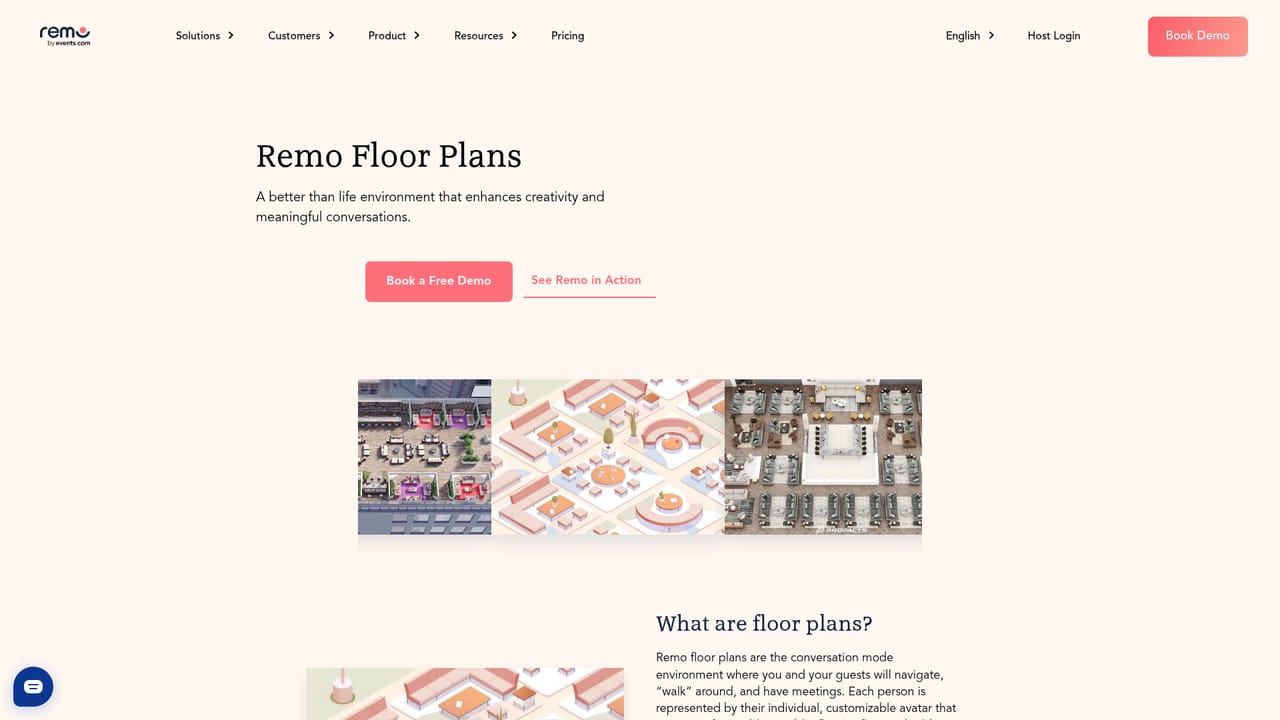
    Browse the pre-made floor plan library for a theme that fits your event, or ask about a bespoke branded layout for a flagship gathering.
    Remo.co — Choose a floor plan for your event
  4. 4Set up networking and presentation spaces
    Configure tables for small group conversations and the main stage for sessions, then plan the agenda around switching between the two modes.
    Remo.co — Set up networking and presentation spaces
  5. 5Configure registration, ticketing and sponsor placement
    Add ticketing, custom registration questions and sponsor or content banners, all of which the platform lists as available on every plan.
  6. 6Run the event and review the results
    Host the live event, use polls, Q&A and chat to keep attendees active, then review attendance and engagement data against your goals.

Pros and cons

Pros

  • Spatial floor plans with table-based video chat make spontaneous peer networking feel closer to an in-person room than a static webinar gridAI
  • One-click switch between conversation and presentation modes keeps networking and sessions inside a single platformAI
  • Every feature, unlimited events and unlimited registrations are included on all plans, so there is no feature gating to decodeAI
  • Covers eight event formats (conference, webinar, career fair, trade show, exhibition, hybrid and more) with dedicated pages for eachAI
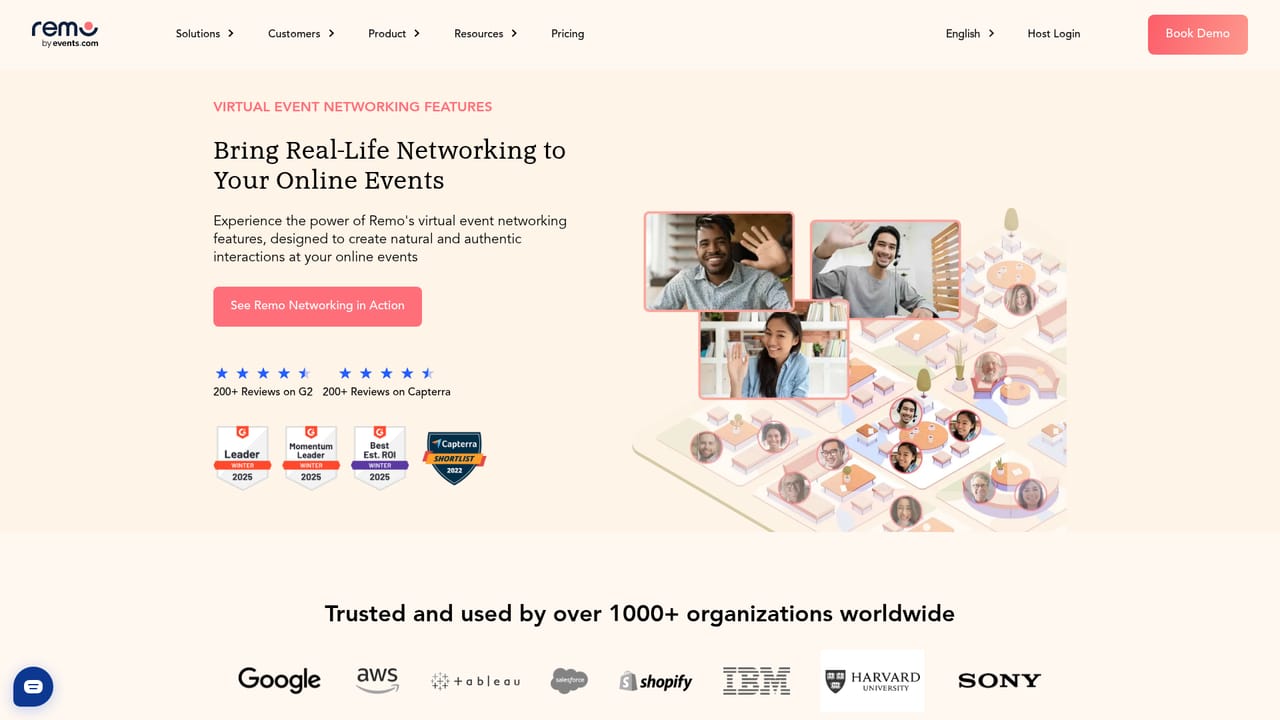
  • Strong review footprint on G2 and Capterra plus published case studies give buyers reference points before a demoAI

Cons

  • The homepage shows no pricing numbers, so budget planning requires a sales conversation before you know the real costAI
  • No AI capabilities are described, so teams expecting AI matchmaking, transcription or session summaries will need separate toolsAI
  • No integrations or API are documented on the homepage, which is a gap for anyone relying on CRM or marketing automation syncAI
  • Engagement multiples such as 3.2x versus Zoom and Teams are vendor claims without linked methodologyAI
  • Rich 3D floor plans add a visual layer that some corporate or low-bandwidth audiences may find distractingAI

How much does Remo.co cost?

Pricing

The homepage describes pricing as simple and affordable for every event, with all features included on all plans and unlimited events, unlimited registrations and unlimited event duration. No specific prices or tiers are published on the homepage, so the pricing page is the place to confirm actual costs.

Learn more

Support

The homepage promises human support that is available for hosts, and live demo booking is offered as the main pre-sales route. No support tiers, hours or documentation portal are described.

Features

Core features include table-based video networking with free movement between tables, presentation mode for panels and webinars with one-click switching, polls, Q&A and chat, 80+ pre-made 3D floor plans plus custom branded layouts, ticketing, custom registration questions and sponsor or content banners. Unlimited events, registrations and duration are listed as standard across plans.

Learn more

Frequently asked questions about Remo.co

  • How much does Remo.co cost?
    The homepage describes pricing as simple and affordable for every event, with all features included on all plans and unlimited events, unlimited registrations and unlimited event duration. No specific prices or tiers are published on the homepage, so the pricing page is the place to confirm actual costs.
  • How do you use Remo.co?
    The walkthrough on this page covers 6 steps: 1. Book a demo and walk through the platform 2. Compare plans and confirm what is included 3. Choose a floor plan for your event 4. Set up networking and presentation spaces 5. Configure registration, ticketing and sponsor placement 6. Run the event and review the results.
  • What platforms does Remo.co support?
    Remo.co is available on Web App.
  • What are the limitations of Remo.co?
    The homepage shows no pricing numbers, so budget planning requires a sales conversation before you know the real cost. No AI capabilities are described, so teams expecting AI matchmaking, transcription or session summaries will need separate tools. No integrations or API are documented on the homepage, which is a gap for anyone relying on CRM or marketing automation sync.

Status

StatusActive
Views0
Outbound clicks0
Added10/22/2026

Platforms

Web App

Pricing

PaidSubscription