Free trial
A 14-day free trial is available on all plans. No credit card required to start.
Learn moreProactive AI agent that drafts emails and actions for you
Own Revo AI Email Assistant? Verify ownership to get a dofollow link

Revo AI Email Assistant is an email polishing tool. Revo is a proactive AI agent for professionals that connects to Gmail, Outlook, Slack, and 50+ tools to build a shared memory, then drafts emails and prepares actions for one-click approval.
Revo AI Email Assistant is a proactive AI agent built for professionals and teams. Unlike passive email tools that wait for a prompt, Revo connects to Gmail or Outlook (plus over 50 other tools like Slack, Salesforce, and Notion) and continuously builds a memory of your meetings, threads, and decisions. From that context, it surfaces action items, drafts replies in your voice, prepares ticket updates, and schedules meetings, all waiting for your one-click approval. Nothing sends or executes without your sign-off. The product is organized around six agents that share the same memory: an AI notetaker that records and summarizes calls, an action-item agent that extracts work from your inbox, an email drafting agent, routines for recurring tasks, a chat interface to ask your company anything with sourced answers, and Slack and Teams integration. For teams, the Professional plan adds a shared brain so everyone's context compounds instead of staying siloed. This makes Revo especially useful for sales, customer success, operations, and leadership roles where context is scattered across tools and people. In practice, you connect your inbox and calendar, and Revo starts mapping your context immediately. It then proactively presents a queue of actions, such as replying to a thread, advancing a deal stage, or opening a ticket, with drafts already prepared. You can approve, edit, or send actions to ChatGPT or Claude with full context if you prefer another model. Setup is quick (connect Gmail or Outlook in about 30 seconds), and the system learns your writing style over time. Among email AI tools, Revo stands out for its proactive stance and team-wide memory. Most alternatives focus on individual drafting or summarization; Revo aims to be a work OS that ties together email, meetings, and other apps. It competes with tools like Superhuman or Gemini for email, but adds cross-tool action execution and a shared intelligence layer. Pricing starts at $22.50 per seat per month (billed annually) for the Starter plan, with a 14-day free trial.
A 14-day free trial is available on all plans. No credit card required to start.
Learn moreRevo offers a 14-day free trial. The Starter plan is $22.50 per seat per month (billed annually) with 6,000 AI credits, unlimited meeting transcription, and a personal brain. The Professional plan is $37.50 per seat per month (billed annually) with 10,000 pooled credits and team-wide shared memory. Enterprise pricing is custom.
Learn moreSupport options include a FAQ page and the ability to book a demo. Enterprise plans add dedicated onboarding, a forward-deployed engineer, and priority support.
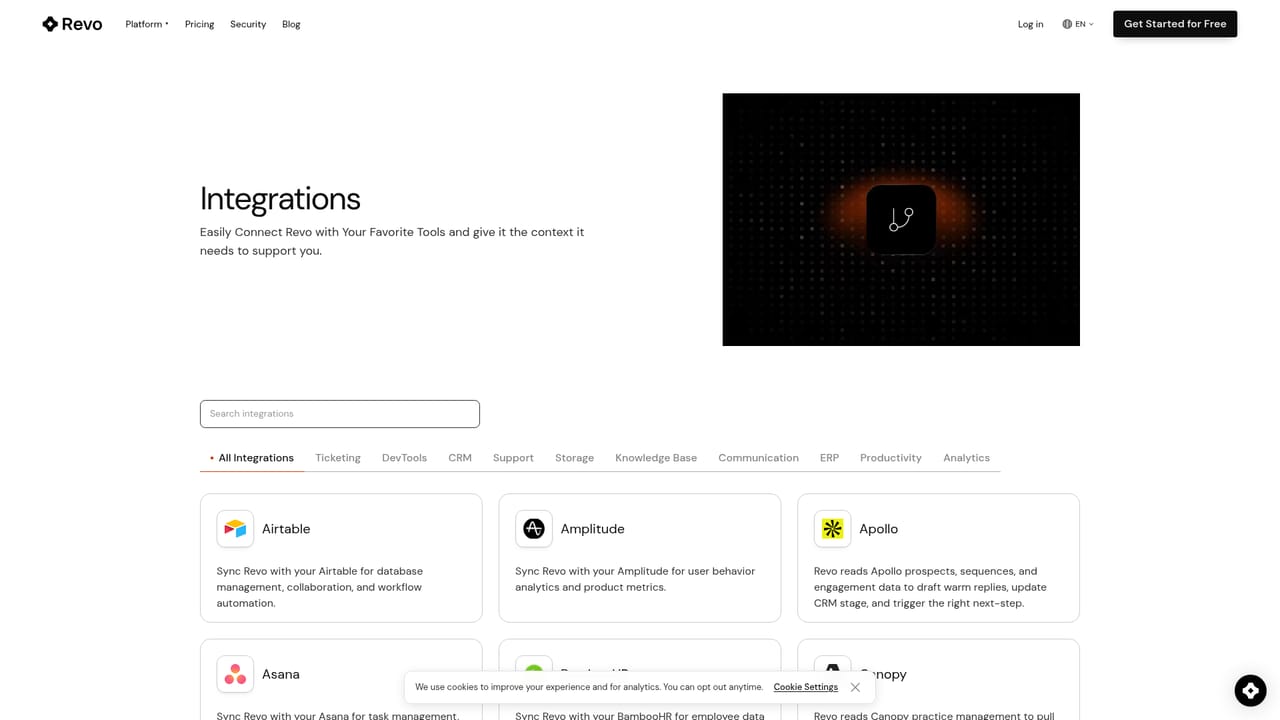
Learn moreRevo connects to 50+ tools including Gmail, Outlook, Slack, Salesforce, and Notion. Actions can be sent to ChatGPT or Claude with full context, or executed directly within Revo.
Learn moreRevo includes six agents: AI notetaker for meeting summaries, action items that surface and prepare work from your inbox, email drafting in your voice, routines for recurring tasks, chat to ask your company anything with sourced answers, and Slack/Teams integration. All agents share a persistent memory built from your emails, meetings, and tools.
 AI Angels400+ customizable AI girlfriends for NSFW chat, voice calls, and roleplay
 Candy AIExperience the future of companionship with AI friends who chat, role-play, and connect with you on a human level.
 ourdream.aiA vast AI roleplay platform with millions of characters for chat, images, video and voiceAI Angels400+ customizable AI girlfriends for NSFW chat, voice calls, and roleplayCandy AIExperience the future of companionship with AI friends who chat, role-play, and connect with you on a human level.ourdream.aiA vast AI roleplay platform with millions of characters for chat, images, video and voice


