Free trial
There is no separate trial: the free tier itself is usable without an account and covers a limited number of completed identifications per day.
Learn moreIdentify rocks from photos and see the evidence behind each match
Own Rock Identify? Verify ownership to get a dofollow link

Rock Identify is an image analysis tool. A free browser tool that suggests possible rock and mineral matches from one to three photos, showing the visible evidence, the uncertainty and the alternatives behind each result, with an optional per specimen follow-up and a saved history.
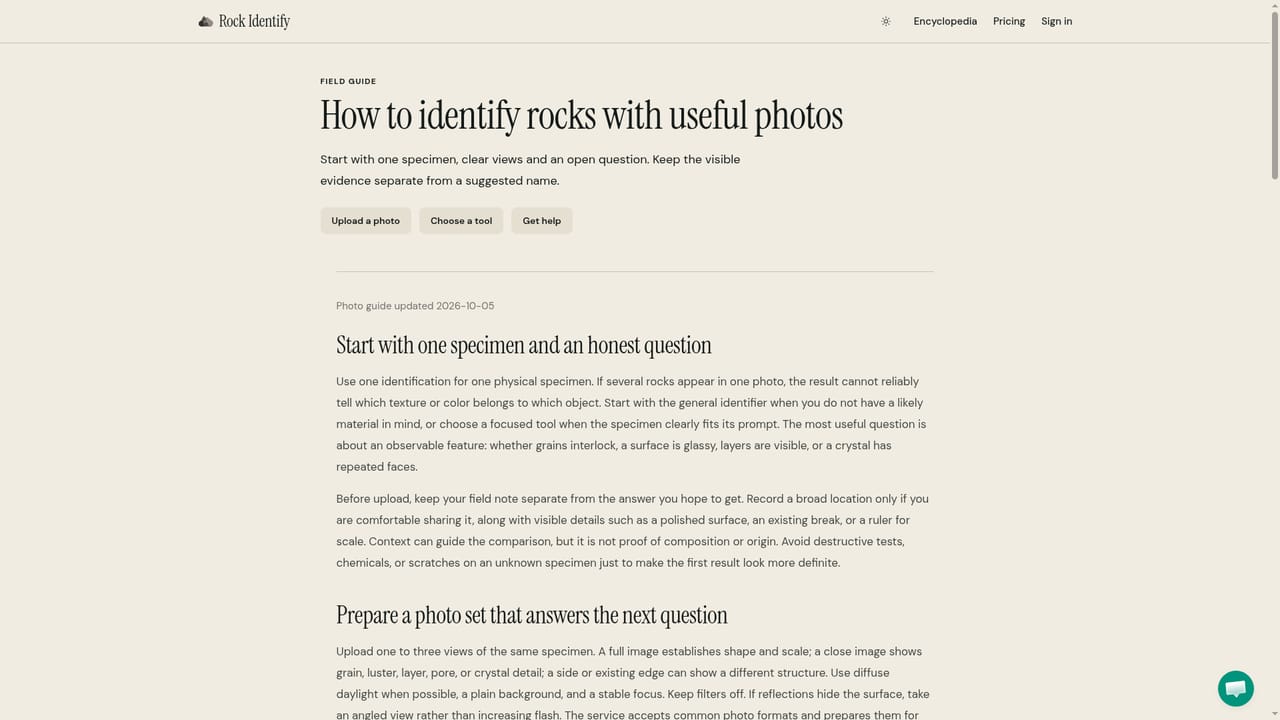
Rock Identify is a browser based tool that suggests what a rock specimen might be from one to three photographs. Upload the whole rock, a close-up of grains or bands, and an edge view, and the analysis returns a possible name together with the visible clues that pointed toward it, the limitations of those clues, and alternative materials that could produce the same appearance. A short follow-up exchange stays attached to that specimen, so questions about lookalikes, typical properties or care keep their context. No sign-up is required to start. The tool is written for hobbyists, collectors, students and curious walkers who pick something up and want a starting hypothesis rather than a verdict. Its editorial framing is unusually honest for the category: results are presented as tentative, color is described as a weak signal, and users are told plainly that a photograph cannot measure hardness, density or chemistry. Reference cards describe typical properties of the suggested material and link to outside educational sources, kept visibly separate from what the upload actually shows. A separate estimated range for market and specimen value is included, with the assumed size, condition and sale context stated next to it. In practice the workflow is one specimen per request. The slots are for different views of the same find, not a collection, and notes such as location or surface texture add context. Favorites, notes and conversations live in a history area; unsaved material becomes unreadable after 24 hours, while saved specimens persist until deleted. HEIC files need converting to JPG first, though the mobile layout offers a camera option where the browser supports it. Reaching the identifier takes no download. Against general purpose vision chatbots, Rock Identify wins on structure: it separates observation from reference data, names its own uncertainty and keeps a specimen by specimen record. It loses on breadth, since it handles rocks and nothing else, and it is not a substitute for a geologist or a lab when a name genuinely matters.
There is no separate trial: the free tier itself is usable without an account and covers a limited number of completed identifications per day.
Learn moreIdentification is free and limited by a daily allowance shown on the upload panel, and each result states whether a free follow-up remains. A Plus tier adds more identifications, more follow-up questions and more room in the collection. Current plan prices are not listed on the homepage.
Learn morePhoto based matching from up to three views of one rock, with visible clues, limitations and alternative candidates presented together. Per specimen follow-up questions cover lookalikes, properties and care. Specimens can be saved with notes and conversations to a private history, and results include separate AI estimates for market and specimen value with the assumed size, condition and sale context stated.
 AI Angels400+ customizable AI girlfriends for NSFW chat, voice calls, and roleplay
 Candy AIExperience the future of companionship with AI friends who chat, role-play, and connect with you on a human level.
 ourdream.aiA vast AI roleplay platform with millions of characters for chat, images, video and voiceAI Angels400+ customizable AI girlfriends for NSFW chat, voice calls, and roleplayCandy AIExperience the future of companionship with AI friends who chat, role-play, and connect with you on a human level.ourdream.aiA vast AI roleplay platform with millions of characters for chat, images, video and voice


