Integrations
The developer page describes integrating AI skin analysis into digital health, telemedicine and beauty applications. No named third-party integrations appear on the homepage.
Learn moreAI skin scanner for moles, rashes and 55+ skin conditions

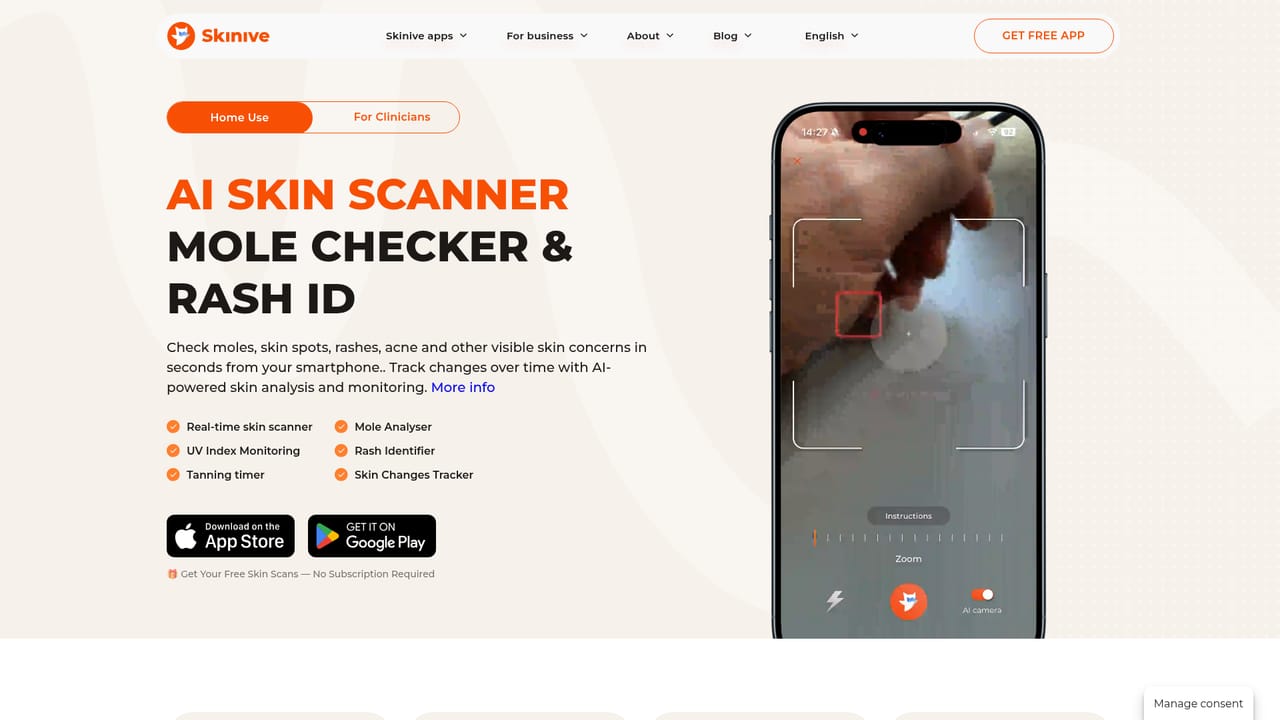
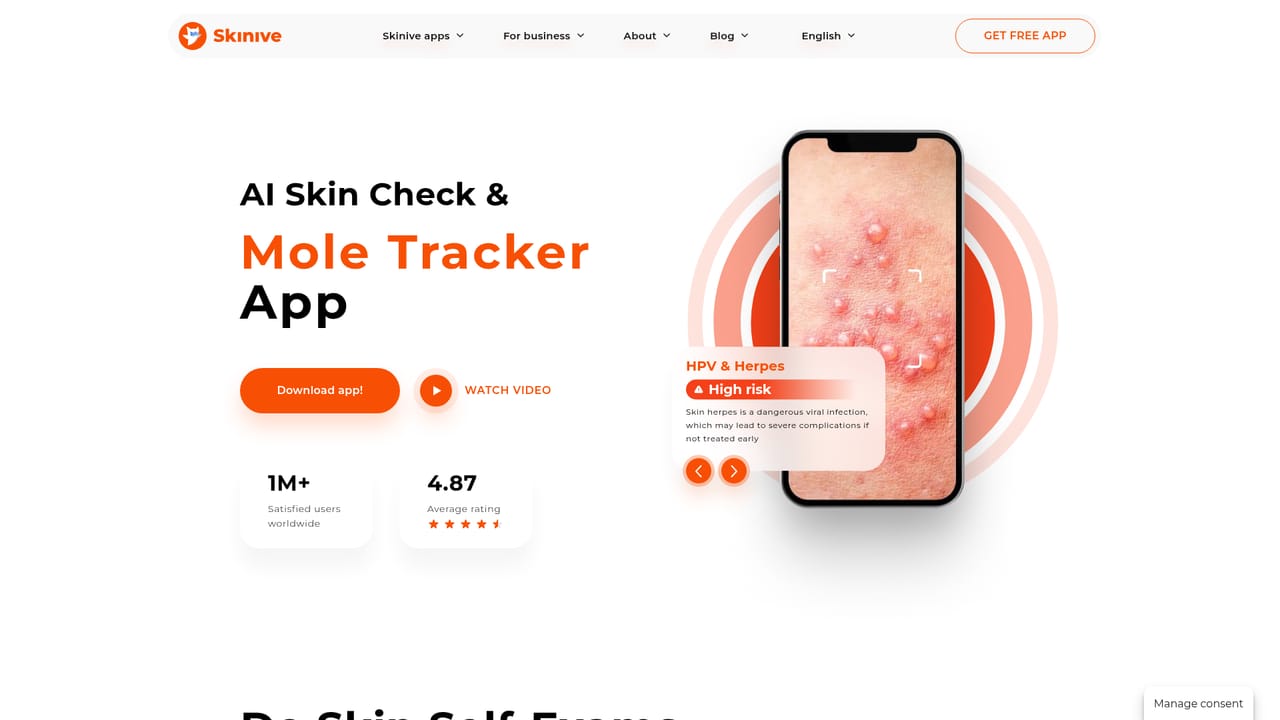
Skinive is an AI skin scanner app for checking moles, rashes, acne, eczema and 55+ other visible skin conditions, with risk-level results, change tracking, camera guidance and clinician-oriented mole mapping.
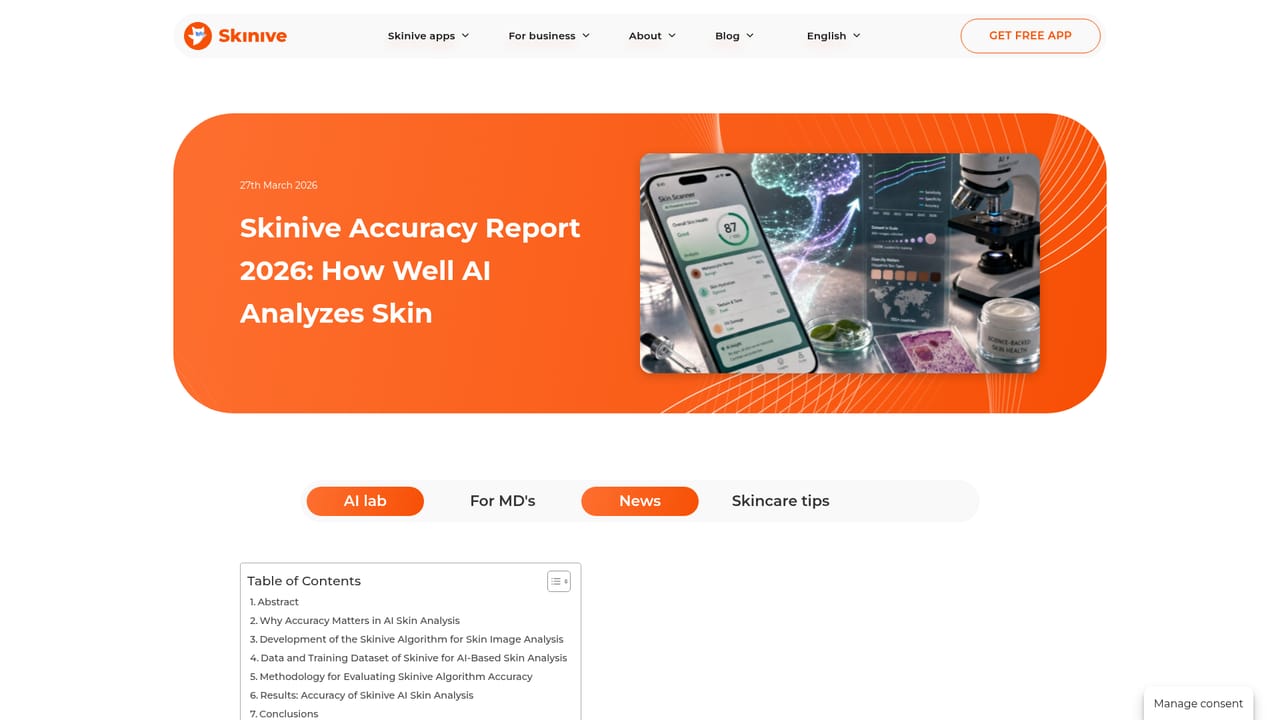
Skinive is a skin analysis app built around a simple premise: a phone camera and a trained model can give people a structured first look at visible skin concerns before they decide whether to see a clinician. The app checks moles, rashes, acne, eczema, dermatitis, fungal infections, HPV and herpes presentations, and signs of skin cancer, covering more than 55 conditions in total. It is positioned as an AI dermatology assistant available around the clock, and the company reports over one million users and a 4.8 average app rating. The workflow is deliberately guided. Real-time camera guidance helps frame and focus a shot so the image is usable, since a blurry photo undermines any automated assessment. Each check returns a result grouped by severity, from low risk through categories that ask for attention up to potential risk, and the wording points toward professional consultation rather than a diagnosis. A tracker lets users repeat checks on the same spot and watch for visible change, while 3D full-body mole mapping, aimed mainly at clinicians, documents lesions and supports longitudinal comparison. The product serves three audiences. Individuals use it for self-monitoring and to learn when a symptom warrants a dermatologist visit. Clinicians use it to make assessments more consistent and to speed up documentation. Developers can embed the analysis engine into telemedicine, digital health and beauty products. Skinive states that its apps are CE-marked medical software developed with dermatologists, which separates it from cosmetic skin-rating apps, though it remains a screening aid rather than a replacement for a qualified examination. Published material includes an accuracy report, aggregated findings from 6.5 million analyses, a pharmacy screening pilot in France, and UV protection monitoring features. Sun exposure tracking and country-specific guidance on seeing a dermatologist round out the consumer side.
The developer page describes integrating AI skin analysis into digital health, telemedicine and beauty applications. No named third-party integrations appear on the homepage.
Learn moreAI analysis of more than 55 visible skin conditions with risk-level results, real-time camera guidance for cleaner captures, scheduled self-checks with change tracking, 3D full-body mole mapping for clinicians, UV protection monitoring, and an engine available to developers for telemedicine and beauty applications.
Learn more AI Angels400+ customizable AI girlfriends for NSFW chat, voice calls, and roleplay
 Candy AIExperience the future of companionship with AI friends who chat, role-play, and connect with you on a human level.
 ourdream.aiA vast AI roleplay platform with millions of characters for chat, images, video and voiceAI Angels400+ customizable AI girlfriends for NSFW chat, voice calls, and roleplayCandy AIExperience the future of companionship with AI friends who chat, role-play, and connect with you on a human level.ourdream.aiA vast AI roleplay platform with millions of characters for chat, images, video and voice


