RoomDesign

Restyle a room photo in 39 interior design styles with AI

Beginner
Screenshot of RoomDesign, Restyle a room photo in 39 interior design styles with AI

What is RoomDesign?

RoomDesign is a design tool. RoomDesign (Room Design AI) turns a photo of any room into a restyled version using 39 interior styles and 60+ room types. It runs in the browser, works without sign-up, and offers targeted edits plus a subscription Pro model with 2K/4K output.

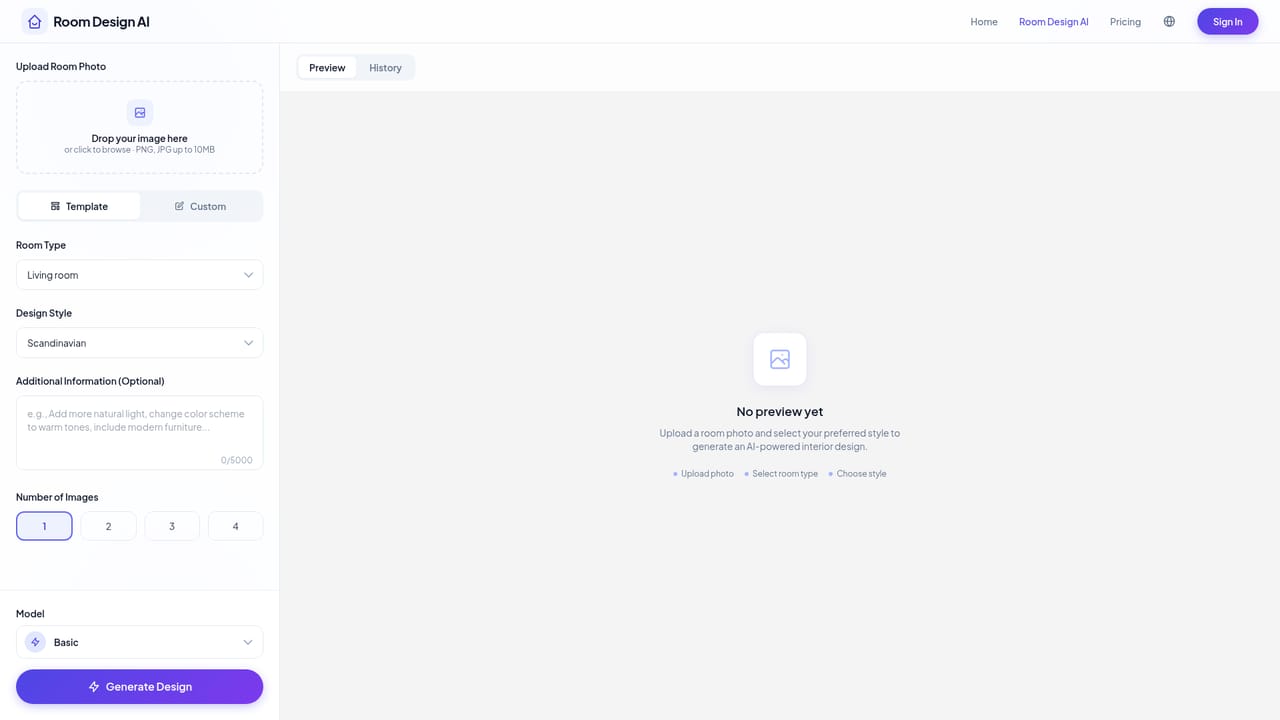
RoomDesign, branded on its site as Room Design AI, is a browser-based interior design visualizer. A user uploads a photo of a room, picks a style, and the AI returns a redesigned version of the same space. The aim is to let homeowners, renters and anyone planning a refresh preview new looks for walls, floors, furniture and lighting before spending money on paint, pieces or a contractor. In practice the workflow has three steps. The user uploads a PNG or JPG (up to 10MB), ideally a clear, well-lit shot from a corner or doorway so most of the room is visible. Next comes a choice between two modes. Template mode asks for one of more than 60 room types (living rooms, kitchens, home offices, kids rooms) and one of 39 design styles such as Scandinavian, Japandi, Industrial, Mid-century Modern and Coastal, with optional extra instructions. Custom mode accepts a free-text description such as a modern rustic room with green accents. The AI analyzes the room's geometry, keeps the layout, and renders a new design in moments, which can be downloaded, shared or refined with new prompts. Beyond whole-room restyling, the tool offers targeted edits: swapping a sofa, repainting walls or changing lighting while the rest of the image stays intact, plus magic erasing. It also suggests furniture combinations, color palettes and lighting that suit the chosen style. Two model tiers exist: Basic for quick concept generation, and Pro for greater realism and finer detail, with 2K and 4K output reserved for subscribers. Among alternatives, RoomDesign sits at the lightweight end of the virtual staging and interior visualization market. It needs no sign-up to try, which lowers the barrier compared with tools that demand an account or a design brief first. It suits quick inspiration, mood exploration and rough staging mockups more than precise architectural planning, since the output is a rendered image rather than a measured floor plan or a shoppable product list.
How do you use RoomDesign?

  1. 1Open the app
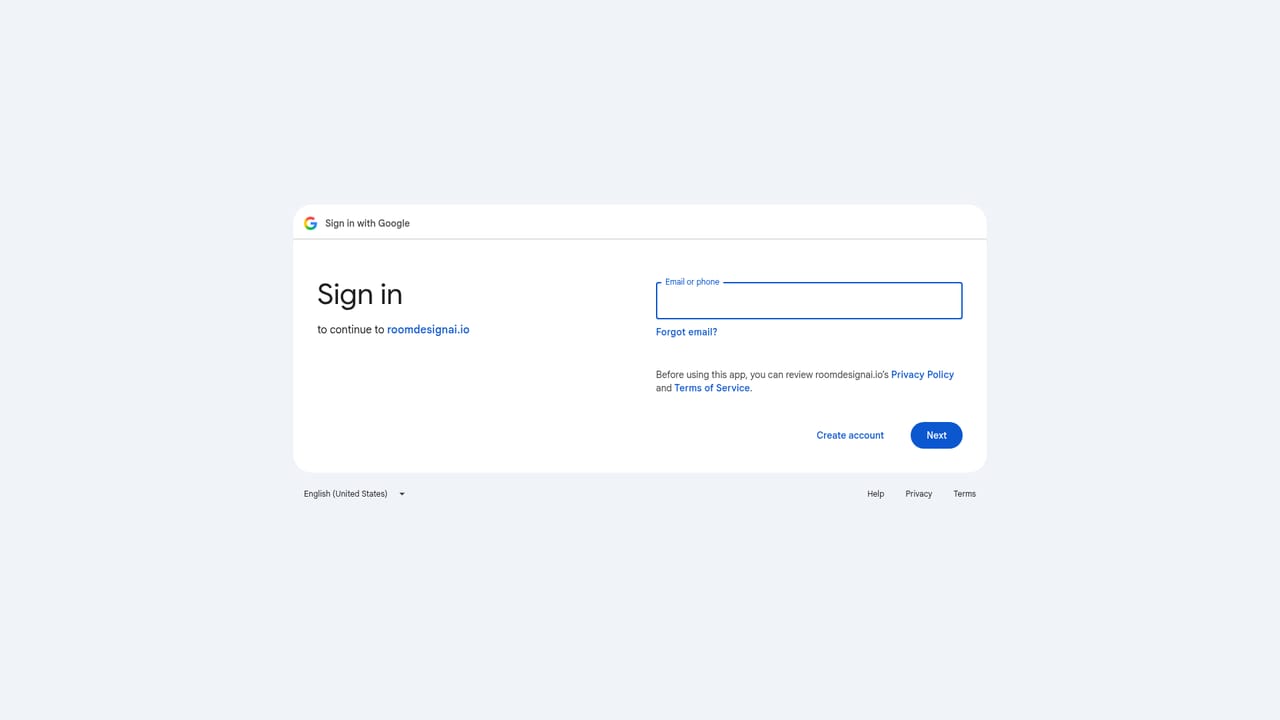
    Go to the designer from the homepage. No login or credit card is needed to start, though signing in with Google claims more free credits.
    RoomDesign — Open the app
  2. 2Upload a room photo
    Add a PNG or JPG up to 10MB. A clear, well-lit shot from a corner or doorway shows the most of the room and gives better results.
  3. 3Choose a mode and style
    In Template mode, pick a room type and one of the 39 styles, with optional extra instructions. In Custom mode, describe the room you want in plain language.
  4. 4Generate and review the design
    Click Generate Design and wait a few moments. Choose Basic for fast concepts, or Pro if subscribed for finer detail and higher realism.
  5. 5Refine and save
    Adjust the result with new prompts, swap individual items, then download or share the render. Signing in with Google unlocks more free credits.
    RoomDesign — Refine and save

Pros and cons

Pros

  • Works without sign-up or a credit card, so a first redesign takes only a photo uploadAI
  • 39 design styles and 60+ room types give broad coverage for most home spacesAI
  • Custom mode accepts free-text descriptions for looks that presets do not coverAI
  • Targeted edits let users change a sofa, wall color or lighting while the rest stays unchangedAI
  • Keeps the original room layout, so results stay recognizable as the user's own spaceAI

Cons

  • Free access is limited to a certain amount of credits, and the exact allowance is not stated on the homepageAI
  • 2K/4K resolution and the more realistic Pro model require a paid subscriptionAI
  • Uploads are capped at 10MB and work best with a clear, well-lit corner or doorway shotAI
  • Output is a rendered image, not a measured plan or a list of purchasable furniture with real dimensionsAI
  • No integrations, API or support channels are described on the homepageAI

How much does RoomDesign cost?

Free trial

Designs can be started without an account or credit card using a limited allowance of free credits. Signing in with Google claims additional free credits.

Learn more

Pricing

Free to try with no sign-up and a limited amount of free credits. A subscription unlocks 2K/4K resolution and the Pro model. Subscription prices are not listed on the homepage.

Learn more

Features

Photo-based room redesign with 39 styles and 60+ room types, Template and Custom modes, Basic and Pro models, virtual renovation and staging, furniture matching, color and lighting suggestions, magic erasing and targeted edits, and up to 4K renders.

Frequently asked questions about RoomDesign

  • How much does RoomDesign cost?
    Free to try with no sign-up and a limited amount of free credits. A subscription unlocks 2K/4K resolution and the Pro model. Subscription prices are not listed on the homepage.
  • Does RoomDesign offer a free trial?
    Designs can be started without an account or credit card using a limited allowance of free credits. Signing in with Google claims additional free credits.
  • How do you use RoomDesign?
    The walkthrough on this page covers 5 steps: 1. Open the app 2. Upload a room photo 3. Choose a mode and style 4. Generate and review the design 5. Refine and save.
  • What platforms does RoomDesign support?
    RoomDesign is available on Web App.
  • What are the limitations of RoomDesign?
    Free access is limited to a certain amount of credits, and the exact allowance is not stated on the homepage. 2K/4K resolution and the more realistic Pro model require a paid subscription. Uploads are capped at 10MB and work best with a clear, well-lit corner or doorway shot.

Status

StatusActive
Views0
Outbound clicks0
Added10/18/2026

Platforms

Web App

Pricing

FreemiumSubscription