Support
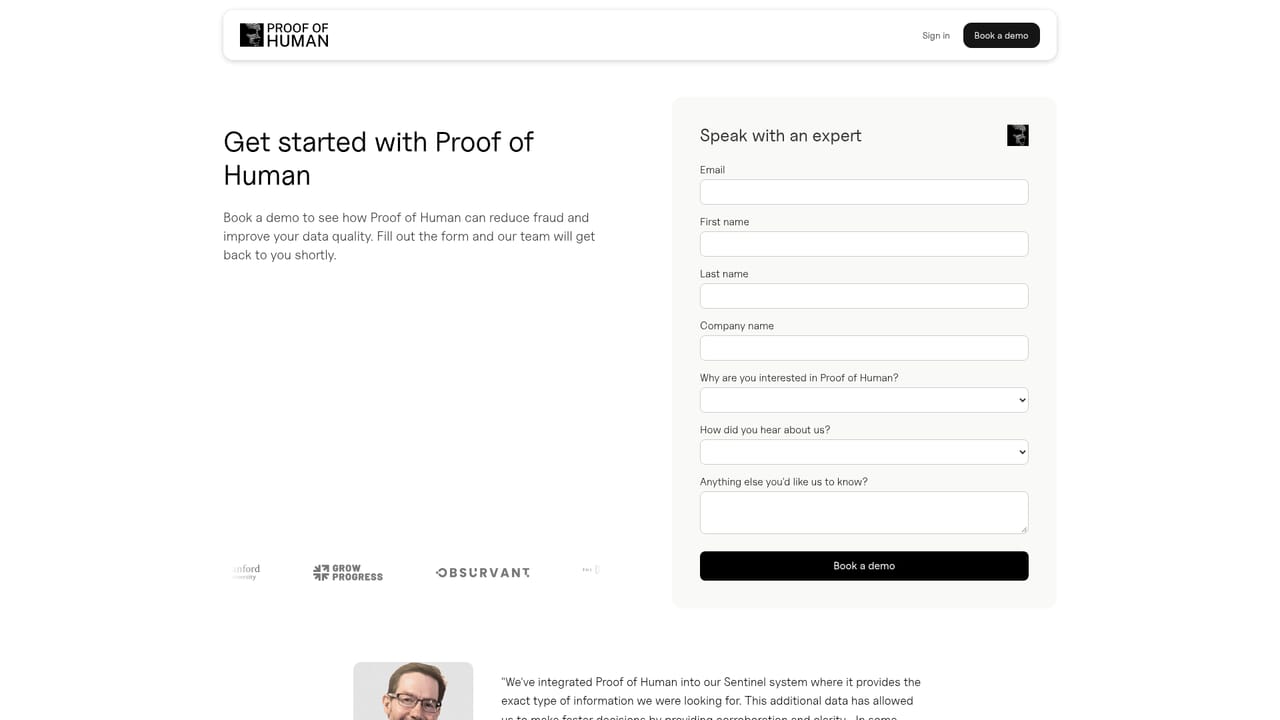
Support runs through email and a demo booking form, with documentation and a public status page for uptime. No help centre or chat support is described on the homepage.
Learn moreInvisible behavioral bot detection for research panels and high-trust signups

Roundtable is a content detector tool. Proof of Human (formerly Roundtable AI) scores visitor behavior in real time to separate real people from bots and AI agents, with no CAPTCHA shown to genuine users. It is positioned for market research panels, financial services and ticketing teams that need trustworthy signups and cleaner survey data.
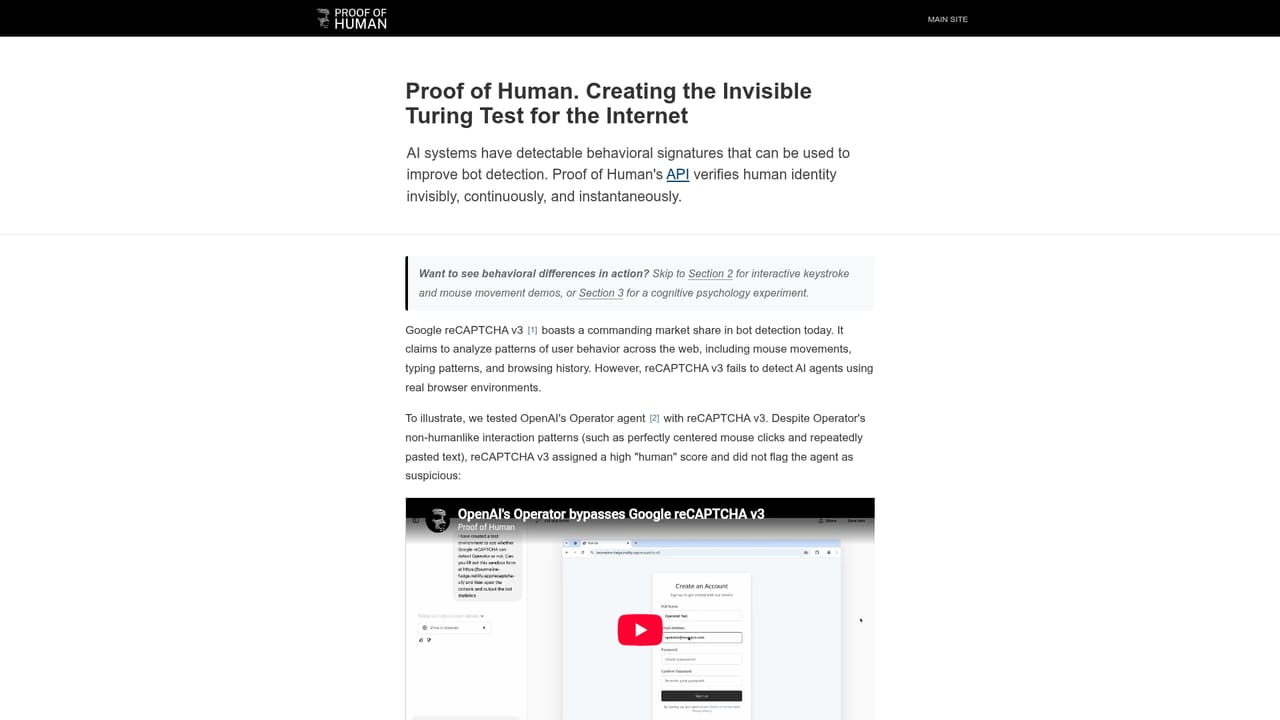
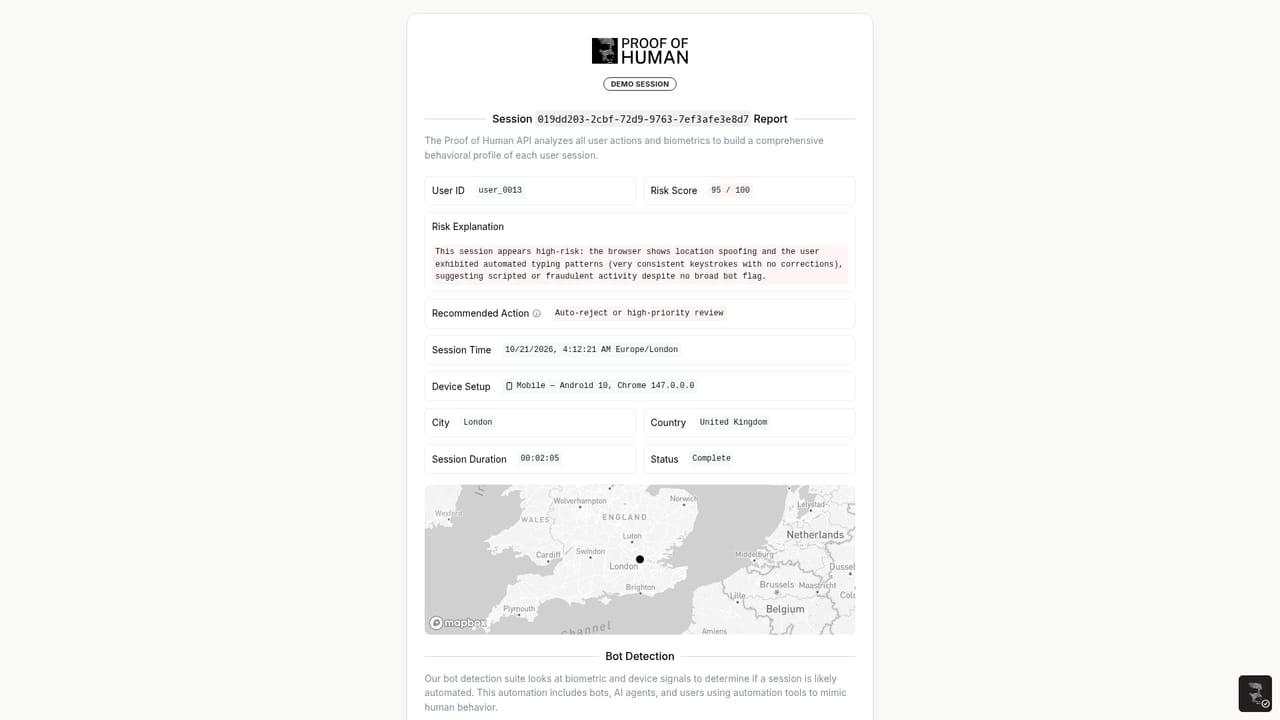
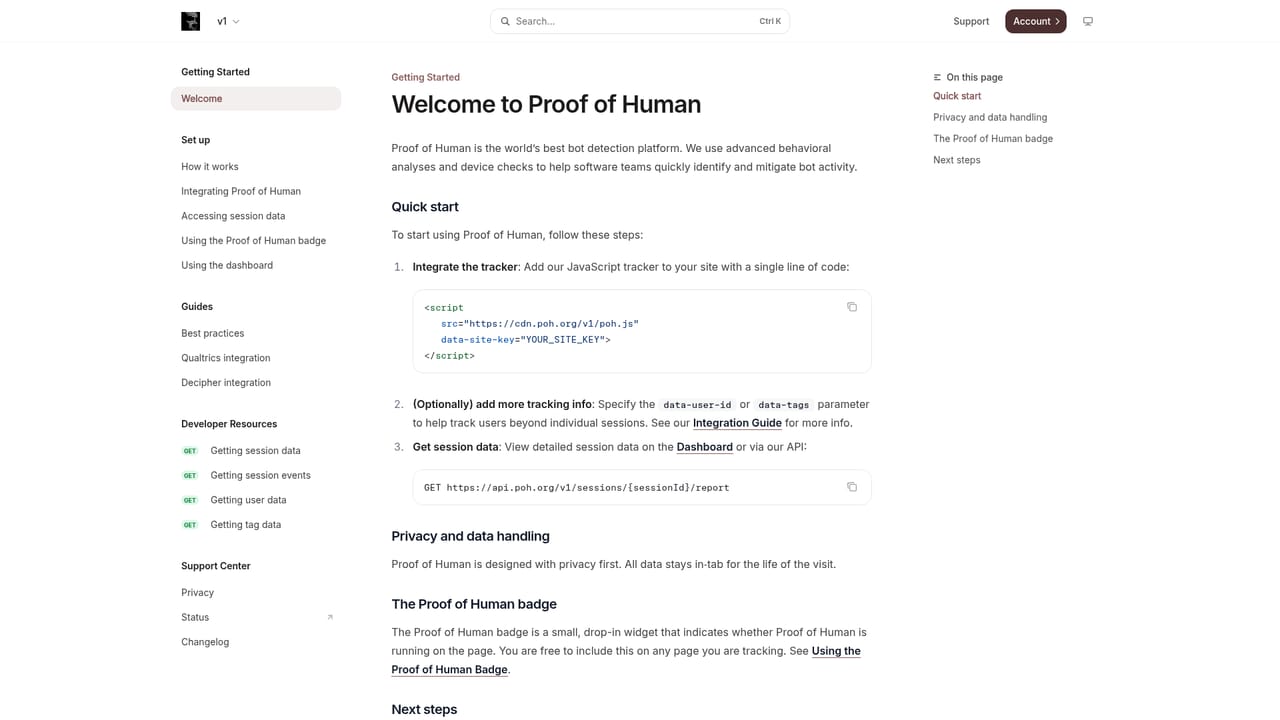
Proof of Human (formerly Roundtable AI) is a human verification service built around behavioral analysis rather than puzzles. A small script runs on the client and watches how a visitor types, moves the cursor, scrolls and clicks, then scores that behavior against models trained on the differences between real people and automated agents. The result is a pass or fail decision delivered in real time, with no image grid, no checkbox and no interruption for the people who score as human. The tool is aimed at teams whose data quality depends on knowing who is on the other side of a form. Market research firms and panels are the clearest fit: bogus or AI generated survey responses corrupt the datasets that studies depend on, and the company publishes case material with research vendors such as The Directions Group and Obsurvant. Financial services teams use it around account creation and transaction flows, and ticketing platforms apply it across the purchase journey so automated buyers do not clear out inventory before fans arrive. In practice, setup means dropping a script tag into a page with a site key and an optional user identifier, which the documentation walks through. Sessions then appear in a dashboard with an explainable report: signals such as unnatural typing, teleporting mouse movement or pasted text are flagged, while benign patterns such as corrected keystrokes or centered clicks are marked as expected. Reviewers can read the individual markers instead of trusting an opaque score, which matters when a respondent is rejected or a transaction is challenged. Where it fits among alternatives: the positioning is explicitly anti-CAPTCHA. The company publishes benchmarking research comparing its detection rate on modern AI agents against invisible and visible competitors, and argues that AI systems leave behavioral signatures that puzzle based challenges cannot catch. It is a heavier, more research driven choice than a simple checkbox widget, and it is sold as an enterprise security product rather than a consumer utility. The homepage also notes privacy by design, claiming no PII collection and no cross-site tracking, plus published uptime status and latency figures. Buyers evaluating it should treat the detection percentages as vendor published research and run their own tests on real traffic.
Support runs through email and a demo booking form, with documentation and a public status page for uptime. No help centre or chat support is described on the homepage.
Learn moreIntegration is a script tag placed on the page with a site key and optional user id and tags attributes; setup details are in the developer documentation. No third party platform integrations are listed on the homepage.
Learn moreInvisible human verification through a client side script, continuous behavioral analysis of typing, cursor, scroll and click patterns, explainable session reports that flag or clear individual signals, real-time scoring at the point of interaction, and privacy claims of no PII collection and no cross-site tracking. The site publishes latency, session volume and detection figures alongside uptime status.
Learn more AI Angels400+ customizable AI girlfriends for NSFW chat, voice calls, and roleplay
 Candy AIExperience the future of companionship with AI friends who chat, role-play, and connect with you on a human level.
 ourdream.aiA vast AI roleplay platform with millions of characters for chat, images, video and voiceAI Angels400+ customizable AI girlfriends for NSFW chat, voice calls, and roleplayCandy AIExperience the future of companionship with AI friends who chat, role-play, and connect with you on a human level.ourdream.aiA vast AI roleplay platform with millions of characters for chat, images, video and voice


