Free trial
A free starting option is advertised on the homepage, and the FAQ asks whether users can start for free, but no trial length or credit allowance is stated.
Learn moreAI video workspace plus YouTube growth scoring for creators

Satura AI is a short videos tool. An AI video editing workspace for YouTube creators that handles subtitles, clips, thumbnails, voiceovers and transcription, and pairs the editor with Trustscore analytics that explain why videos underperform.
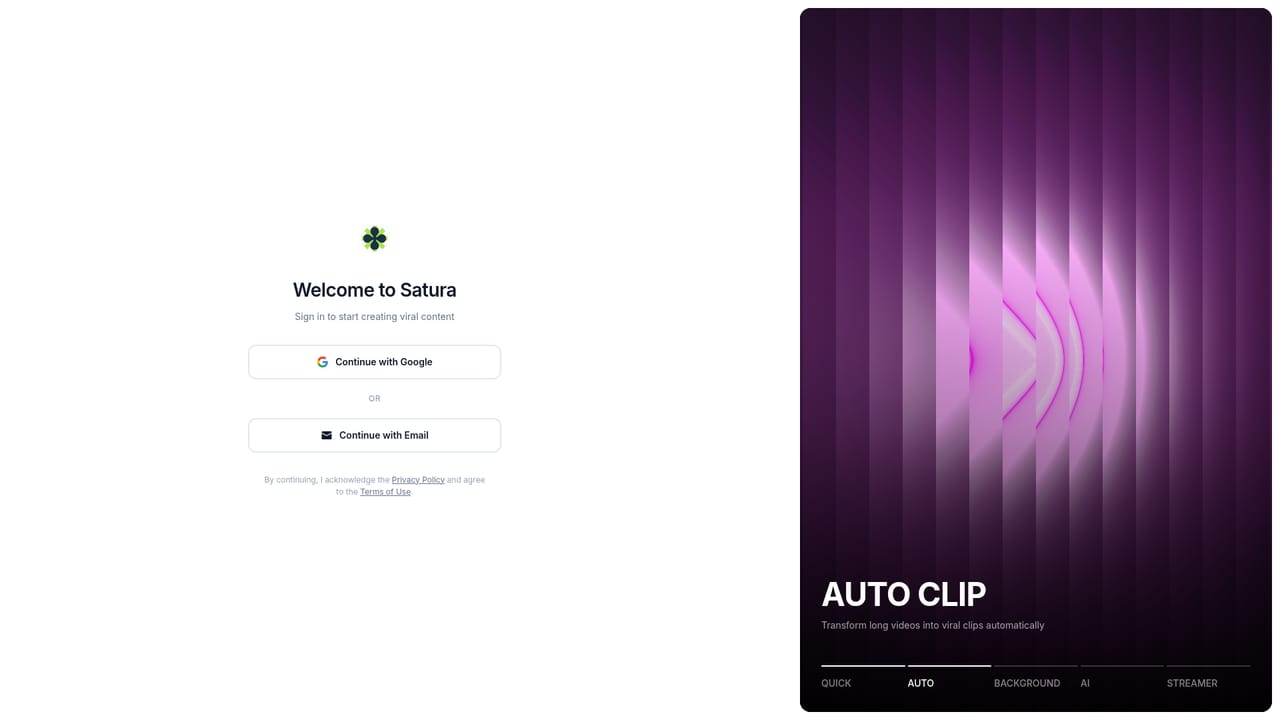
Satura AI is an AI-assisted creation workspace aimed squarely at YouTube creators. Rather than a single generator, it bundles a browser-based video editor with AI shortcut tools: automatic subtitle recognition, manual subtitle timing, clip selection, AI images, AI voiceovers, AI videos, a background remover for images and video, transcription, and social video downloading. The pitch is consolidation, taking the jobs normally spread across an editor, a caption app, a thumbnail tool and an analytics dashboard and putting them in one workspace. The growth side is the distinguishing piece. Trustscore analyses a channel against more than 20 signals and returns a score with plain language explanations of what is holding videos back. Named metrics include swipe ratio (how many viewers stay past the hook), share rate and upload consistency, each tracked over time so creators can see whether a fix actually moved the needle. There is also an AI Growth Coach and AutoClip for turning long footage into short form batches. The workflow the site describes is simple: import a file or paste a YouTube or TikTok link, use the AI tools to cut and caption, then review and export. It fits creators running faceless channels, short form producers, agencies managing channels and small teams that want one subscription instead of several. Editors already comfortable in a dedicated NLE may find the feature set broad rather than deep, and the growth scoring is Satura's own model, not a YouTube certified metric. Beginners and intermediate editors get the most from it because the shortcuts remove setup work that heavier tools assume you have already done. Against alternatives, Satura competes less on raw editing power and more on combining production with diagnostic feedback.
A free starting option is advertised on the homepage, and the FAQ asks whether users can start for free, but no trial length or credit allowance is stated.
Learn moreThe site advertises a 24/7 support team reachable through a contact option on the homepage.
The homepage only references connecting YouTube channels, and the FAQ asks whether more than one channel can be linked. No third party integration list is published.
Covers AI subtitles and manual subtitle timing, AI images, AI voiceovers, AI videos, transcription, an image and video background remover, social video downloading, AutoClip for short form, an AI Growth Coach, and Trustscore analytics built on more than 20 channel signals including swipe ratio, share rate and upload consistency.
 AI Angels400+ customizable AI girlfriends for NSFW chat, voice calls, and roleplay
 Candy AIExperience the future of companionship with AI friends who chat, role-play, and connect with you on a human level.
 ourdream.aiA vast AI roleplay platform with millions of characters for chat, images, video and voiceAI Angels400+ customizable AI girlfriends for NSFW chat, voice calls, and roleplayCandy AIExperience the future of companionship with AI friends who chat, role-play, and connect with you on a human level.ourdream.aiA vast AI roleplay platform with millions of characters for chat, images, video and voice


