Pricing
SayItVid is stated to be 100% free for everyone, with unlimited searches and no registration or payment required.
Learn moreSearch any English word and hear it spoken in real YouTube clips, instantly.

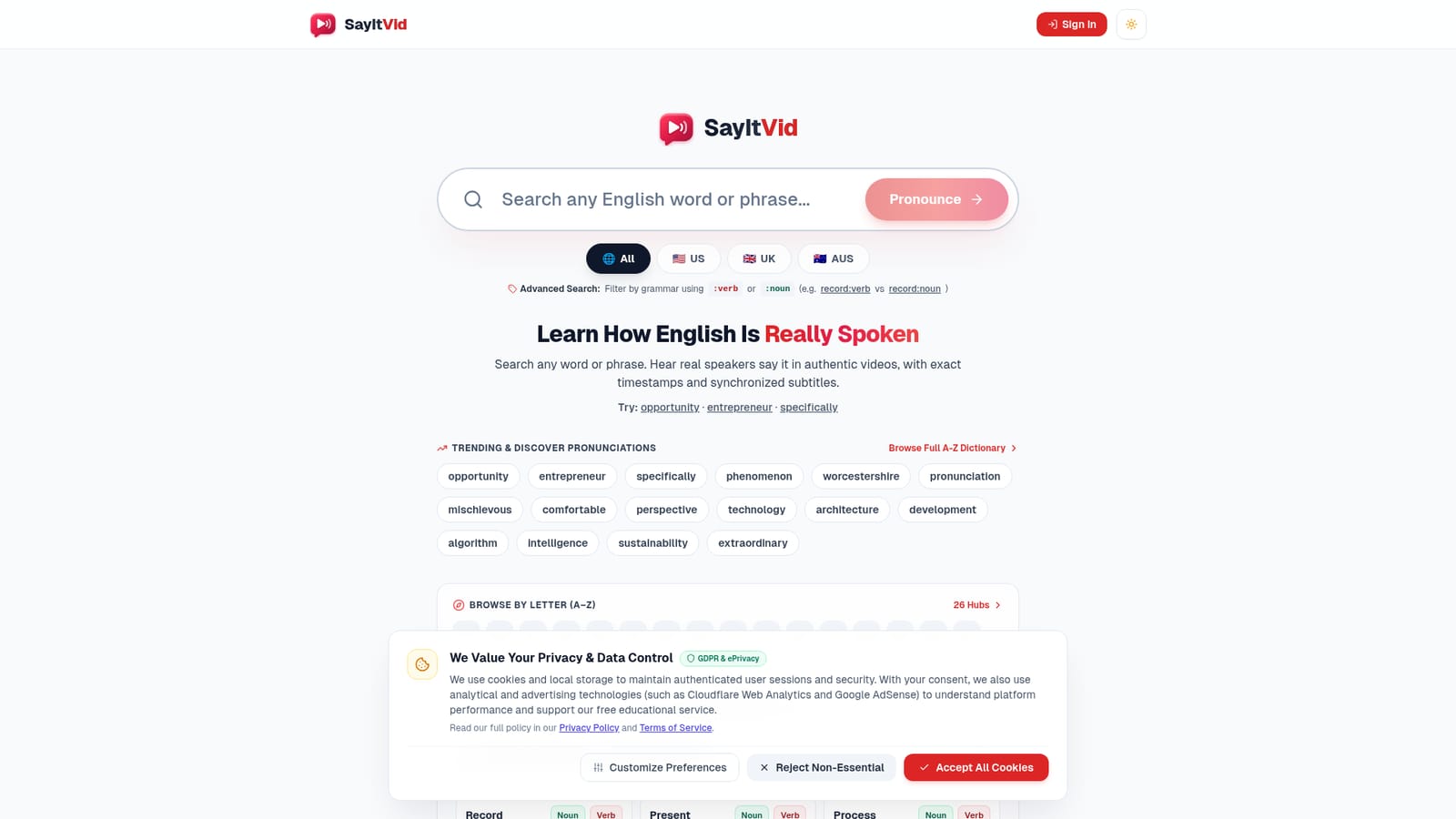
SayItVid is a clip finder tool that searches any English word and hear it spoken in real YouTube clips, instantly. A free search engine that finds real YouTube clips of native speakers saying any English word or phrase, complete with synced subtitles, accent filters, and part-of-speech tagging for heteronyms.
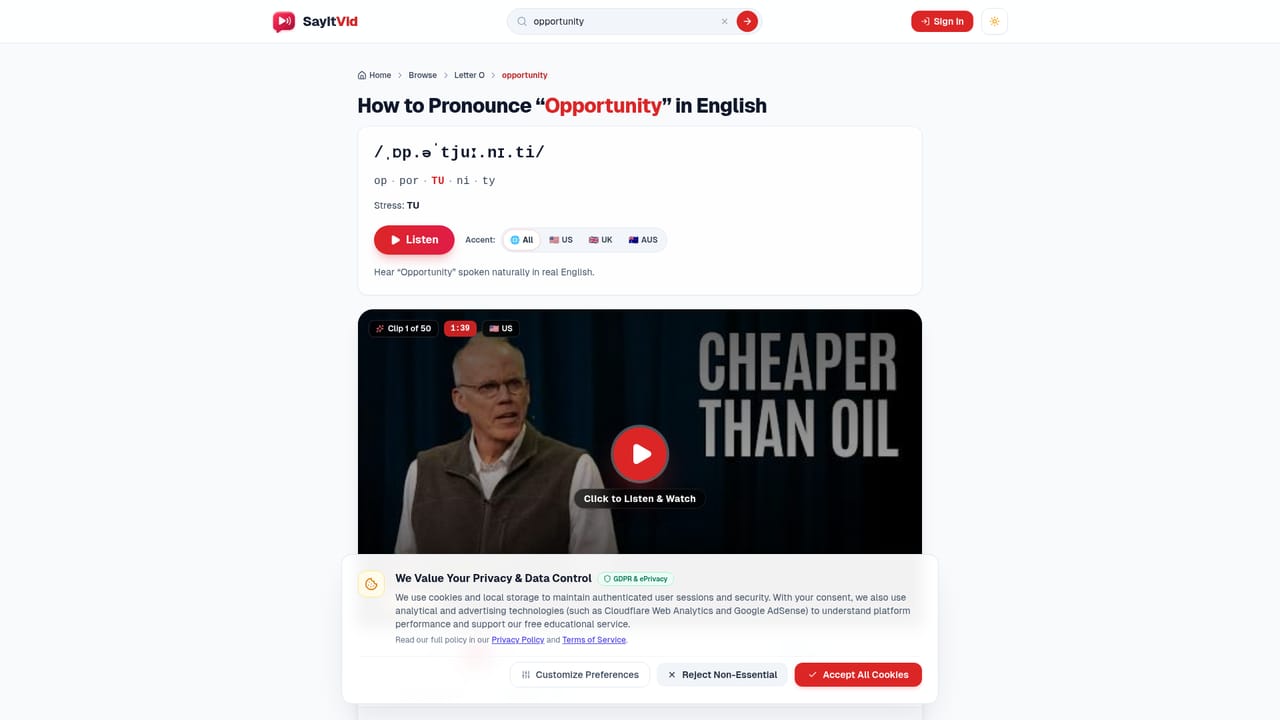
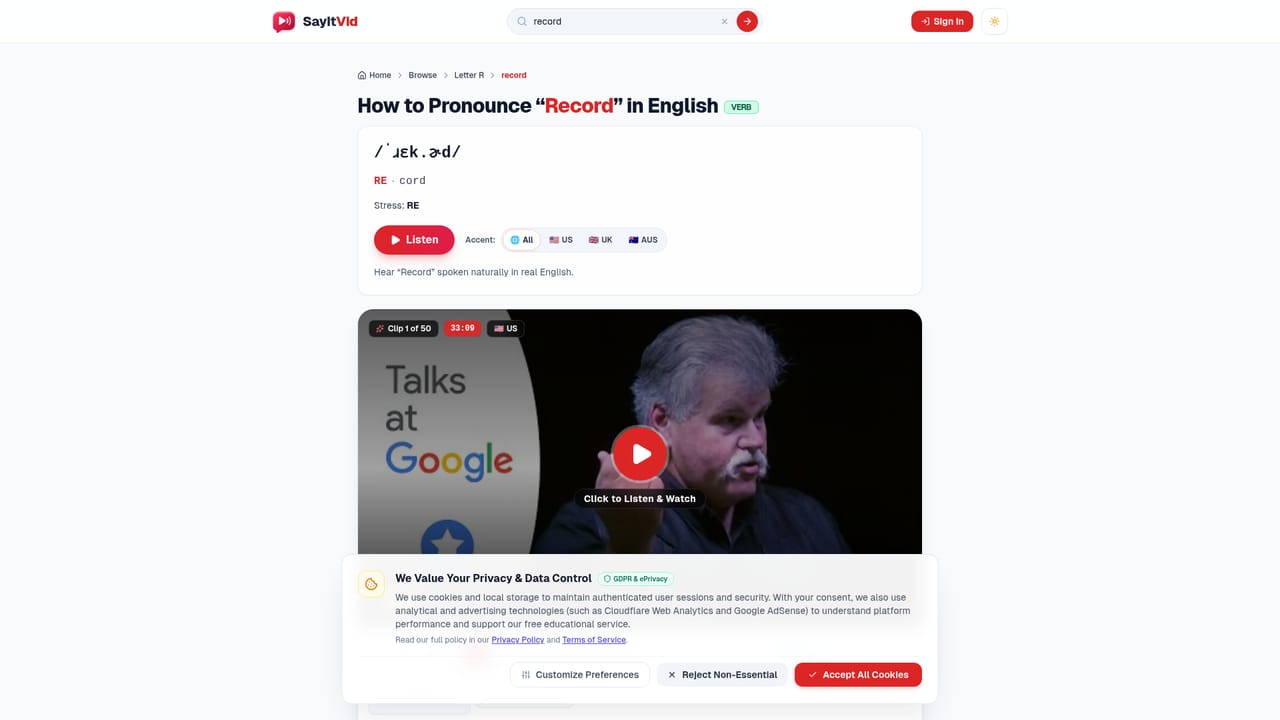
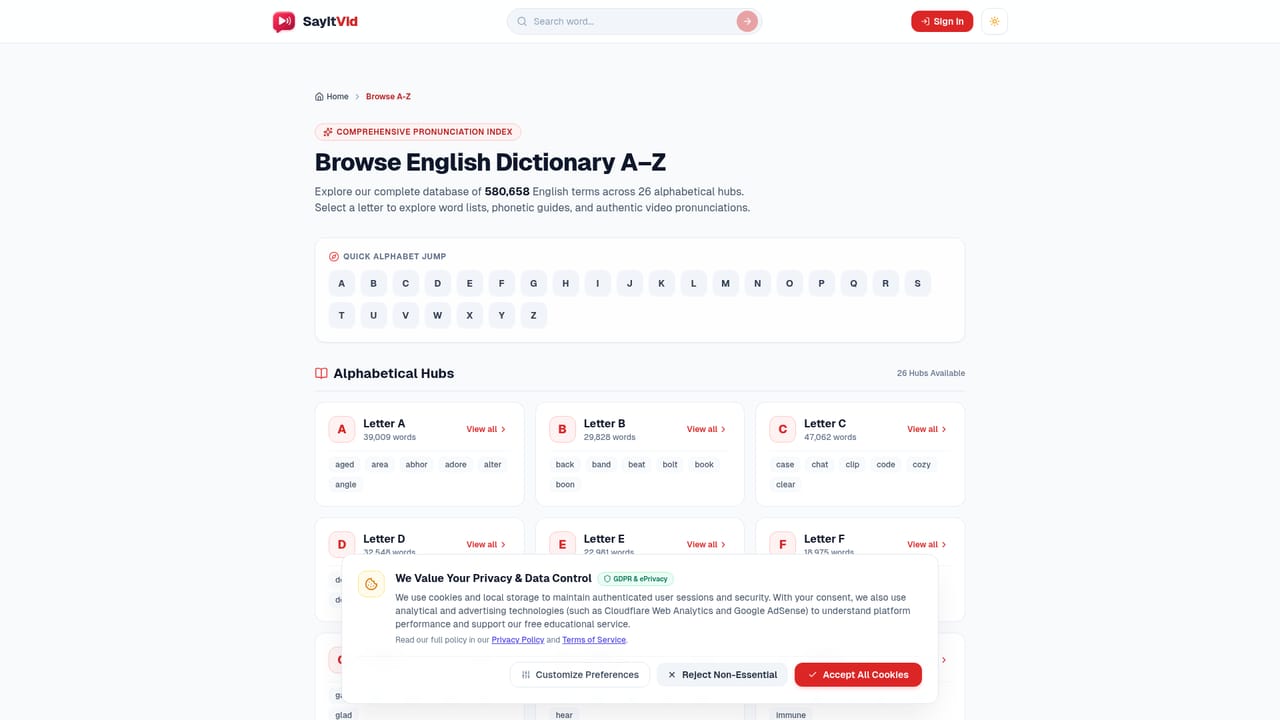
SayItVid is a free web-based pronunciation search engine built for English learners who want to hear words spoken naturally rather than through synthetic text-to-speech voices. Typing a word or phrase queries an index the site describes as containing over 450,000 authentic YouTube video segments (talks, interviews, documentaries, conversations) and jumps straight to the exact moment the term is spoken, with synchronized subtitles displayed alongside the clip. The tool is aimed at intermediate to advanced language learners, teachers, and anyone preparing for interviews, presentations, or exams who needs to hear connected speech rather than isolated dictionary phonetics. Because results are pulled from real conversations, users can observe vowel reductions, stress shifts, and natural rhythm that a robotic voice cannot reproduce. A part-of-speech filter lets searchers append :verb or :noun to a query (for example record:verb versus record:noun) to isolate heteronyms whose pronunciation changes with grammatical role, which is useful for words like present, permit, and contract that read identically but sound different depending on usage. In practice, a learner searches a target word, the page returns a matching video clip cued to the exact timestamp, and subtitles scroll in sync so the learner can read and listen simultaneously. An accent filter narrows results to US, UK, or Australian speakers, and a browse-by-letter dictionary offers a way to explore vocabulary without a specific search term in mind. No account, login, or payment is required to use any part of the site. Compared with conventional dictionaries or standalone text-to-speech pronunciation tools, SayItVid trades curated audio for authenticity, sourcing every clip from unscripted human speech. It sits closer to a specialized search engine than a full course, so it works best as a companion reference alongside structured lessons rather than as a standalone curriculum.
SayItVid is stated to be 100% free for everyone, with unlimited searches and no registration or payment required.
Learn moreA dedicated FAQ page answers 15 questions covering search mechanics, grammar filtering, accents, classroom use, and privacy.
Searches over 450,000 indexed YouTube clips for exact-timestamp pronunciation, synchronized subtitles, US/UK/AUS accent filtering, part-of-speech tagging for heteronyms, multi-word idiom search, and a browsable A-Z word dictionary.
Twitter / X
 AI Angels400+ customizable AI girlfriends for NSFW chat, voice calls, and roleplay
 Candy AIExperience the future of companionship with AI friends who chat, role-play, and connect with you on a human level.
 ourdream.aiA vast AI roleplay platform with millions of characters for chat, images, video and voiceAI Angels400+ customizable AI girlfriends for NSFW chat, voice calls, and roleplayCandy AIExperience the future of companionship with AI friends who chat, role-play, and connect with you on a human level.ourdream.aiA vast AI roleplay platform with millions of characters for chat, images, video and voice


