Free trial
Practice interviews can be tried as a guest with no signup, and a free account includes 100 credits at signup plus 50 each month.
Learn moreAI career agent for job matching, résumé tailoring and avatar interview practice

Screenle is an AI screen analyzer tool. Screenle combines a facts only AI Persona, ranked job matching across millions of roles, one click résumé tailoring, application preparation and avatar led interview practice. You approve every draft before it leaves, and Persona links give recruiters grounded answers in your own cloned voice.
Screenle is a job search platform built around a single organising idea: a facts only AI twin called Persona. You feed Persona with a résumé upload, LinkedIn sync, diplomas and certificates, saved application answers and practice transcripts. Every other part of the product reads from that same pool of approved material, which is how Screenle keeps generated résumés, cover letters and recruiter answers tied to things you actually supplied rather than invented claims. The Job Agent is the matching layer. You set preferences once, and Screenle scores new roles against your Persona with a Match percentage, drawing on an indexed pool the site describes as 8.4M+ roles across 575k+ employer companies, many pulled straight from applicant tracking boards. Matches arrive as ranked suggestions you accept or reject in one click. Accepted roles feed a prepare stage that drafts application forms and cover letters, and a CV tailor that rewrites a job specific résumé from Persona facts only. Every draft stays editable, and nothing is sent without explicit approval. Interview preparation is the part most candidates will try first. A lifelike avatar interviewer asks role specific questions, and you answer aloud, on camera or in text. Live coaching tips appear as you go, and finished answers can be fed back into Persona so later outputs reflect stronger material. The Talking CV turns a photo and résumé into a short spoken pitch in a cloned voice, and Persona links let you share a private or public page where recruiters get grounded answers about fit, notice period and salary, with each source toggled per link. Screenle suits active job seekers in white collar roles, especially people applying at volume who want consistent tailoring without losing control of what goes out. It overlaps with standalone résumé builders and interview coaches, but bundles them into one loop with a browser extension for ATS autofill.
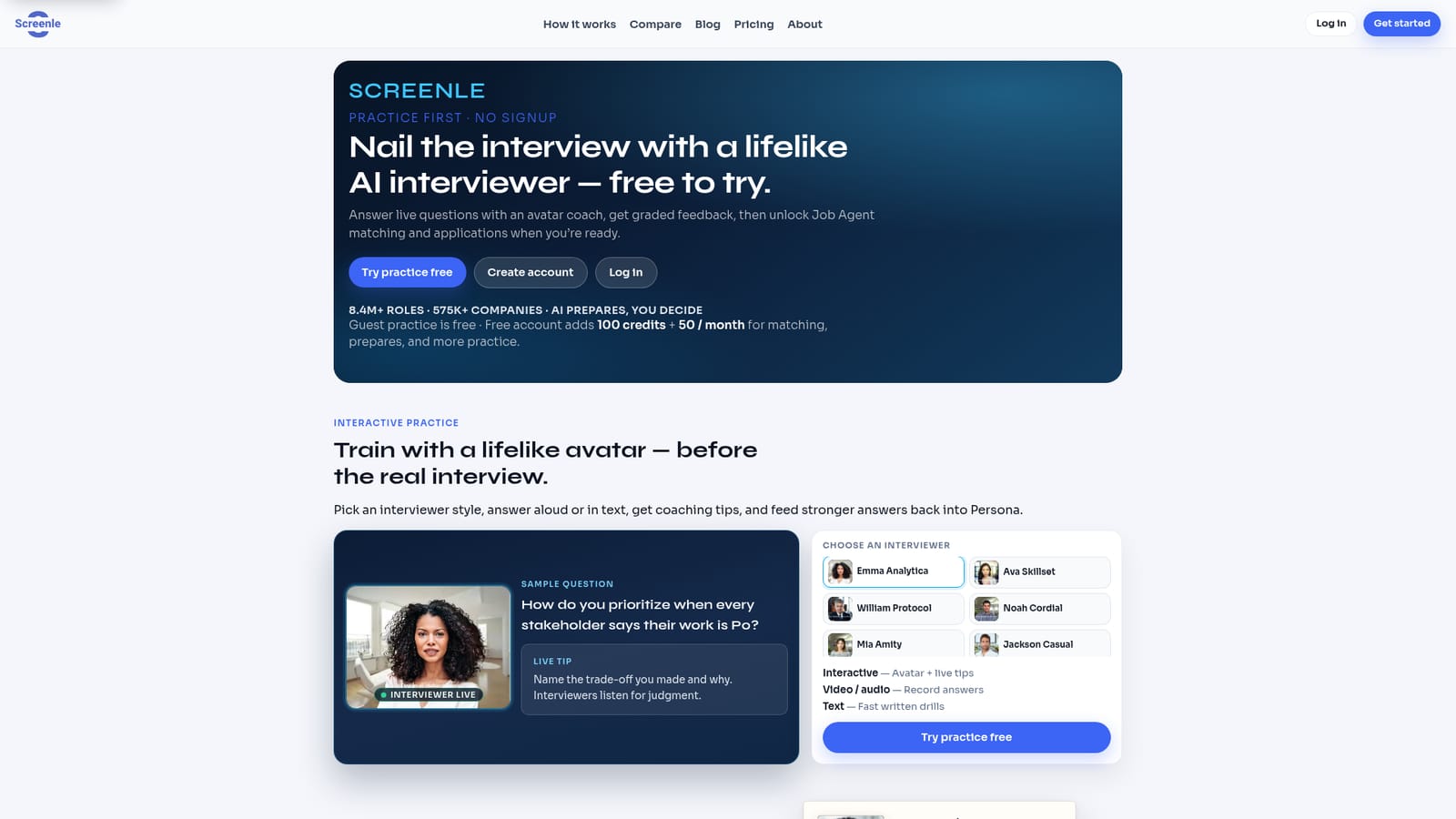
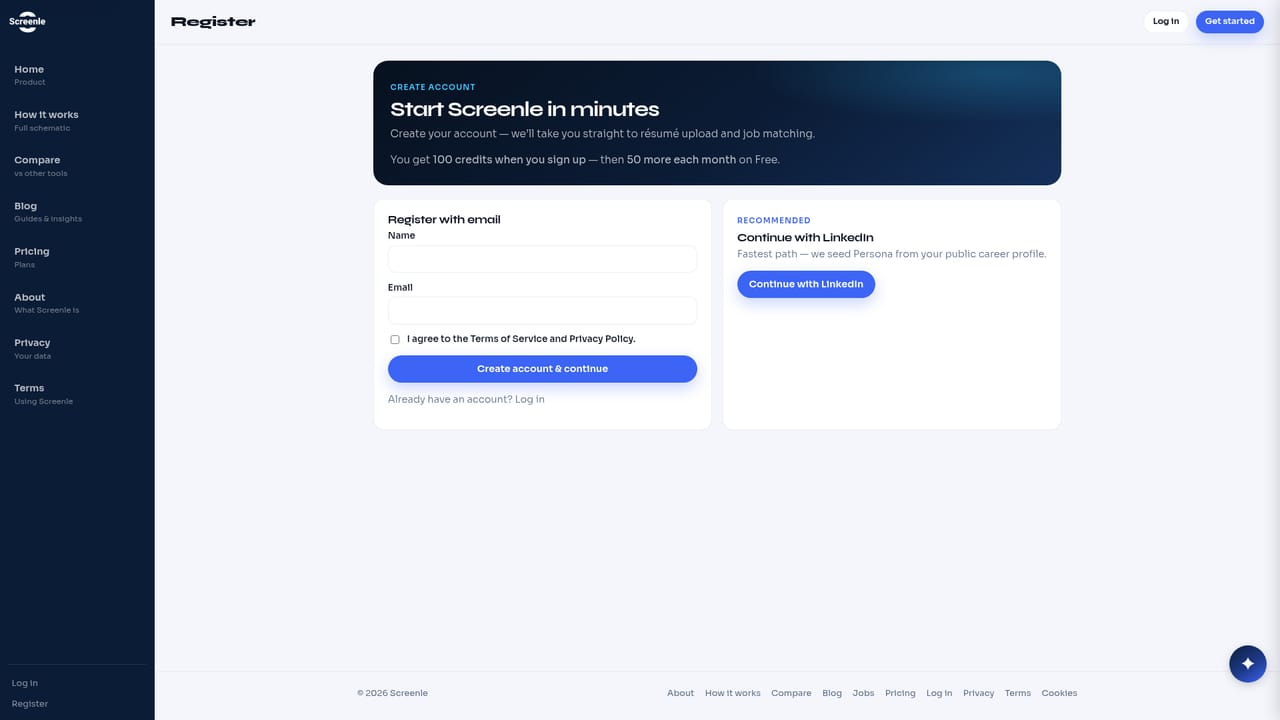
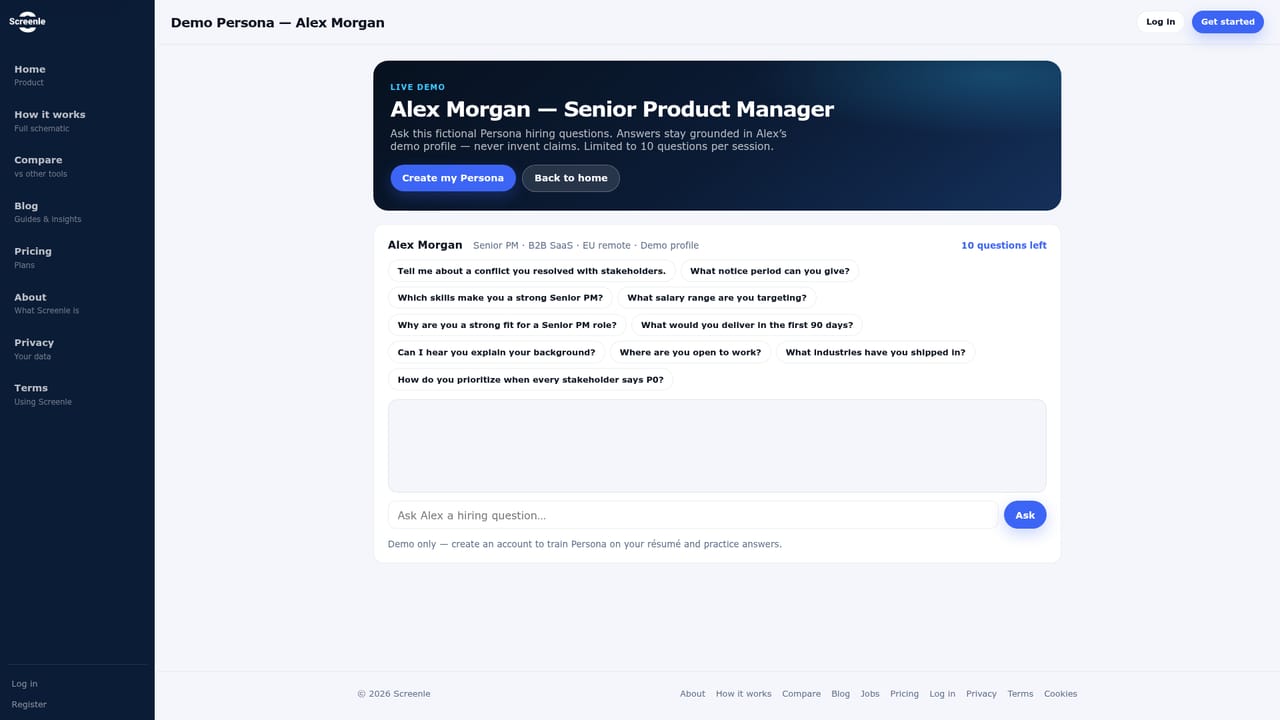
Practice interviews can be tried as a guest with no signup, and a free account includes 100 credits at signup plus 50 each month.
Learn moreScreenle runs on credits. Guest interview practice is free without an account, and a free account adds 100 credits at signup plus 50 per month for matching, prepares and further practice. The homepage notes that credit costs for AI actions are listed on the pricing page but does not state subscription tiers or prices.
Learn moreLinkedIn sync feeds the Persona, and a browser extension autofills ATS application forms. Many job listings are pulled directly from employer ATS boards.
Learn moreCore features include a facts only Persona built from résumé, LinkedIn, certificates and practice transcripts, a Job Agent scoring roles with Match percentages, application and cover letter preparation, one click CV tailoring with PDF and DOCX export, avatar interview practice with live tips, a Talking CV video pitch with optional voice clone, shareable Persona links with per source controls, and a browser extension for ATS autofill.
Learn more AI Angels400+ customizable AI girlfriends for NSFW chat, voice calls, and roleplay
 Candy AIExperience the future of companionship with AI friends who chat, role-play, and connect with you on a human level.
 ourdream.aiA vast AI roleplay platform with millions of characters for chat, images, video and voiceAI Angels400+ customizable AI girlfriends for NSFW chat, voice calls, and roleplayCandy AIExperience the future of companionship with AI friends who chat, role-play, and connect with you on a human level.ourdream.aiA vast AI roleplay platform with millions of characters for chat, images, video and voice


