Free trial
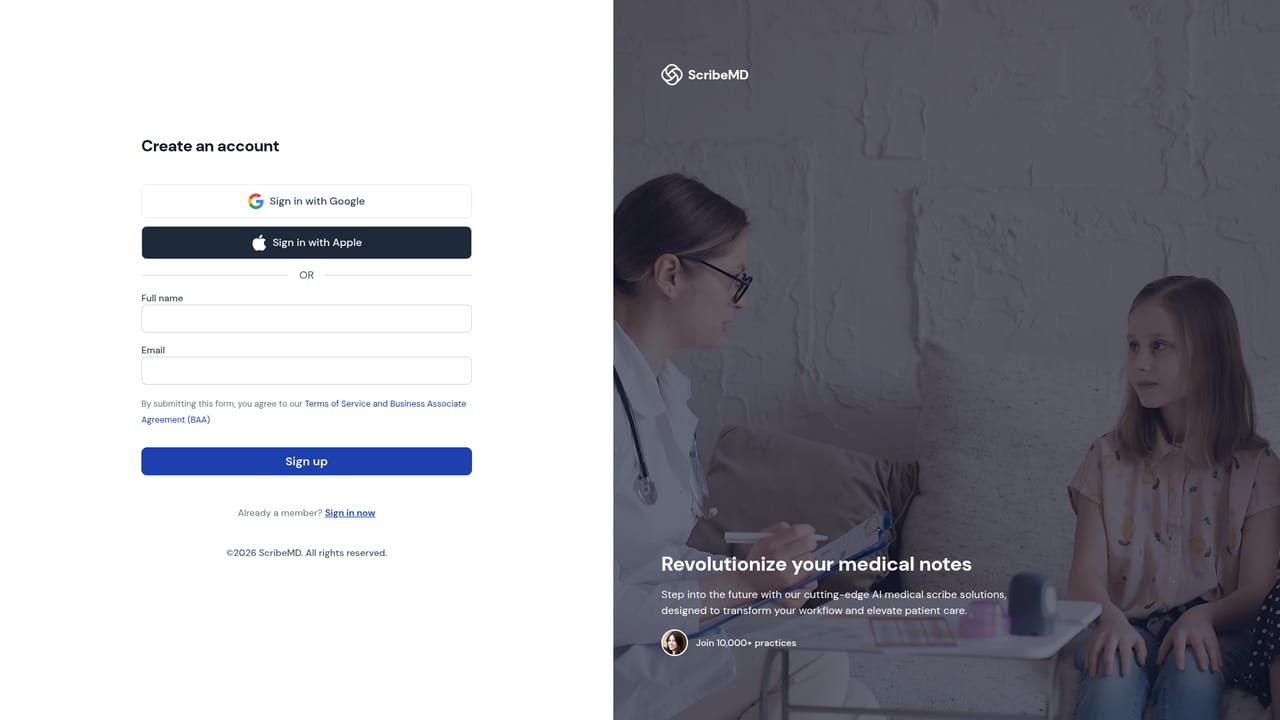
The site advertises a free trial with no credit card and no setup call, and states that your first visit is documented in minutes. Plan length and trial limits are not specified on the homepage.
Learn moreClinical notes drafted in under 30 seconds while you stay with the patient

ScribeMD is an AI transcriber tool. An ambient AI scribe for physicians that records the visit, drafts a specialty-templated note with ICD-10 and CPT suggestions in seconds, and syncs it to the EHR. It bundles cited clinical Q&A, coding support and system-wide dictation, with HIPAA, SOC 2 and PIPEDA compliance claimed.
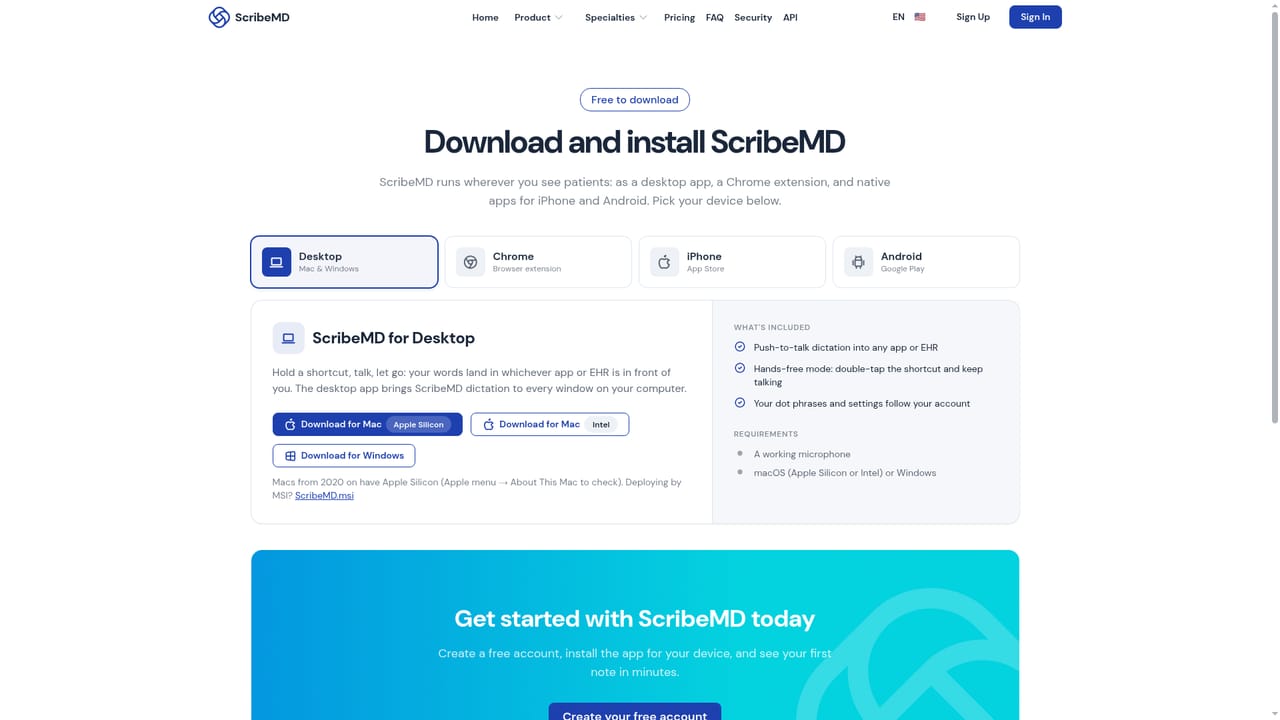
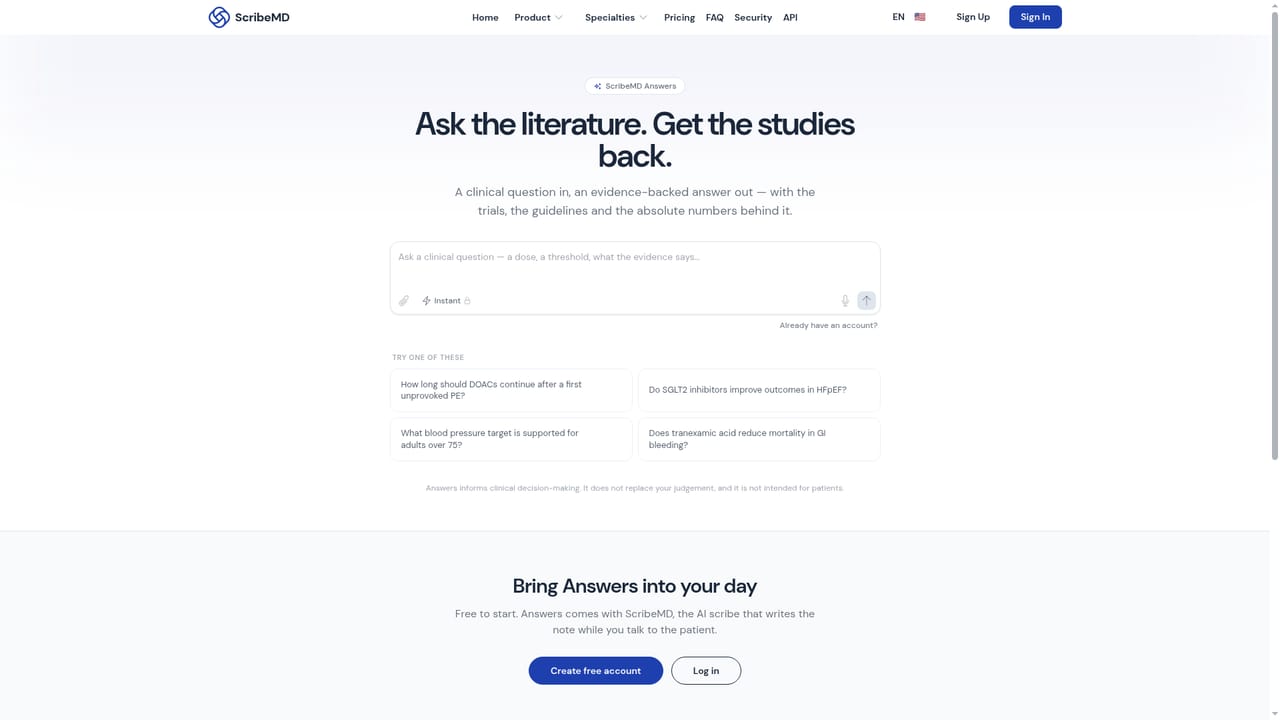
ScribeMD is an AI medical scribe that records the patient encounter and turns the conversation into a structured clinical note. The clinician starts a session on a phone or desktop, the visit is captured in any of 30 or more languages with speakers separated, and a draft note appears in seconds after the visit ends. The draft arrives in a chosen template (SOAP, H&P, APSO, DAP, procedure notes or letters) and includes history, exam, assessment, plan and suggested ICD-10 and CPT codes. Nothing is filed automatically: the clinician reviews, edits, signs, and the note syncs to the EHR. The tool is built for practicing physicians and small to mid-sized practices rather than for hospital IT projects. Dermatology, cardiology, family medicine and internal medicine groups appear among the reference logos, and the vendor claims more than 30,000 physicians, which suggests a specialty-aware template library and per-clinician wording, dot phrases and custom sections. Notes are described as landing in the chart before the next patient is roomed, and the pitch is explicitly about removing evening charting. Beyond the scribe, the same account bundles three adjacent jobs. A clinical question feature answers dosing and threshold questions with citations to the trials and guidelines it consulted, and is offered free on the site. Coding suggestions are drawn from the note itself, so missed charges can be caught before the claim goes out. A desktop app adds a dictation button that works in any text field, Epic, Cerner, Word or Gmail included, pasting cleaned-up text at the cursor. EHR integrations are listed at 35 or more, with Epic, Cerner, athenahealth and Veradigm named. Against ambient scribes sold as standalone note takers, ScribeMD positions itself as one assistant across documentation, clinical reference and coding, with a compliance story (HIPAA, SOC 2, PIPEDA, encryption in transit and at rest, no patient data used for model training, BAA available). Buyers comparing options should weigh that breadth against the thin public detail on pricing and the fact that most proof points come from the vendor's own testimonials.
The site advertises a free trial with no credit card and no setup call, and states that your first visit is documented in minutes. Plan length and trial limits are not specified on the homepage.
Learn moreSupport runs through an on-site chat widget, a demo booking link and a help centre with popular articles covering first visits, dot phrases, patient consent, the browser extension and note customization. The team states it answers questions within the day.
The homepage names Epic, Cerner, athenahealth and Veradigm among 35 or more EHR integrations, and the desktop dictation tool works inside other applications such as Word and Gmail. A full integration directory is not published on the page.
Ambient visit recording with speaker separation in 30+ languages; drafted notes in SOAP, H&P, APSO, DAP and procedure or letter formats with editable templates and dot phrases; suggested ICD-10 and CPT codes; cited answers to clinical questions; a desktop dictation button that works inside Epic, Cerner, Word, Gmail and any text field; EHR sync with 35+ systems including Epic, Cerner, athenahealth and Veradigm; encryption in transit and at rest with BAA available.
 AI Angels400+ customizable AI girlfriends for NSFW chat, voice calls, and roleplay
 Candy AIExperience the future of companionship with AI friends who chat, role-play, and connect with you on a human level.
 ourdream.aiA vast AI roleplay platform with millions of characters for chat, images, video and voiceAI Angels400+ customizable AI girlfriends for NSFW chat, voice calls, and roleplayCandy AIExperience the future of companionship with AI friends who chat, role-play, and connect with you on a human level.ourdream.aiA vast AI roleplay platform with millions of characters for chat, images, video and voice


