Free trial
A free sample analyzes the first three scenes of a screenplay without requiring a card.
Learn moreFive independent AI readers, one synthesis, analysis down to the scene

Scriptreader is an AI screen analyzer tool. Scriptreader.ai submits a full screenplay to five independent AI models, synthesizes their scores into one verdict, and maps analysis across script, act, sequence and scene. It supports multiple critical lenses and a free sample of the first three scenes.
Scriptreader runs a complete screenplay through five independent AI models, then synthesizes their verdicts into a single read. Each reader scores the draft and characterises what it resembles (prestige, elevated commercial, mainstream commercial), so a writer sees a range rather than one opinion. The premise is that agreement across independent readers is evidence and a lone note is a judgment call. The synthesis explains where the draft sits, why it scores no lower and no higher, and names a starting point for the rewrite. The layered read is the core of the product. Analysis is mapped at four sizes: the full script, each act, each sequence, and each individual scene. Where a scene sags but the sequence around it holds, that shows up in the comparison. Scores can be re-run through different lenses (Triage, Pressure, Development, Consequence, Clarity, and others), and the same four rows change meaning depending on which lens is selected. Triage bands (Keep, Polish, Rework, Two lenses low, Not fully read) describe how many of three readings came back weak, not how badly any single reading failed. This is built for screenwriters, script consultants, and development teams who already get coverage and want a second layer of evidence before committing to a rewrite. It is not a replacement for human notes; it is a way to sort which notes recur and which are one reader's taste. Published analyses of produced screenplays (Green Book, The Room, The Matrix) are browsable, so the output format can be examined before uploading anything. Scriptreader competes with generic chatbot reads and human coverage services. Its differentiator is the five-reader synthesis and the scene-level drill-down. Pricing is stated as starting at $9.99 with no subscription, and the first three scenes can be analyzed free without a card.
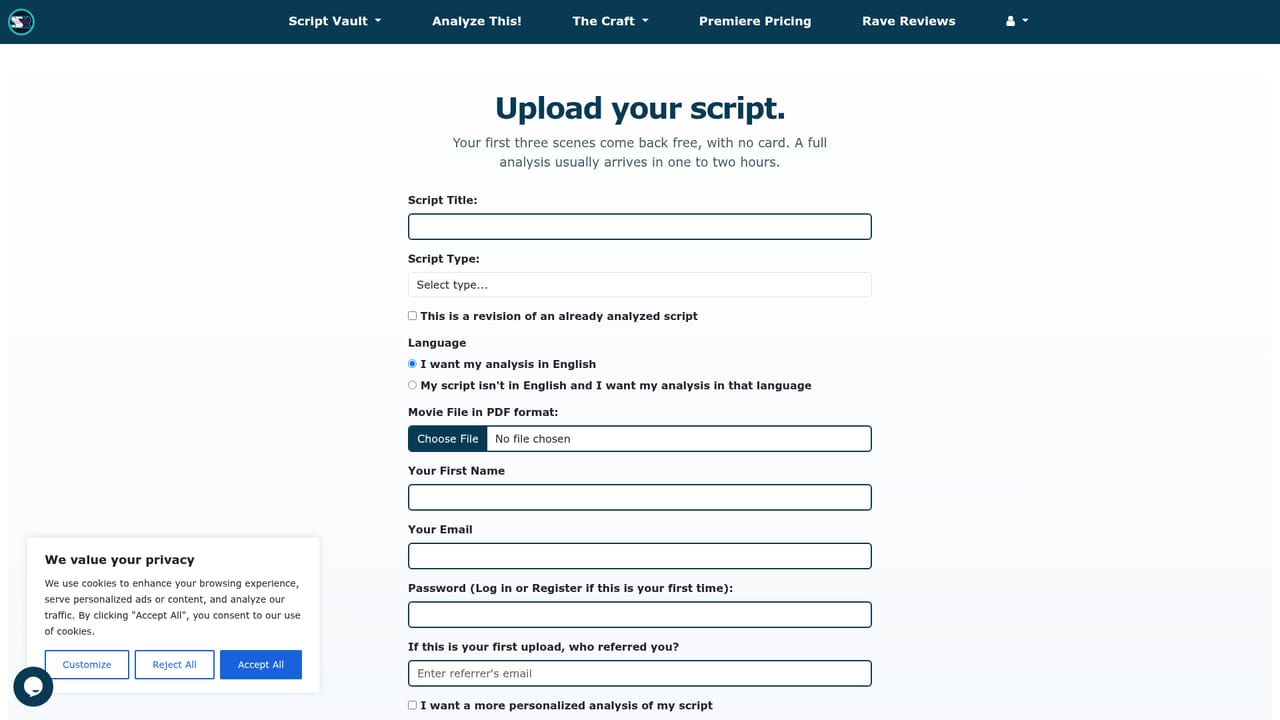
A free sample analyzes the first three scenes of a screenplay without requiring a card.
Learn morePricing starts at $9.99 and runs as a one-off purchase rather than a subscription, according to the homepage. Exact tiers and what each includes are not listed in the source; the pricing page carries the detail.
Learn moreFive independent AI readers score a complete draft, and a synthesis reports the average, the range, and where readers agree or split. Layered Read maps results at script, act, sequence and scene level, with switchable lenses including Triage, Pressure, Development, Consequence and Clarity, plus triage bands and scene-level notes.
Learn more AI Angels400+ customizable AI girlfriends for NSFW chat, voice calls, and roleplay
 Candy AIExperience the future of companionship with AI friends who chat, role-play, and connect with you on a human level.
 ourdream.aiA vast AI roleplay platform with millions of characters for chat, images, video and voiceAI Angels400+ customizable AI girlfriends for NSFW chat, voice calls, and roleplayCandy AIExperience the future of companionship with AI friends who chat, role-play, and connect with you on a human level.ourdream.aiA vast AI roleplay platform with millions of characters for chat, images, video and voice