Free trial
A free trial is offered: the homepage links to Start Free Trial, which begins with a calendar connection at signup.
Learn moreAI meeting agent that turns calls into notes, tasks, and client deliverables

Sembly AI records online and offline meetings, produces named-speaker transcripts in 45+ languages, extracts decisions and tasks, and turns conversations into branded proposals, reports, and follow-up emails. Aimed at consultancies, agencies, and client-facing teams.
Sembly AI is an AI meeting agent built for professional service teams. It connects to your calendar and automatically records and transcribes online meetings on Zoom, Google Meet, Microsoft Teams, and Webex, while an offline app captures in-person conversations. After the call, Sembly produces a word-for-word transcript in more than 45 languages with each speaker identified by name, then generates AI meeting notes, key decisions, risks, and tasks complete with owners and deadlines. The system also supports proxy attendance, joining meetings you skip so you still receive the recap. The platform goes beyond note-taking. From any meeting, Sembly can draft on-brand proposals, status reports, and pitch decks, exportable as editable PowerPoint and Word files. It can produce a follow-up email with the recap and next steps, or build reports that draw on meeting history and reference materials. For consultancies, agencies, and project teams, this closes the gap between a conversation and the document a client expects. Sembly fits best in client-facing environments where meetings are the source of record: management consultancy, IT outsourcing, marketing and creative, product development, sales, and customer success. It competes with transcription-first tools such as Otter and Fireflies, but differentiates by carrying context through to deliverables rather than stopping at the transcript. Setup starts with connecting a calendar; the tool then runs in the background of scheduled calls. The homepage cites 3M+ meetings recorded and analyzed and 20,000+ professional teams using Sembly, with SOC 2 Type II, GDPR, HIPAA, and Microsoft 365 certifications listed. Pricing tiers are not detailed on the homepage, so buyers should consult the pricing page before committing. The value is clearest for teams that bill for their time and need consistent, branded documentation after every client interaction.
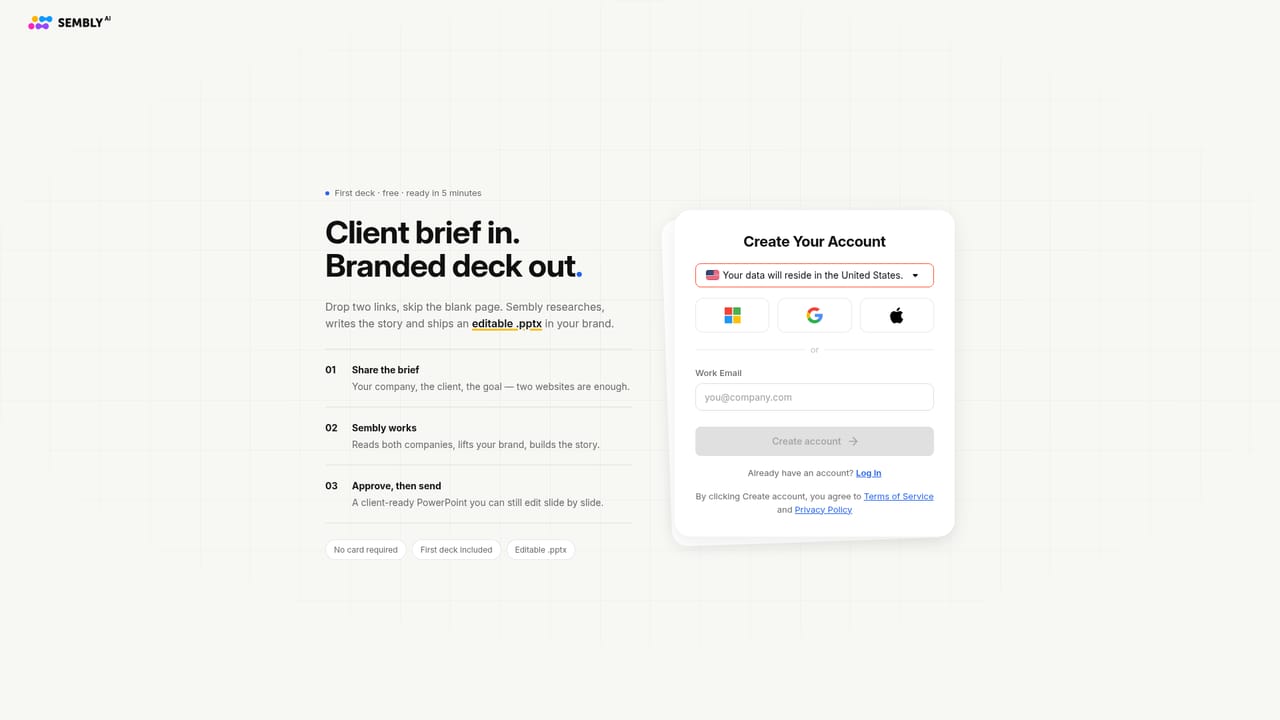
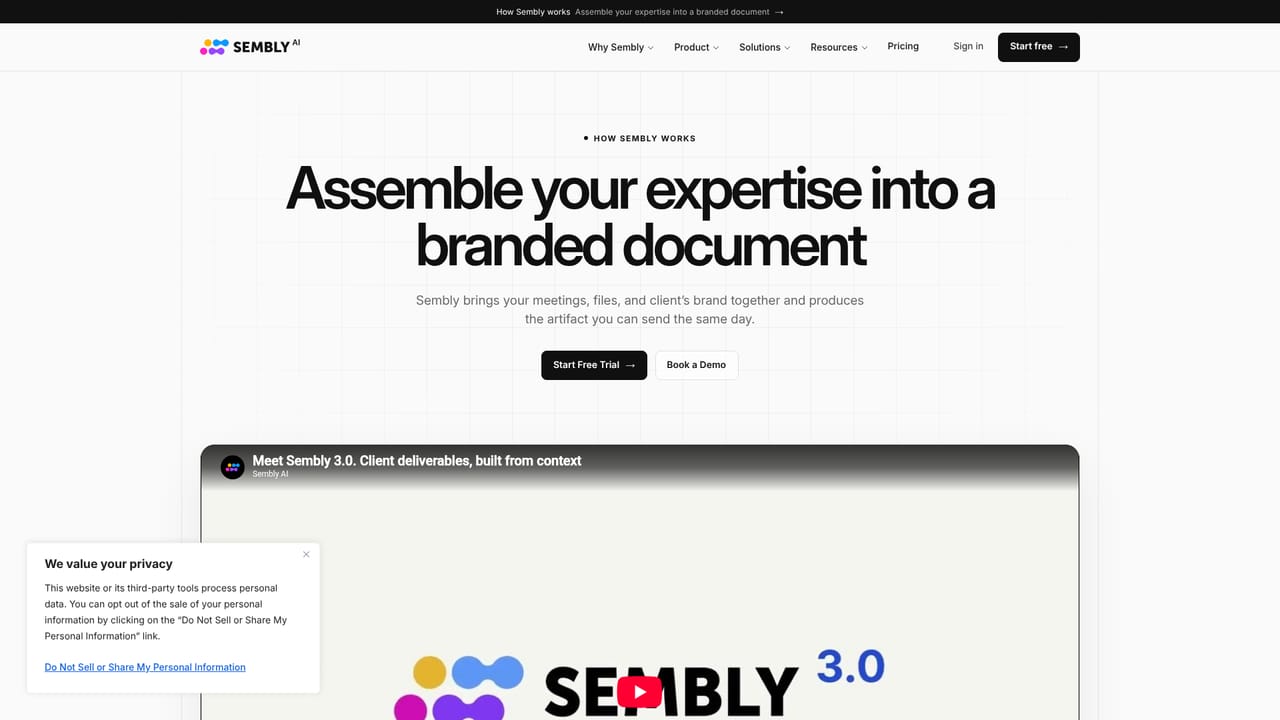
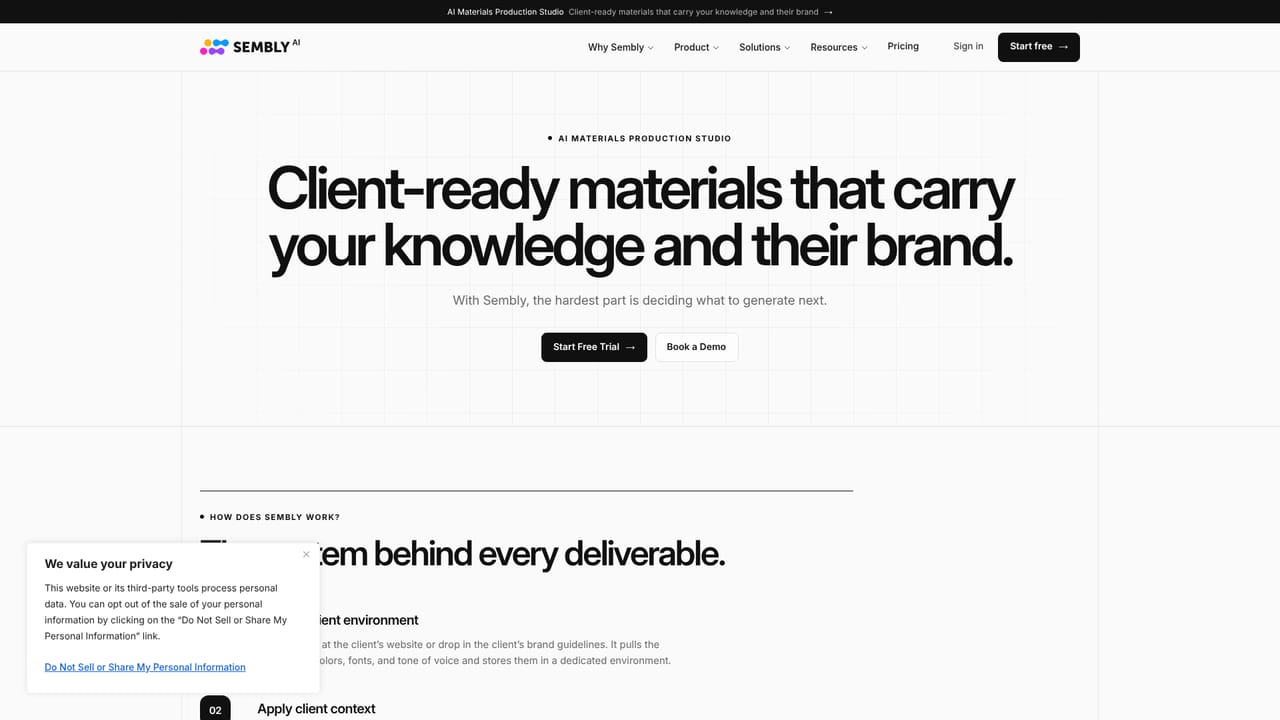
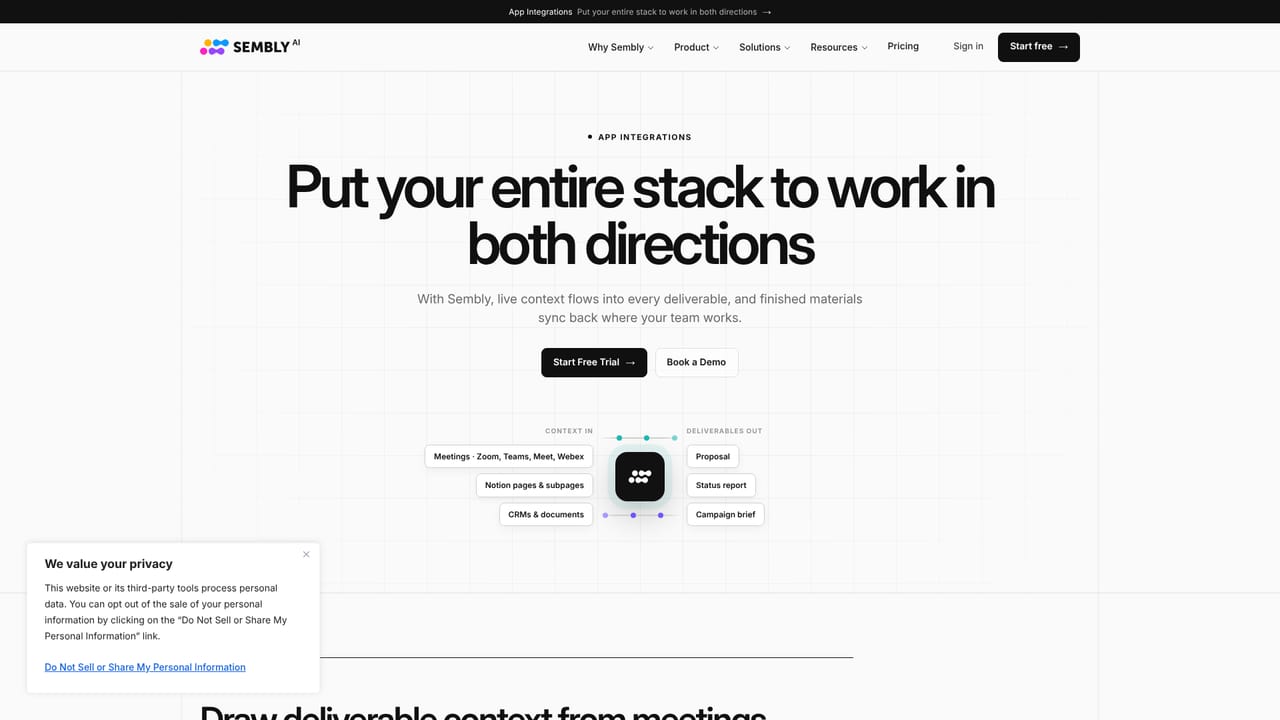
A free trial is offered: the homepage links to Start Free Trial, which begins with a calendar connection at signup.
Learn moreA Help Center and a Trust Center are linked from the site, alongside a demo booking form. Support channels and response times are not described on the homepage.
Learn moreThe homepage states calendar-based recording for Zoom, Google Meet, Microsoft Teams, and Webex. No other integrations are listed.
Learn moreAutomatic recording for Zoom, Google Meet, Microsoft Teams, and Webex; offline transcription for in-person meetings; proxy attendance; in-meeting voice commands for tasks and decisions; multilingual transcripts in 45+ languages with named speakers; AI notes, key items, and tasks; branded proposals, reports, and decks exportable to PowerPoint and Word; follow-up emails; cross-meeting reports.
Learn more AI Angels400+ customizable AI girlfriends for NSFW chat, voice calls, and roleplay
 Candy AIExperience the future of companionship with AI friends who chat, role-play, and connect with you on a human level.
 ourdream.aiA vast AI roleplay platform with millions of characters for chat, images, video and voiceAI Angels400+ customizable AI girlfriends for NSFW chat, voice calls, and roleplayCandy AIExperience the future of companionship with AI friends who chat, role-play, and connect with you on a human level.ourdream.aiA vast AI roleplay platform with millions of characters for chat, images, video and voice


