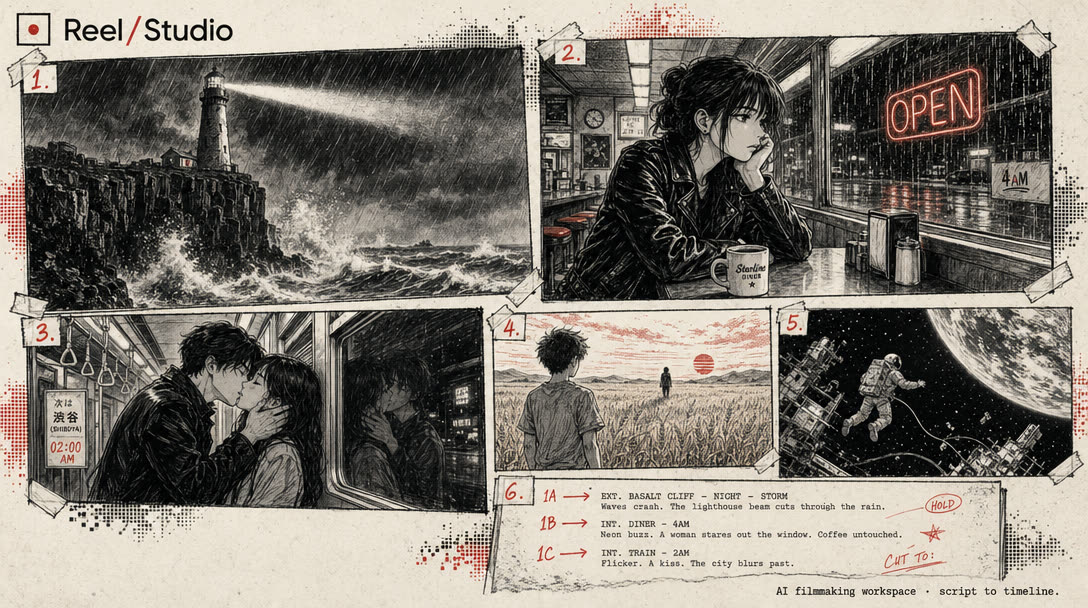
Free trial
Sign in with Google and the first 5-second 480p video is free, with sound and captions, no card required. That free video is generated from text only; photos, avatars, uploaded audio and HD require a plan.
Learn moreType a sentence, get a finished vertical short with sound and captions.
Own Shorts Generator? Verify ownership to get a dofollow link

Shorts Generator is a make reels AI tool. A prompt-to-short video generator that writes footage, sound and captions into one MP4 for TikTok, Reels and YouTube Shorts, with avatar, story, product ad, audio story and lyric video formats on top of the core text brief.
Shorts Generator turns a written brief into a finished short video for TikTok, Reels and YouTube Shorts. The pitch is deliberately narrow: describe what happens in a sentence, optionally put any spoken line in quotes, and the service generates matching footage, sound and word-timed captions, then cuts everything into a single MP4. Output is vertical 9:16 by default, with a landscape 16:9 option, and finished files land in a personal library you can download whenever you like. The tool covers a wide set of short-form formats rather than one template. Faceless channel clips, talking avatars (one portrait plus your audio, lip synced, up to roughly 14.8 seconds), voiced story scenes with sound design, product launch films built from as many as four reference photos, multi-voice audio stories of 60 to 90 seconds, and lyric music videos all sit under the same prompt-first workflow. Photos act as appearance references, and the site is explicit that the AI may still alter faces, products and lettering, so exact brand or identity fidelity is not promised. It suits solo creators, faceless channel operators, small brands and social teams who need volume without a camera, an editor or a stock footage subscription. The practical loop is short: draft the brief on the homepage, review the credit cost, generate, then close the tab if you want, since rendering continues and the result waits in the library. Twenty browser tools on the same site, including a photo slideshow maker and an animated texting story builder, cover jobs the generator itself does not. The main trade-offs are length and scope. Paid generations cap at 15 seconds, so this is a hook-and-payoff tool, not a long-form editor. The free tier strips out photos, avatars, uploaded audio and HD, which means the formats most people want to test sit behind a plan. Compared with general video generators, Shorts Generator is more opinionated about aspect ratio, captions and pacing, which speeds up routine posting but leaves less room for granular editing.
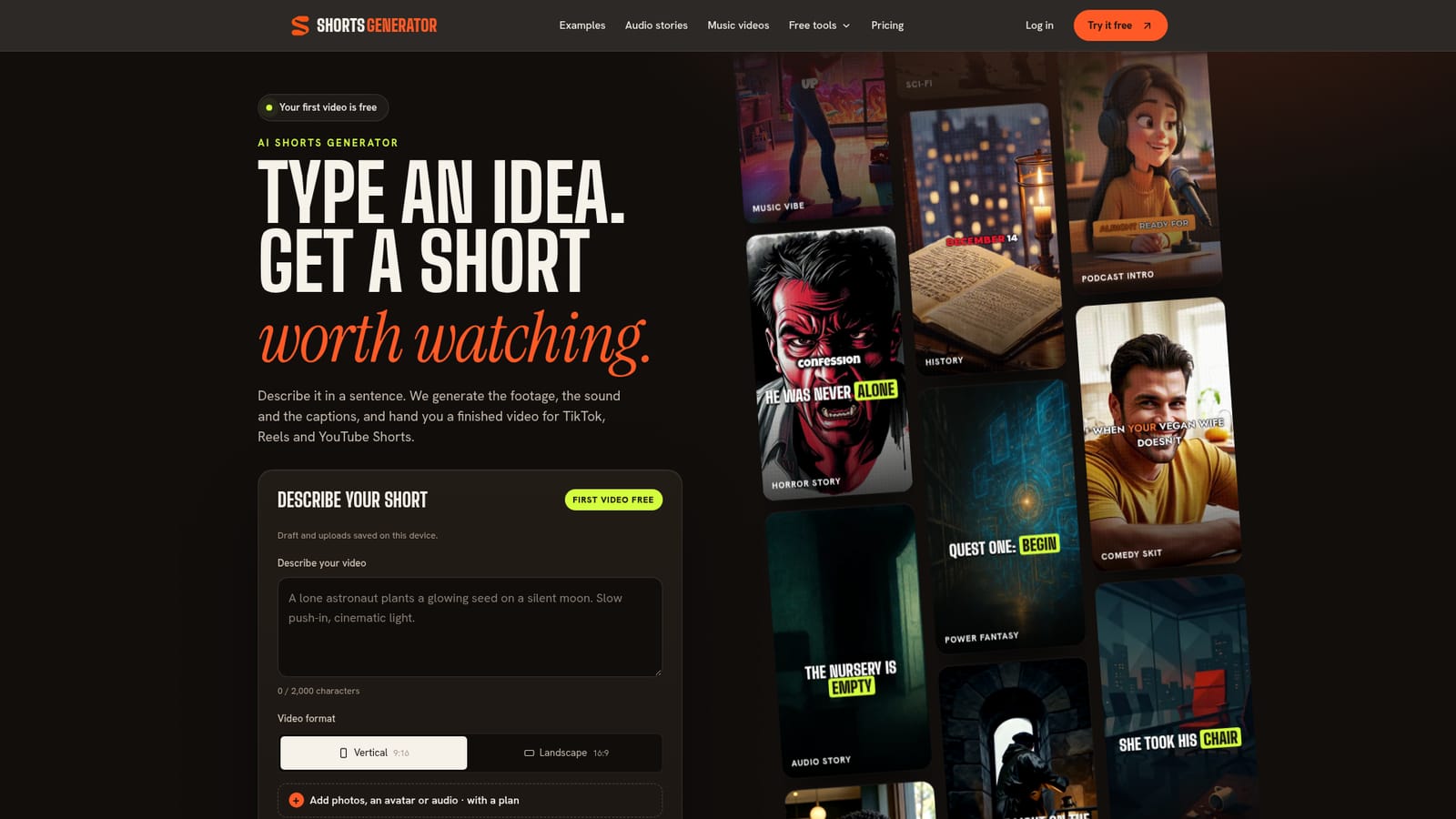
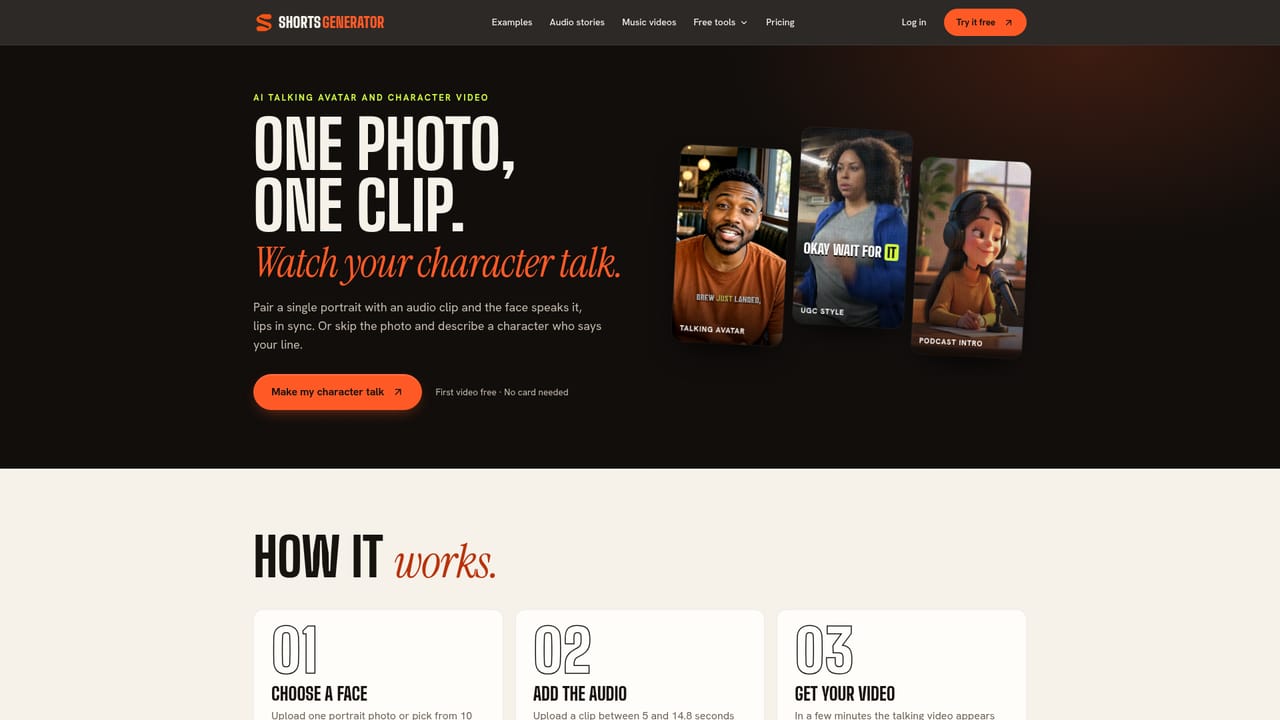
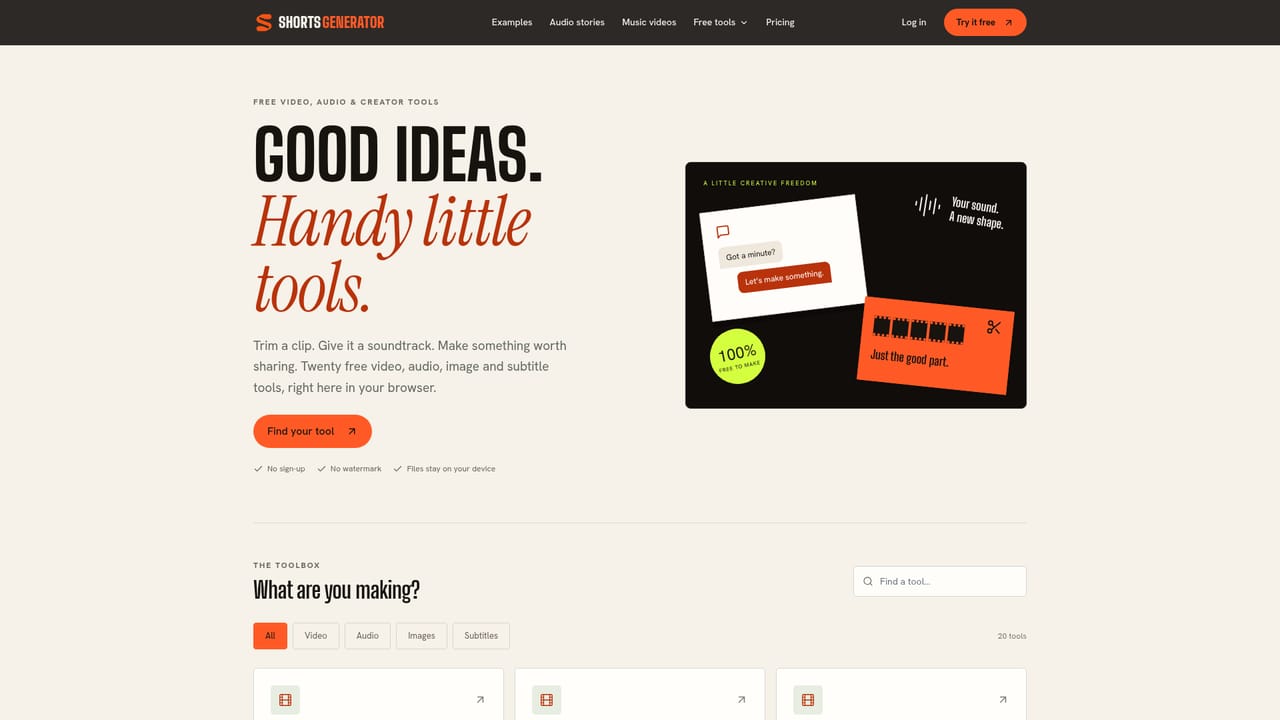
Sign in with Google and the first 5-second 480p video is free, with sound and captions, no card required. That free video is generated from text only; photos, avatars, uploaded audio and HD require a plan.
Learn moreFree tier gives one 5-second 480p video with sound and captions and no card. Paid plans bill monthly: Hobby $19.99 (250 credits, about 6 HD videos), Standard $49.99 (about 20), Professional $99.99 (about 40). A 15-second HD video costs 40 credits, and failed videos are refunded.
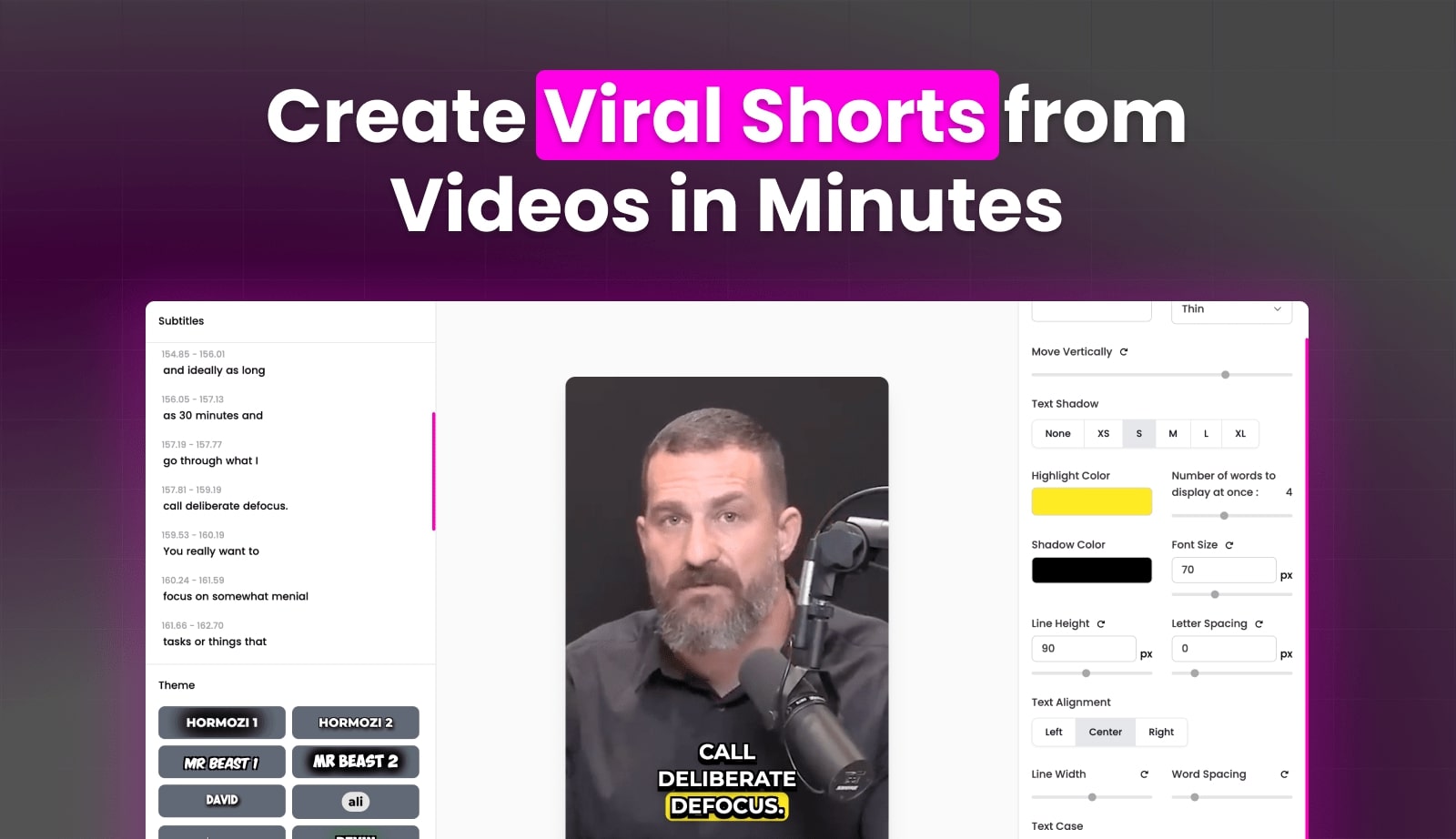
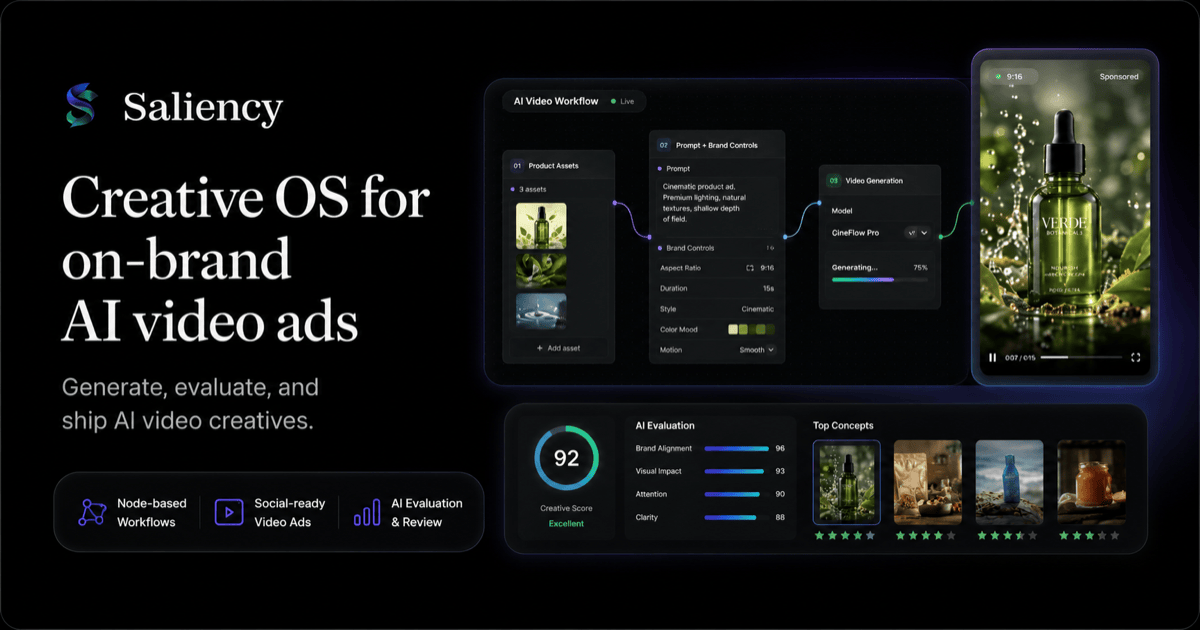
Learn moreOne text brief produces a finished MP4 with generated footage, sound and word-timed captions, in vertical 9:16 or landscape 16:9 at up to 1080p. Specialised modes cover faceless clips, talking avatars lip synced to your audio, voiced story videos, product launch films from reference photos, multi-voice audio stories and lyric music videos.
Learn more AI Angels400+ customizable AI girlfriends for NSFW chat, voice calls, and roleplay
 Candy AIExperience the future of companionship with AI friends who chat, role-play, and connect with you on a human level.
 ourdream.aiA vast AI roleplay platform with millions of characters for chat, images, video and voiceAI Angels400+ customizable AI girlfriends for NSFW chat, voice calls, and roleplayCandy AIExperience the future of companionship with AI friends who chat, role-play, and connect with you on a human level.ourdream.aiA vast AI roleplay platform with millions of characters for chat, images, video and voice