Pricing
The app is free to download on the App Store, and the site states there are no in-app purchases, so the drawing and AI transformation features are not gated behind a paywall.
Learn moreKids' finger drawings turned into AI watercolor paintings
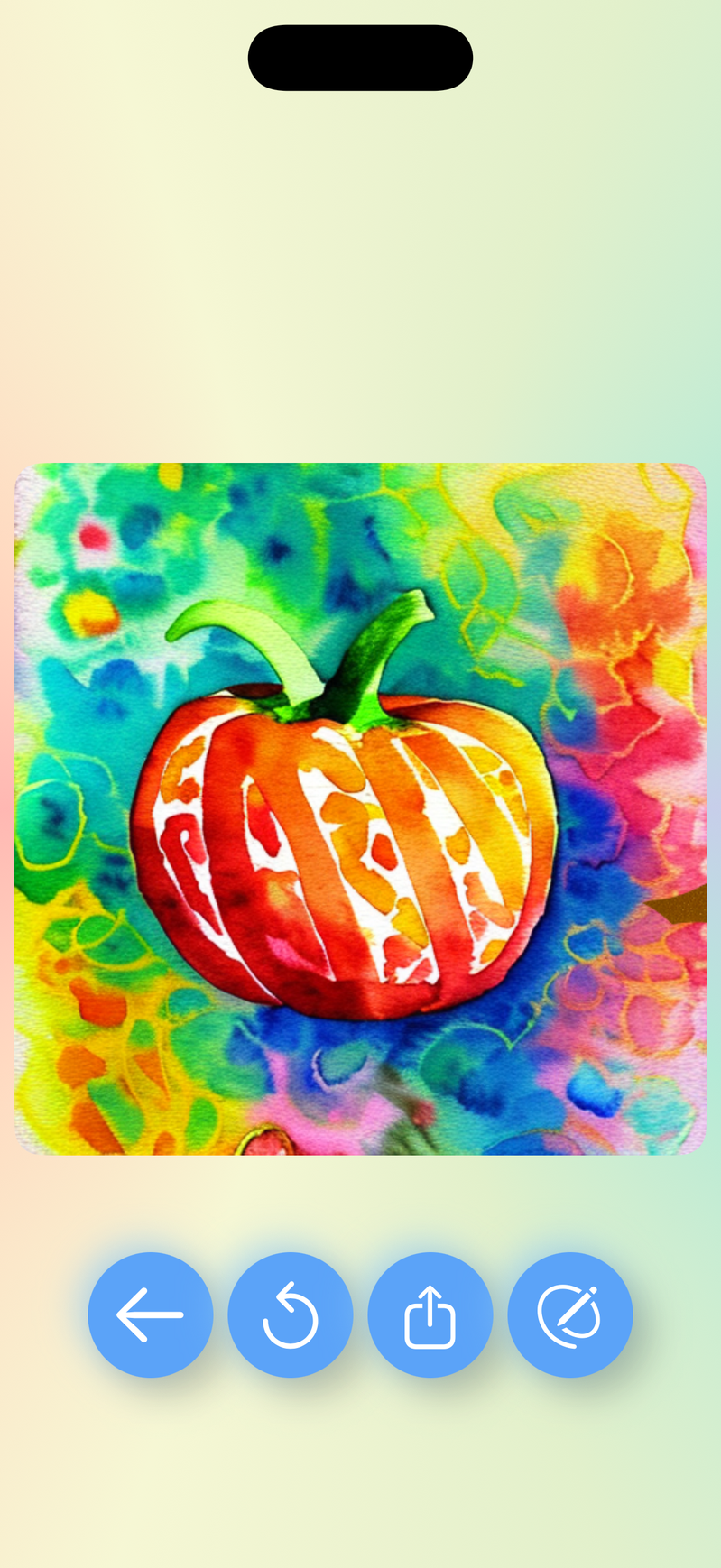
Silly Times is a free iPhone and iPad app that turns a child's finger drawing into an AI watercolor painting. Kids draw with PencilKit tools, tap a magic wand, and swipe a golden curtain to reveal the result, which is saved alongside the original in a gallery.
Silly Times is an iPhone and iPad drawing app from Puppetry that takes a child's finger sketch and hands it to an AI model, which repaints it as a watercolor image. The premise is deliberately narrow: a child draws anything (a pumpkin, a cat, a rocket), taps the magic wand, and the app returns a full-color watercolor interpretation of the same subject. The drawing surface itself is built on Apple PencilKit, so strokes from the pencil, marker, highlighter and eraser tools respond smoothly under small fingers. The workflow is short by design. A blank canvas opens with a color palette organized for easy picking, the child draws freely, and swiping away a golden curtain reveals the transformed result. There is no prompt box, no settings panel and no generation parameters to understand, which is the main reason it works for the stated ages 4+ audience. Every original drawing and its watercolor counterpart lands in an auto-save gallery, where a parent or child can revisit, edit or share the pair later. Puppetry positions the app around child safety rather than feature depth. There are no ads, no in-app purchases, no social features and no account requirement, and the interface is available in ten languages including English, Spanish, French, German, Hindi, Japanese, Turkish, Simplified and Traditional Chinese, and Finnish. That combination makes it a reasonable pick for families who want a creative AI toy without sign-up friction or a storefront attached. Compared with general-purpose image generators, Silly Times trades control for simplicity. There are no style presets, aspect ratio options or text prompts, and the output is locked to a watercolor look. It is a first AI art experience for young children and a low-commitment purchase for parents, not a tool for older kids or adults who want to steer the result.
The app is free to download on the App Store, and the site states there are no in-app purchases, so the drawing and AI transformation features are not gated behind a paywall.
Learn moreQuestions can be sent to hi@puppetry.com, the contact email listed on the site. No help centre or documentation page is referenced.
PencilKit drawing tools (pencil, marker, highlighter, eraser), a color palette built for small fingers, a one-tap AI magic wand that produces watercolor paintings, a swipe-to-reveal curtain effect, an auto-save gallery for originals and results, and interface support for ten languages.
 AI Angels400+ customizable AI girlfriends for NSFW chat, voice calls, and roleplay
 Candy AIExperience the future of companionship with AI friends who chat, role-play, and connect with you on a human level.
 ourdream.aiA vast AI roleplay platform with millions of characters for chat, images, video and voiceAI Angels400+ customizable AI girlfriends for NSFW chat, voice calls, and roleplayCandy AIExperience the future of companionship with AI friends who chat, role-play, and connect with you on a human level.ourdream.aiA vast AI roleplay platform with millions of characters for chat, images, video and voice