Free trial
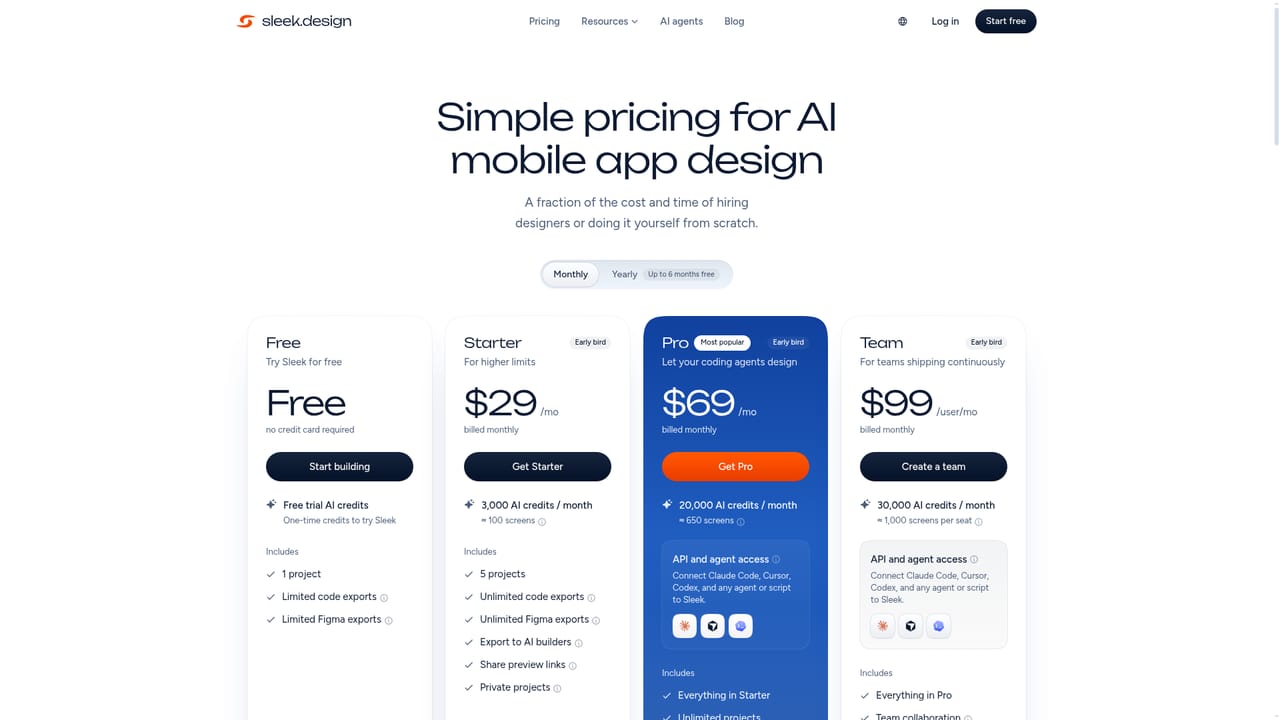
A free plan grants 60 one-time AI credits, one project and three screens, with Figma and code export included and no credit card required.
Learn moreDescribe your app and get matching iOS and Android screens

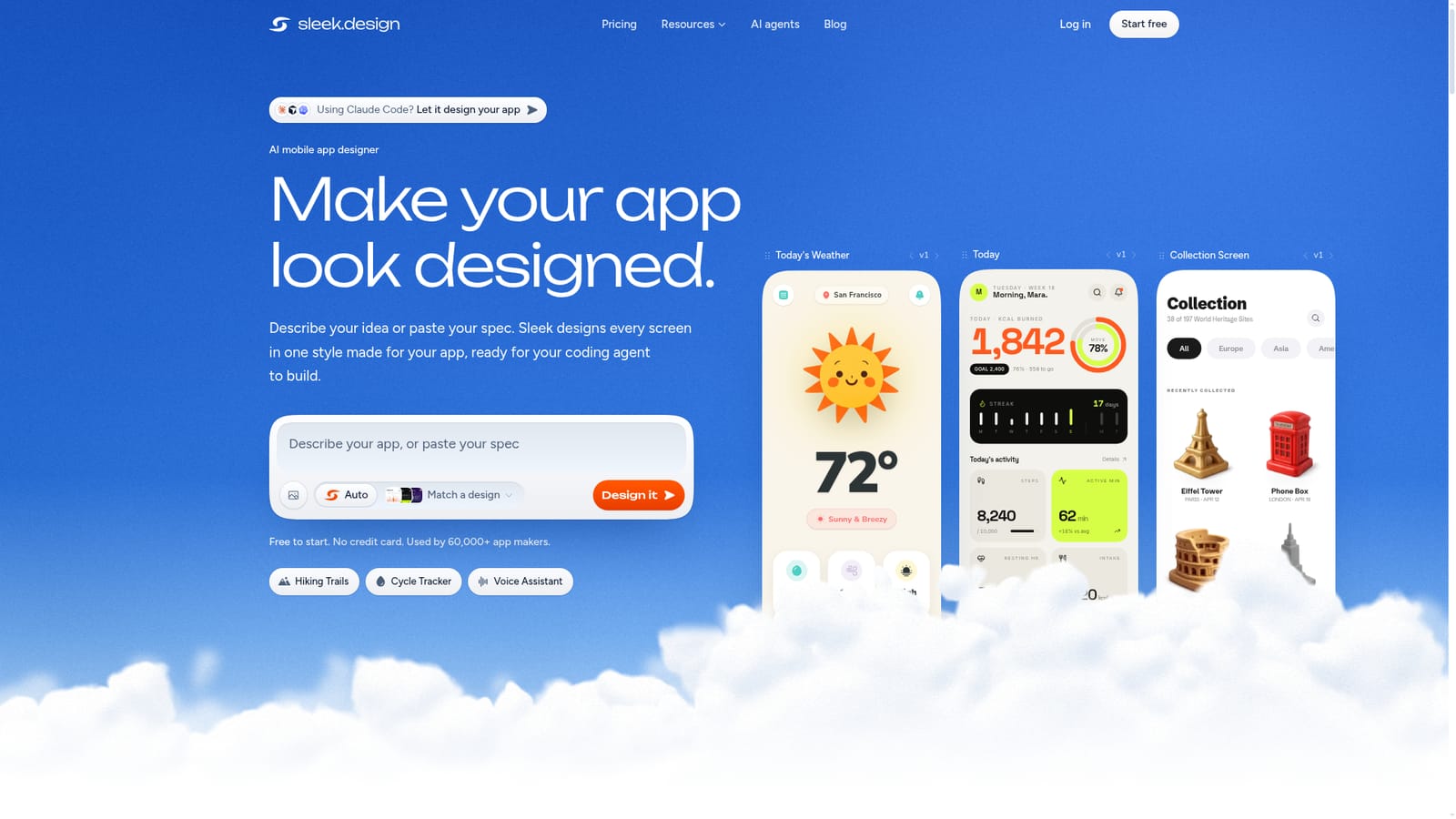
Sleek AI is a figma design generator tool. AI mobile app designer that turns a sentence, a spec or a reference screenshot into a matching set of iOS and Android screens, with React, HTML and native Figma export on every plan.
Sleek is an AI designer built specifically for mobile apps. A founder or product manager types a sentence, pastes an existing spec, or attaches a reference screenshot, and the tool produces a full set of iOS and Android screens that share one visual identity. Rather than treating each screen as an isolated image, it first plans the fonts, colors and layout system for the app, then draws the individual screens against that plan. Prompts on the site range from a single line to a two page specification, and the output scale with the detail you provide. The workflow has three stages. First comes generation: Sleek analyzes the request, plans a visual identity and a screen list, and renders each screen. Second comes refinement, where any screen can be edited by hand or adjusted through chat instructions. Third comes export. Screens leave the tool as React with Tailwind, as plain HTML, or as native Figma layers that paste without a plugin. Every plan, including Free, includes code and Figma export, which is unusual for a design product at this price point. The product leans hard on the handoff to coding agents. A Pro tier and above adds a REST API and an agent skill, a set of instructions that teaches Claude Code, Cursor, Codex or a custom script to drive Sleek directly: creating a project, generating screens and pulling the result back as code or Figma layers. Even without the API, the tool writes a build prompt for your agent based on the generated screens. Sleek sits between general AI UI generators and manual work in Figma. Its pitch is mobile specificity: iOS Human Interface Guidelines, Material Design conventions, native navigation patterns, accurate device dimensions and proper tap target sizing. It is aimed at people shipping app concepts without a dedicated designer, not at design teams replacing their existing toolchain. The free tier caps you at one project and three screens, so evaluating whether the generated style suits your product requires little commitment.
A free plan grants 60 one-time AI credits, one project and three screens, with Figma and code export included and no credit card required.
Learn moreFree is $0 with 60 one-time credits, 1 project and 3 screens. Starter is $29/month or $240/year for 3,000 credits (about 100 screens) and 5 projects. Pro is $69/month or $360/year for 20,000 credits (about 650 screens) plus API and agent access. Team is $99 per seat/month or $490 per seat/year for 30,000 credits per seat.
Learn moreEmail support at support@sleek.design; priority support is listed as a Team plan feature.
Exports to Figma as native layers and to React with Tailwind or plain HTML. Pro and above add a REST API and agent skill so Claude Code, Cursor, Codex or custom scripts can create projects and pull designs.
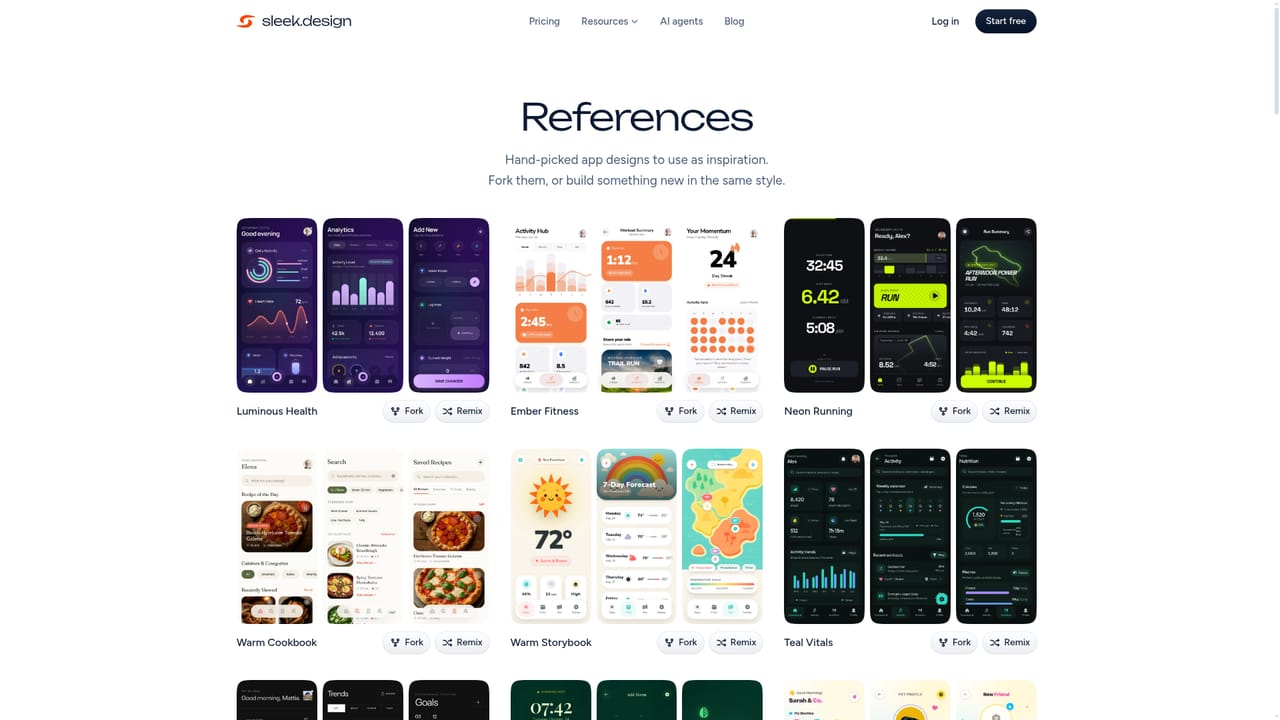
Prompt or spec to full mobile screen sets, planned visual identity (fonts, colors, screen list), chat and manual editing, React with Tailwind and HTML export, native Figma layers without a plugin, build prompts written for coding agents, and a template and references library.
 AI Angels400+ customizable AI girlfriends for NSFW chat, voice calls, and roleplay
 Candy AIExperience the future of companionship with AI friends who chat, role-play, and connect with you on a human level.
 ourdream.aiA vast AI roleplay platform with millions of characters for chat, images, video and voiceAI Angels400+ customizable AI girlfriends for NSFW chat, voice calls, and roleplayCandy AIExperience the future of companionship with AI friends who chat, role-play, and connect with you on a human level.ourdream.aiA vast AI roleplay platform with millions of characters for chat, images, video and voice


