Integrations
The homepage lists GitHub, public and private npm packages and Storybook as part of the development workflow, plus Figma for import and export of design files.
AI product designer that turns prompts and images into interfaces plus code

Polymet is an AI product designer that turns text prompts or images into production ready interfaces and front end code, with design system support, Figma import and export, GitHub and npm integration, and live team collaboration.
Polymet positions itself as an AI product designer rather than a general image generator. A product team describes what it wants in text or supplies an image, and Polymet produces interface designs that are intended to ship, together with front end code for those screens. The pitch is aimed at compressing the path from idea to design to code, so the same tool covers the layout work and the implementation that usually follows it. The feature set is built around existing design systems. Teams can bring their own system, generate new pages and components, and iterate on components that already exist. Figma files can be imported and exported, which lets a team start from existing mockups or push generated work back into its design tool. On the engineering side, Polymet lists Github, public and private npm packages, and Storybook as part of its workflow, and it exposes a code editor for direct edits alongside a visual editor for changing layout, spacing and colour without writing code. In practice the tool suits product designers, design engineers and small teams that need polished screens quickly but cannot hand off vague mockups to developers. Because collaboration is included, several people can work on a design at once, review it and refine it in real time, and live demos can be shared with stakeholders. The homepage also names customers of different sizes, from startups to large enterprises such as Cisco, SAP and ByteDance, and advertises enterprise security and compliance controls for organisations that need them. Compared with pure UI generators that output static mockups, or coding assistants that start from a blank file, Polymet sits between the two: design is the entry point and code is the deliverable, with your own design system as the anchor. That makes it most useful to teams already invested in Figma and a component library, and less relevant to anyone wanting standalone artwork or marketing images.
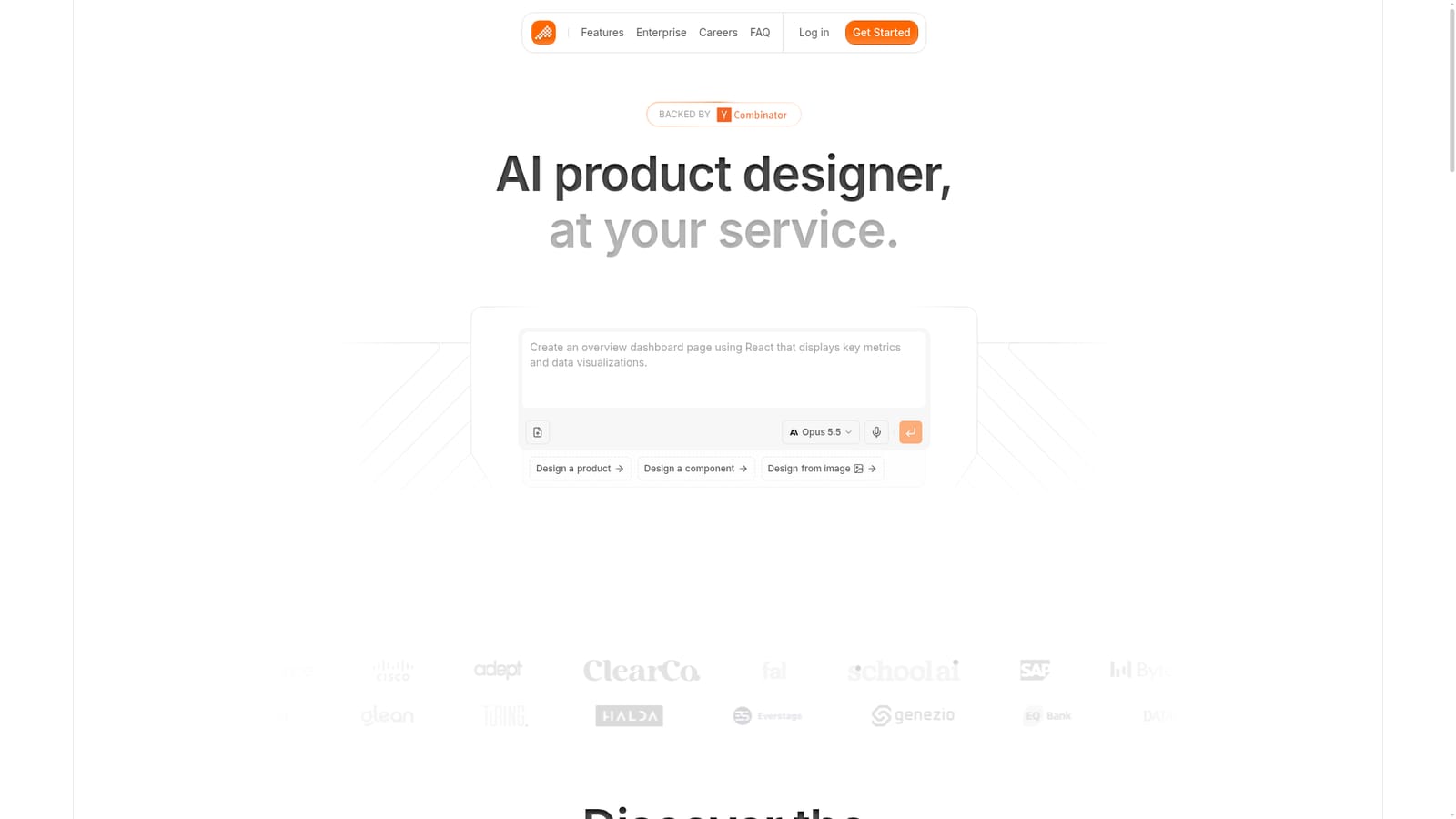
The homepage lists GitHub, public and private npm packages and Storybook as part of the development workflow, plus Figma for import and export of design files.
Design pages, components and prototypes from prompts or images and get production ready front end code. Supports bringing your own design system, Figma import and export, GitHub, public and private npm packages and Storybook, a visual editor for layout, spacing and colour, a code editor, real time team collaboration, shared live demos, and enterprise security and compliance controls.
 AI Angels400+ customizable AI girlfriends for NSFW chat, voice calls, and roleplay
 Candy AIExperience the future of companionship with AI friends who chat, role-play, and connect with you on a human level.
 ourdream.aiA vast AI roleplay platform with millions of characters for chat, images, video and voiceAI Angels400+ customizable AI girlfriends for NSFW chat, voice calls, and roleplayCandy AIExperience the future of companionship with AI friends who chat, role-play, and connect with you on a human level.ourdream.aiA vast AI roleplay platform with millions of characters for chat, images, video and voice


