Free trial
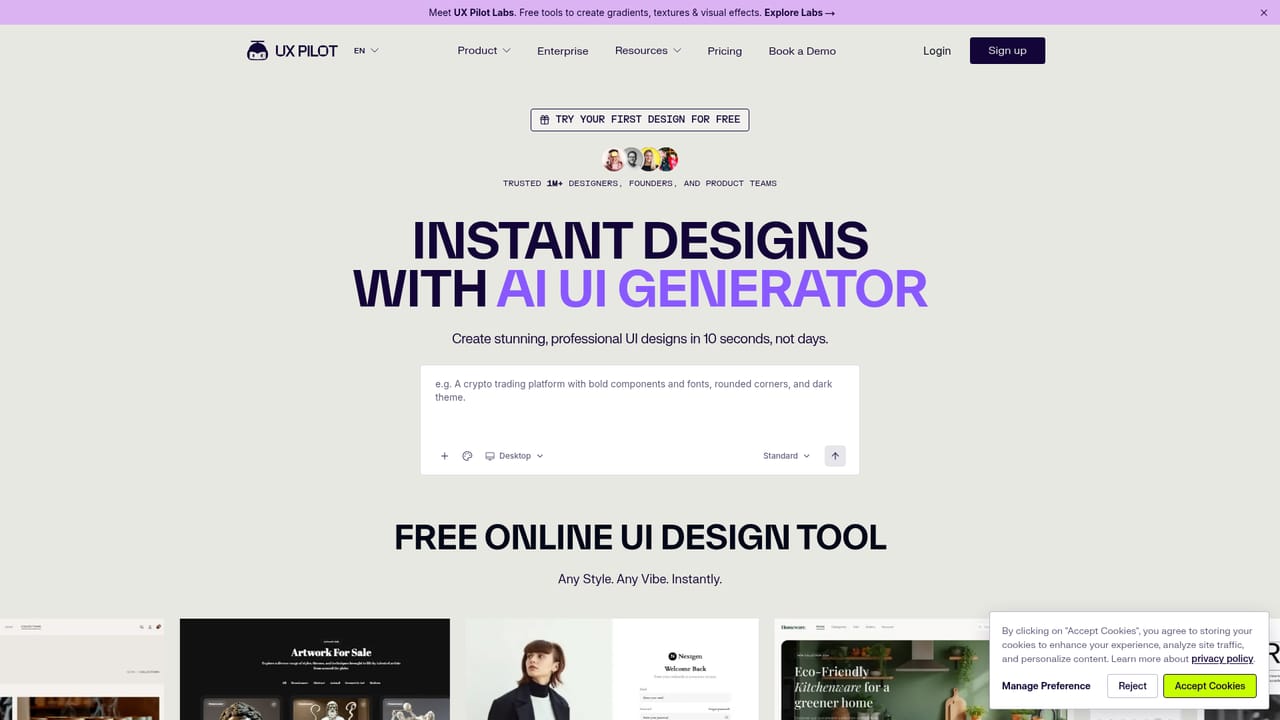
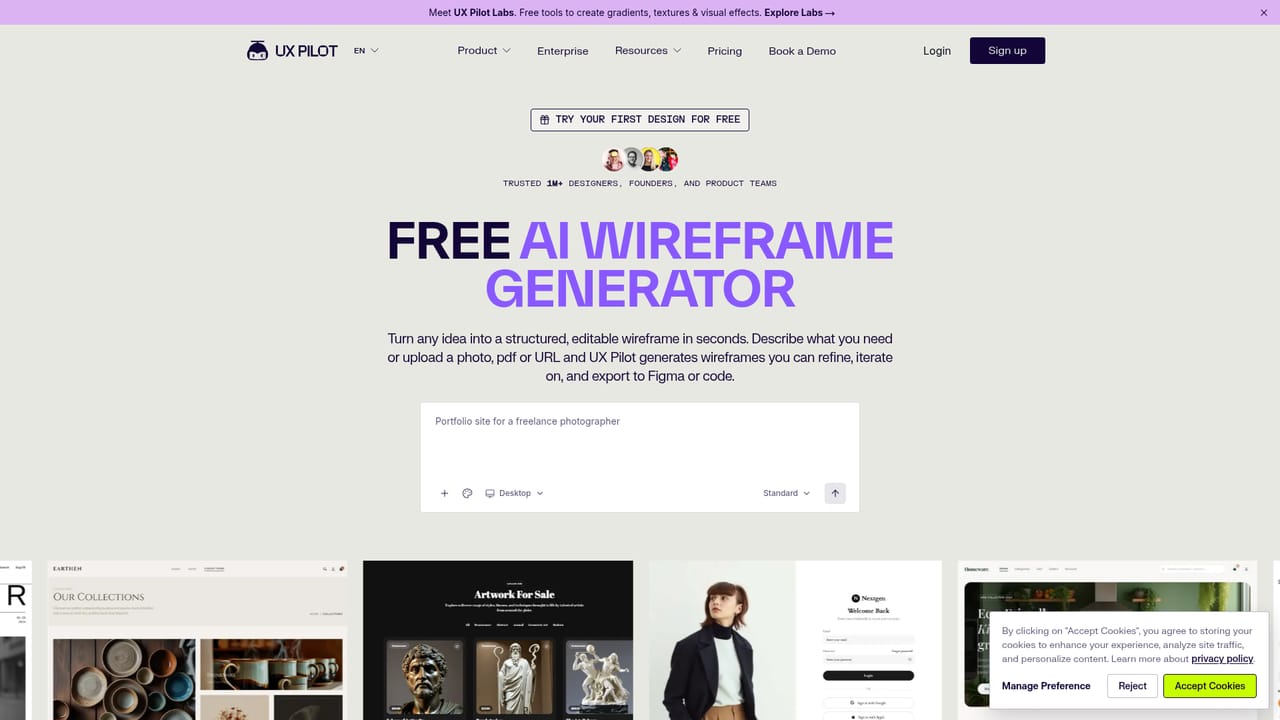
The homepage states that you can start generating for free, indicating a free tier or trial is available without a credit card.
Learn moreAI that turns prompts, sketches, or PRDs into editable UI designs.

UX Pilot generates editable wireframes and high-fidelity UI designs from prompts, sketches, or PRDs. It supports multi-variant exploration, auto-generated user flows, Figma import/export, and code handoff, making it useful for product teams that want to accelerate early design work.
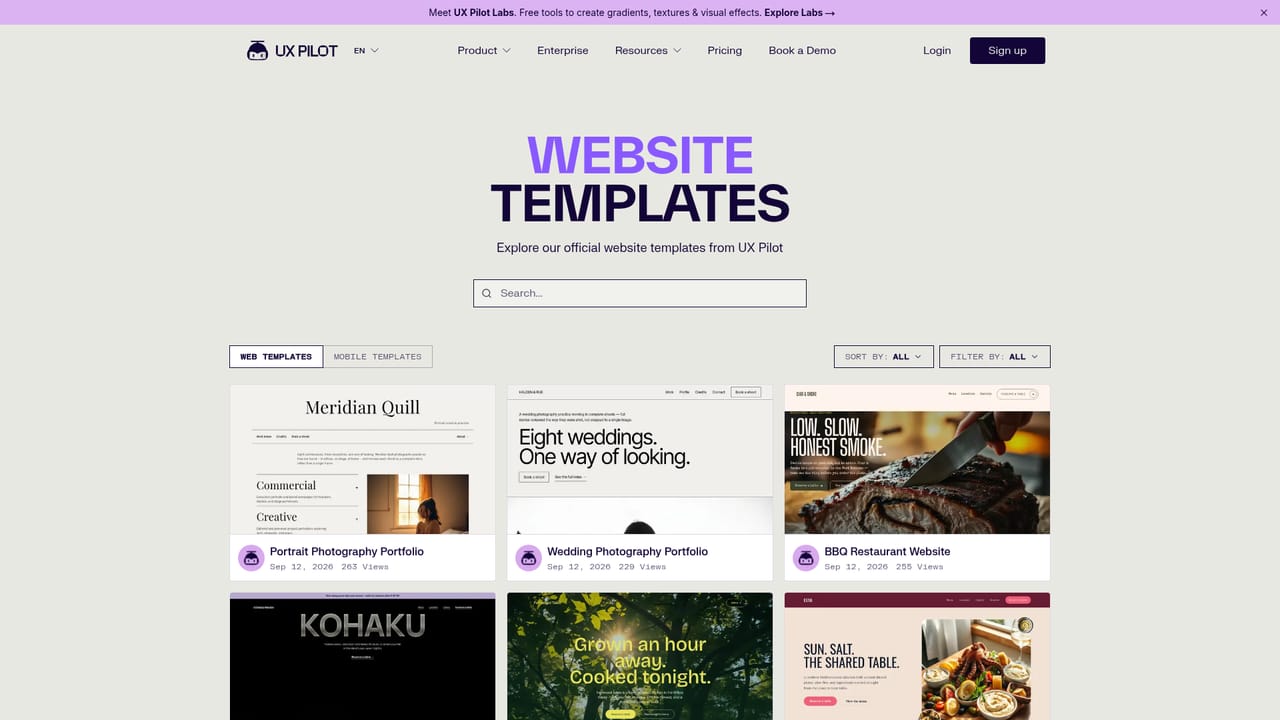
UX Pilot is an AI-powered design tool that generates editable product interfaces from simple inputs. Instead of drawing every screen by hand, you can describe what you need, upload a sketch, or import a PRD, and the tool produces structured wireframes and polished UI layouts. The platform supports both low and high fidelity output, and it can generate multiple visual directions at once so you can compare options quickly and pick a clear path forward. The tool is aimed at product teams, UX designers, founders, and developers who need to move from idea to a testable design fast. It handles the repetitive parts of interface work: building wireframes that follow common UX patterns, expanding a single screen into a full user journey, and turning wireframes into high-fidelity screens that match a brand. You can also import Figma components to create a custom model that keeps output consistent with an existing design system. In practice, a typical session starts with a prompt or a reference image. UX Pilot returns a set of screens that you can refine iteratively, adding detail, states, and edge cases. Flowchart generation helps map how screens and interactions connect. When the design is ready, you can pull it into Figma for collaboration or export code, with optional GitHub sync for developer handoff. Templates for common app types (fintech, e-learning, event booking, and others) provide a starting point when you do not want to begin from a blank prompt. Among AI design tools, UX Pilot positions itself as a flexible workflow layer rather than a single-purpose generator. Its comparison pages set it against Figma Make, Galileo AI, Uizard, and others, and its focus on editable output and two-way Figma connection makes it a practical choice for teams that already have a design process but want to speed up early-stage exploration and wireframing.
The homepage states that you can start generating for free, indicating a free tier or trial is available without a credit card.
Learn moreSupport resources include an AI handbook, video tutorials, and a Slack community. The homepage does not list direct email or chat support channels.
UX Pilot connects with Figma for two-way design retrieval and export, and supports GitHub sync for code handoff. A Slack community is also mentioned for learning and networking.
Learn moreUX Pilot generates editable UI designs from prompts, sketches, screenshots, PDFs, or PRD imports. It creates low to high fidelity wireframes, produces four design variants at once, expands designs with states and edge cases, auto-generates full user journey flows, and builds editable flowcharts. It also supports importing Figma components to create custom models, exporting to Figma, and syncing code to GitHub.
Learn more AI Angels400+ customizable AI girlfriends for NSFW chat, voice calls, and roleplay
 Candy AIExperience the future of companionship with AI friends who chat, role-play, and connect with you on a human level.
 ourdream.aiA vast AI roleplay platform with millions of characters for chat, images, video and voiceAI Angels400+ customizable AI girlfriends for NSFW chat, voice calls, and roleplayCandy AIExperience the future of companionship with AI friends who chat, role-play, and connect with you on a human level.ourdream.aiA vast AI roleplay platform with millions of characters for chat, images, video and voice


