Snow.me

Photo and video filters from the team behind SNOW

Beginner
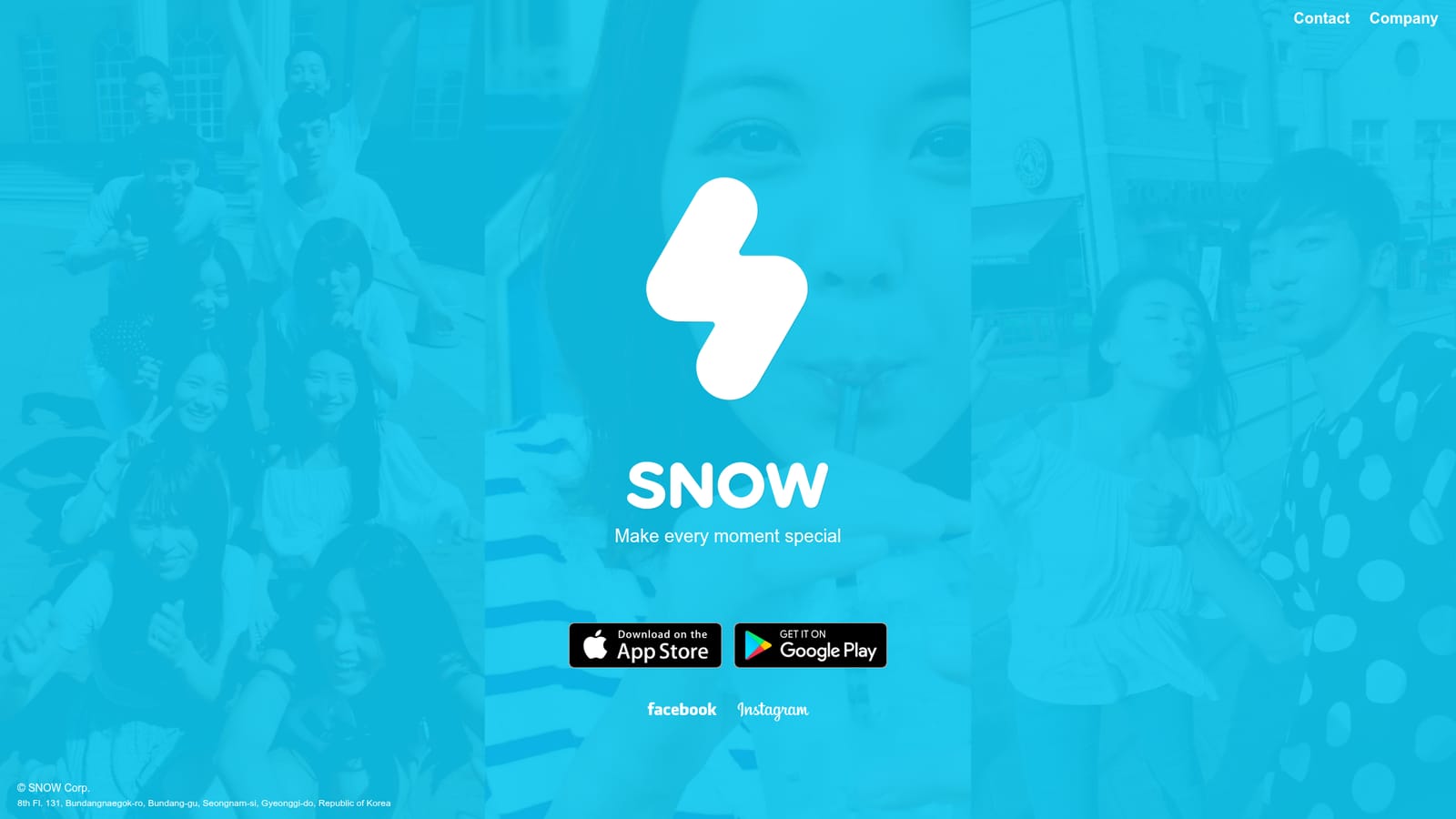
Screenshot of Snow.me, Photo and video filters from the team behind SNOW

What is Snow.me?

Snow.me is the download hub for SNOW, a mobile photo and selfie editing app from SNOW Corp offering filters, beauty retouching and share ready effects for iPhone and Android.

Snow.me is the web home of SNOW, a selfie and photo editing app built by SNOW Corp, the Seongnam based company behind the B612 style camera apps. The product centers on making everyday moments look polished: you shoot or import a picture, apply aesthetic filters and retouching, and share the result. The homepage frames the whole offering around a single idea, making every moment special, and routes visitors straight to app downloads for iPhone and Android rather than to an in browser editor. In practice the tool is a mobile first editing and camera utility. Filters, beauty retouching and decorative effects are the core of the experience, aimed at people who want share ready images for Instagram, Facebook and similar feeds without learning a full photo suite. The company keeps active Facebook and Instagram accounts under the SNOW name, and the site links to both, which suggests the product is positioned as much as a social brand as a piece of software. The audience is casual creators and social media users rather than professional retouchers. If you need layers, masks, curves or raw development you will want a desktop editor such as Photoshop or Affinity Photo; if you need quick, flattering edits on a phone with minimal effort, SNOW sits comfortably alongside B612, Meitu and the built in camera apps on iOS and Android. The web page itself is a download gateway, so treat the site as a funnel to the mobile apps, not as a browser based editor. Because the homepage publishes very little detail, specifics on filter count, subscription tiers or cloud storage are not confirmed there. Anyone evaluating the app for a team or a brand account should check the store listings for current feature sets and pricing before committing.

How do you use Snow.me?

  1. 1Open the Snow.me homepage
    Landing page introduces the app and shows the two download buttons.
    Snow.me — Open the Snow.me homepage
  2. 2Install the app for your phone
    Pick the Apple or Google Play link on the homepage to install SNOW on iOS or Android.
  3. 3Create an account or start as a guest
    Sign in inside the app, or begin editing straight away if guest mode is offered.
  4. 4Import a photo and apply a filter
    Choose an image from the camera roll or shoot a new one, then try the available filters and retouch options.
  5. 5Export and share
    Save the finished image to your device and post it to the social accounts linked from the homepage.

Pros and cons

Pros

  • Backed by SNOW Corp, an established name in mobile camera appsAI
  • Fast path from homepage to App Store and Google Play installsAI
  • Editing flow aimed at casual users, so little learning curveAI
  • Social presence on Facebook and Instagram makes examples easy to findAI

Cons

  • Homepage carries almost no product detail: no filter list, no feature tour, no pricingAI
  • No web based editor on the site; everything runs through the mobile appsAI
  • No stated free trial, subscription terms or export quality informationAI
  • Competes in a crowded selfie app market where built in phone cameras keep improvingAI
  • No visible developer documentation or API for teams that want programmatic editsAI

How much does Snow.me cost?

Features

The SNOW app is built around photo and selfie editing: filters, beauty retouching and decorative effects that turn casual shots into share ready images. The homepage itself is a lightweight download page and does not list the full feature set, so check the App Store or Google Play listing for the current tools inside the app.

Frequently asked questions about Snow.me

  • How do you use Snow.me?
    The walkthrough on this page covers 5 steps: 1. Open the Snow.me homepage 2. Install the app for your phone 3. Create an account or start as a guest 4. Import a photo and apply a filter 5. Export and share.
  • What platforms does Snow.me support?
    Snow.me is available on iOS, Android and Web App.
  • What are the limitations of Snow.me?
    Homepage carries almost no product detail: no filter list, no feature tour, no pricing. No web based editor on the site; everything runs through the mobile apps. No stated free trial, subscription terms or export quality information.

Status

StatusActive
Views0
Outbound clicks0
Added10/22/2026

Platforms

iOSAndroidWeb App

Pricing

FreeFreemium