PhotoGPT

One studio for AI images, editing, upscaling and video

Beginner
Screenshot of PhotoGPT, One studio for AI images, editing, upscaling and video

What is PhotoGPT?

PhotoGPT is a web studio for AI image generation from prompts or references, plus photo editing, upscaling and image-to-video, with presets for headshots, product campaigns and creator content.

PhotoGPT is a browser-based creative studio that bundles image generation, photo editing, upscaling and short video generation into a single workspace. It creates portraits, product shots, headshots and campaign visuals from a prompt, a reference image, or a personal model trained on your own face. The studio then carries those results forward: an image can be edited, enlarged, or animated into a clip without leaving the tool. The product is aimed at people who need usable visuals rather than experiments. Marketers can build product campaign scenes around a product reference and keep the packaging consistent. Professionals can produce headshots for profiles, resumes and team pages. Creators and social teams get fashion editorials, thumbnail art and lifestyle shots, while preset-driven users can pick a look such as cinematic, studio Ghibli, vintage, Met Gala, real estate, legal professional or passport and start from there. Reference-guided generation is the mechanism for art direction: a reference image steers pose, composition and styling, and an identity lock keeps a recognizable face through edits, including the golden sun flare style relighting example that claims to preserve the original photo and identity. The workflow is dashboard-centric. You generate in one area, edit in another, upscale in a third, and animate in a fourth, and the gallery shows what the community has produced across those modes. A flow view hints at chaining steps together rather than treating each output as final. On-brand visuals and brand advertisement campaign pages describe repeatable commercial workflows, which is where the tool is most defensible: not the raw image model, but the packaging of presets, references and post-processing in one place. The main tradeoff is positioning. PhotoGPT competes with dedicated headshot services, general image generators, and separate video tools at once, and no homepage copy here states which underlying models power each mode, how credits are metered, or what commercial rights come with output. Treat it as a practical all-in-one studio for portrait and product work, and check the fine print on licensing before building a paid campaign on it.

How do you use PhotoGPT?

  1. 1Start in the image generator
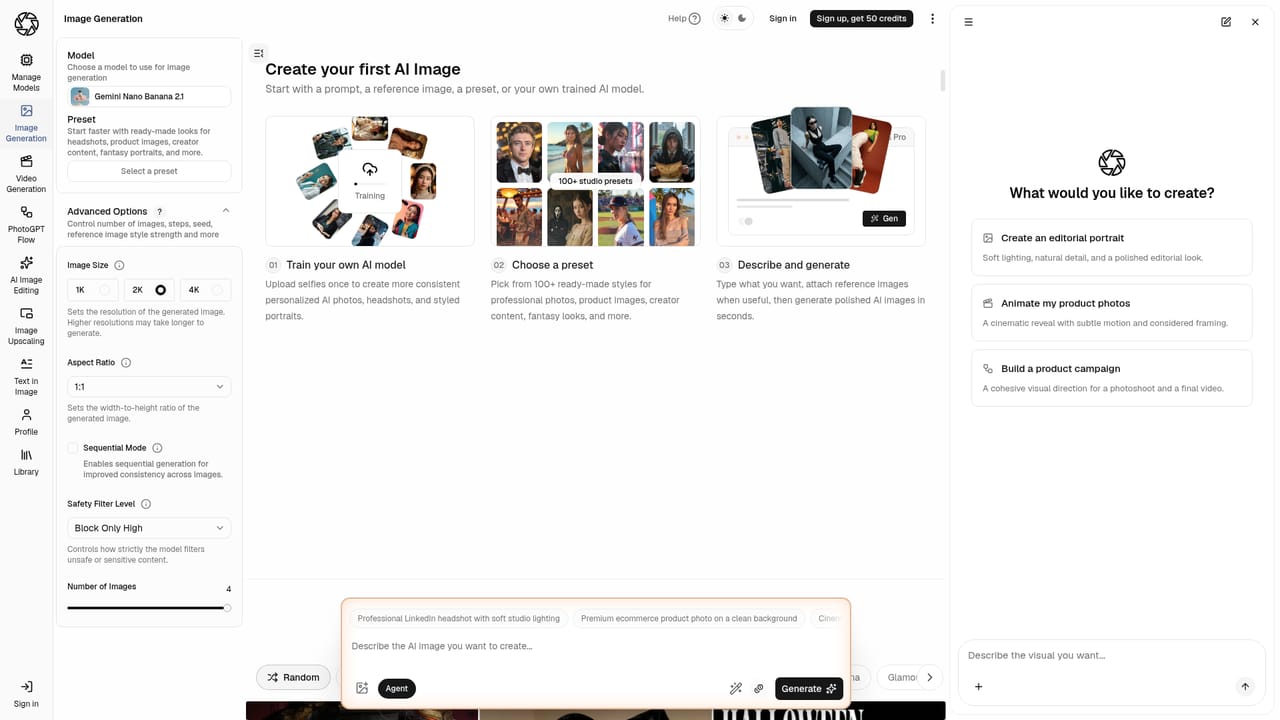
    Open the generate dashboard and choose your input: a text prompt, a reference image, or your personal model. The mode you pick sets how much control you get over pose and composition.
    PhotoGPT — Start in the image generator
  2. 2Pick a preset to set the style
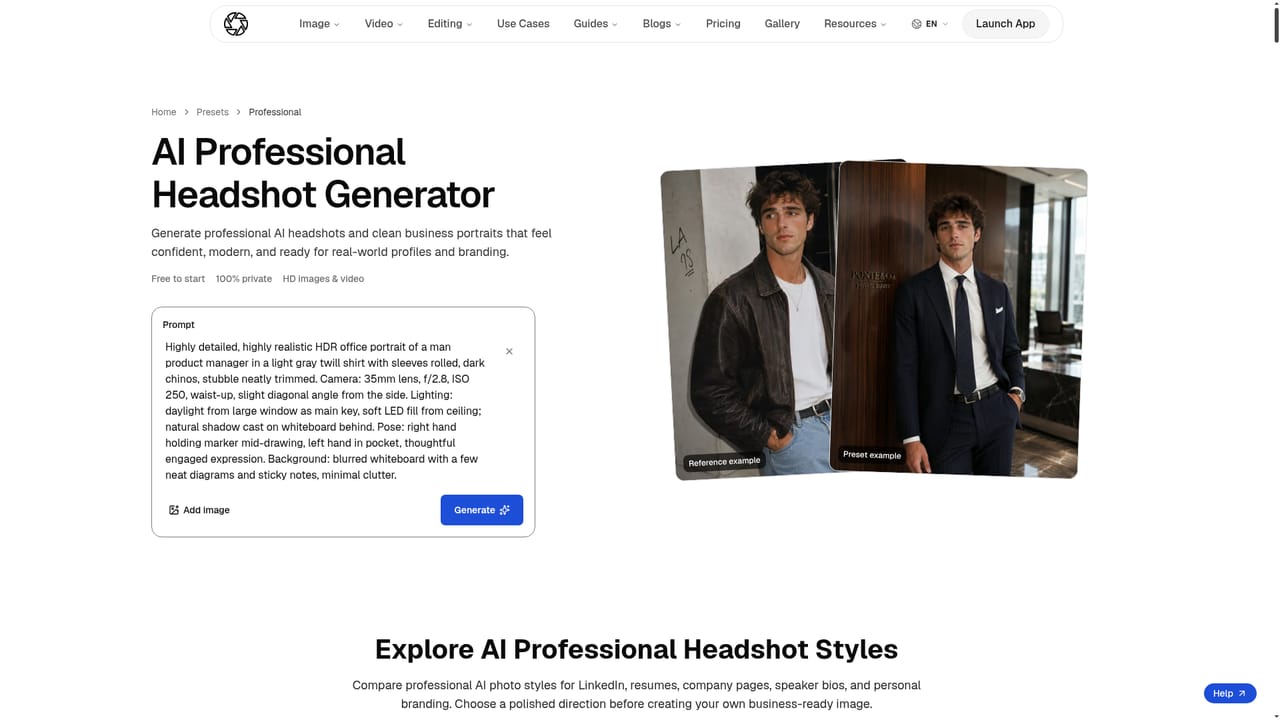
    Presets narrow the look before you write a prompt. Professional and cinematic suit headshots, while studio Ghibli, vintage and Met Gala lean editorial.
    PhotoGPT — Pick a preset to set the style
  3. 3Edit the result in the image editing workspace
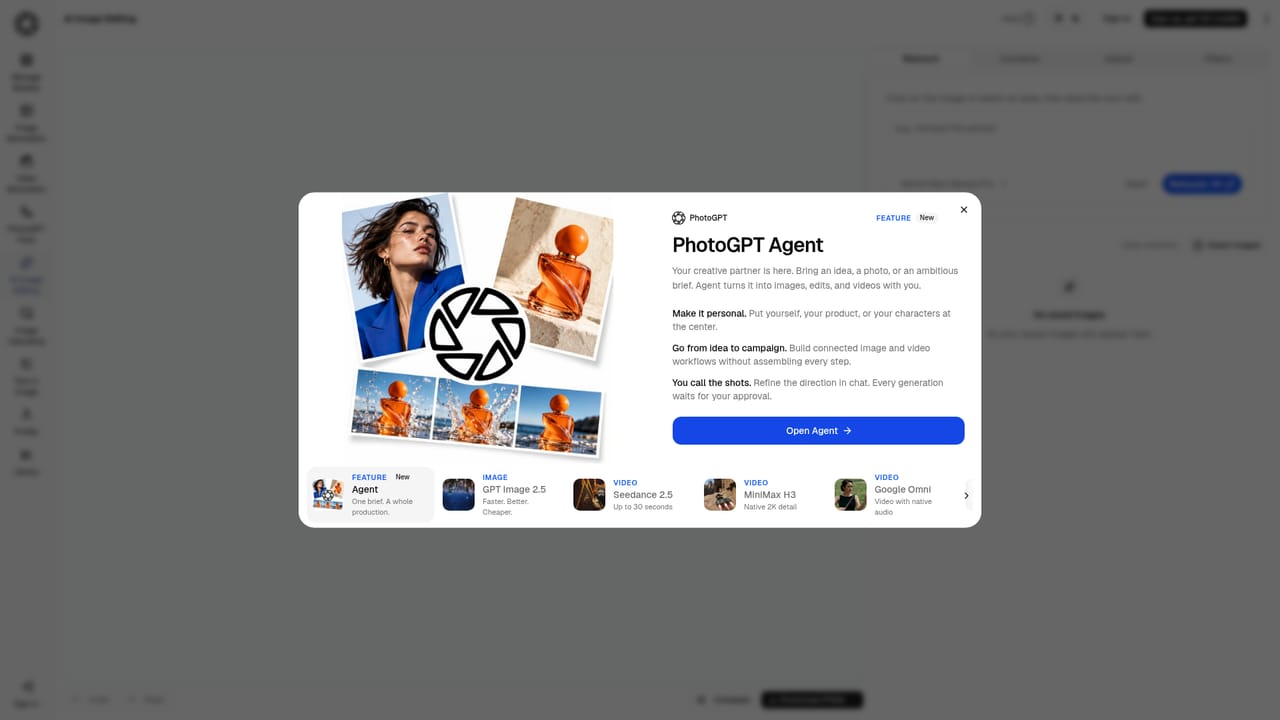
    Move the image into editing to adjust lighting, background or details. Edits are described as preserving the original photo and identity, which matters for portraits.
    PhotoGPT — Edit the result in the image editing workspace
  4. 4Upscale before delivery
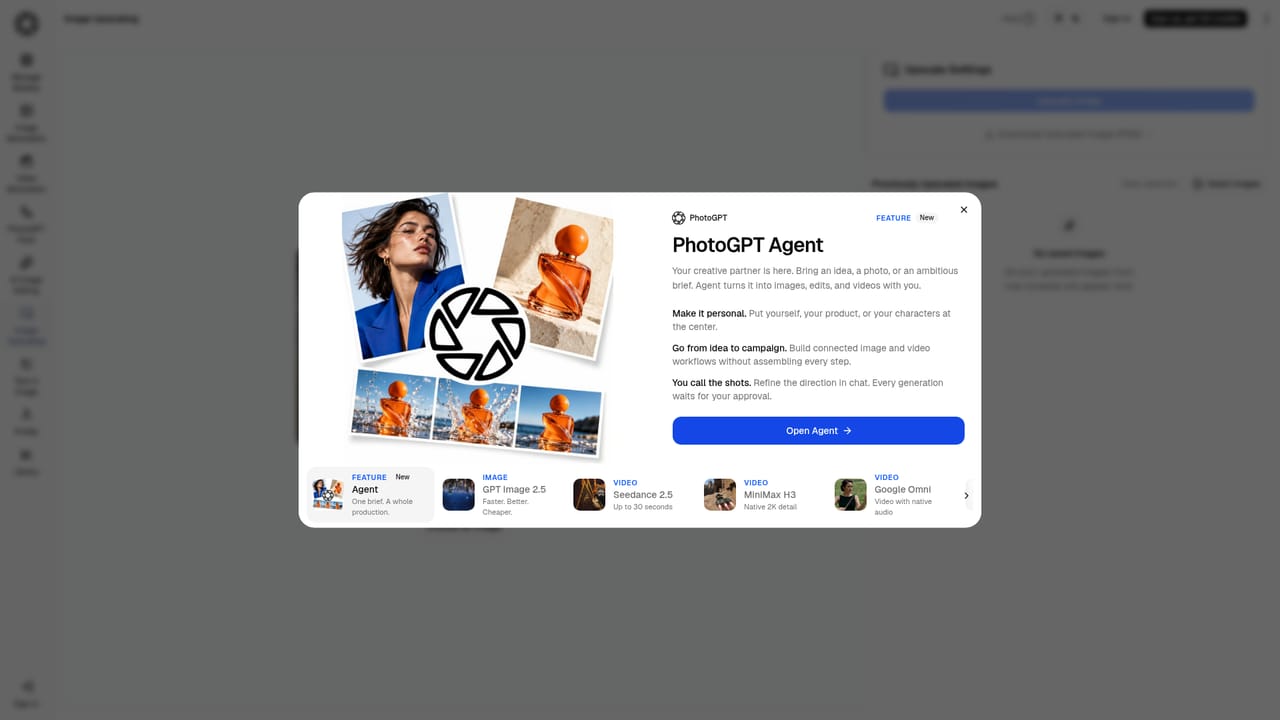
    Send finished images through the upscaling workspace to raise resolution for print, web banners or profile use.
    PhotoGPT — Upscale before delivery
  5. 5Animate an image into a short clip
    Use the video generation dashboard or the image-to-video showcase to turn a still into motion for product ads and social posts.
  6. 6Review the gallery for direction
    The community gallery shows categories like AI Product, AI Headshot and AI Fashion with short descriptions, useful for deciding which preset and reference approach fits your brief.

Pros and cons

Pros

  • Image generation, editing, upscaling and video generation sit in one dashboard instead of separate subscriptionsAI
  • Reference-guided generation and identity lock keep a face or product consistent across scenes and editsAI
  • Large preset library covers niche jobs: passport, real estate, legal professional, YouTube thumbnailAI
  • Personal model training supports repeatable portraits and headshots from your own imagesAI
  • Community gallery shows real outputs across product, fashion, portrait and sports categoriesAI

Cons

  • Homepage does not name the underlying models, so quality and consistency per mode are hard to judge before signing upAI
  • Credit costs, plan tiers and output resolutions are not disclosed on the homepageAI
  • Commercial licensing and usage rights for generated images are not stated in the source materialAI
  • Preset styling can produce a recognizable house look that may need extra edits for brand differentiationAI
  • No mention of team seats, brand asset libraries or API access for larger workflowsAI

How much does PhotoGPT cost?

Features

Image generation from prompts, reference images or a trained personal model; professional headshots, product photography and social content; a preset library spanning professional, cinematic, studio Ghibli, vintage, Met Gala, real estate, legal, passport and YouTube thumbnail looks; image editing, upscaling and image-to-video in the same dashboard; a flow view for chaining steps and a community gallery for examples.

Learn more

Frequently asked questions about PhotoGPT

  • How do you use PhotoGPT?
    The walkthrough on this page covers 6 steps: 1. Start in the image generator 2. Pick a preset to set the style 3. Edit the result in the image editing workspace 4. Upscale before delivery 5. Animate an image into a short clip 6. Review the gallery for direction.
  • What platforms does PhotoGPT support?
    PhotoGPT is available on Web App.
  • What are the limitations of PhotoGPT?
    Homepage does not name the underlying models, so quality and consistency per mode are hard to judge before signing up. Credit costs, plan tiers and output resolutions are not disclosed on the homepage. Commercial licensing and usage rights for generated images are not stated in the source material.