Free trial
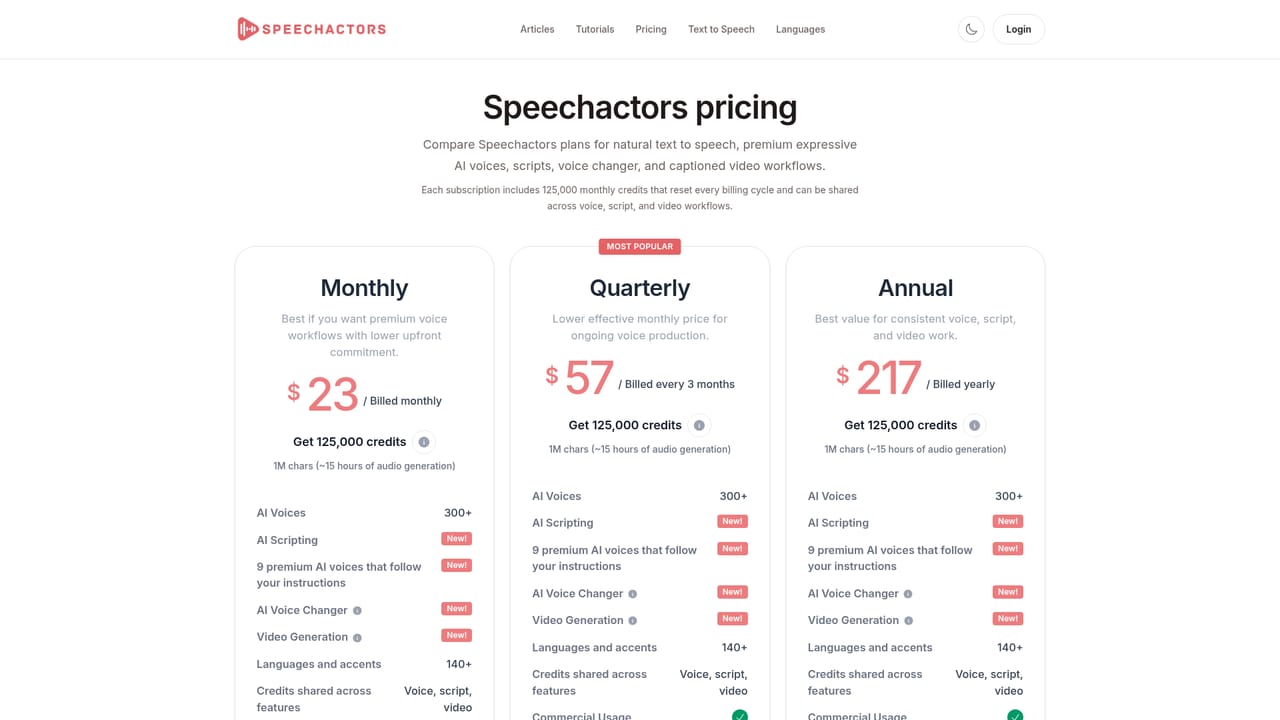
A free entry point is advertised on the homepage, and signup is open, but the site does not state how long a trial lasts or what the free tier includes beyond the 300 character request limit shown in the demo.
Learn moreAI voice generator with 300+ voices in 140 languages

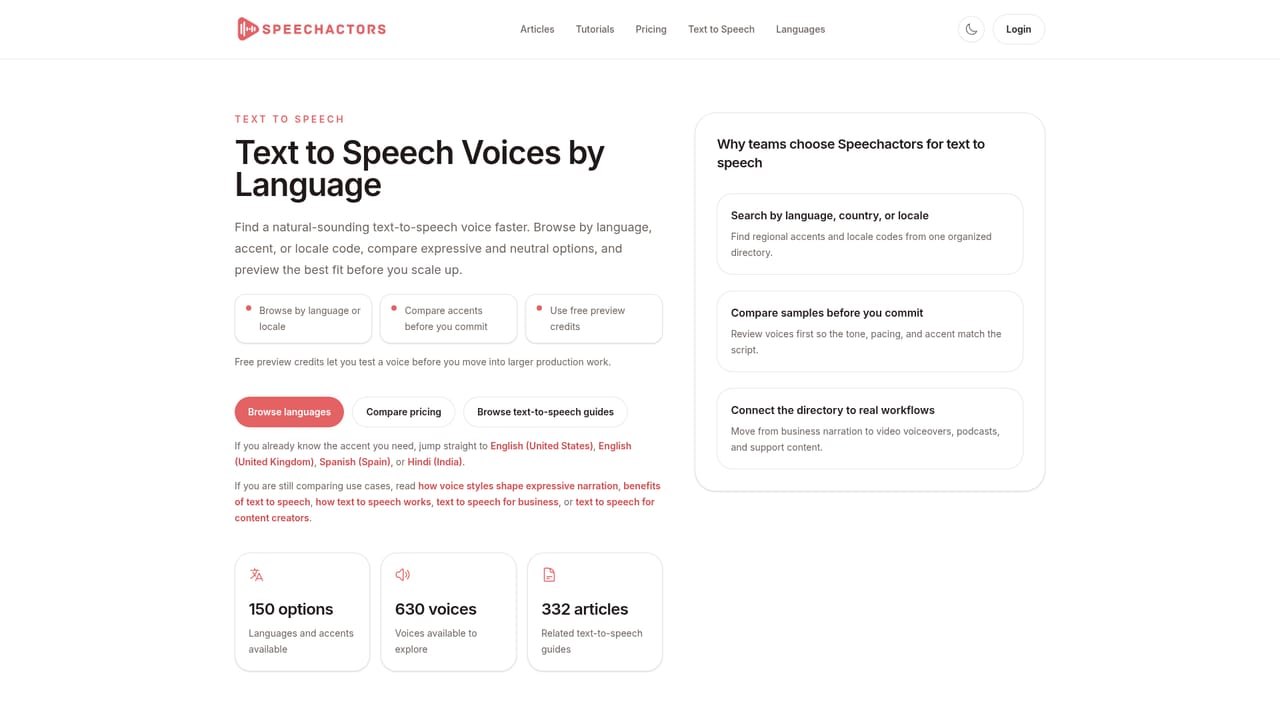
Speechactors converts text into natural sounding voiceover audio using 300+ AI voices across about 140 languages, with instruction-following emotional styles, background music, MP3 export and commercial use rights. The interface is aimed at creators producing YouTube videos, e-learning courses and podcasts rather than audio engineers.
Speechactors is a browser based text to speech service aimed at people who need finished voiceover audio without booking a studio or a narrator. Text is pasted into the generator, a language and a voice are selected, and the output arrives as an MP3 file that can be downloaded right away. The library covers more than 300 AI voices across roughly 140 languages and accents, so the same script can be produced for an English speaking audience and re-cut for a French or Spanish one without switching tools. The voice catalogue is organised around named personas rather than raw model IDs. Each entry carries a short character description (confident and warm, calm and soothing, cheerful and casual) plus a suggested use such as advertisements, e-learning, podcasts, audiobooks, meditation or news reading. A subset of the roster is flagged as HD, which the site describes as able to read the input text, detect sentiment and adjust tone in real time while keeping the same vocal identity. A newer feature pushes control further: instead of choosing from preset emotional styles, a user can type an instruction describing the delivery they want and have the voice follow it. Ready-made styles are provided as starting points, including happy narration, dramatic, excited storytelling, whisper, motivational speaker, French accent, Santa Claus, educational and smooth jazz DJ. Background music can be added to the generated track, and the site states that commercial use is permitted, which is the detail most creators check first. The tool suits YouTube producers, course authors, podcasters and small marketing teams that publish voiceover content regularly and want a single subscription rather than separate purchases per project. Compared with enterprise voice platforms, the appeal is breadth of voices and language coverage behind a simple interface; the trade-off is that Speechactors sits at the front of the pipeline only, generating audio rather than editing it, syncing it to video or hosting finished episodes.
A free entry point is advertised on the homepage, and signup is open, but the site does not state how long a trial lasts or what the free tier includes beyond the 300 character request limit shown in the demo.
Learn moreThe core product is a text to speech generator with 300+ AI voices in about 140 languages and accents. Voices carry named personas and suggested use cases, and a subset is marked HD, reading input text for sentiment and adjusting tone in real time. Users can apply preset emotional styles or type custom delivery instructions, add background music, and download results as MP3 files. Commercial use is listed as included.
Learn more AI Angels400+ customizable AI girlfriends for NSFW chat, voice calls, and roleplay
 Candy AIExperience the future of companionship with AI friends who chat, role-play, and connect with you on a human level.
 ourdream.aiA vast AI roleplay platform with millions of characters for chat, images, video and voiceAI Angels400+ customizable AI girlfriends for NSFW chat, voice calls, and roleplayCandy AIExperience the future of companionship with AI friends who chat, role-play, and connect with you on a human level.ourdream.aiA vast AI roleplay platform with millions of characters for chat, images, video and voice


