Free trial
A 30-day free trial is available, started by downloading the desktop application from the site.
Learn moreOffline Whisper dictation that types into any app on Windows and macOS

SpeechPulse is an AI transcriber tool. Desktop dictation app for Windows and macOS that uses Whisper to type speech into any application, plus file transcription with speaker diarization, subtitle export and optional AI cleanup templates.
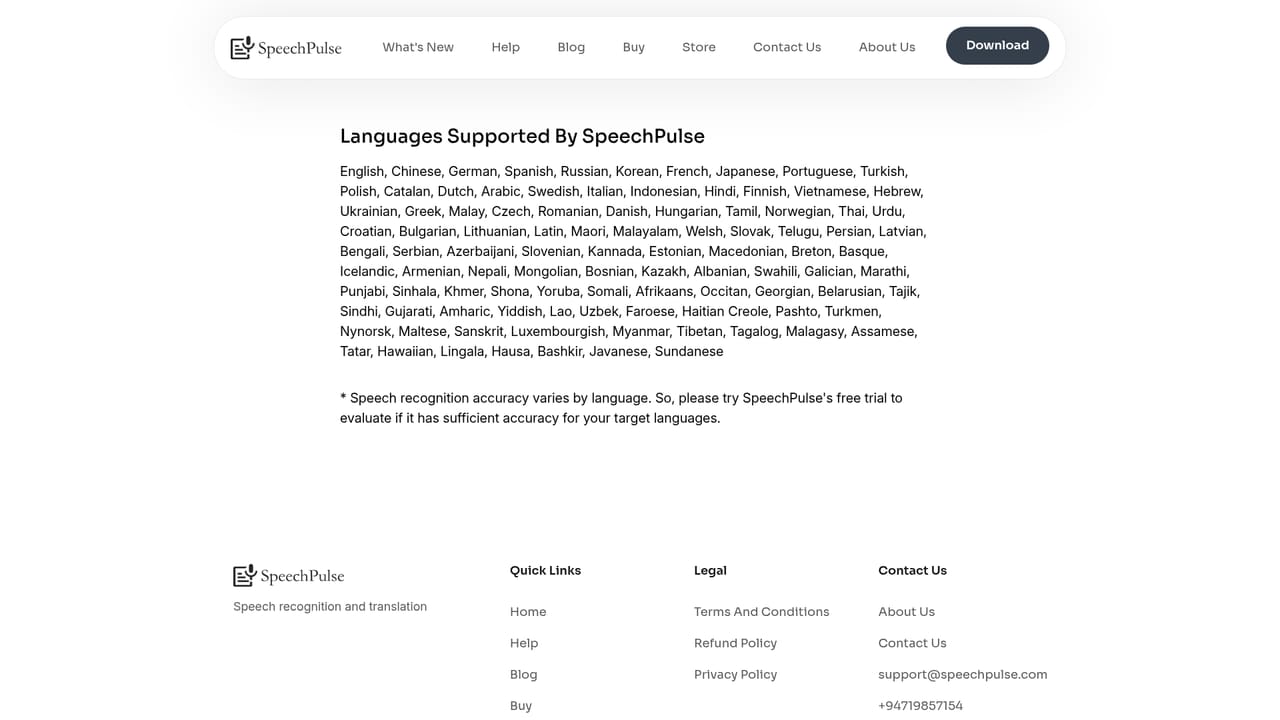
SpeechPulse is a desktop dictation utility built on Whisper speech recognition. It listens to your voice and types the result into whatever text field currently has focus, whether that is Word, a browser address bar, a notes app or a plain text editor. Because it works at the operating system level rather than inside one application, there is no plugin to install per program and no vendor lock-in on where the transcript ends up. Windows and macOS are both supported. Two input styles cover most workflows. Automatic speech detection starts transcribing as soon as you stop talking, so no key press is required. Push-to-talk assigns a customizable hotkey and lets you pause mid sentence without the capture ending. Punctuation can be handled automatically or dictated manually, and version 10 adds training of new words for names and jargon the base model mishandles. The homepage stresses that offline recognition keeps voice and text on the local machine, which is the main argument for privacy-sensitive dictation. Beyond live typing, a file mode handles recorded audio in mp3, wav, m4a, flac, ogg and webm, with speaker diarization to separate participants. The same engine produces .srt and .vtt subtitles with timestamps for audio and video. Transcription covers 99 languages, with English translation offered as well. Optional AI templates route finished text through language model APIs for grammar correction, summarizing or reformatting into an email or meeting note shape. SpeechPulse sits closest to OS-level dictation tools and cloud transcription services. Its pitch is a one-time purchase, local processing and dictation that follows the cursor across every application, which positions it against subscription transcription platforms and built-in Windows speech input. Buyers who need cloud sync, team administration or mobile capture will find it narrower than hosted suites.
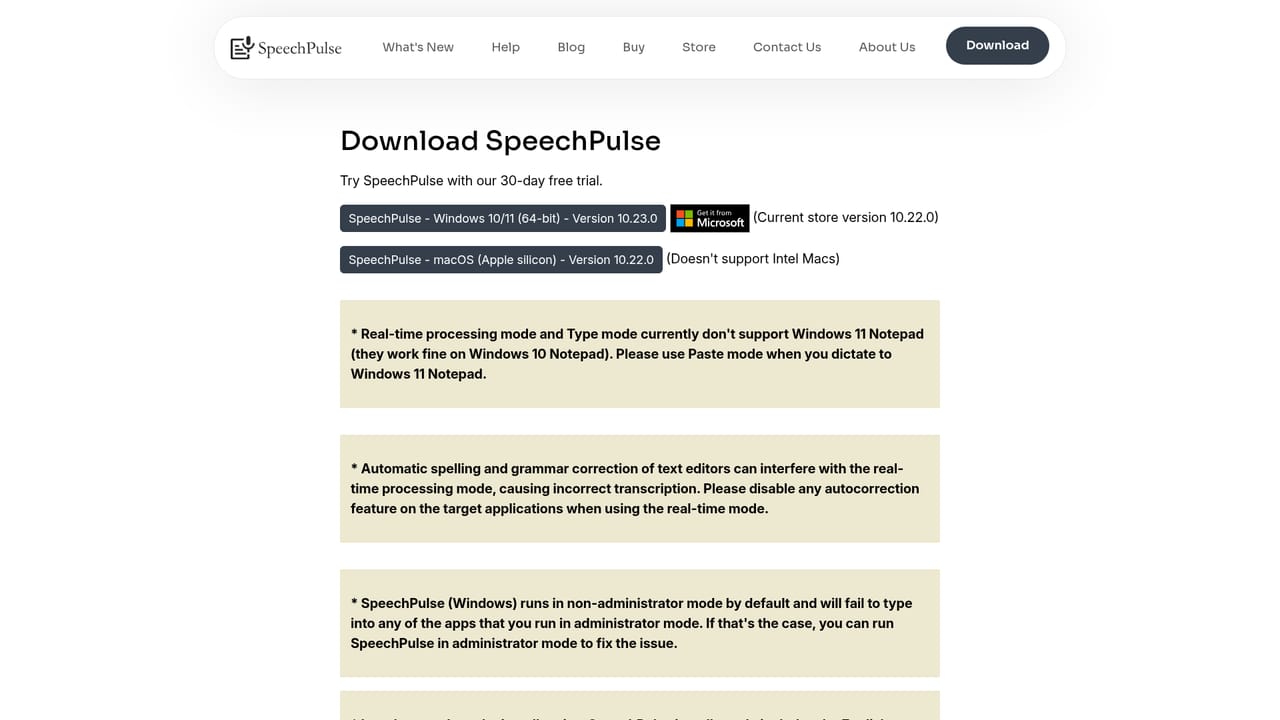
A 30-day free trial is available, started by downloading the desktop application from the site.
Learn moreThe homepage does not list prices or plan tiers. Testimonials describe a one-time price rather than a subscription, and a 30-day free trial is offered before purchase.
Learn moreThe homepage mentions no support channels or documentation hub. A release notes page covers updates and new features, and testimonials note a responsive developer.
Learn moreNo integration directory is published. SpeechPulse types into whatever application holds focus, including office apps, browsers and text editors, and can call LLM APIs for text cleanup.
Real-time dictation into any text input, offline Whisper recognition, 99 languages plus English translation, automatic and manual punctuation, push-to-talk hotkeys, automatic speech detection, custom word training in version 10, file transcription with speaker diarization, .srt and .vtt subtitle generation, and optional LLM templates for grammar, spelling, summarizing and formatting.
Learn more AI Angels400+ customizable AI girlfriends for NSFW chat, voice calls, and roleplay
 Candy AIExperience the future of companionship with AI friends who chat, role-play, and connect with you on a human level.
 ourdream.aiA vast AI roleplay platform with millions of characters for chat, images, video and voiceAI Angels400+ customizable AI girlfriends for NSFW chat, voice calls, and roleplayCandy AIExperience the future of companionship with AI friends who chat, role-play, and connect with you on a human level.ourdream.aiA vast AI roleplay platform with millions of characters for chat, images, video and voice


