Free trial
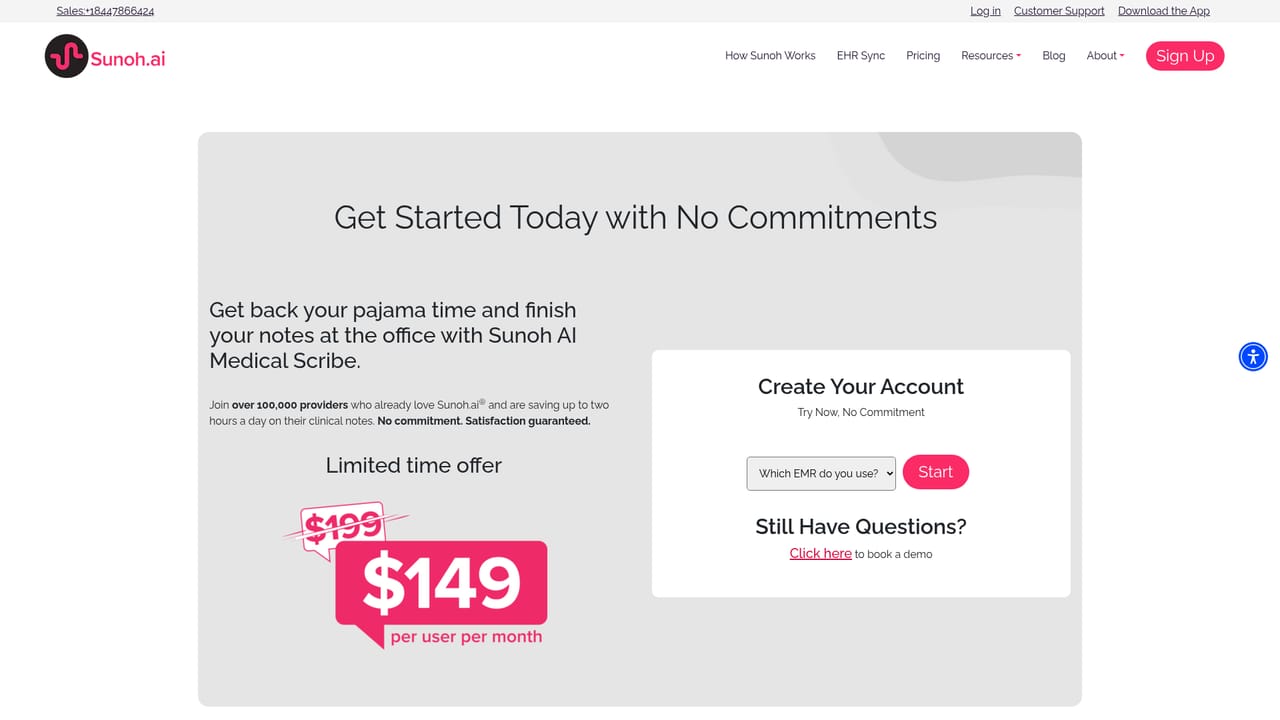
The homepage invites visitors to try the scribe risk-free, but it does not state a trial length, eligibility rules or whether a card is required.
Learn moreAI medical scribe that turns patient visits into clinical notes

Sunoh is an AI transcriber tool. Sunoh.ai is an ambient AI medical scribe for clinicians. It listens to patient visits, transcribes the dialogue, drafts a structured clinical note with order details, and lets the provider review and import it into the EHR.
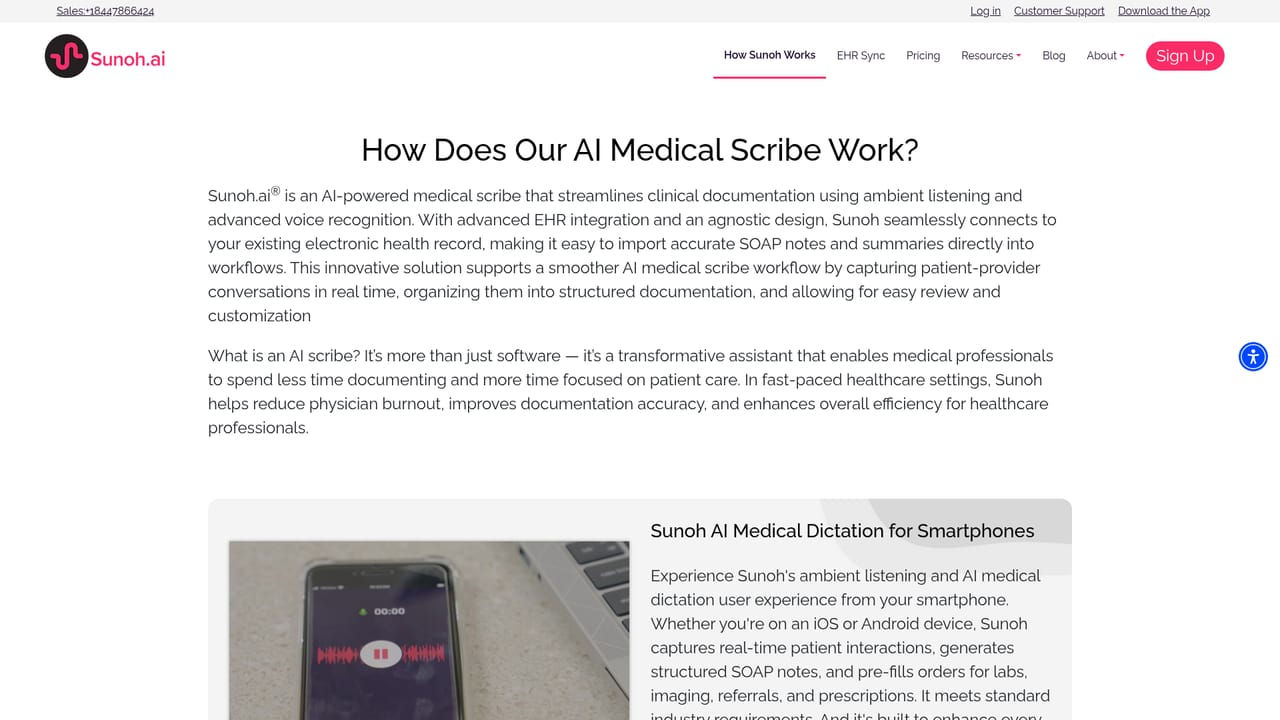
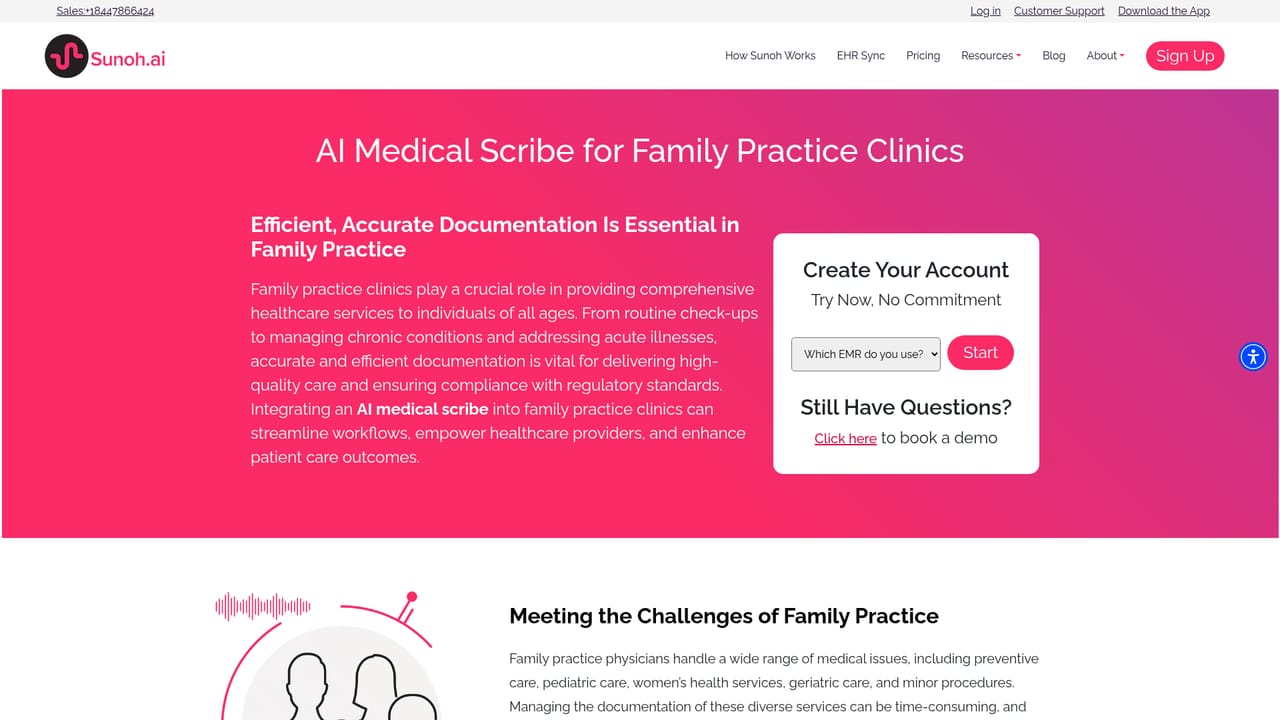
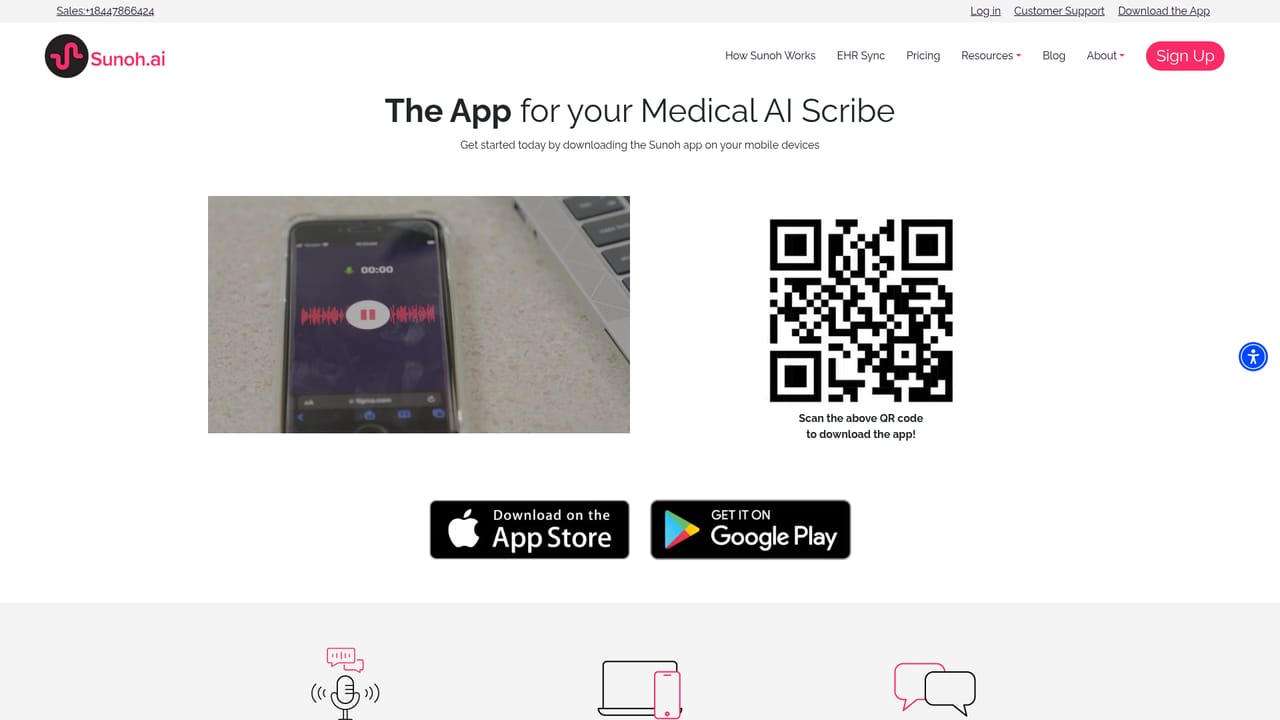
Sunoh.ai is an AI medical scribe that listens to the conversation between a clinician and a patient during a visit, transcribes it, and produces a structured clinical note draft. The homepage positions the product around a simple claim: saving doctors 2+ hours daily. Instead of typing or dictating after the encounter, the clinician speaks with the patient as usual and reviews the generated documentation afterward. The workflow follows a clear sequence. The tool captures the dialogue, converts speech to text using voice recognition and AI, then organizes the content into Progress Note sections. It also picks up order details raised during the visit, including labs, imaging, procedures, medication orders and follow-up instructions, and presents a summary for the clinician to review and modify before importing into the record. Sunoh.ai describes seamless integration with Electronic Health Records and says its notes are customizable to the needs of a practice, with encryption and security protocols in place. The audience is clinical rather than general. Sunoh.ai publishes dedicated pages for cardiology, dental, dermatology, family practice, internal medicine, behavioral health, orthopedics, pediatrics, ambulatory surgery centers, urgent care and vision clinics, which suggests the note templates and vocabulary are tuned by specialty. Multilingual support and handling of complex medical terminology are called out as differentiators, and the homepage points to both mobile and desktop use. The sign-up flow and a separate web app login imply a hosted product rather than an on-premise install. In the wider market, Sunoh.ai competes with ambient scribe tools that attach to a visit and draft the note, and with traditional human scribes. Testimonials on the homepage lean on time savings, faster note closure and cost effectiveness against a human scribe. The pitch will appeal most to practices already committed to an EHR that Sunoh supports and to groups trying to cut after-hours charting.
The homepage invites visitors to try the scribe risk-free, but it does not state a trial length, eligibility rules or whether a card is required.
Learn moreA customer support portal is linked from the site, alongside a sales phone line at +1 844 786 6424. The homepage does not describe support hours, tiers or response targets.
Learn moreThe homepage states that Sunoh.ai integrates with leading Electronic Health Records, but it does not name specific EHR systems or list certified integrations.
Captures patient-provider conversation and transcribes the dialogue flow using speech recognition and AI. Drafts a clinical document organized into Progress Note sections, records orders such as labs, imaging, procedures, medications and follow-ups, and provides a summary for review and modification before import. Notes are customizable to practice needs, with encryption and security protocols and multilingual support.
Learn more AI Angels400+ customizable AI girlfriends for NSFW chat, voice calls, and roleplay
 Candy AIExperience the future of companionship with AI friends who chat, role-play, and connect with you on a human level.
 ourdream.aiA vast AI roleplay platform with millions of characters for chat, images, video and voiceAI Angels400+ customizable AI girlfriends for NSFW chat, voice calls, and roleplayCandy AIExperience the future of companionship with AI friends who chat, role-play, and connect with you on a human level.ourdream.aiA vast AI roleplay platform with millions of characters for chat, images, video and voice


