Free trial
The site invites new users to try the app for free through the download page, alongside a permanent free tier.
Learn moreAI meeting notes with no bots and no recordings
Own Superpowered Me? Verify ownership to get a dofollow link

Superpowered Me is an AI transcriber tool. A desktop AI notetaker for MacOS and Windows that transcribes calls from device audio, with no bot joining and no recording kept, then generates structured meeting notes from templates.
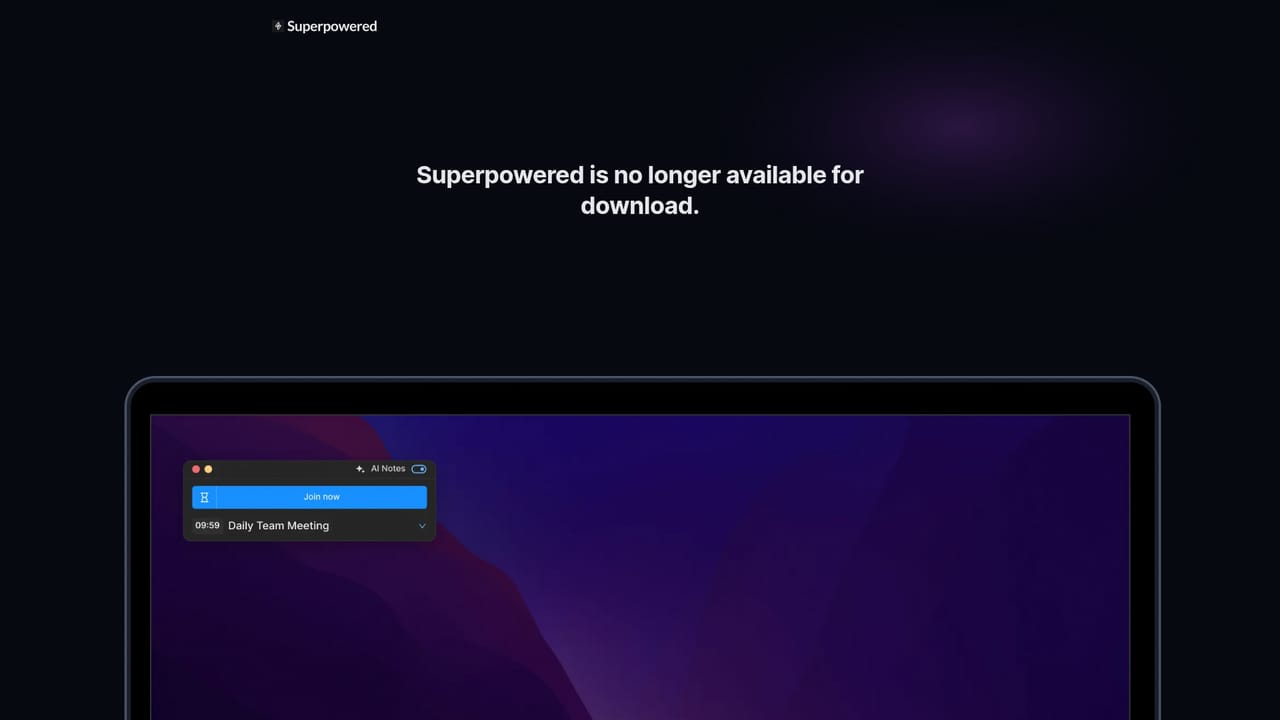
Superpowered Me is an AI notetaker for meetings that takes a deliberately different route from most competing tools. Instead of sending a bot into the call, it works on the desktop itself: the MacOS or Windows app listens to your device audio during the meeting, transcribes it live, and then turns that transcript into structured notes. Nothing is recorded, the audio is deleted as soon as it is transcribed, and transcripts are kept for seven days so you can still generate notes before they disappear. The product covers the full meeting routine, not just the notes. Calendar connections let the app see what is coming up, and auto-join takes you into the next call without hunting for a link. Notes can be shaped with AI Templates for common formats such as one on one conversations, sales calls and interviews, or you can bring your own template so recurring meetings produce consistent output. Finished notes flow out through integrations, from email and Slack on the basic tier to Notion, Google Drive, Salesforce, Hubspot and Zapier on higher plans. A chat feature that answers questions across all your past meetings is listed as coming soon. The fit is clearest for people who spend their day in back to back calls and cannot afford a bot joining on their behalf: consultants, sales teams, recruiters, managers running regular one on ones. It supports Zoom, Google Meet, Microsoft Teams, Webex and Around with no bot in the room, and transcription handles a very long list of languages. Compared with bot based notetakers it trades some cross platform reach for privacy and a lighter presence in calls. The main trade off is OS support: MacOS and Windows only, with mobile and Linux explicitly unsupported for now. Security posture is stated as SOC-2 Type II and GDPR compliant.
The site invites new users to try the app for free through the download page, alongside a permanent free tier.
Learn moreFree at $0, Basic at $25 per month, Pro at $50 per month, with annual billing saving up to 54 percent. Basic covers one calendar connection, one month of notes history, ten AI notes per month and email plus Slack; Pro adds unlimited connections and notes history, unlimited AI notes and Notion, Google Drive, Salesforce, Hubspot and Zapier.
Learn moreEmail and Slack on Basic; Notion and Google Drive on Pro; Salesforce, Hubspot and Zapier also on Pro. Google and Outlook calendars are supported for scheduling.
AI notes from live device audio with no bot and no recording, calendar notifications and auto-join, calendar connections, AI Notes templates for one on ones, sales calls and interviews or your own formats, notes history, branding removal and Slack notifications. Cross meeting AI chat is listed as coming soon.
 AI Angels400+ customizable AI girlfriends for NSFW chat, voice calls, and roleplay
 Candy AIExperience the future of companionship with AI friends who chat, role-play, and connect with you on a human level.
 ourdream.aiA vast AI roleplay platform with millions of characters for chat, images, video and voiceAI Angels400+ customizable AI girlfriends for NSFW chat, voice calls, and roleplayCandy AIExperience the future of companionship with AI friends who chat, role-play, and connect with you on a human level.ourdream.aiA vast AI roleplay platform with millions of characters for chat, images, video and voice


