Supio

Legal AI built around the whole plaintiff case, from intake to verdict

Beginner
Screenshot of Supio, Legal AI built around the whole plaintiff case, from intake to verdict

What is Supio?

Supio is a legal AI platform for plaintiff and personal injury firms, covering intake, Demands, MedChrons, litigation drafting and firm-wide practice visibility in one system.

Supio is a legal AI platform aimed squarely at plaintiff and personal injury firms. Rather than selling a single drafting shortcut, it positions itself as one system that carries a case from the first intake call through active litigation to settlement or verdict. The core products named on the homepage are Demands and MedChrons, which the company says produce fast, accurate output to help firms reach larger settlements sooner, plus a Litigation Drafting tool that generates documents so attorneys can spend their time on refinement and strategy. The platform is organized around four promises. Firm owners get real time practice visibility into case quality and productivity patterns across the whole practice. Qualified matters move from intake into active case work without dropped details or duplicate data entry. Casework is built to reflect the standards of the firm itself, citing the right authority and matching the judgment of its most experienced attorneys. Winning instincts, templates and strategies are turned into institutional memory that the rest of the firm can draw on. Recent releases referenced on the site include Case Signals, an AI drafting suite, a prompt library, Case Communications and an agent named Simon. Supio also publishes heavily: webinars on mass torts, intake measurement, prompt technique and AI in litigation, a free AI buyer's guide, a guide to practicing safe AI, and customer stories such as TorHoerman Law's work on a $495M verdict. Firms that want to see the product before committing can book a demo through the site or log in to an existing portal. It fits best with personal injury practices that already have volume and want consistency across paralegals and associates. Firms looking for general purpose legal research or contract work for transactional teams should look elsewhere. Pricing is not published, and access runs through a sales conversation.

How do you use Supio?

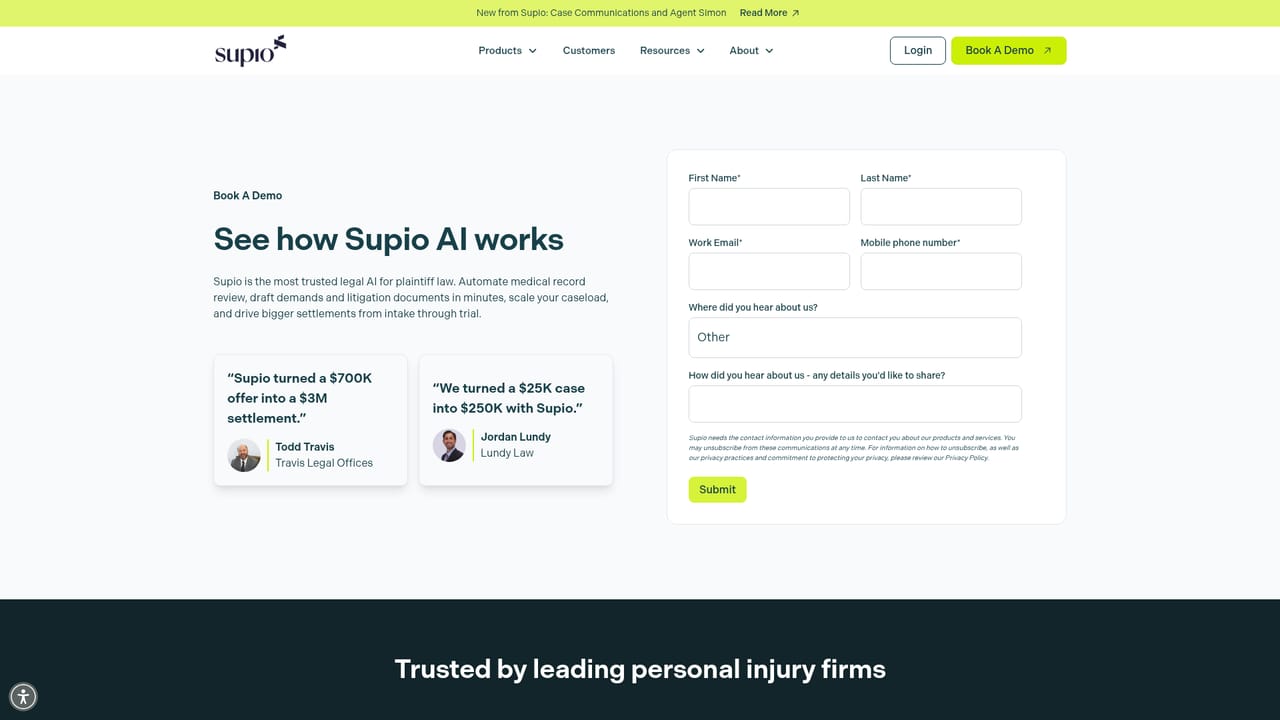
  1. 1Book a demo with the Supio team
    Start on the request a demo page and describe your firm's practice mix and case volume. Access to the platform is arranged through this conversation rather than a self-serve signup.
    Supio — Book a demo with the Supio team
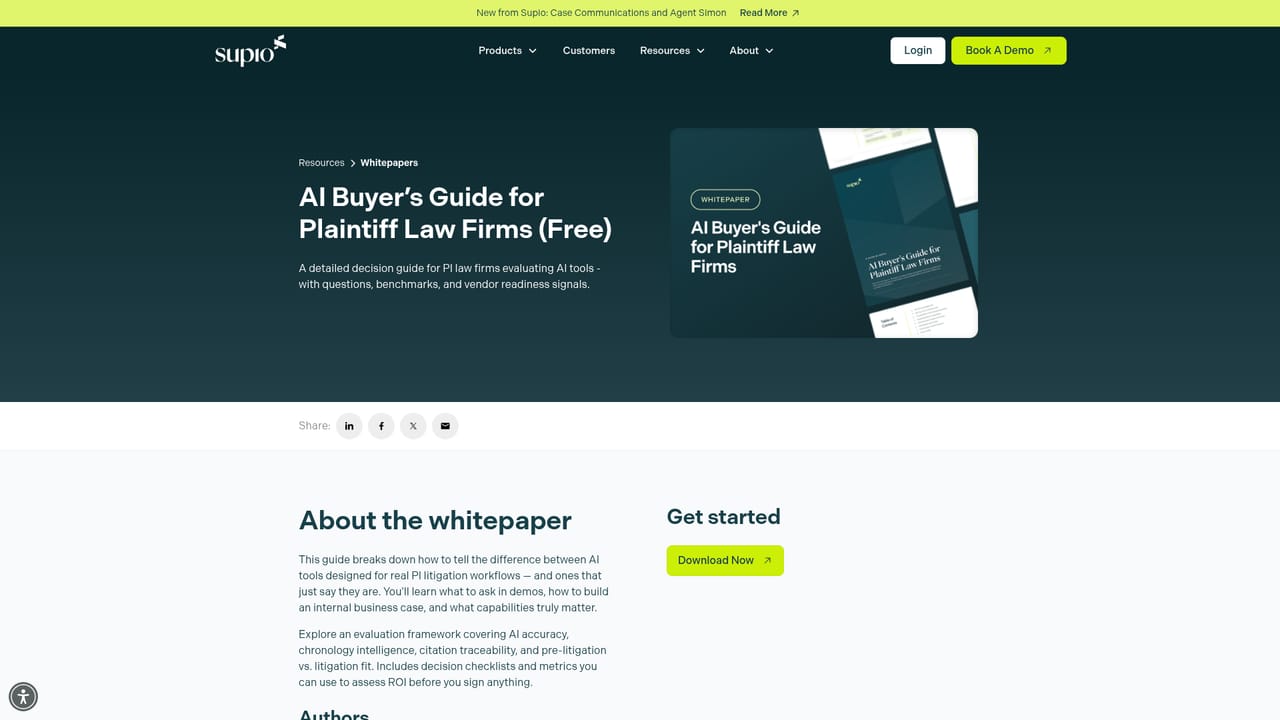
  2. 2Review the buyer's guide before you commit
    The free AI buyer's guide for plaintiff firms sets out what to ask vendors. Reading it first makes the demo conversation more concrete.
    Supio — Review the buyer's guide before you commit
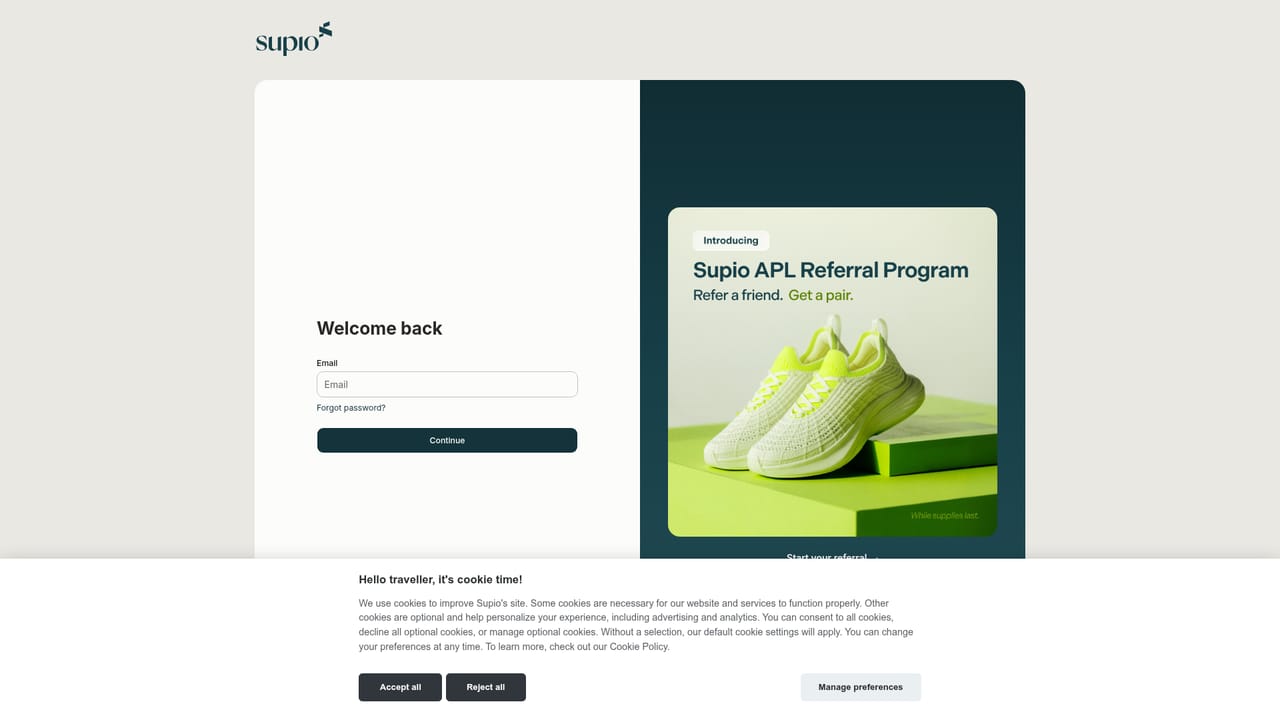
  3. 3Log in to the portal
    Once the firm is onboarded, staff sign in at the Supio portal to reach demands, MedChrons, drafting and case work.
    Supio — Log in to the portal
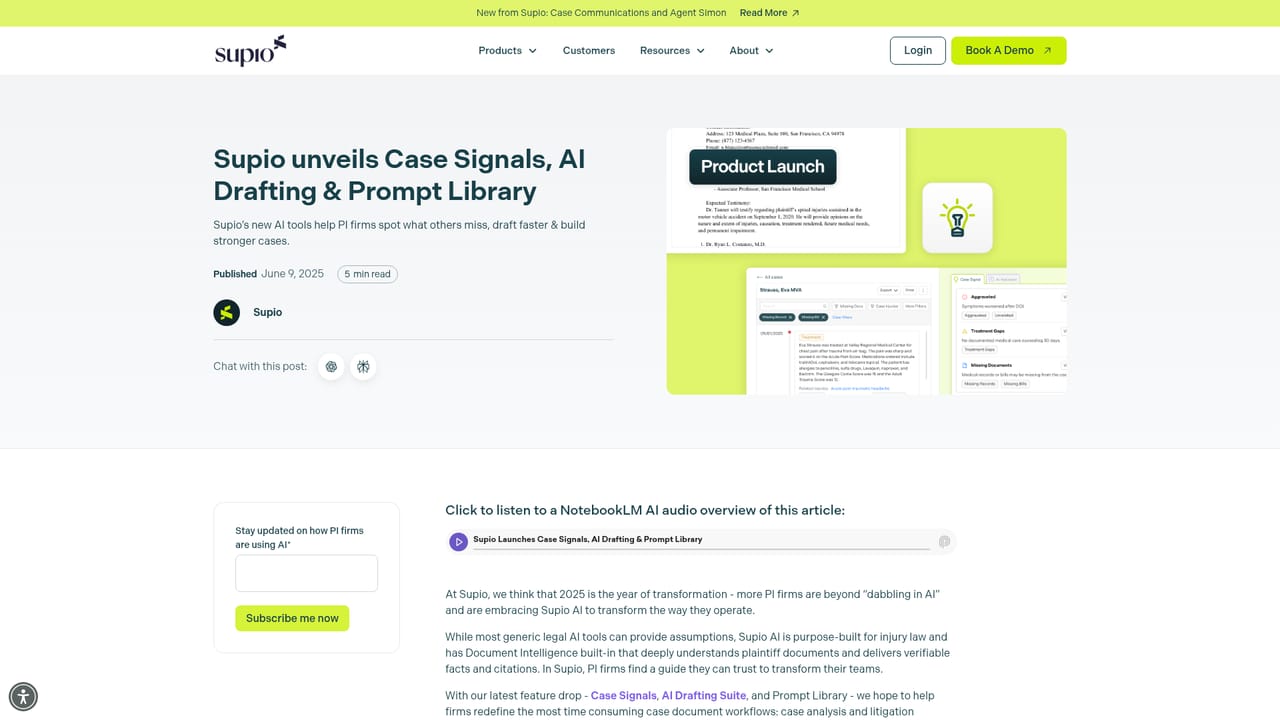
  4. 4Set up firm standards and prompts
    Load the templates and prompt library so generated casework follows the firm's voice and cites the expected authority. The prompt library release is described in the company blog.
    Supio — Set up firm standards and prompts
  5. 5Plan the rollout across the firm
    The COO playbook walks through a staged implementation so paralegals and attorneys adopt the tools in a deliberate order rather than all at once.
  6. 6Track results and refine
    Use practice visibility reports to compare case quality and productivity over time, then adjust prompts and templates where output drifts from firm standards.

Pros and cons

Pros

  • Covers the full case lifecycle rather than one narrow drafting taskAI
  • Demands and MedChrons target the document work that consumes PI firm hoursAI
  • Casework can be tuned to sound like the firm and cite the right authorityAI
  • Prompt library, drafting suite and Case Signals extend the core productAI
  • Substantial free education: webinars, buyer's guide and safe AI whitepaperAI

Cons

  • No public pricing; everything starts with a demo request and a sales cycleAI
  • Built for plaintiff and personal injury work, so other practice areas get little valueAI
  • No self-serve signup, which makes evaluation slow for small firmsAI
  • Homepage makes broad claims about quality and speed without published benchmarksAI
  • Integration details with existing case management systems are not spelled outAI

How much does Supio cost?

Features

Demands and MedChrons for demand packages and medical chronologies, a litigation drafting suite, a prompt library, Case Signals, Case Communications, an agent named Simon, and firm-level visibility into case quality and productivity.

Learn more

Frequently asked questions about Supio

  • How do you use Supio?
    The walkthrough on this page covers 6 steps: 1. Book a demo with the Supio team 2. Review the buyer's guide before you commit 3. Log in to the portal 4. Set up firm standards and prompts 5. Plan the rollout across the firm 6. Track results and refine.
  • What platforms does Supio support?
    Supio is available on Web App.
  • What are the limitations of Supio?
    No public pricing; everything starts with a demo request and a sales cycle. Built for plaintiff and personal injury work, so other practice areas get little value. No self-serve signup, which makes evaluation slow for small firms.

Status

StatusActive
Views0
Outbound clicks0
Added10/21/2026

Platforms

Web App

Pricing

Paid