Free trial
No free trial is offered, which the company attributes to high computational costs. The Starter plan at $5 with 100 credits is presented as the low-cost way to evaluate the models.
Learn moreOne-click image upscaling that sharpens blurry, noisy and compressed photos.

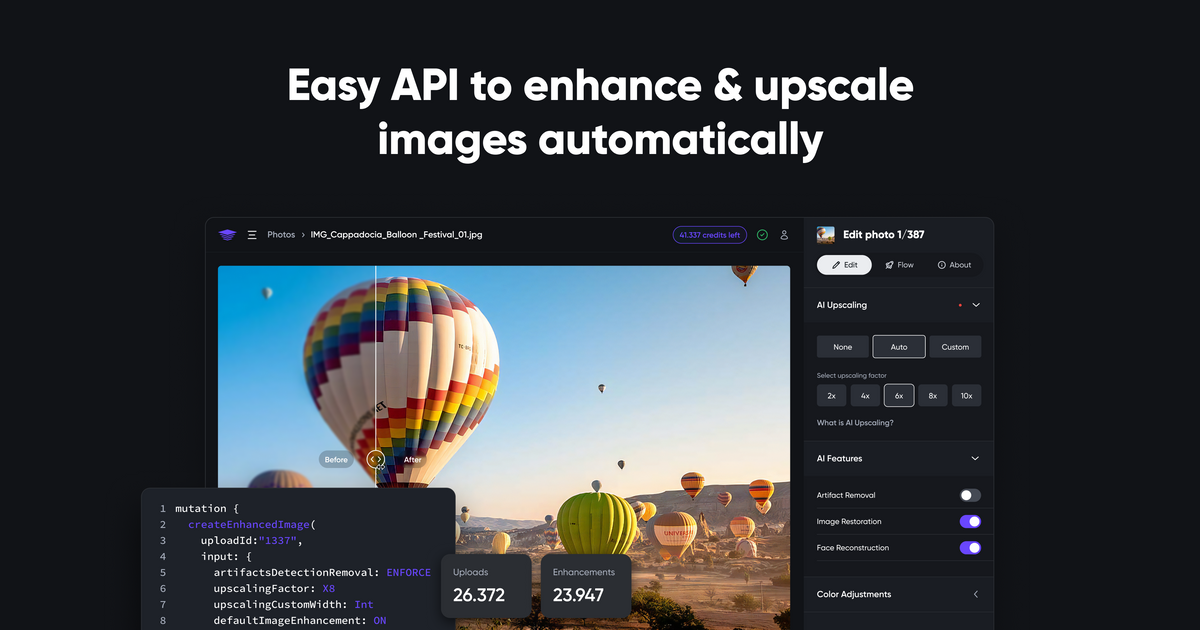
SupPixel AI upscales and restores compressed, noisy or blurry images through a browser workbench, with one model handling enlargement and cleanup together. Credit-based pricing scales with image pixels and upscale factor, tasks keep running after you close the browser, and an API is available for automated pipelines.
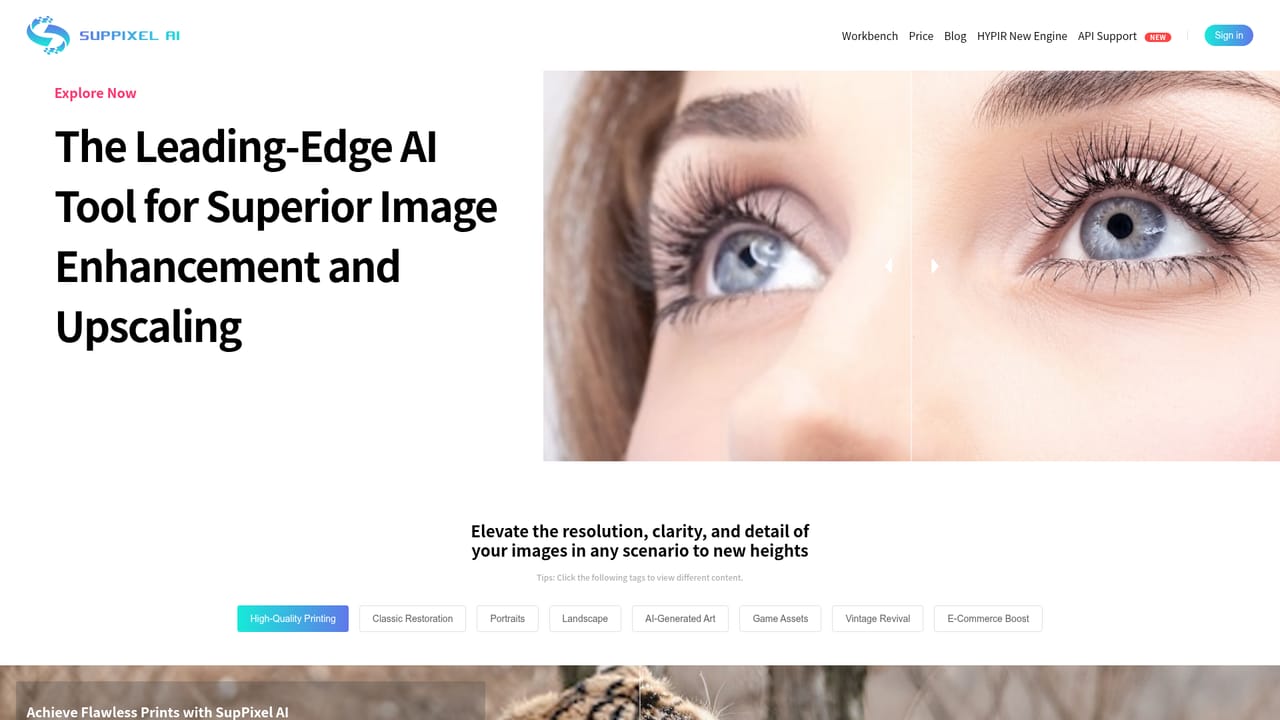
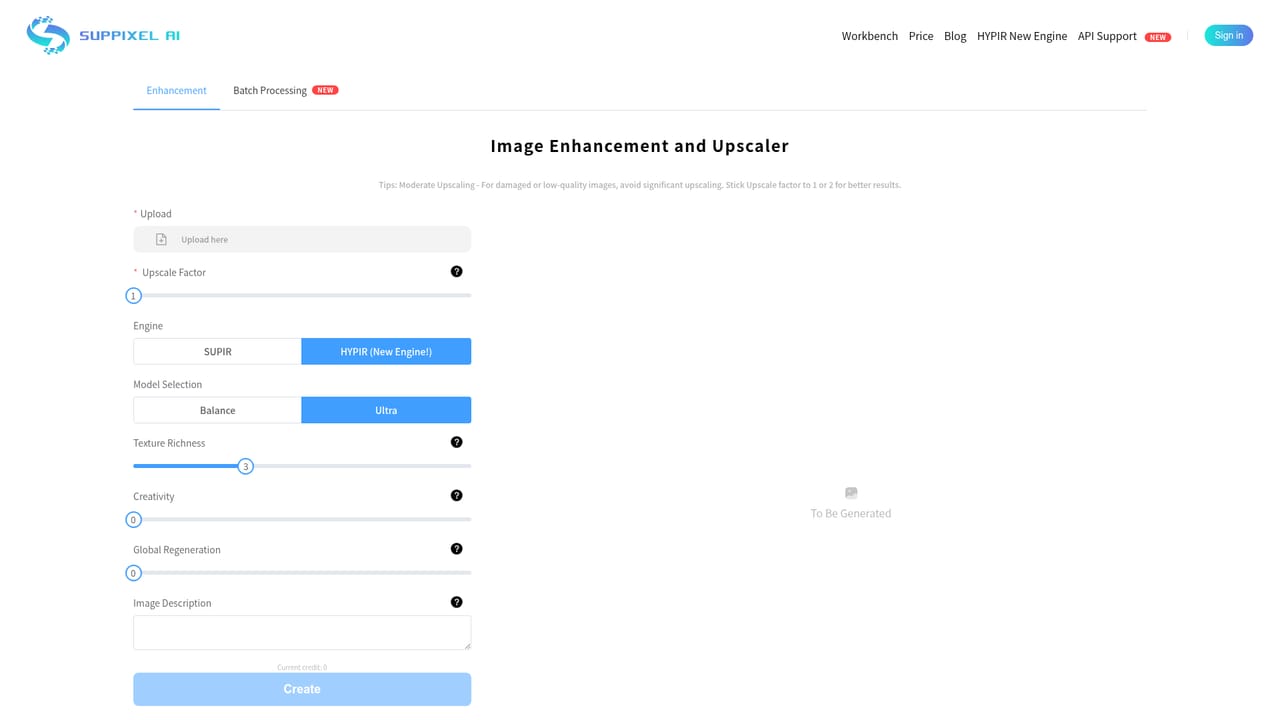
SupPixel AI is a browser-based image upscaling and restoration service built around a single model that handles several kinds of damage at once. Instead of asking you to pick between a denoiser, a deblurrer and an enlarger, it takes compressed, noisy or soft images and returns a larger, cleaner version in one pass. The company positions the model as an all-in-one answer to resolution problems, with example galleries grouped by use case: high quality printing, classic restoration, portraits, landscape, AI generated art, game assets, vintage revival and e-commerce. The workbench is the centre of the product. You sign in, upload an image, choose an upscale factor and submit. Processing runs on remote AI servers, and per the FAQ it can take anywhere from a few seconds to about two minutes depending on output size. Tasks continue after the browser is closed, so you can submit a batch and collect results from the history page later. Output is aimed at people who need pixels they can actually print or publish: photographers preparing large prints, designers fixing small client assets, and sellers cleaning up product shots. Pricing is credit based rather than flat. Credits are consumed according to the original pixel count and the square of the upscale factor, so a 1080p image typically costs 2 to 4 credits while a 4K file runs around 15 to 20. That structure rewards modest enlargements and makes aggressive upscaling expensive. The company is candid that compute cost drives the numbers and says pricing will be revised as the model is optimised. Compared with general photo editors that bundle a sharpening filter, SupPixel is narrower but more specialised, closer in spirit to dedicated upscalers. It also publishes an API for teams that want to wire upscaling into their own pipelines. The absence of a free trial and the forfeiture of unused credits on cancellation are the main points to weigh before committing.
No free trial is offered, which the company attributes to high computational costs. The Starter plan at $5 with 100 credits is presented as the low-cost way to evaluate the models.
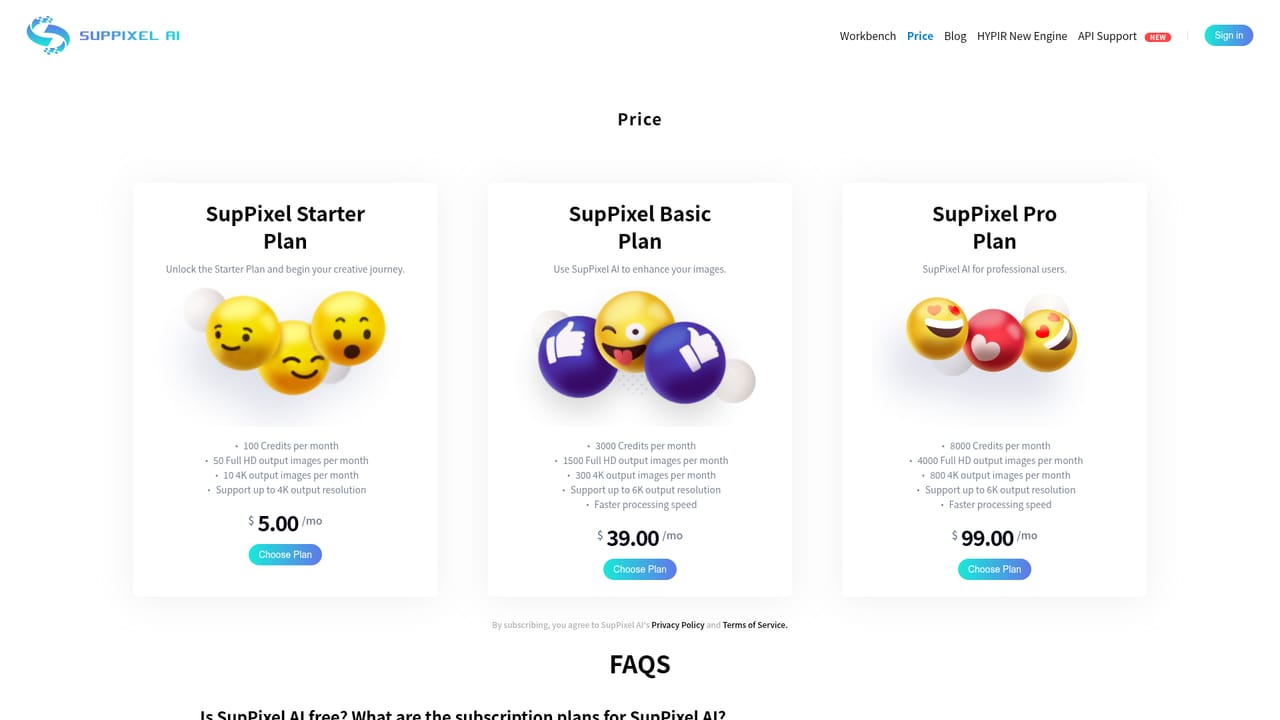
Learn moreThree subscription plans: Starter at $5 for 100 credits, Basic at $39 per month for 3000 credits, and Pro for professional users needing a higher credit volume. Credits are consumed by original pixel count and upscale factor, so a 1080p file costs 2 to 4 credits and a 4K file around 15 to 20. Billing is handled through Stripe and plans can be changed at any time.
Learn moreSupport is handled by email at support@suppixel.ai. The company also runs community spaces on Discord, Slack, X, LinkedIn and YouTube.
Learn moreOne model corrects compression artifacts, noise and blur while enlarging an image. Supports high quality printing, classic and vintage restoration, portraits, landscapes, AI generated art, game assets and e-commerce imagery. Jobs run server side and continue after the browser closes, with results kept in a history page. An API is available for automated use.
Learn more AI Angels400+ customizable AI girlfriends for NSFW chat, voice calls, and roleplay
 Candy AIExperience the future of companionship with AI friends who chat, role-play, and connect with you on a human level.
 ourdream.aiA vast AI roleplay platform with millions of characters for chat, images, video and voiceAI Angels400+ customizable AI girlfriends for NSFW chat, voice calls, and roleplayCandy AIExperience the future of companionship with AI friends who chat, role-play, and connect with you on a human level.ourdream.aiA vast AI roleplay platform with millions of characters for chat, images, video and voice