Free trial
The homepage invites visitors to try Viesus for free, but does not state the length of the trial, the number of free enhancements or what limits apply.
Learn moreCloud AI that upscales and repairs images and PDFs at scale
Own Viesus enhancing PDFs and images? Verify ownership to get a dofollow link
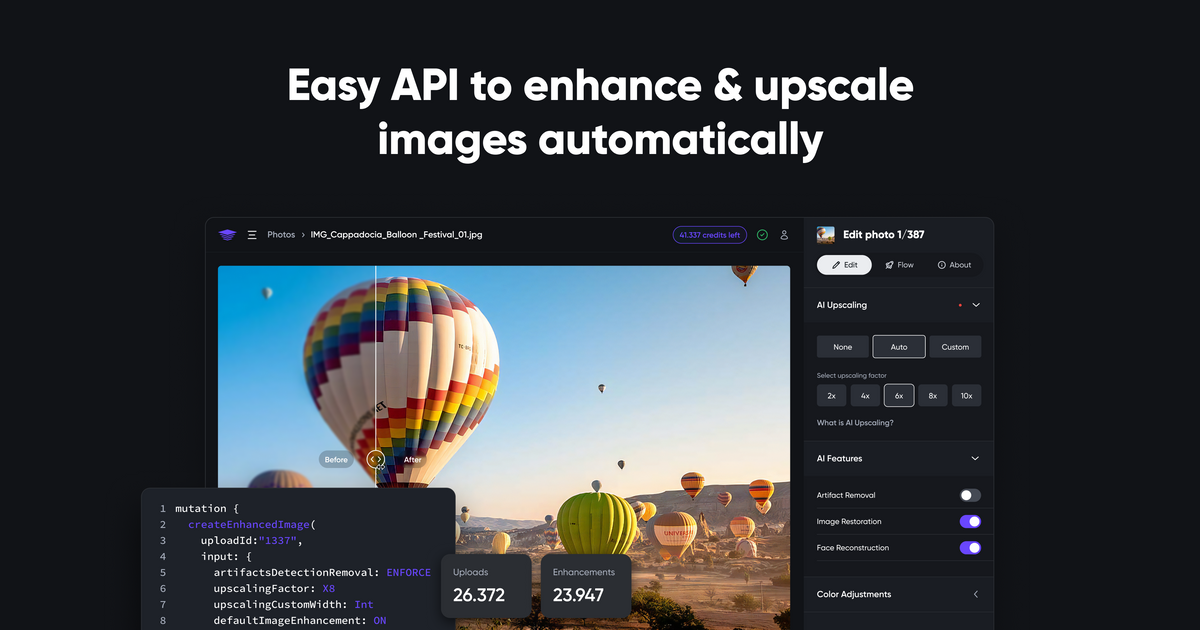
Viesus enhancing PDFs and images is a 4K upscale tool. Cloud based AI service that upscales and enhances images and images inside PDFs, with a manual web app, batch workflows and an API for automating enhancements on uploaded files.
Viesus Cloud is a hosted image and PDF enhancement service built around AI upscaling. Users upload a low quality photo or a PDF containing images, state the target resolution, and the service returns a sharper, higher resolution file. The pipeline does more than resize: it runs an AI image analysis pass and then applies local and global corrections for color casting, contrast, brightness and sharpness, plus red eye removal and a dedicated face reconstruction step aimed at fixing low resolution faces and JPEG compression artifacts. There are two ways to work with it. The web app at viesus.cloud/app is the manual route: upload files, choose enhancements, download results. For volume work there are built in workflows that batch hundreds or thousands of images with a single click, using rules you define. The second route is the API, which lets a platform send images or PDFs server side and get enhanced versions back automatically as they arrive. The API flow is deliberately plain: authenticate, upload the file, run one or more enhancements, poll the status, and check the remaining credit balance. The product is aimed at businesses where image quality reaches the customer, not at hobbyist retouching. The published case studies point at photo product printers, travel book makers, large format printing and press photography, with Albelli reporting a 58 percent drop in support complaints and Swiss-Image pushing enhanced press photos to agencies within seconds. Marketplaces and photo platforms with user generated uploads are the natural fit, since the API can sit in the upload path. Against general purpose upscalers, Viesus leans on PDF support and automation rather than creative editing. It is not a design tool and does not replace a retoucher: it is a correction and scaling engine that runs unattended. Teams that only need occasional single image upscaling may find the workflow and API machinery heavier than necessary.
The homepage invites visitors to try Viesus for free, but does not state the length of the trial, the number of free enhancements or what limits apply.
Learn moreIntegration is through a documented HTTP API that connects a platform to Viesus so uploaded images and PDFs are enhanced automatically. A standalone app and SDK are mentioned as separate offerings.
Learn moreAI upscaling to a chosen target resolution, AI image analysis, local and global color, contrast and brightness correction, adaptive sharpness correction, red eye removal, face reconstruction for low resolution and compressed photos, artifact removal, PDF enhancement, one click batch workflows and an API with authentication, upload, status and credit balance endpoints.
 AI Angels400+ customizable AI girlfriends for NSFW chat, voice calls, and roleplay
 Candy AIExperience the future of companionship with AI friends who chat, role-play, and connect with you on a human level.
 ourdream.aiA vast AI roleplay platform with millions of characters for chat, images, video and voiceAI Angels400+ customizable AI girlfriends for NSFW chat, voice calls, and roleplayCandy AIExperience the future of companionship with AI friends who chat, role-play, and connect with you on a human level.ourdream.aiA vast AI roleplay platform with millions of characters for chat, images, video and voice