Pricing
The homepage marks the manual SVG editor as free and labels the AI Brand Kit, icon and fantasy character generators as Pro. Many templates are tagged premium. No prices or plan details are listed.
Learn moreAI vector workspace to generate, edit and convert SVG files

SVGMaker.io is a design tool. SVGMaker is an AI vector design workspace that generates SVGs from prompts, edits them on a canvas, and converts raster images to clean vectors. It adds icon, fantasy character and brand kit tools, plus an API and MCP access.
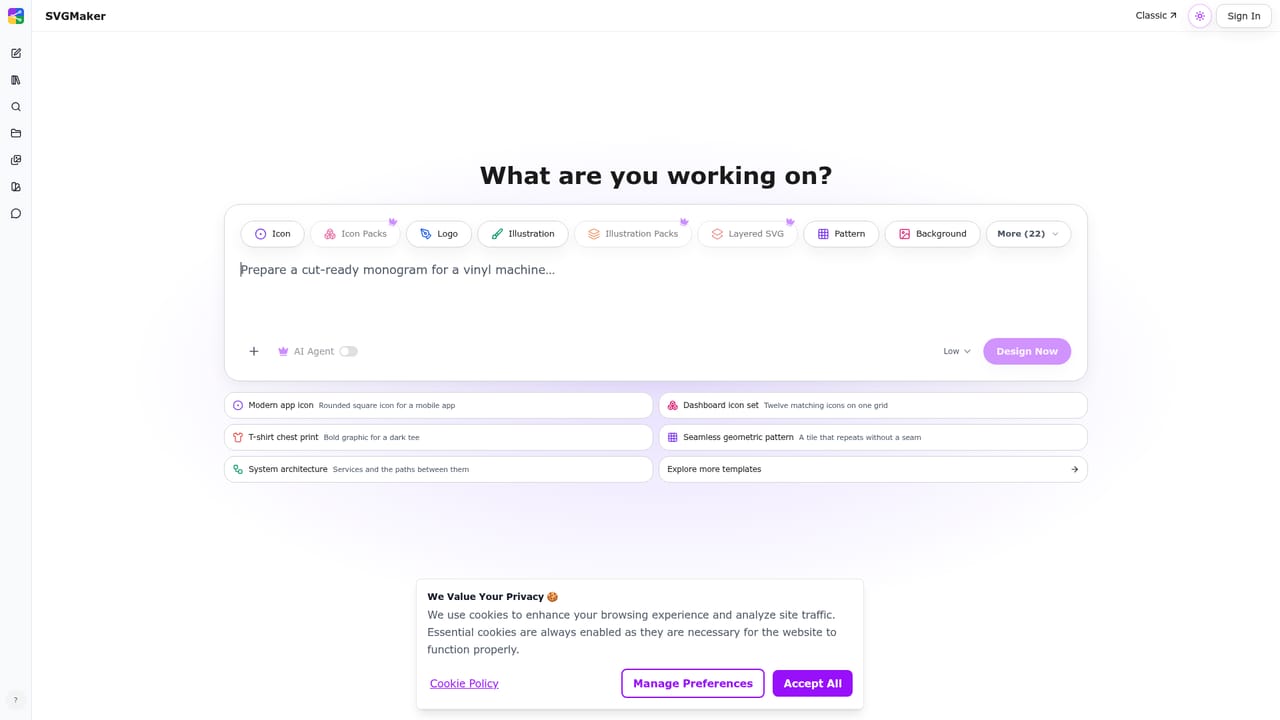
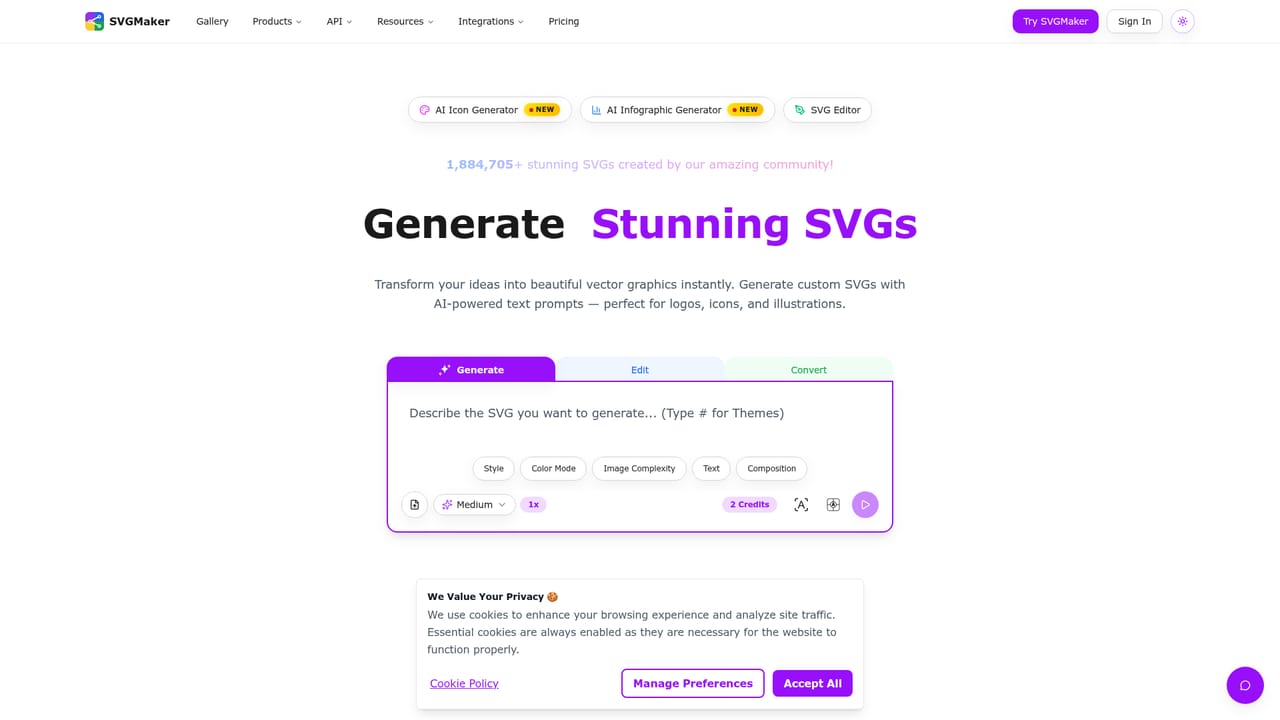
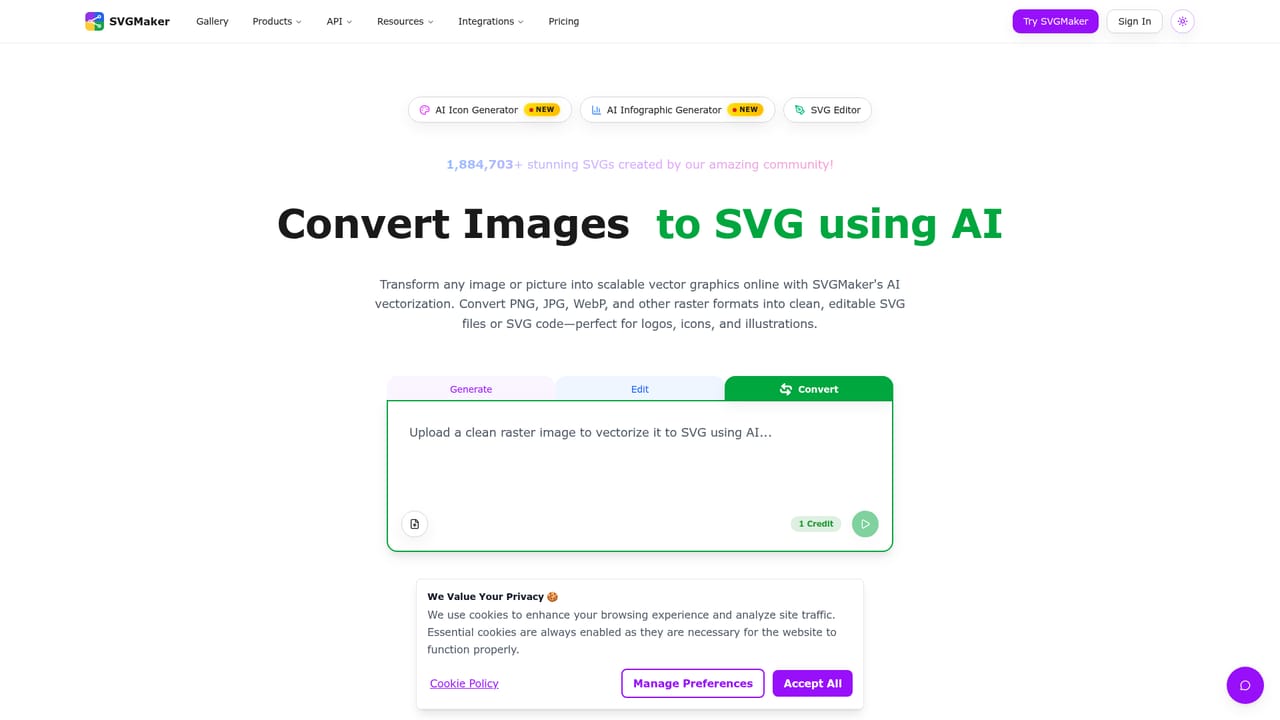
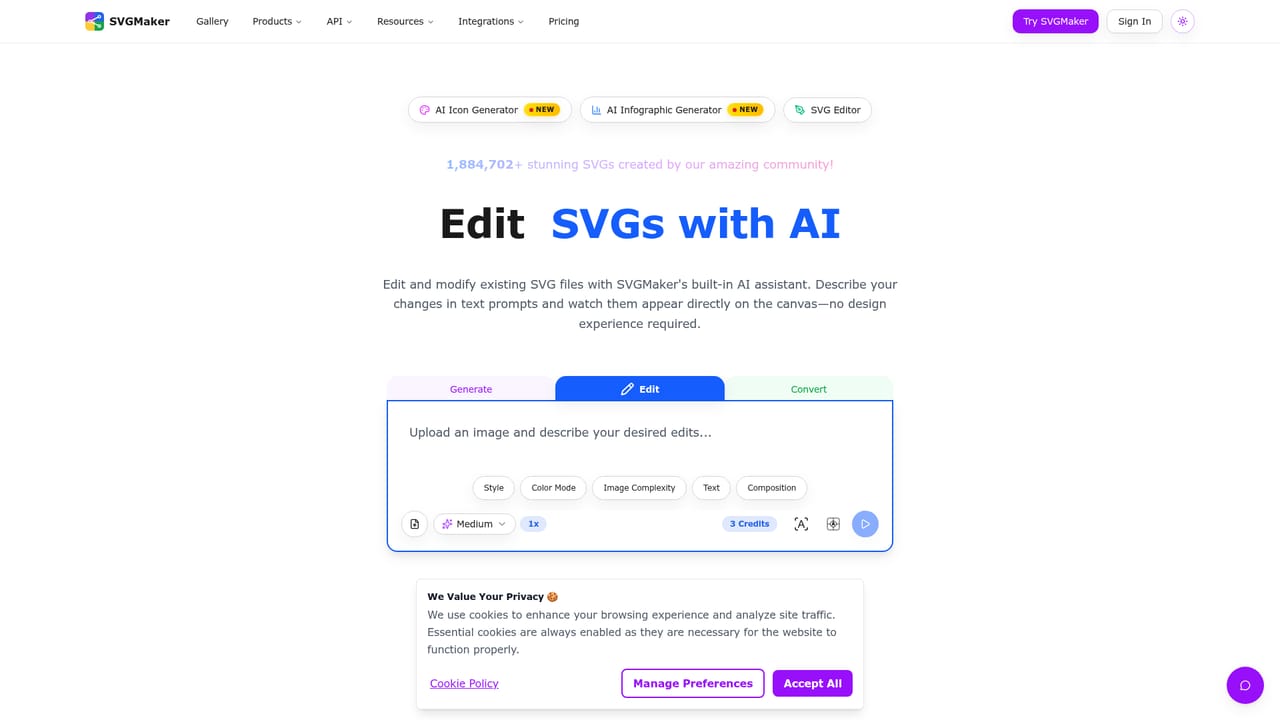
SVGMaker is a browser-based workspace for producing vector graphics with AI. It combines three jobs that usually live in separate tools: generating SVGs from text prompts, editing existing files with AI plus a manual canvas, and converting PNG, JPG or WebP images into clean vector files or code. Its newest addition is an AI Design Agent that reads a single brief, plans the task, chooses models and tools, and returns assets as editable objects instead of flattened pictures. Around that core sit several specialised generators. The icon tool builds app icons from a prompt or from a library of more than 7,000 icons, previews them across iOS, Android, macOS, watchOS and web, and exports every size in one ZIP. A fantasy character generator produces D&D and RPG art in 11 styles, a background remover strips backgrounds from SVGs while keeping paths sharp, and a free Figma-style editor handles precise manual path work. Brand kits let a user save a palette or generate a full identity system so later assets stay consistent. Work is organised into projects and chat threads, and style presets such as flat, line art, sticker, isometric and pixel can be applied or saved. Generation runs on SVGMaker's own models alongside external ones including Nano Banana Pro, Seedream, GPT-Image-1, Flux and Qwen Edit Plus, with several variations per run. The audience is wide. Crafters preparing files for Cricut, Silhouette, vinyl cutters and laser engravers, print-on-demand sellers, indie brands, UI designers and developers all appear in the site's use cases, and the homepage cites more than 100,000 users. Compared with general image generators, the output is true vector geometry that scales and can be recolored. Compared with desktop suites such as Illustrator or Inkscape, it favors speed and prompt-driven workflows over deep manual tooling, though the built-in editor covers precise adjustments. An API and MCP access extend the agent into automated pipelines.
The homepage marks the manual SVG editor as free and labels the AI Brand Kit, icon and fantasy character generators as Pro. Many templates are tagged premium. No prices or plan details are listed.
Learn moreA contact page and a blog are linked from the site. No support hours or channels are described on the homepage.
Learn moreOffers an API for the AI Design Agent, MCP access and plugins. Output is intended for tools like Cricut, Silhouette, Glowforge, Figma and Illustrator workflows, with specific connectors not detailed on the homepage.
Learn moreAI Design Agent, text to SVG, AI SVG edit, image to SVG conversion, browser SVG editor, icon generator with multi-platform export, fantasy character generator, SVG background remover, brand kits, style presets, projects and chats, multiple model choices.
Learn more


