Support
A help centre covers privacy questions, attendee notification and team-wide Chrome installation via a GSuite admin; general enquiries go through a contact form. The Trust Center documents certifications and compliance frameworks.
Learn moreLive meeting transcripts and AI summaries without a bot in the call

Tactiq is an AI task generator tool. A Chrome extension that transcribes Google Meet, Zoom and Teams calls live and produces summaries, action items and follow-up drafts during the meeting. No bot joins the call and no audio is stored.
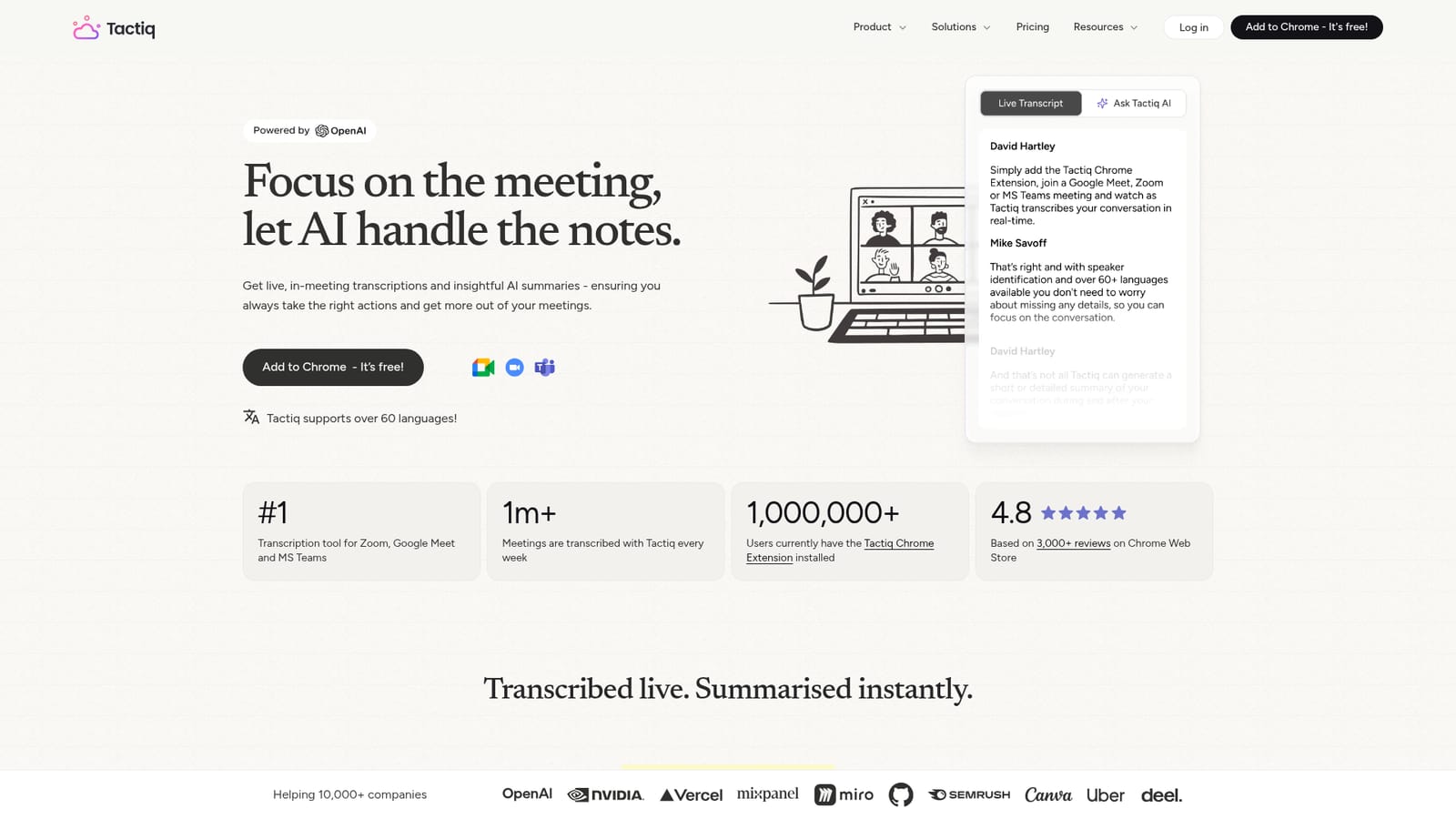
Tactiq is a Chrome extension that transcribes meetings on Zoom, Google Meet and Microsoft Teams while they happen, then turns those transcripts into summaries, action items and follow-up material. Around a million users have the extension installed, and the company reports more than a million meetings transcribed each week, which puts it among the most widely deployed meeting note takers rather than a niche add-on. The defining design choice is that no bot joins the call. Tactiq works from the browser tab where the meeting is already running, captures speech in real time, identifies who is speaking and stores the result as text. Audio is neither recorded nor kept, a detail that matters to legal, medical and enterprise teams. The live transcript is visible only to the person running the extension, and a built-in notice can tell other participants that transcription is under way. Summaries and action items appear while the call is still going, so the notes are essentially finished at the moment the meeting ends. Beyond capture, Tactiq functions as a lightweight analysis layer over your meeting history. Users can ask the AI custom questions about what was said, save the good ones as reusable prompts, and pull summaries from earlier sessions for context. Workflow automations can push that output straight into Slack, Notion, Linear, Hubspot and similar tools, and those workflows can be shared across a team. Support for more than 60 languages makes it usable for mixed-language organizations; user reviews specifically call out multi-language meetings as a strength. The tool suits project managers, sales teams, recruiters and consultants who live in back-to-back calls and lose time on follow-up. It is less suited to people who need archived audio or video, since none is stored. Compared with recorder bots such as Otter or Fireflies, Tactiq avoids the awkward bot attendee and calendar plumbing, but it depends on the Chrome extension being present in the browser where the call runs. Security posture is documented through ISO 27001, SOC 2 Type II, GDPR and HIPAA, with processing routed through OpenAI's enterprise API rather than ChatGPT.
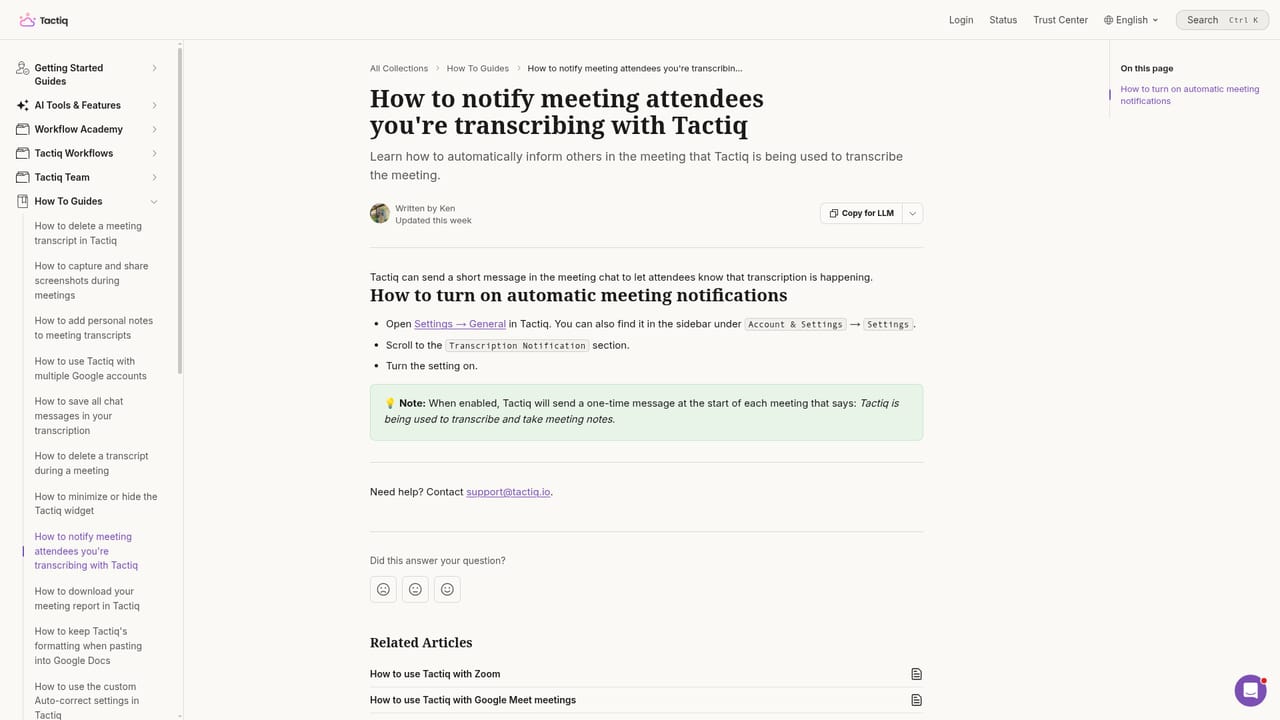
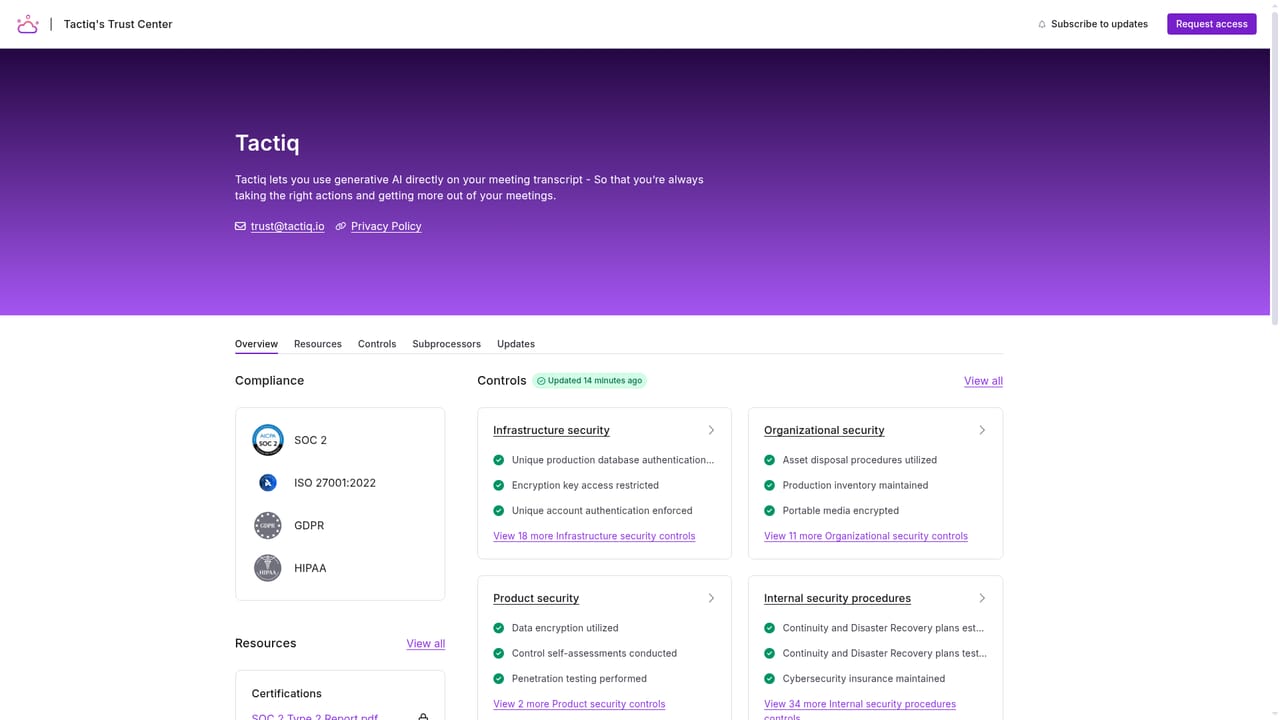
A help centre covers privacy questions, attendee notification and team-wide Chrome installation via a GSuite admin; general enquiries go through a contact form. The Trust Center documents certifications and compliance frameworks.
Learn moreWorkflow automations share meeting output to Slack, Notion, Linear, Hubspot and similar tools, and workflows can be shared with a team. The homepage lists no dedicated API or other connector catalogue.
Live transcription on Google Meet, Zoom and Teams with no bot in the call. Speaker identification, support for 60+ languages, real-time summaries and action items, Ask AI questions that can be saved as reusable prompts, retrieval of previous meeting summaries, one-click follow-up emails, and shareable workflow automations that send output to Slack, Notion, Linear, Hubspot and more.
 AI Angels400+ customizable AI girlfriends for NSFW chat, voice calls, and roleplay
 Candy AIExperience the future of companionship with AI friends who chat, role-play, and connect with you on a human level.
 ourdream.aiA vast AI roleplay platform with millions of characters for chat, images, video and voiceAI Angels400+ customizable AI girlfriends for NSFW chat, voice calls, and roleplayCandy AIExperience the future of companionship with AI friends who chat, role-play, and connect with you on a human level.ourdream.aiA vast AI roleplay platform with millions of characters for chat, images, video and voice


