Free trial
Designs can be created and previewed free of charge, and a low-resolution logo download is available before any payment. Vector files only unlock once you pay.
Learn moreAI logo generation with a full design studio behind it
Own Tailor Brands? Verify ownership to get a dofollow link

Tailor Brands uses an AI algorithm to generate custom logo designs from a short business brief, with no pre-made templates. A studio editor handles font, icon and color changes, and paid plans unlock vector EPS and SVG files, social media resizes and branded assets like business cards and a brand book.
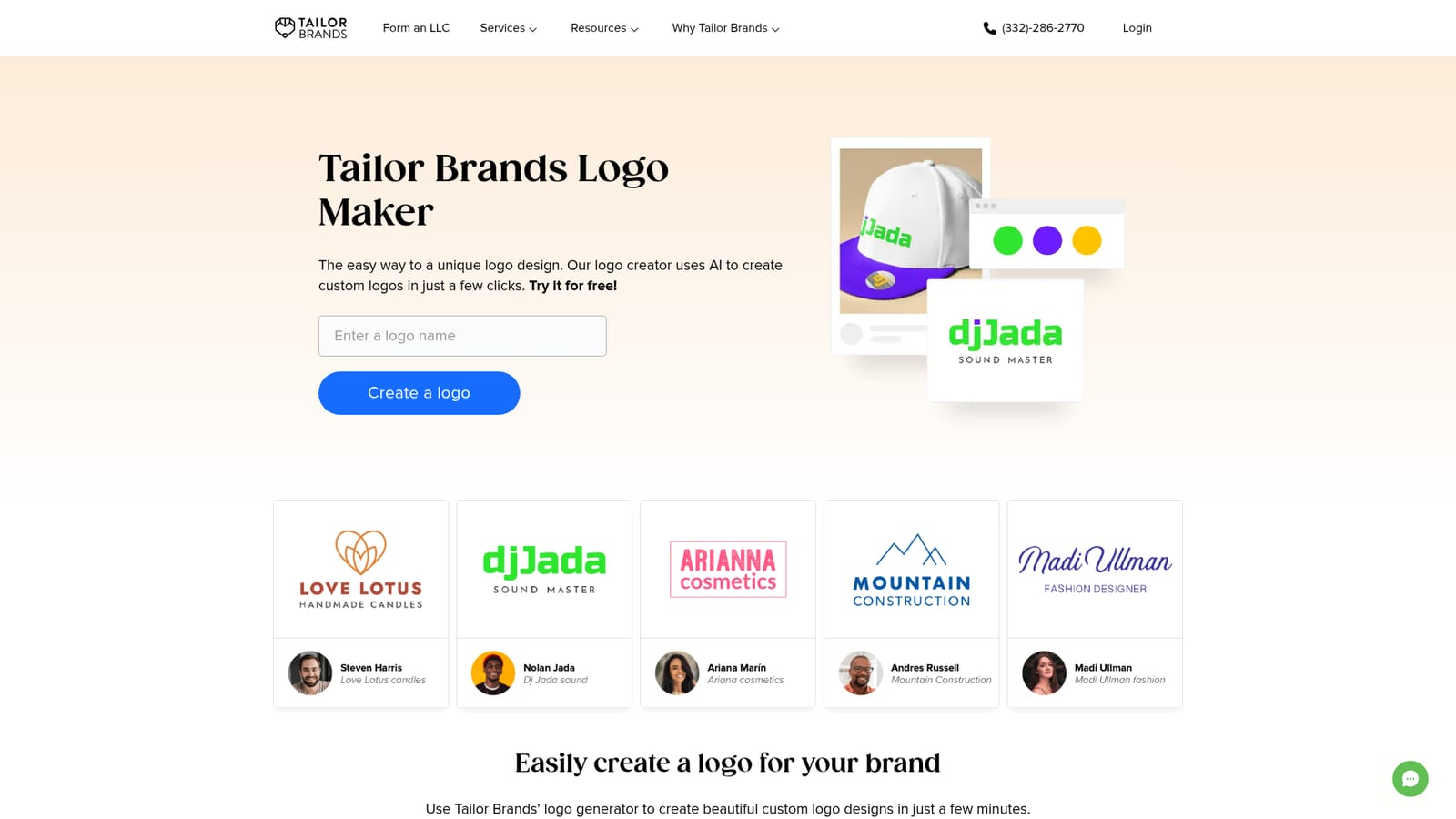
Tailor Brands runs an AI logo generator aimed at people who need a usable brand mark without hiring a designer. You enter a company name, describe the business, pick a logo style (wordmark, monogram or icon) and flag the fonts you like, and the algorithm returns a batch of candidate designs in under a minute. The company states that it does not assemble logos from pre-made templates, so each result is generated for the brief you gave rather than recycled from a stock library. The real product sits behind the generator. After picking a direction you enter an editing studio where fonts, icons and colors can all be changed, and designs are stored in your account so you can come back and revise them later. Downloads come as Vector EPS, SVG with a transparent background and PNG, which covers print, signage and web use. Paid accounts also receive 21 pre-resized versions of the logo for social platforms, plus a bundle of branded extras including a brand book, letterheads, seasonal logo variants and business cards. It is built for side hustlers, solo founders and small business owners, not for agencies producing identity systems. The broader Tailor Brands studio extends into websites, digital business cards, printed merchandise and LLC formation, so the logo often acts as the entry point to a wider set of business admin services rather than a standalone design tool. Anyone weighing it against a freelance designer or a template-driven logo builder should note that speed and breadth of surrounding services are the pitch here, while bespoke craft is not. The free path is limited: you can generate and preview designs, but high-resolution vector files require payment. Tailor Brands states that buyers get full commercial rights to the logo once they purchase, and trademark filing is offered as a separate paid service.
Designs can be created and previewed free of charge, and a low-resolution logo download is available before any payment. Vector files only unlock once you pay.
Learn moreThe logo maker is free to try and you can download a low-resolution file at no cost. High-resolution Vector EPS and SVG files require payment, and trademark filing is priced separately. No specific prices are listed on the logo maker page.
Learn moreCustomer support is described as handling both account questions and technical help, with agents available to assist once you have an account.
AI logo generation from a business name, type and description, with wordmark, monogram and icon styles available. The studio editor covers font, icon and color changes and stores your designs. Downloads come as Vector EPS, transparent SVG and PNG. Paid accounts add 21 social media resizes, a brand book, letterheads, seasonal logos and business cards, alongside access to website building, digital business cards, merchandise and LLC formation.
 AI Angels400+ customizable AI girlfriends for NSFW chat, voice calls, and roleplay
 Candy AIExperience the future of companionship with AI friends who chat, role-play, and connect with you on a human level.
 ourdream.aiA vast AI roleplay platform with millions of characters for chat, images, video and voiceAI Angels400+ customizable AI girlfriends for NSFW chat, voice calls, and roleplayCandy AIExperience the future of companionship with AI friends who chat, role-play, and connect with you on a human level.ourdream.aiA vast AI roleplay platform with millions of characters for chat, images, video and voice


