Free trial
A free start is promoted throughout the site via Try TaxBotGPT Free and Start Free links. The homepage does not state how long the free access lasts or what it includes.
Learn moreAn AI tax copilot built around Indian compliance work

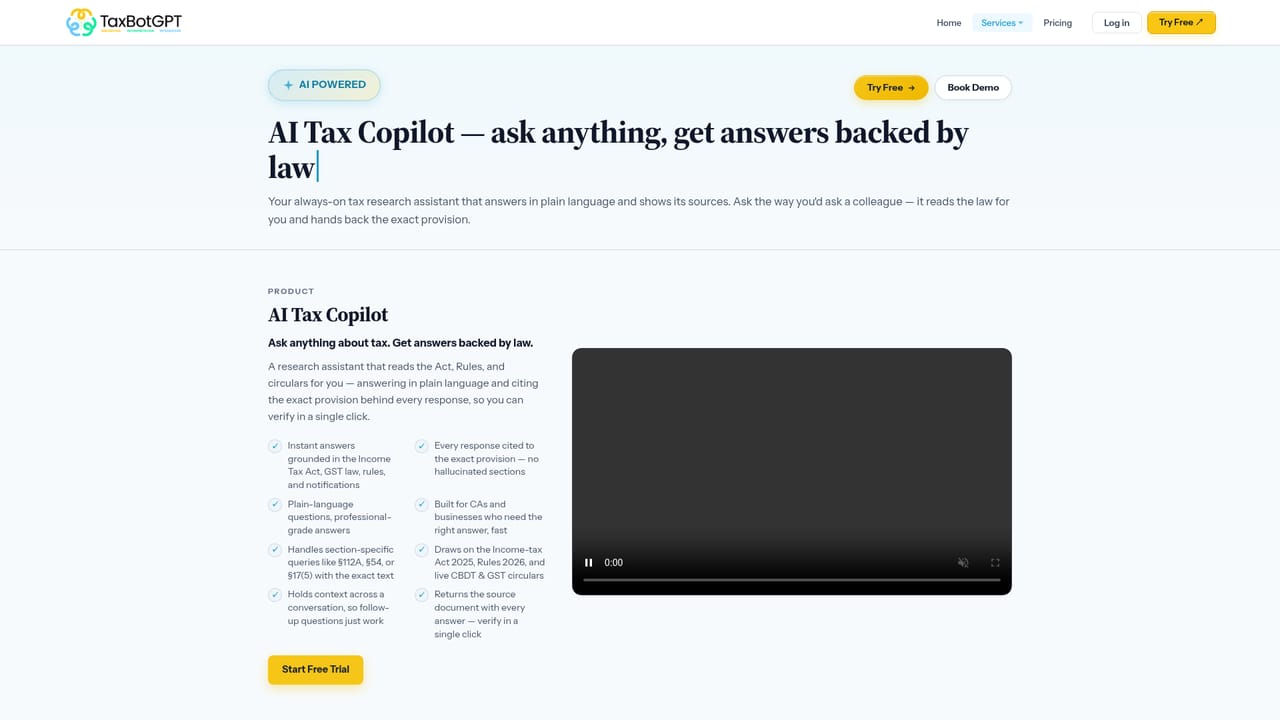
TaxBotGPT is an AI copilot for Indian tax work, covering Income Tax, GST, FEMA, Company Law and case law research. It offers eight tax agents for notice drafting, reconciliation and filing support, answers with section citations, and accepts prompts in Hindi or English.
TaxBotGPT positions itself as an AI tax copilot for Indian professionals, wrapping research, drafting and compliance support into one workspace. The platform claims coverage across more than ten Indian tax categories, spanning Income Tax, GST, FEMA, Company Law and case law, and it routes queries through what the site describes as six specialised models, named from Artha to Sanstha, each matched to a query type. Answers arrive with section references and case citations, and the copilot accepts prompts in Hindi or English, which matters for practitioners who switch languages mid-conversation. The product is organised around eight tax agents, including a GST Notice Center, an Income Tax Notice Center, a ledger assistant and a GST filing and reconciliation agent. In practice a chartered accountant or tax consultant uploads a notice, the system researches the relevant statute, circulars and judgments, then produces a draft that the professional reviews and edits before filing. The site illustrates this as a chain that runs from upload through research, reasoning, drafting and validation to filing, and it surfaces a confidence score on generated drafts so users can judge how much verification a reply needs. Notice replies are the clearest use case, with drafting templates and suggestions aimed at cutting the hours normally spent on routine correspondence. The stated audience is broad: individual CAs, CA firms, MSMEs and finance teams, startups working through incorporation and FEMA questions, enterprises juggling multi-company tax management, tax lawyers preparing submissions, government and PSU audit staff, students learning taxation, and NRIs or foreign companies handling Indian withholding and DTAA analysis. That spread is both the appeal and the risk, since a solo practitioner and an enterprise compliance department want very different things from the same interface. Alternatives fall into two camps: general chatbots that can discuss tax but rarely cite current Indian statute reliably, and established professional research databases that are authoritative but not generative. TaxBotGPT sits between them, trading some editorial depth for speed and drafting convenience. Its credibility hinges on the accuracy claim the site advertises and on how carefully users check outputs before anything reaches a client or a portal.
A free start is promoted throughout the site via Try TaxBotGPT Free and Start Free links. The homepage does not state how long the free access lasts or what it includes.
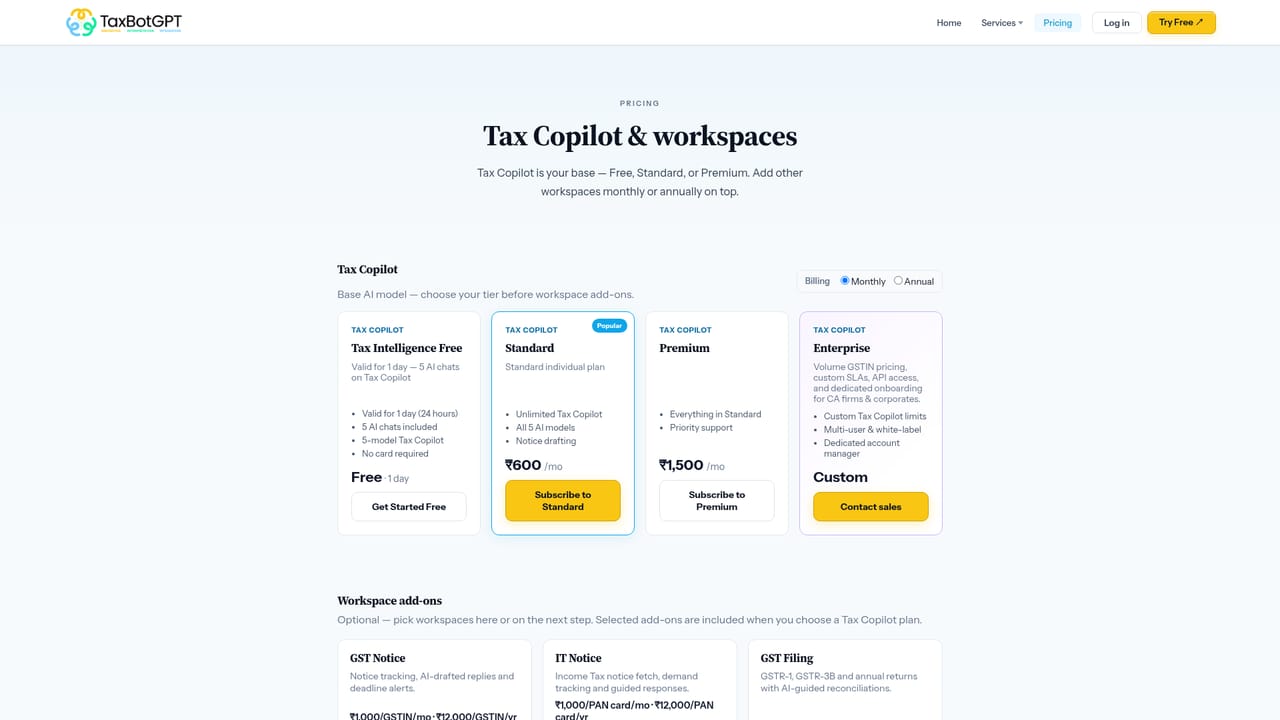
Learn moreThe homepage advertises a free starting point and links to a dedicated pricing page for plan details. No specific plan names, rupee amounts or usage limits appear in the homepage content, so costs have to be checked on the pricing page directly.
Learn moreThe site offers an enterprise demo booking route and contact link, and the tutorials page provides a product tour. Detailed help documentation or a support centre is not described in the homepage content.
Learn moreCovers Income Tax, GST, FEMA, Company Law and case law in one copilot, with eight tax agents for notice handling, ledger work, filing and reconciliation. Six specialised models handle different query types, answers carry section references and case citations, and prompts can be written in Hindi or English. Drafts include a confidence score, and the platform lists SOC2 readiness, ISO 27001, 256-bit encryption and role based access.
Learn more AI Angels400+ customizable AI girlfriends for NSFW chat, voice calls, and roleplay
 Candy AIExperience the future of companionship with AI friends who chat, role-play, and connect with you on a human level.
 ourdream.aiA vast AI roleplay platform with millions of characters for chat, images, video and voiceAI Angels400+ customizable AI girlfriends for NSFW chat, voice calls, and roleplayCandy AIExperience the future of companionship with AI friends who chat, role-play, and connect with you on a human level.ourdream.aiA vast AI roleplay platform with millions of characters for chat, images, video and voice


