Pricing
The homepage presents the service as free forever, with no signup, no personal details, and no credit card required. No paid tiers or usage limits are listed in the source content.
Learn moreInstant disposable inboxes for signups, OTPs, and spam-free browsing

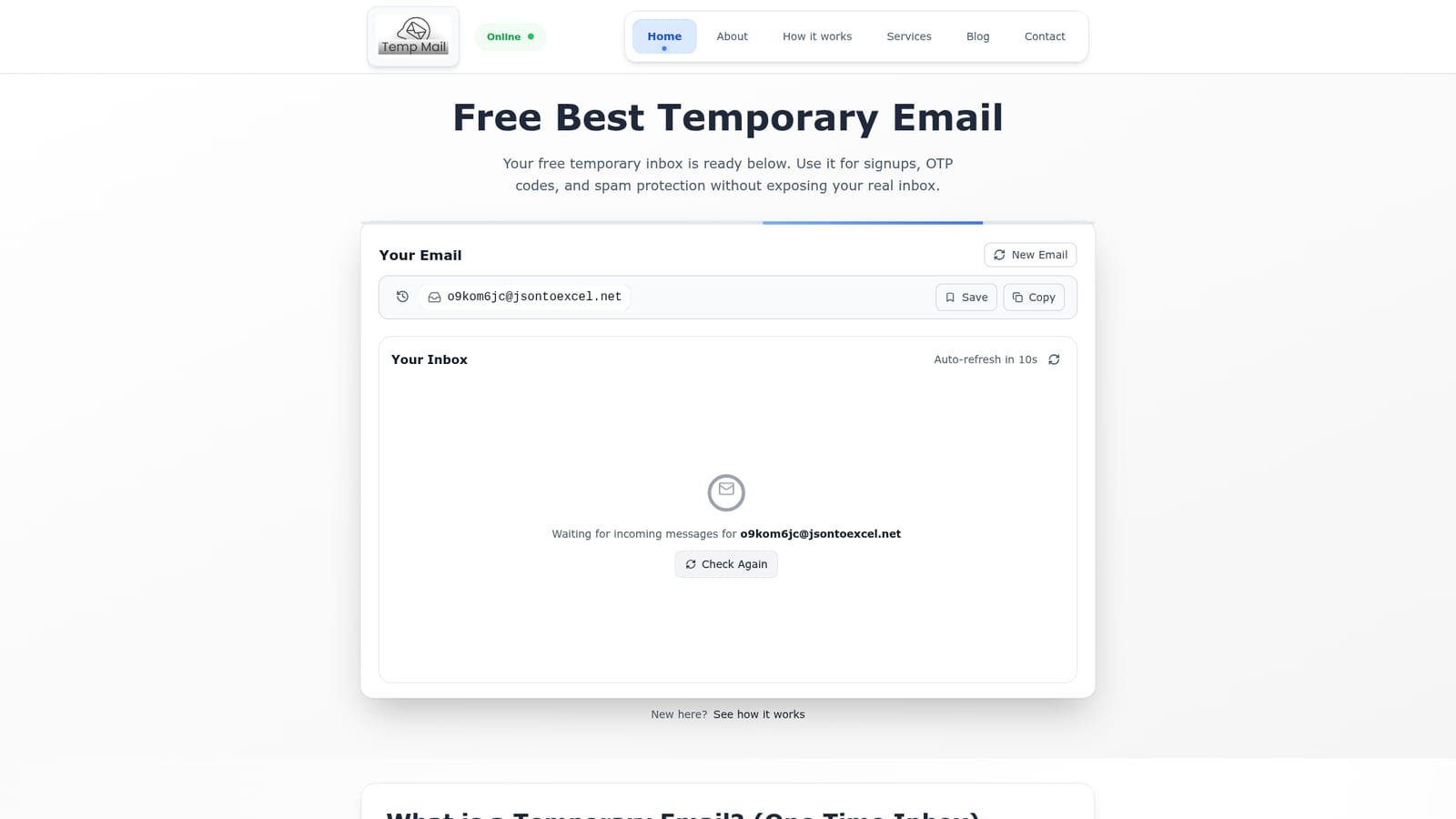
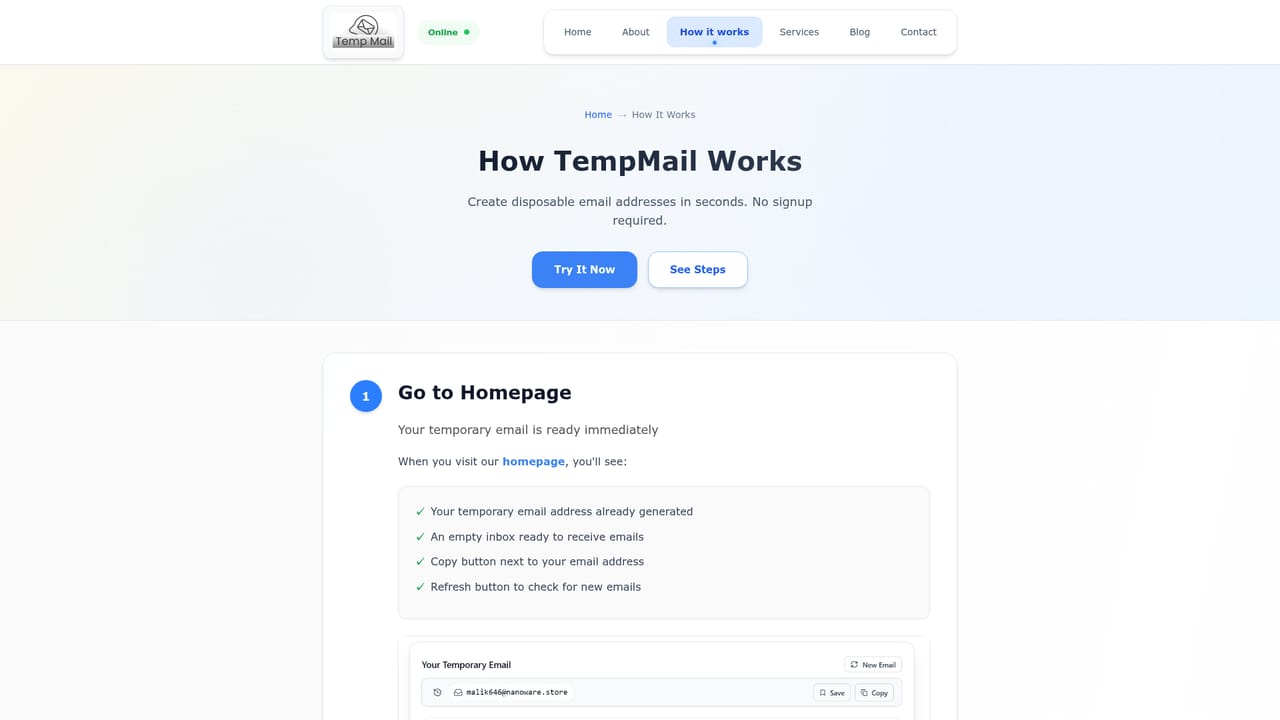
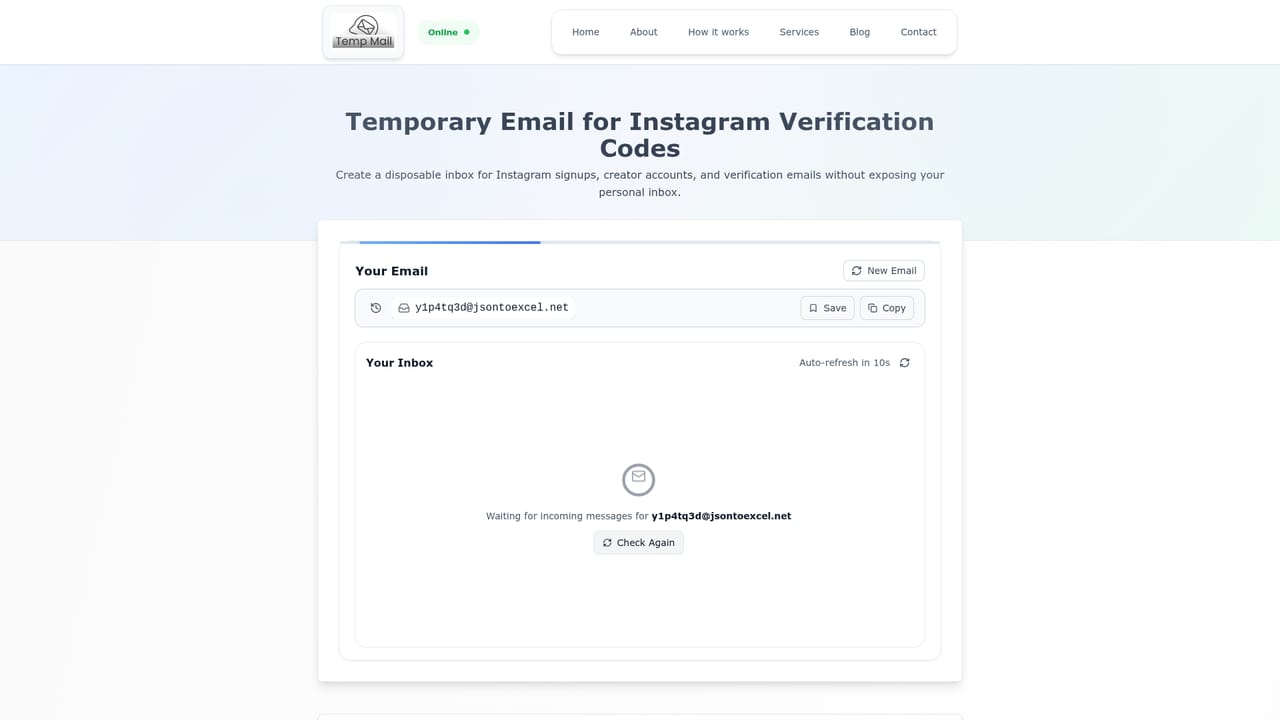
TempMail4U generates a free throwaway email address on page load, no signup or captcha required. Inboxes default to 24 hours, can be saved for 7 days, and short 10, 20, and 30 minute variants are offered. Messages are receive only, making the service a fit for OTP codes, social signups, app testing, and coupon hunting.
TempMail4U is a disposable email service that hands you a working temporary inbox the moment the page loads. There is no signup form, no captcha, and no personal detail requested. The address appears automatically in the browser, and the site's copy and copy-link buttons make it easy to paste into whatever form you are filling out. Incoming messages refresh on a short timer, so a verification code usually lands within seconds. In practice the tool targets short lived tasks: registering on a social network, claiming a coupon, downloading a resource, or testing a beta product. The homepage names Instagram, Snapchat, Discord, TikTok, Facebook, Twitter X, Reddit, Telegram, Steam, Epic Games, Netflix, and Amazon Prime as common destinations, and there are dedicated landing pages for several of those platforms. Developers and marketers use it to spin up throwaway test accounts without risking their main address, while everyday users lean on it to keep Gmail or Outlook clean. The lifespan model is more flexible than most rivals. A default inbox lives 24 hours, and saving the session or bookmarking the unique access link extends it to 7 days. Separate 10, 20, and 30 minute variants exist for quick one time codes. Importantly, the inboxes are receive only: you cannot send mail from them, so they suit verification and not correspondence. Data is described as stored locally in the browser session, with no usage logging. The service sits alongside forwarding services and email aliases rather than replacing them. Aliases route mail to your real inbox indefinitely, which is what you want for long term accounts; TempMail4U is the better pick when the account itself is disposable and you never want the message to reach your real mailbox again. It is a lightweight, mobile friendly web app with no API and no account layer.
The homepage presents the service as free forever, with no signup, no personal details, and no credit card required. No paid tiers or usage limits are listed in the source content.
Learn moreInstant temporary address on page load, no signup or captcha, copy and save controls, auto-refreshing inbox, default 24 hour lifespan extendable to 7 days via a saved access link, plus dedicated 10, 20, and 30 minute mail variants. Data is held locally in the browser session, and inboxes are receive only.
Learn more AI Angels400+ customizable AI girlfriends for NSFW chat, voice calls, and roleplay
 Candy AIExperience the future of companionship with AI friends who chat, role-play, and connect with you on a human level.
 ourdream.aiA vast AI roleplay platform with millions of characters for chat, images, video and voiceAI Angels400+ customizable AI girlfriends for NSFW chat, voice calls, and roleplayCandy AIExperience the future of companionship with AI friends who chat, role-play, and connect with you on a human level.ourdream.aiA vast AI roleplay platform with millions of characters for chat, images, video and voice


