Free trial
A single real recording can be sent in for a transcript and meeting record; a demo covers the weekly overview across conversations. The homepage does not describe a time limited free trial.
Learn moreConversation intelligence for Baltic and Polish sales teams

Teneks is a note maker tool. Conversation intelligence for teams working in Estonian, Finnish, Polish, Latvian and Lithuanian. Teneks records calls and meetings, produces transcripts and meeting records with decisions and owners, and offers live in-call guidance drawn from earlier conversations, with processing and storage in the EU.
Teneks is a conversation intelligence tool built around the languages of the eastern Baltic and Poland: Estonian, Finnish, Polish, Latvian and Lithuanian, with English handled alongside them. It records the calls and meetings a team already holds, either through a desktop app on Windows or macOS or by starting a recording in the iOS app, and turns each one into a transcript, a summary and a structured meeting record listing decisions, owners, proposed next steps and unresolved questions in the language the conversation was held in. The product has three layers. Meeting records preserve context after the call ends and can be sent to people who were not present, with every decision linked back to the transcript and audio. A weekly overview aggregates recorded conversations to surface recurring objections, customer requests and stalled discussions across the team. Live guidance is the third layer and the most distinctive: while a call is running, Teneks brings details from earlier offers and conversations onto the rep's screen, along with a suggested response, an alternative action and the reasoning behind each. Guidance draws on the company's own recorded context and appears only on the user's screen; no bot joins the call and the other party sees nothing. A recording notice is built in and its wording is approved before it is switched on. Sales teams are the primary audience, particularly those selling in Estonian, Finnish, Polish, Latvian or Lithuanian, where general purpose call tools often handle names, figures and terminology badly. The same records serve leadership, operations, recruiting and project teams that need decisions and open questions in one place. Teams can start with records or the weekly overview and add live guidance only for reps who want it. Alternatives tend to be English-first meeting assistants that summarise but rarely coach in the local language, or sales coaching platforms that require a bot in the meeting. Teneks competes on language coverage, EU processing and storage, and guidance that is available while the conversation is still happening.
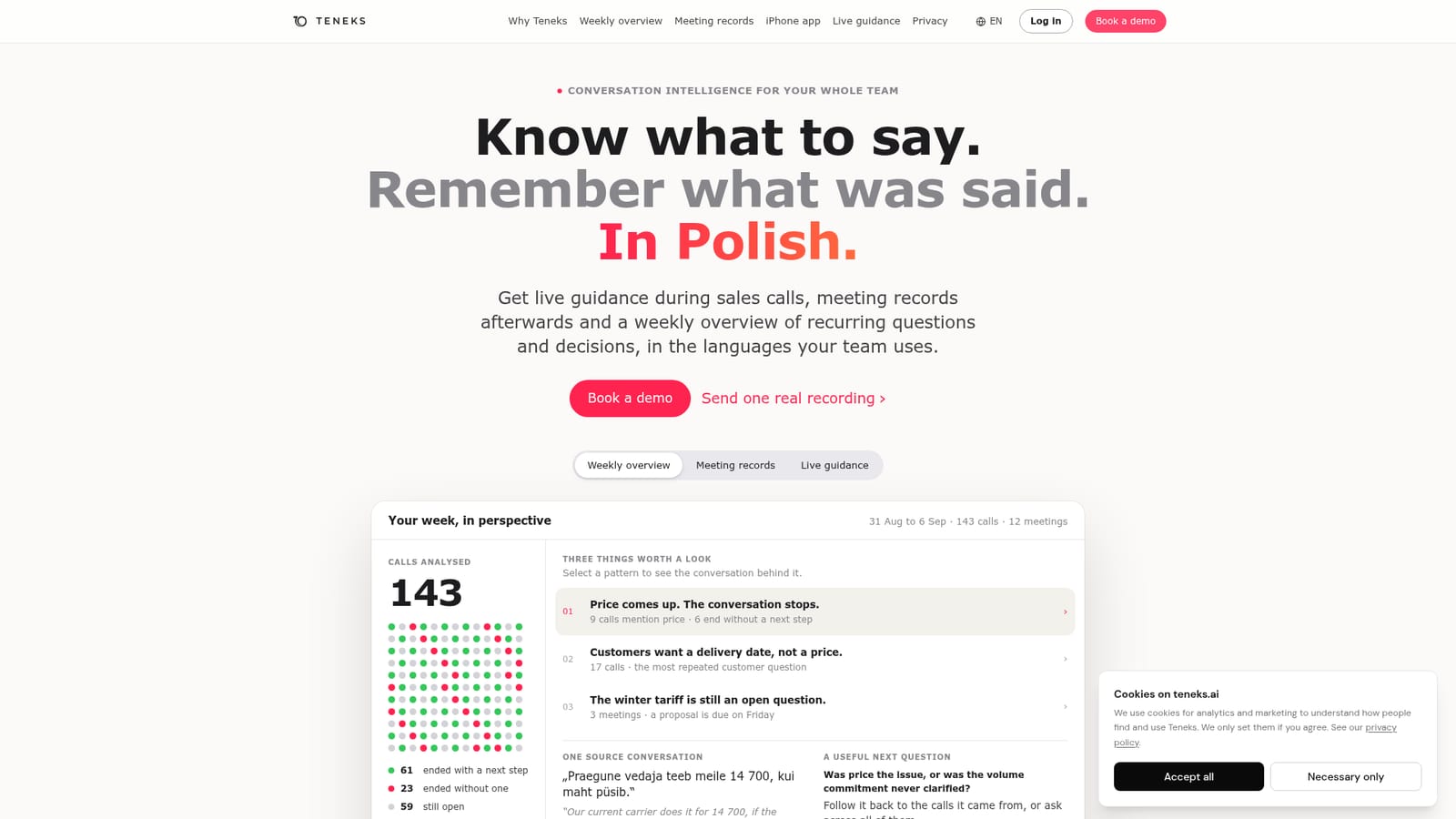
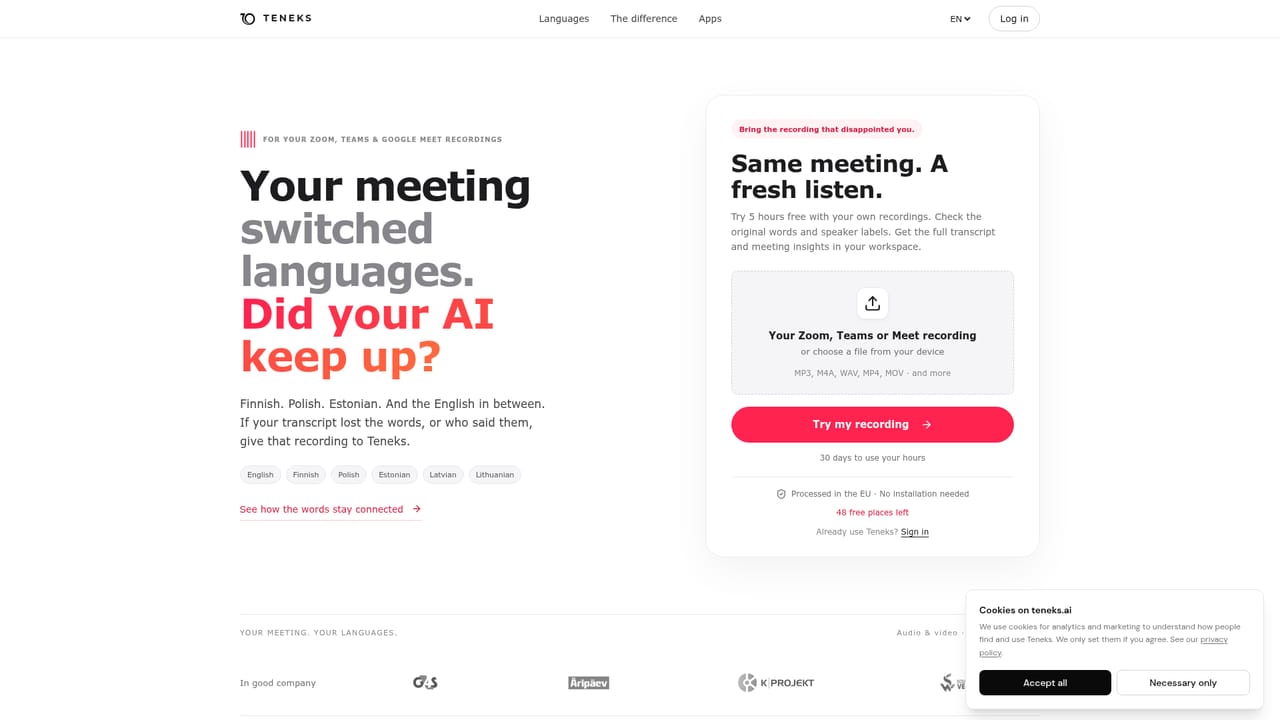
A single real recording can be sent in for a transcript and meeting record; a demo covers the weekly overview across conversations. The homepage does not describe a time limited free trial.
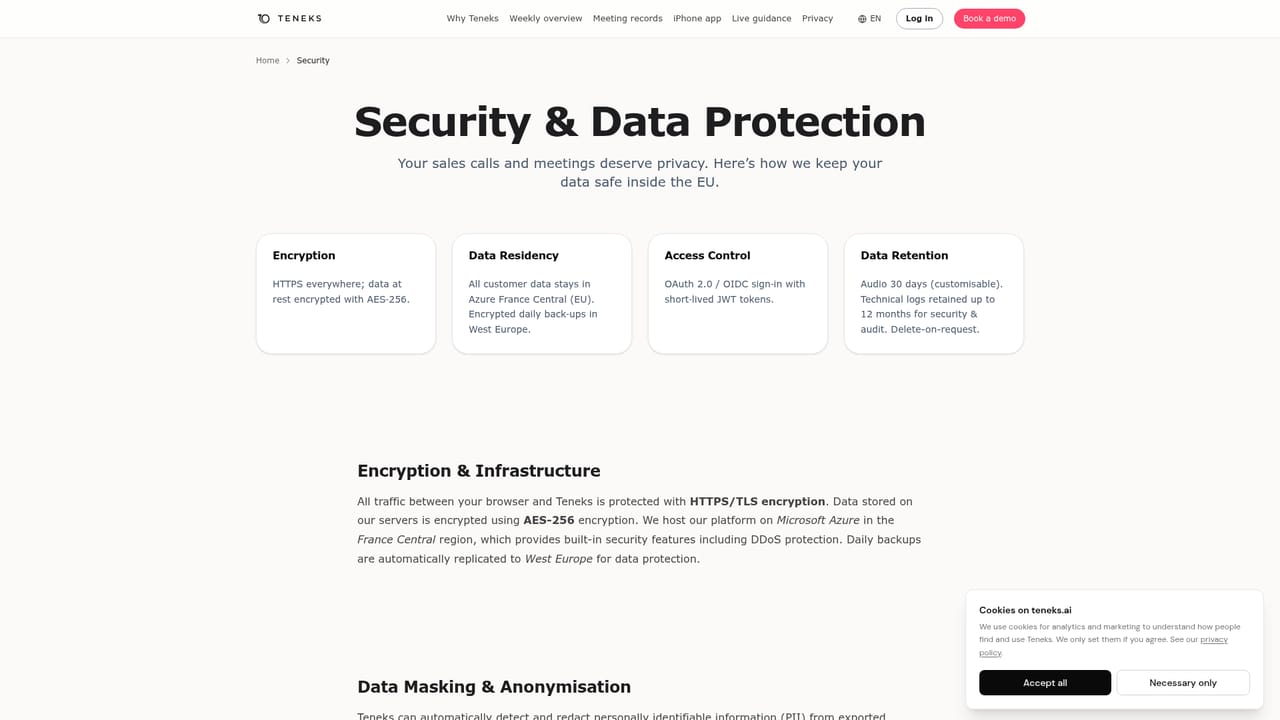
Learn moreSupport is offered by phone and through demo booking on the homepage. A security page covers data handling and a DPA is available on request.
Learn moreMeeting records with transcripts, summaries, decisions, owners and open questions in the language of the call; live in-call guidance with suggested responses and reasoning; a weekly overview of recurring objections and stalled discussions; search across past conversations; iOS recording through the phone microphone; desktop apps for Windows and macOS.
 AI Angels400+ customizable AI girlfriends for NSFW chat, voice calls, and roleplay
 Candy AIExperience the future of companionship with AI friends who chat, role-play, and connect with you on a human level.
 ourdream.aiA vast AI roleplay platform with millions of characters for chat, images, video and voiceAI Angels400+ customizable AI girlfriends for NSFW chat, voice calls, and roleplayCandy AIExperience the future of companionship with AI friends who chat, role-play, and connect with you on a human level.ourdream.aiA vast AI roleplay platform with millions of characters for chat, images, video and voice


