Free trial
No separate trial is needed: the core tools are free to use and every visitor receives free translation tokens each day before any subscription is required.
Learn moreOne translator for text, images, audio, documents and web articles

TextPixie is a free AI translator that converts text, images, audio, documents and web articles into more than 100 languages, with daily free tokens, auto detect input and a premium tier for higher limits.
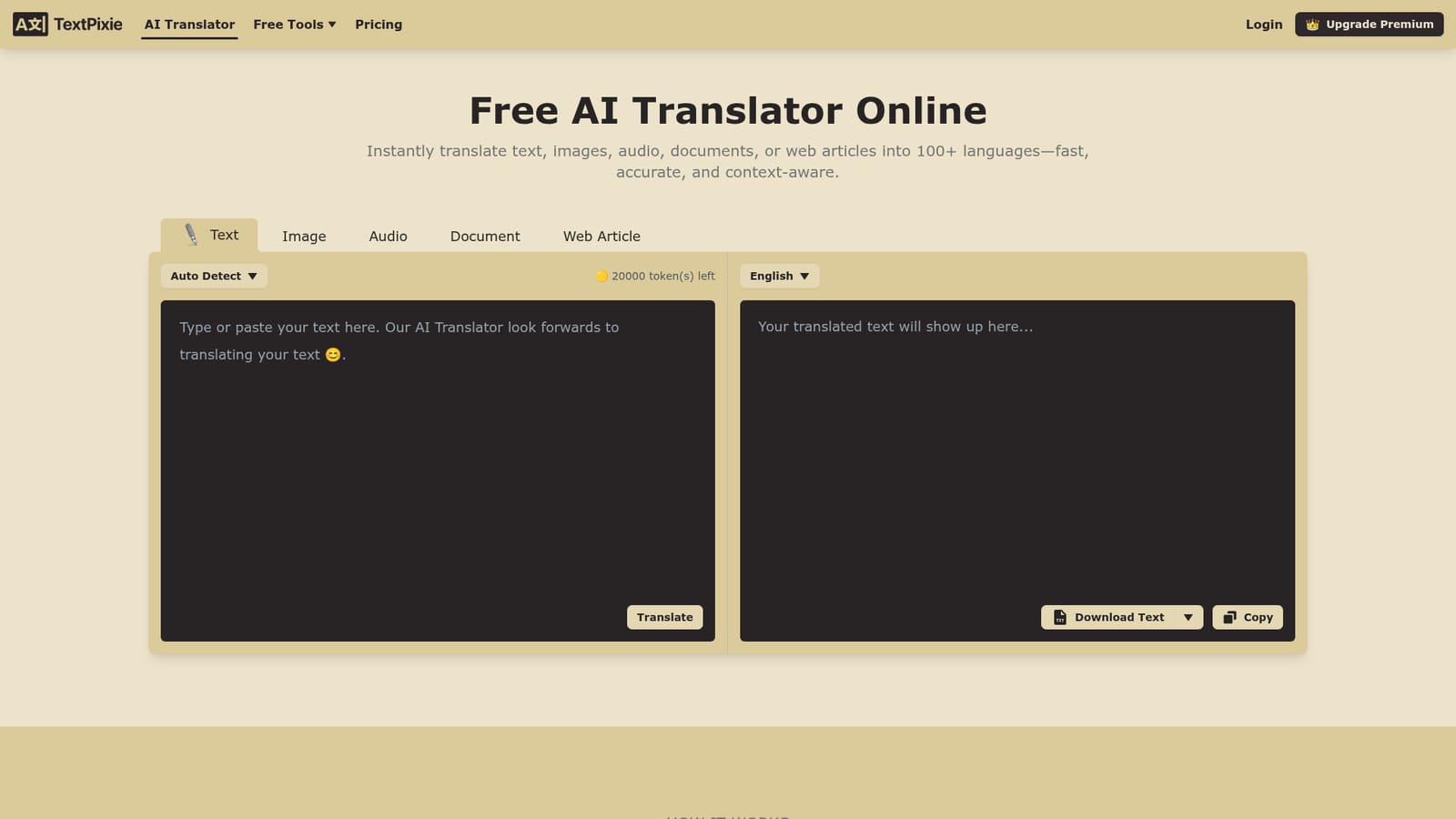
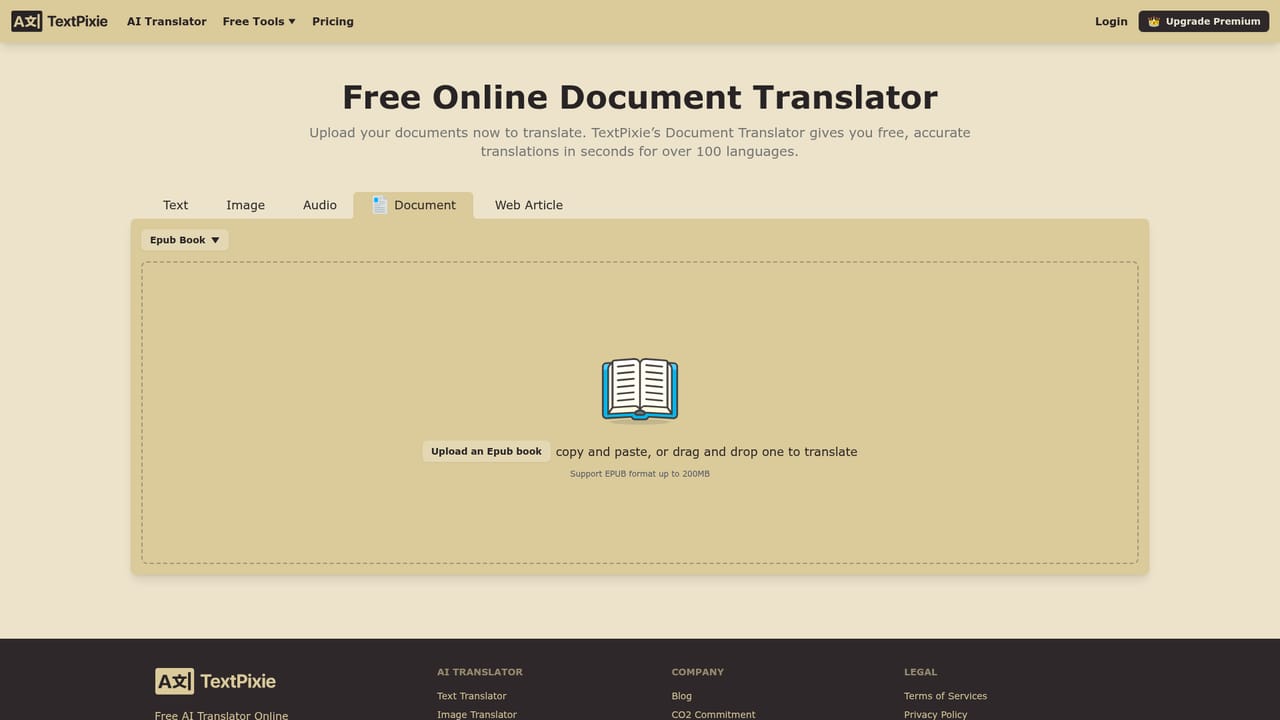
TextPixie is a browser based AI translator built around a simple observation: most translation problems are not pure text problems. A menu photographed on a phone, a PDF contract, a podcast episode and a news article all need translating, and they arrive in different formats. TextPixie puts five input modes behind one interface, so the same engine handles pasted text, text inside images, audio files, uploaded documents and full web articles, with output in more than 100 languages. The workflow is deliberately short. You pick the content type, set a target language (or leave it on auto detect), drop the material in, and the translated result appears in a panel where it can be copied or downloaded as text. The interface runs in the browser on desktop and mobile, so there is no install step, and the free tier hands out a daily allowance of translation tokens that covers occasional use. Accuracy is described by TextPixie as context aware rather than literal, which matters for sentences where word order carries meaning; the company still advises a human review before anything critical ships. The tool suits travellers reading signs and menus, support and operations staff handling foreign language documents, researchers working through articles in other languages, and content teams localising material. It is a formatting agnostic alternative to single purpose tools: a dedicated image translator handles scanned pages better, and a full CAT tool or translation management system wins for glossary controlled, multi reviewer projects. TextPixie competes in the middle ground, where a mixed bag of content needs to move quickly and cheaply. Notably absent from the site is detail on file size limits, supported document and audio formats, API access, and team features. Premium exists, but the homepage gives no prices. For anyone with a steady content pipeline, the premium page is the place to check the actual limits before committing.
No separate trial is needed: the core tools are free to use and every visitor receives free translation tokens each day before any subscription is required.
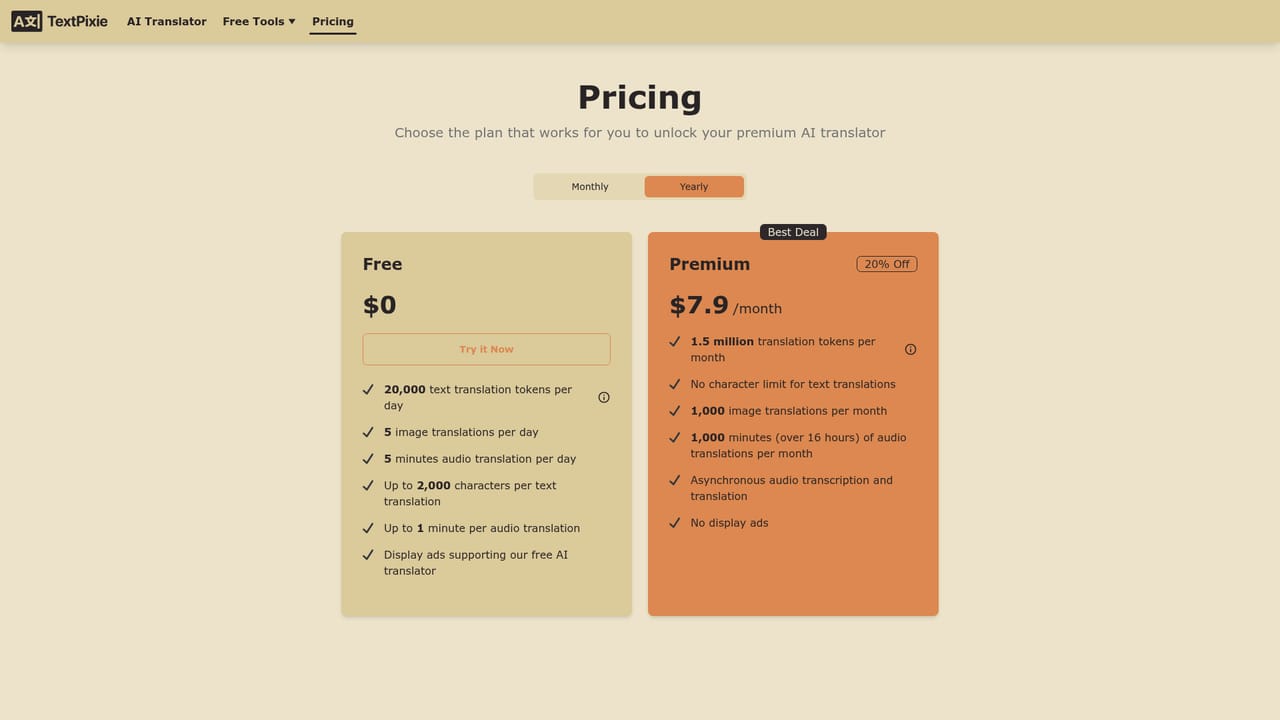
Learn moreFree tools with a daily grant of translation tokens and a usage allowance. A premium subscription exists for higher limits and advanced features, but the homepage does not publish prices or tier details.
Learn moreSupport is handled by email at support@textpixie.com. The homepage offers no knowledge base, chat widget or ticketing portal.
Translate across five content types (plain text, image text, audio, documents and web articles) into more than 100 languages. Automatic source detection, context aware output, mobile and desktop browser support, and a result panel with copy and download options. A token counter shows remaining daily usage.
 AI Angels400+ customizable AI girlfriends for NSFW chat, voice calls, and roleplay
 Candy AIExperience the future of companionship with AI friends who chat, role-play, and connect with you on a human level.
 ourdream.aiA vast AI roleplay platform with millions of characters for chat, images, video and voiceAI Angels400+ customizable AI girlfriends for NSFW chat, voice calls, and roleplayCandy AIExperience the future of companionship with AI friends who chat, role-play, and connect with you on a human level.ourdream.aiA vast AI roleplay platform with millions of characters for chat, images, video and voice


