Support
A dedicated support page sits in the Tinker documentation, alongside tutorials, cookbook recipes and an API reference.
Learn moreFine-tune open-weight models on frontier-grade training infrastructure
Own Thinking Machines Tinker? Verify ownership to get a dofollow link

Thinking Machines Tinker is an API finder tool. Tinker is Thinking Machines Lab's API for fine-tuning open-weight models. It handles the training infrastructure, exposes supervised, RLHF and reinforcement learning recipes through documented interfaces, and targets researchers and product teams who want custom weights without managing GPUs.
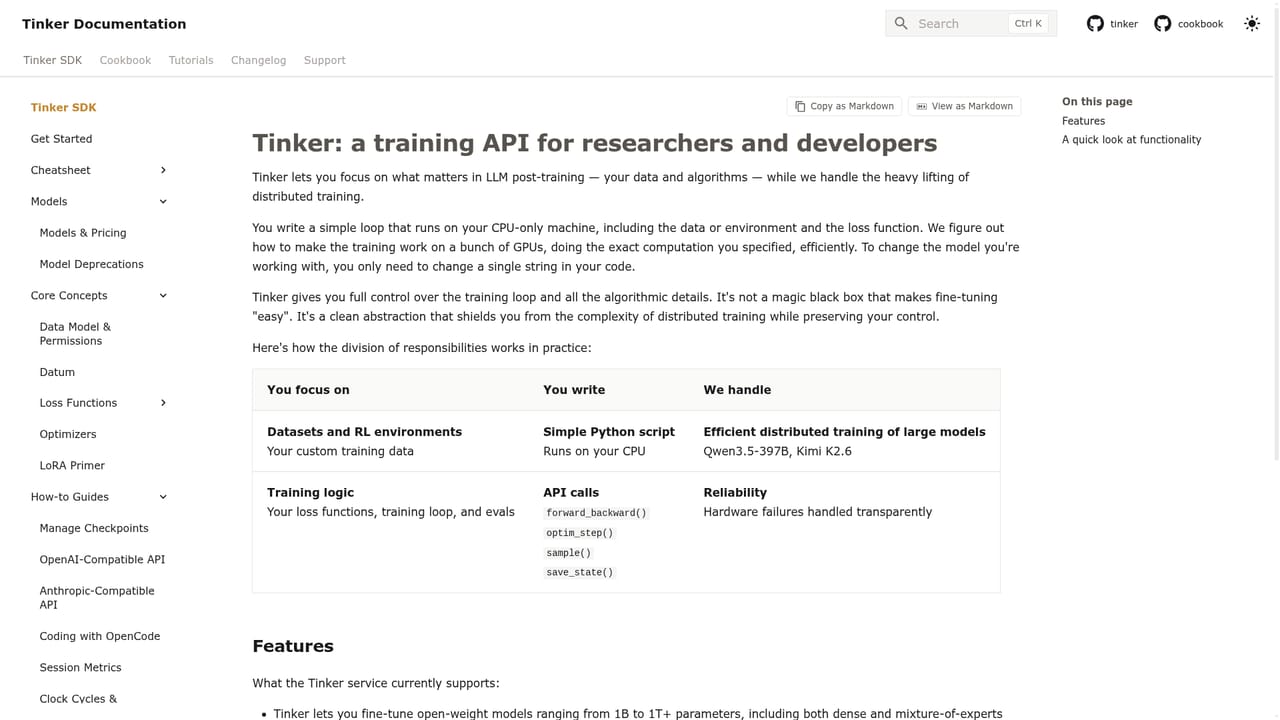
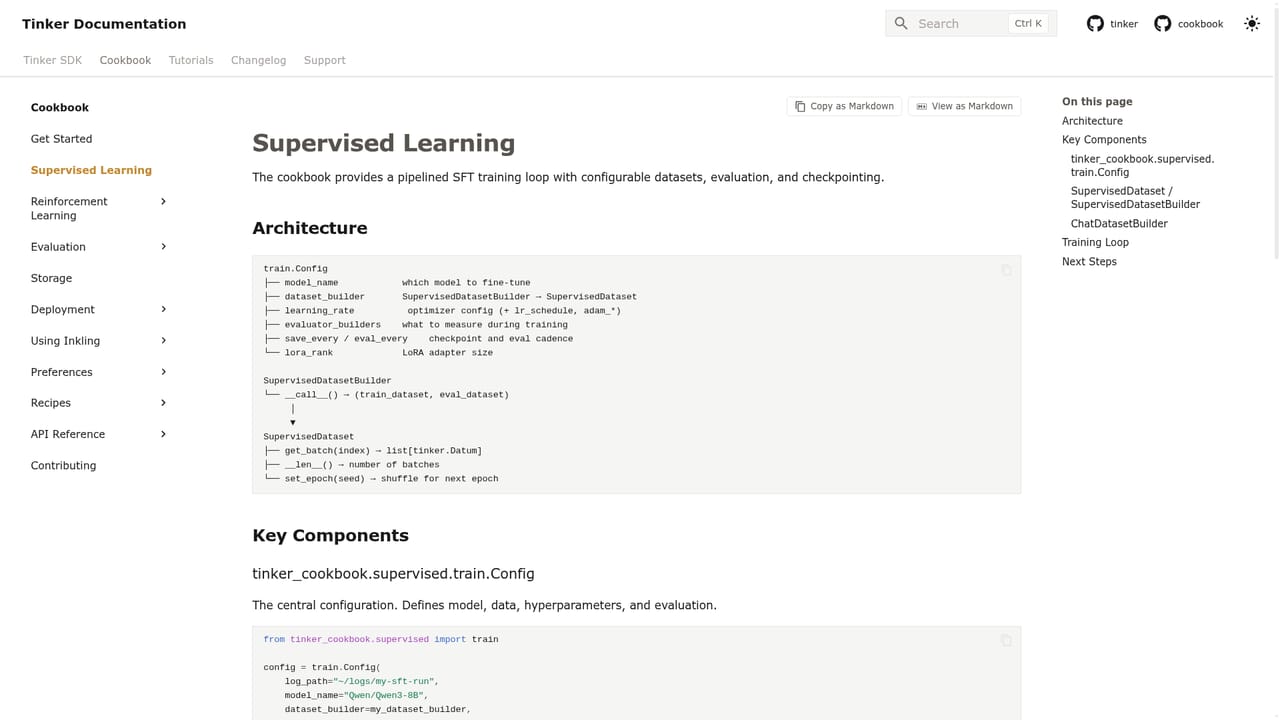
Tinker is an API from Thinking Machines Lab for fine-tuning open-weight models on managed training infrastructure. Instead of provisioning GPUs, wiring up distributed training and babysitting checkpoints, you call an interface and the service handles the compute side. The pitch on the homepage is deliberately broad: teach a model to forecast a business, predict world events, reason with data, prove new theorems, keep learning over time, or develop a sense of taste. The examples point at teams who want a model tuned to their own narrow problem rather than a general assistant. The site is explicit about who it is for. Universities such as Stanford and MIT, research groups, quant and forecasting shops, and product teams building applied AI all appear as customers. In practice that means engineers and researchers who already know how to prepare data and evaluate outputs, because Tinker supplies the training loop and model hosting, not a dataset or a scoring rubric. You bring the examples, choose a base model and a training recipe, and the API returns weights you can sample from and iterate on. The documentation carries most of the practical weight. Tutorials cover core concepts like weights and the data model, supervised learning recipes, preference tuning with RLHF, reinforcement learning configs for math and code tasks, distillation and search tool examples. There is a playground for trying prompts and a changelog for tracking API changes. Session metrics and a detailed under-the-hood page let you see what a run is doing rather than treating it as a black box. Tinker sits in the same conversation as renting GPU time and building a training stack yourself, or leaning entirely on a hosted provider whose models you cannot tune. It competes on removing the infrastructure work while keeping you close to the weights. Fine-tuning open-weight models still demands judgment about data quality and overfitting, so treat it as a serious engineering tool rather than a no-code shortcut.
A dedicated support page sits in the Tinker documentation, alongside tutorials, cookbook recipes and an API reference.
Learn moreFine-tuning of open-weight models through an API, with supervised learning, preference tuning and reinforcement learning recipes. Core concepts documented for weights and the data model, plus a playground, session metrics, an under-the-hood explanation and a changelog tracking API changes.
Learn more AI Angels400+ customizable AI girlfriends for NSFW chat, voice calls, and roleplay
 Candy AIExperience the future of companionship with AI friends who chat, role-play, and connect with you on a human level.
 ourdream.aiA vast AI roleplay platform with millions of characters for chat, images, video and voiceAI Angels400+ customizable AI girlfriends for NSFW chat, voice calls, and roleplayCandy AIExperience the future of companionship with AI friends who chat, role-play, and connect with you on a human level.ourdream.aiA vast AI roleplay platform with millions of characters for chat, images, video and voice


