Support
A product tutorial area and a contact page are linked from the site, alongside a user guide for getting started with the devices and the cloud workspace.
Learn moreTurn recorded conversations into notes, reports and searchable project knowledge
Own TicNote Cloud? Verify ownership to get a dofollow link

TicNote Cloud is an AI transcriber tool that turns recorded conversations into notes, reports and searchable project knowledge. The browser workspace behind TicNote's AI recorders: transcribes captured audio, generates summaries, reports, slides and mind maps, and indexes recordings into searchable project knowledge bases with chat based Q&A.
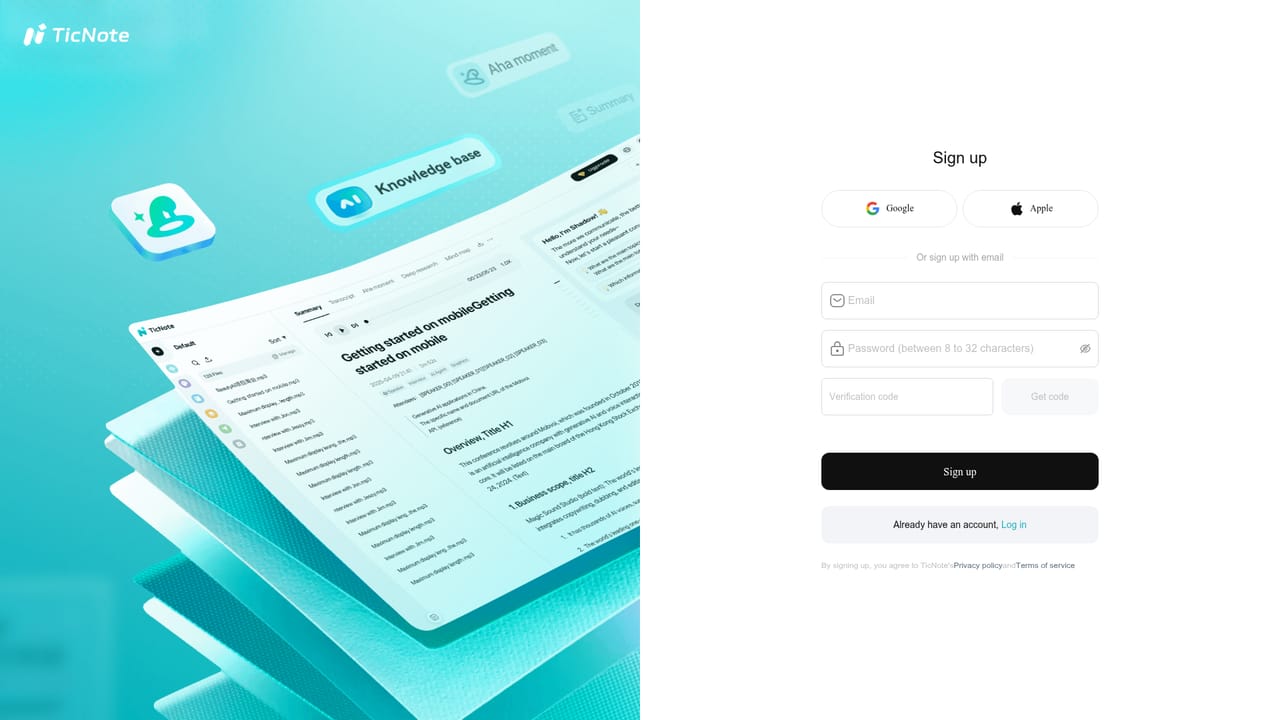
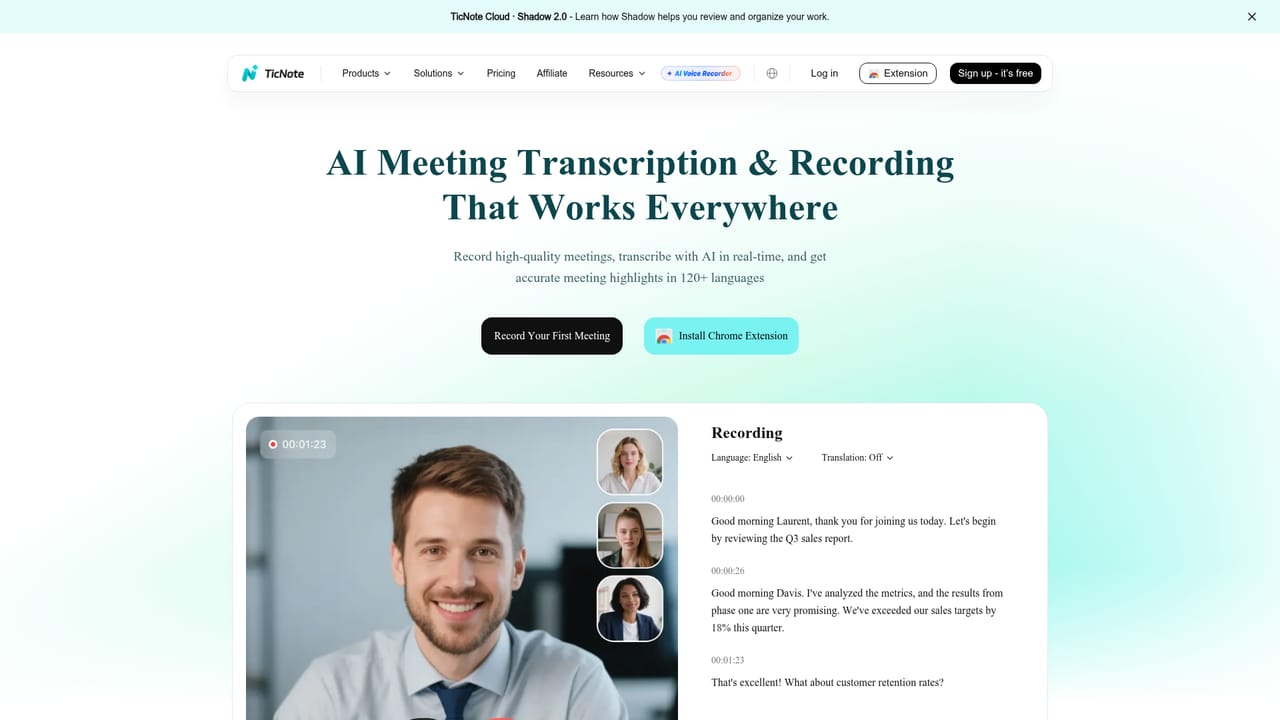
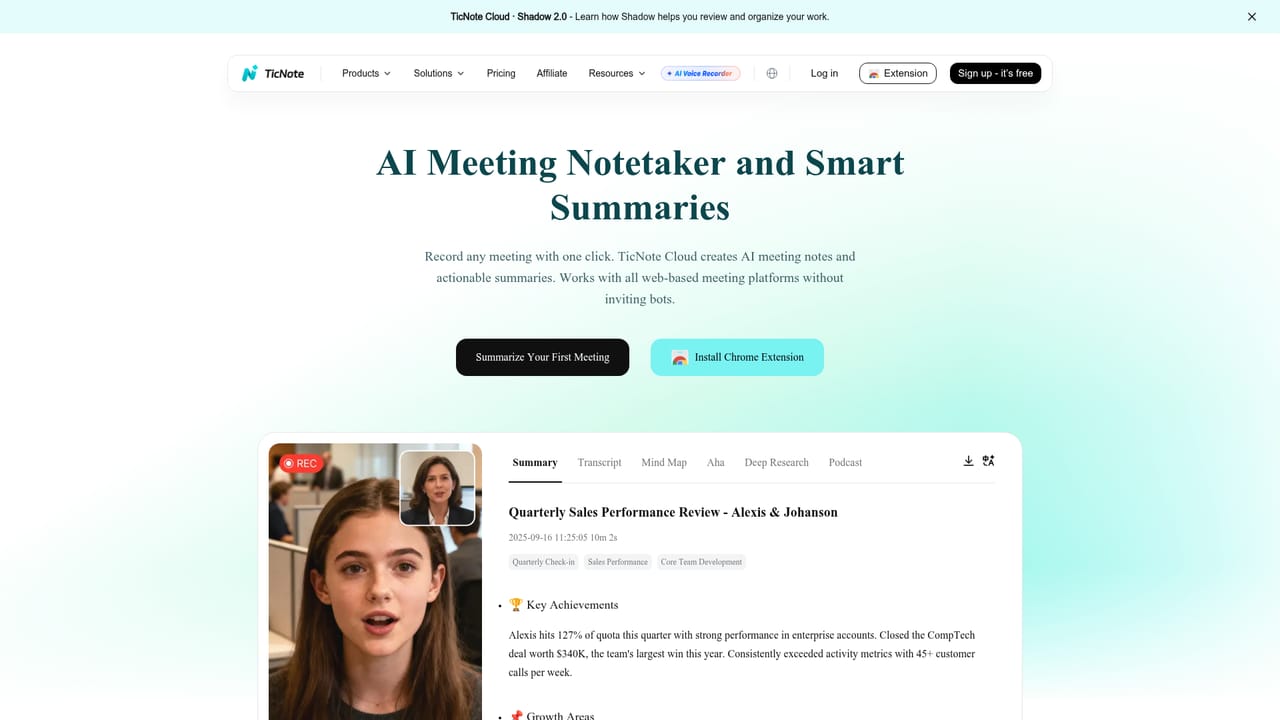
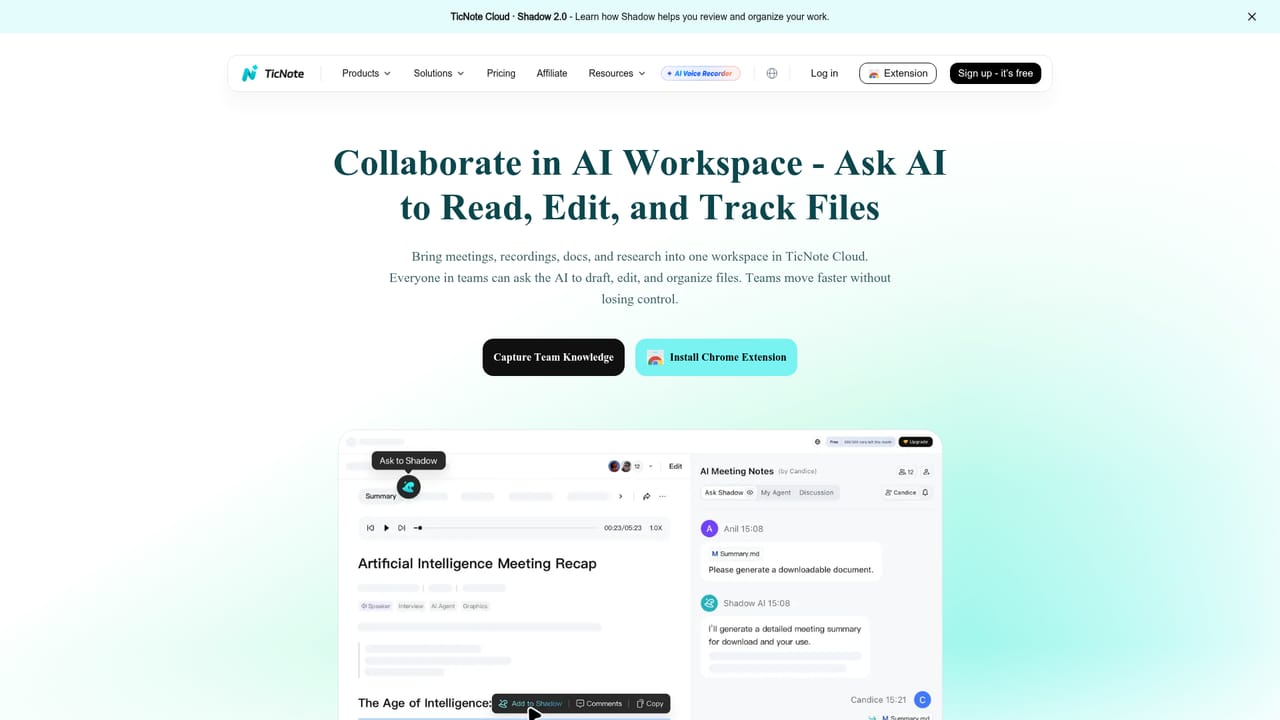
TicNote Cloud is the software half of the TicNote ecosystem: a web workspace that takes the audio captured by TicNote devices (the Watch, the credit card sized AI Voice Recorder, the Lite recorder, and the Pods in 4G or WiFi versions) and turns it into structured, reusable material. Recordings made on the hardware or in the mobile app appear in the browser, where they are transcribed and processed into notes, action items and presentation ready deliverables. The workspace is built around projects. Recordings can be grouped, indexed and searched, and the resulting knowledge base answers questions across everything collected in a given project. A batch editing view handles uploads, organisation and bulk file changes, while generation tools convert a single recording into a visual report, a slide deck, a mind map, or an AI narrated podcast. A chat layer (Shadow AI Chat) works over the accumulated content, translation covers cross language conversations, and the whole set of features is positioned as post meeting cleanup rather than live assistance. It suits people whose work is conversational and repetitive: project managers in back to back meetings, sales staff logging calls and follow ups, consultants condensing day long workshops, clinicians and lawyers who need searchable records of consultations, lecturers distributing summaries, and field engineers dictating site notes that become reports. The hardware is optional for understanding the cloud, but the two are sold as a pair, so the workflow assumes you own or share a TicNote device. Against dedicated meeting assistants that join calls as a bot, TicNote Cloud sits downstream of capture: its strength is what happens after the recording, especially project level retrieval and document generation. Privacy is stated as a design principle, with encryption in transit and at rest and on device processing where possible. Pricing, plan limits and the exact scope of each tier are not spelled out on the homepage.
A product tutorial area and a contact page are linked from the site, alongside a user guide for getting started with the devices and the cloud workspace.
Learn moreExport to Notion and Obsidian is supported from the web workspace. No other third party integrations or API access are described on the homepage.
Learn moreRecording and transcription, AI translation, AI notes and summaries, Shadow AI Chat for querying content, an AI podcast generator, a collaborative AI workspace, batch file editing, visual report and slide generation, project knowledge bases, and export to Notion and Obsidian.
Learn more AI Angels400+ customizable AI girlfriends for NSFW chat, voice calls, and roleplay
 Candy AIExperience the future of companionship with AI friends who chat, role-play, and connect with you on a human level.
 ourdream.aiA vast AI roleplay platform with millions of characters for chat, images, video and voiceAI Angels400+ customizable AI girlfriends for NSFW chat, voice calls, and roleplayCandy AIExperience the future of companionship with AI friends who chat, role-play, and connect with you on a human level.ourdream.aiA vast AI roleplay platform with millions of characters for chat, images, video and voice


