TLDWAI

Turn long videos into short readable summaries so you can skip the watch.

Beginner
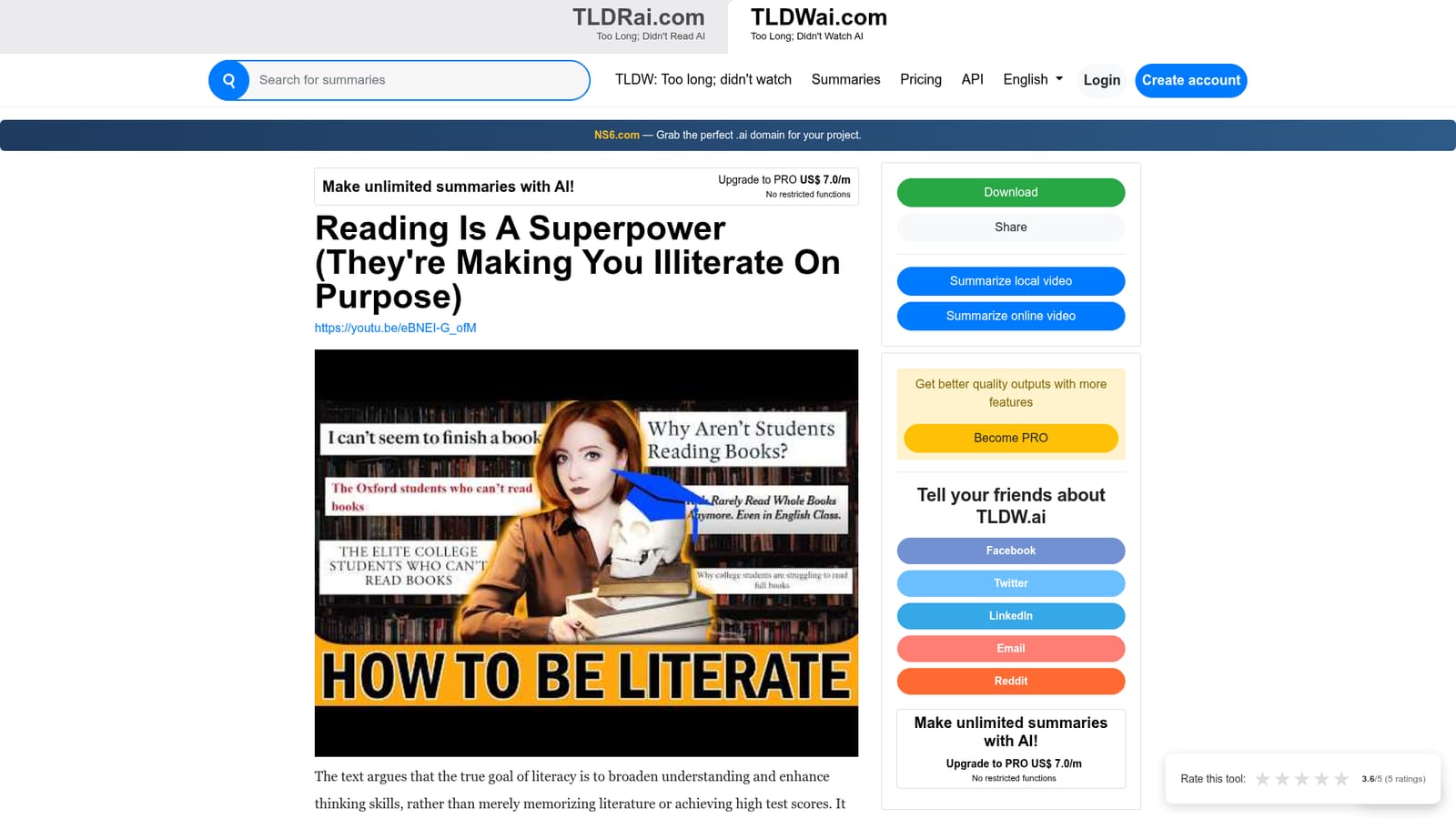
Screenshot of TLDWAI, Turn long videos into short readable summaries so you can skip the watch

What is TLDWAI?

TLDWAI is an AI summarizer tool that turns long videos into short readable summaries so you can skip the watch. TLDWai converts long local or online videos into concise written summaries you read instead of watching. It includes a public gallery of summaries across multiple languages and topics, useful for deciding whether a video deserves a full watch.

TLDWai (Too Long; Didn't Watch AI) is a web tool that condenses video content into short written summaries. The premise is deliberately narrow: rather than watching an hour long interview, a documentary or a patch note breakdown, you hand the video to the tool and read the gist instead. The product name spells out the use case, and the homepage repeats it in plain terms: summarize any video into concise, easy to digest content so you can free yourself from information overload. The service splits intake into two routes. One option is to summarize a local video, meaning a file stored on your own machine. The other is to summarize an online video, which covers hosted clips. Both routes feed into the same kind of output: a condensed write up presented as a result page you can read and revisit. The site keeps a public gallery of completed summaries, each entry tagged with a language and dated, which gives a sense of the range it handles. That gallery mixes English, Chinese, German, Spanish and Afrikaans entries and spans gaming patch notes, long form podcasts, documentary footage, finance commentary, Linux tutorials and startup post mortems. In practice, TLDWai works best as a triage layer. If a video looks relevant but the runtime is punishing, the summary tells you whether the full watch is worth it. It also suits research scanning, where several videos cover the same ground and only one needs your full attention, and language matters: a clip in a language you read slowly can be skimmed in summary form first. Anyone who tracks a channel or a topic across dozens of uploads will find the reading time far shorter than playback time. The competitive field here splits into two camps. Dedicated video summarizers usually add timestamped chapters or question and answer over the transcript, while general chat assistants accept a link but need prompting and often refuse long uploads. TLDWai sits closer to the first camp but stays minimal: it produces a readable digest rather than an interactive conversation. Buyers who want to interrogate a transcript line by line may want a heavier tool; those who simply want the content shortened will find the scope sufficient.

How do you use TLDWAI?

  1. 1Choose your video source
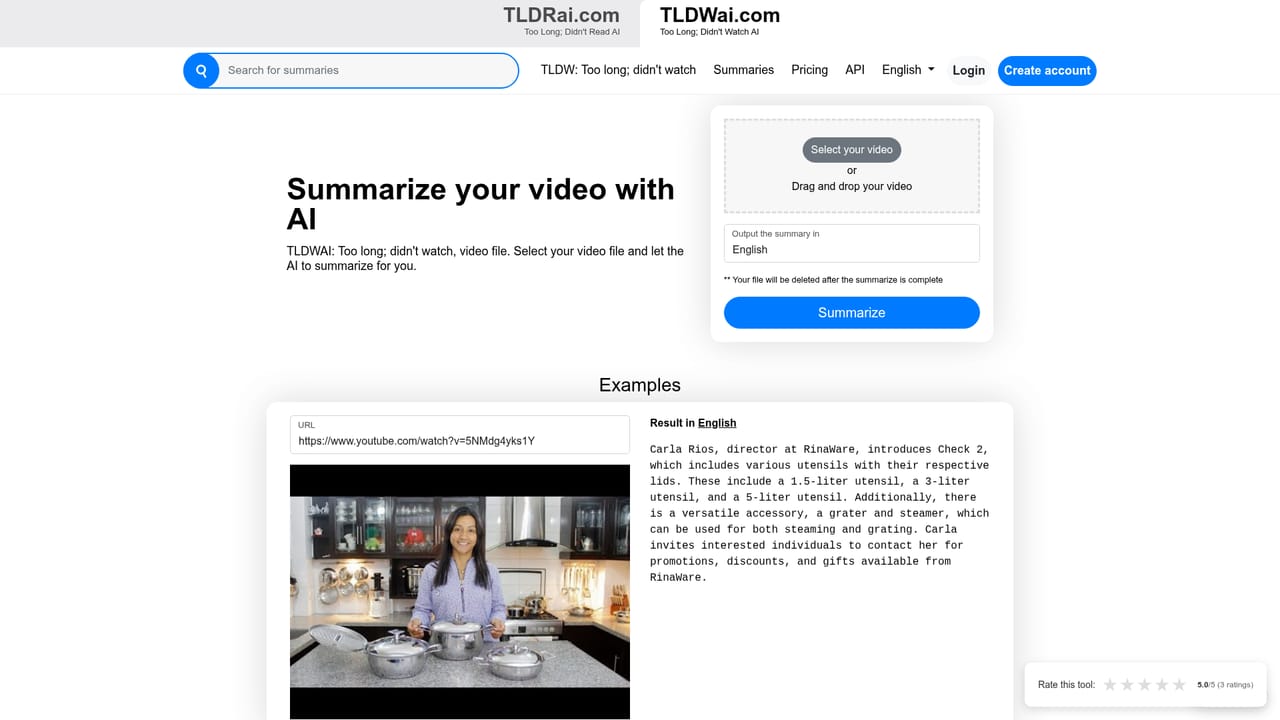
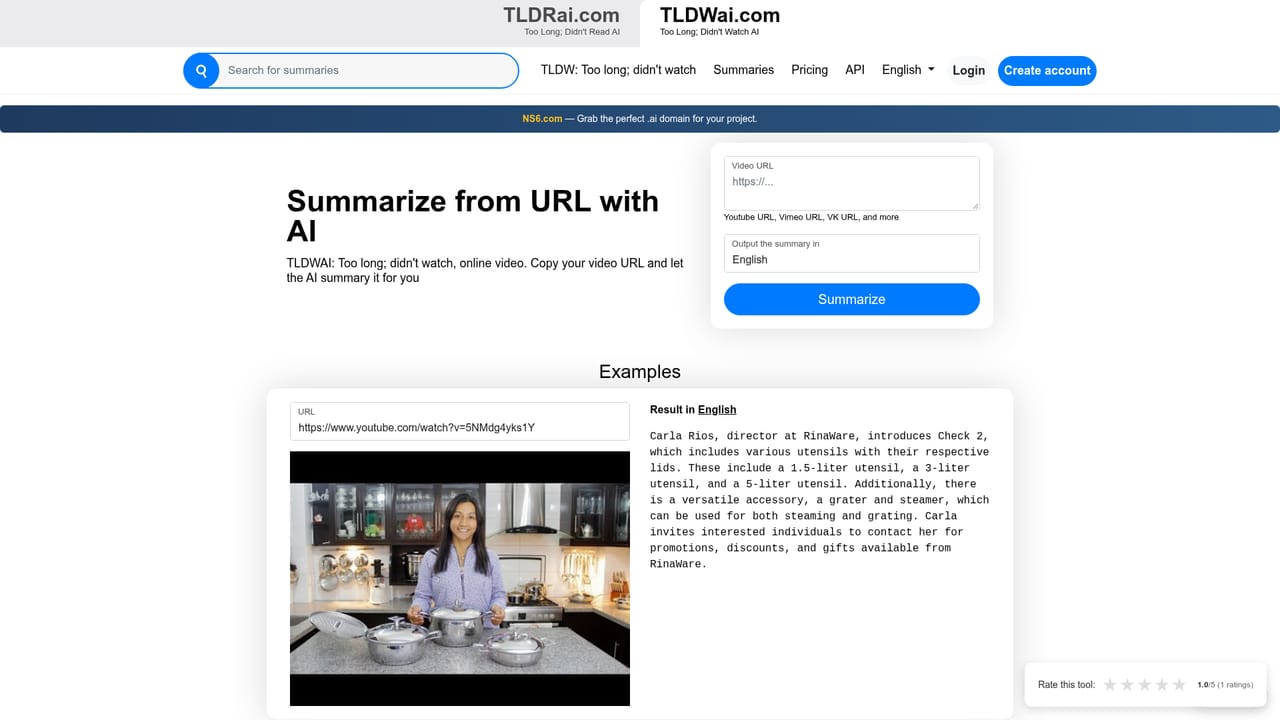
    The homepage offers two entry points: one for a local video file and one for an online video. Pick the route that matches where your footage lives.
    TLDWAI — Choose your video source
  2. 2Summarize a local file
    Use this route when the video sits on your own device. Submit the file and let the tool generate the digest from its content.
    TLDWAI — Summarize a local file
  3. 3Summarize an online video
    Use this route for a hosted clip. Provide the video and the service returns a condensed written summary rather than a transcript to read alone.
    TLDWAI — Summarize an online video
  4. 4Read the result page
    Finished summaries open on their own result page. Read the digest to judge whether the original video is worth your full attention.
  5. 5Browse the public gallery
    The homepage gallery lists dated summaries with language labels. Skim it to see how the tool handles podcasts, documentaries, tutorials and gaming content.
  6. 6Check quality before relying on it
    Because no pricing or accuracy details are published, test a video you already know well and compare the summary against the source before adopting it.

Pros and cons

Pros

  • Clear single purpose: nothing on the site competes with the summarization jobAI
  • Two intake routes cover both uploaded files and hosted video linksAI
  • Public summary gallery shows real output examples across English, Chinese, German, Spanish and Afrikaans contentAI
  • Handy for triage: decide whether a long video merits a full watch before committing the timeAI
  • Skips playback entirely, so the time cost is reading rather than viewingAI

Cons

  • No published pricing, plan comparison or usage limits on the homepage, so cost has to be confirmed before committingAI
  • Summaries are read only viewing: the site states no editing, export or collaboration optionsAI
  • No documented API, browser extension or integration for pulling videos in from where they are already storedAI
  • Output quality on dense technical or numeric content such as patch notes cannot be judged without testing your own materialAI
  • Support channels and response times are not described anywhere on the homepageAI

How much does TLDWAI cost?

Features

TLDWai centers on one function: turning a video into a concise written summary. Two intake paths are offered, one for local video files and one for online videos. Results appear on individual result pages, and a public gallery of dated summaries shows sample output across several languages and topic types, from podcasts and documentaries to tutorials and gaming patch breakdowns.

Frequently asked questions about TLDWAI

  • How do you use TLDWAI?
    The walkthrough on this page covers 6 steps: 1. Choose your video source 2. Summarize a local file 3. Summarize an online video 4. Read the result page 5. Browse the public gallery 6. Check quality before relying on it.
  • What platforms does TLDWAI support?
    TLDWAI is available on Web App.
  • What are the limitations of TLDWAI?
    No published pricing, plan comparison or usage limits on the homepage, so cost has to be confirmed before committing. Summaries are read only viewing: the site states no editing, export or collaboration options. No documented API, browser extension or integration for pulling videos in from where they are already stored.

Status

StatusActive
Views0
Outbound clicks0
Added10/21/2026

Platforms

Web App

Pricing

Freemium