Free trial
No paid trial is described. The free tier itself acts as the trial: 5 daily summaries without signing up, doubled to 10 with a free account.
Learn moreArticle summaries that match the tone you actually think in.

Tone Summary is an AI summarizer tool. An AI article summarizer that fetches any public URL and rewrites the gist in a chosen tone, from executive briefing to sarcastic commentary. Free daily allowances, paid tiers for volume and batch, no integrations beyond the link field.
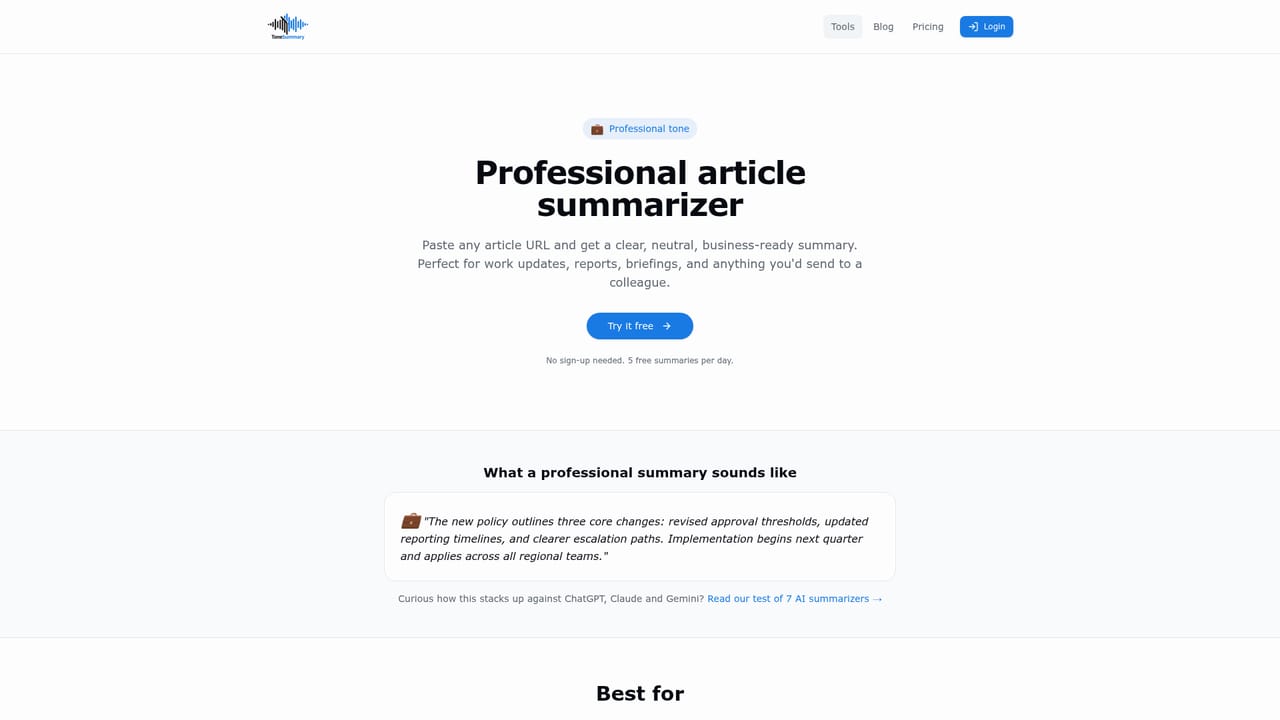
ToneSummary is an AI article summarizer built around a single editorial idea: the gist of a long piece is more useful when it arrives in a voice the reader recognises. Paste a public article URL, choose from professional, casual, funny, sarcastic or executive, and the tool returns a condensed version in seconds. A sixth option, ELI5, reframes the same source for complete beginners, and the free tier also exposes a handful of novelty tones such as Detective, Tech Bro, Mob Boss, Cowboy and Film Geek. The workflow is deliberately thin. There is no document upload, no prompt engineering and no template library to learn. The site describes three steps: drop in a link, pick a tone, read the result. Output can be copied out or saved to a history view, and signed-in users keep a record of past summaries. The pitch targets people who skim rather than study: news readers working through a dozen stories, students deciding whether a paper deserves a full read, professionals who want a crisp briefing for colleagues, and anyone who wants the same article delivered with a different comic angle. Where it fits among alternatives is narrow but real. General chatbots summarise text if you paste it in, and read-it-later apps strip articles down to plain text. ToneSummary skips both steps by fetching the URL itself and applying a fixed stylistic lens, which makes tone the main control rather than an afterthought. The ceiling is accuracy: the site itself notes that summaries should not replace the source for decisions that matter, and paywalled or login-protected pages cannot be read at all. Heavy users also run into daily caps, with paid tiers raising the ceiling rather than removing it. Access runs through the browser, an account is optional for a first test, and the daily allowance doubles once you sign in.
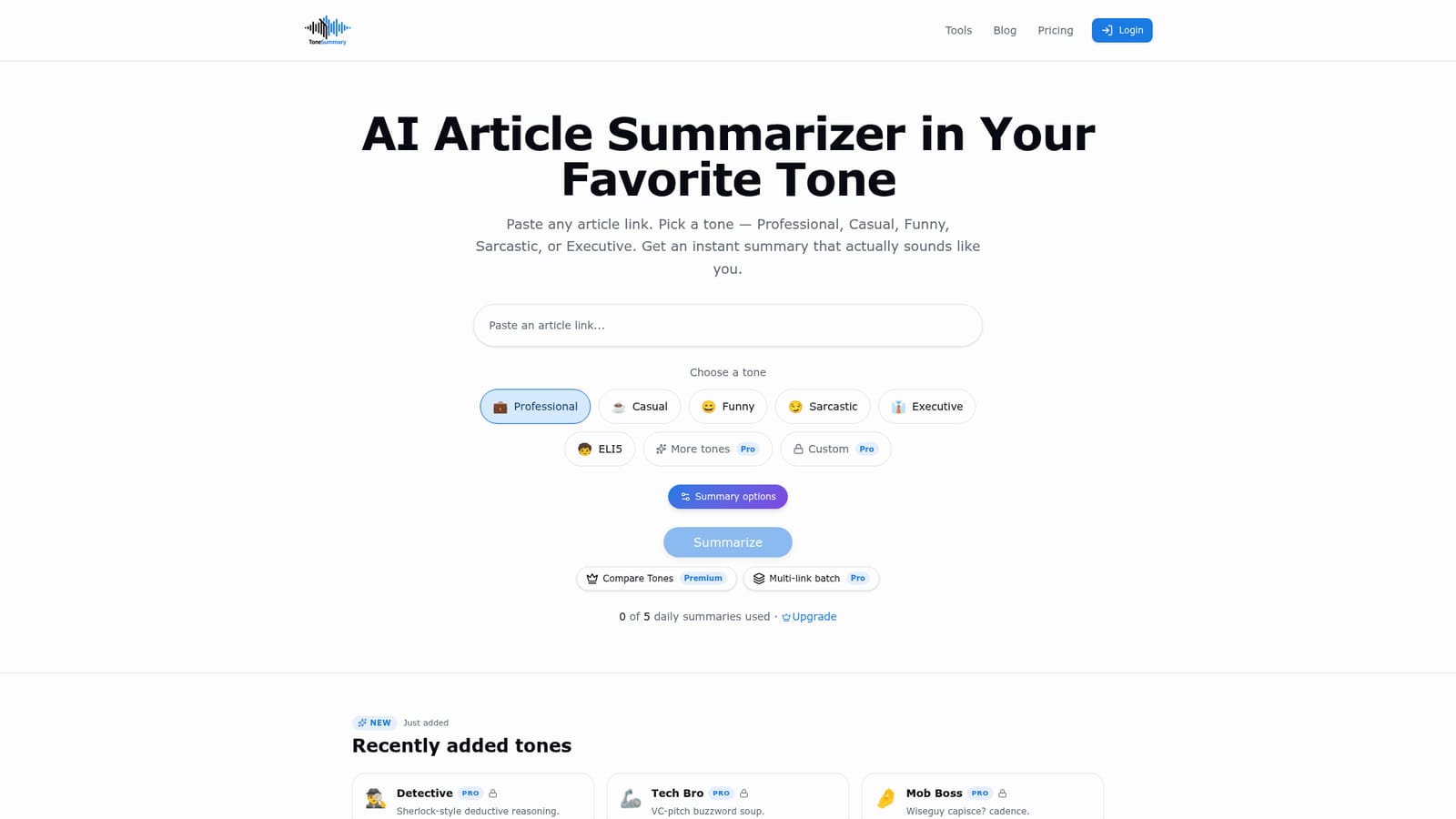
No paid trial is described. The free tier itself acts as the trial: 5 daily summaries without signing up, doubled to 10 with a free account.
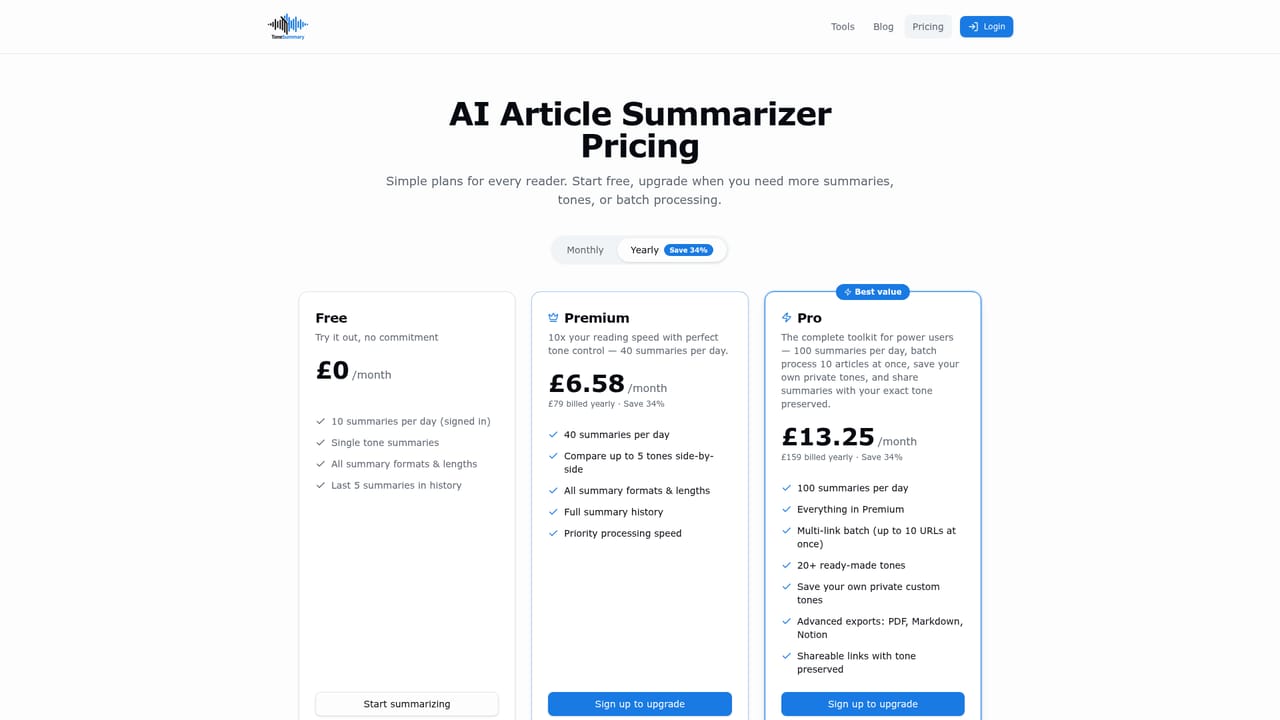
Learn moreFree without an account at 5 summaries per day, or 10 per day with a free account. Premium is £9.99 per month for 40 daily summaries plus Compare Tones, and Pro is £19.99 per month for 100 per day plus power-user tools such as multi-link batch and the extra tones.
Learn moreSix core tones (professional, casual, funny, sarcastic, executive, ELI5) plus Pro-only novelty tones such as Detective, Tech Bro and Mob Boss. URL based summarization with no upload step, copy and save options, summary history for signed-in users, Compare Tones on Premium and multi-link batch processing on Pro.
Learn more AI Angels400+ customizable AI girlfriends for NSFW chat, voice calls, and roleplay
 Candy AIExperience the future of companionship with AI friends who chat, role-play, and connect with you on a human level.
 ourdream.aiA vast AI roleplay platform with millions of characters for chat, images, video and voiceAI Angels400+ customizable AI girlfriends for NSFW chat, voice calls, and roleplayCandy AIExperience the future of companionship with AI friends who chat, role-play, and connect with you on a human level.ourdream.aiA vast AI roleplay platform with millions of characters for chat, images, video and voice


