Free trial
The homepage offers a Try It Live button linking to a public demo environment, which is the closest thing to a trial described on the site. No timed free trial of the full platform is stated.
Learn moreLive interpretation and real-time speech translation for meetings and events
Own TransLinguist? Verify ownership to get a dofollow link

TransLinguist is a long text translation tool. TransLinguist Interactive pairs human interpreters with Speech AI for real-time speech-to-speech translation in 15+ languages, plus live captions, sign language interpretation, and hybrid event delivery. It also offers translation, localization, transcription, and subtitling services for the work around a live session.
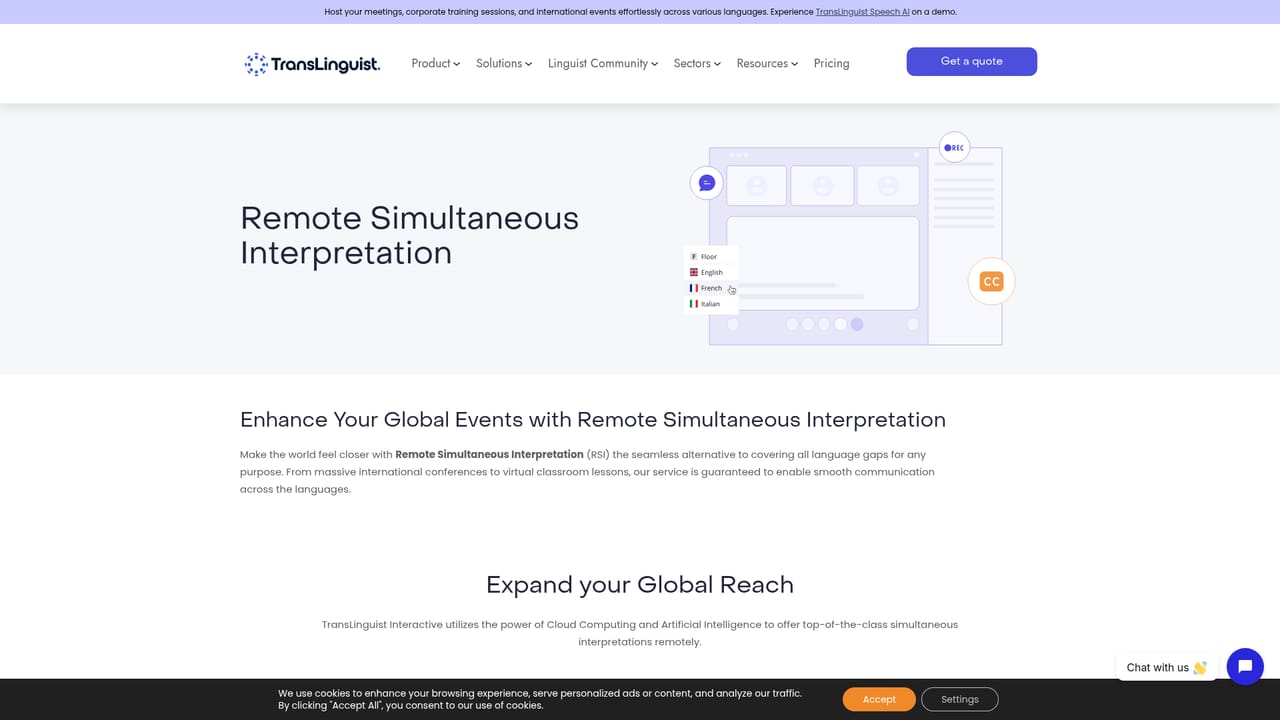
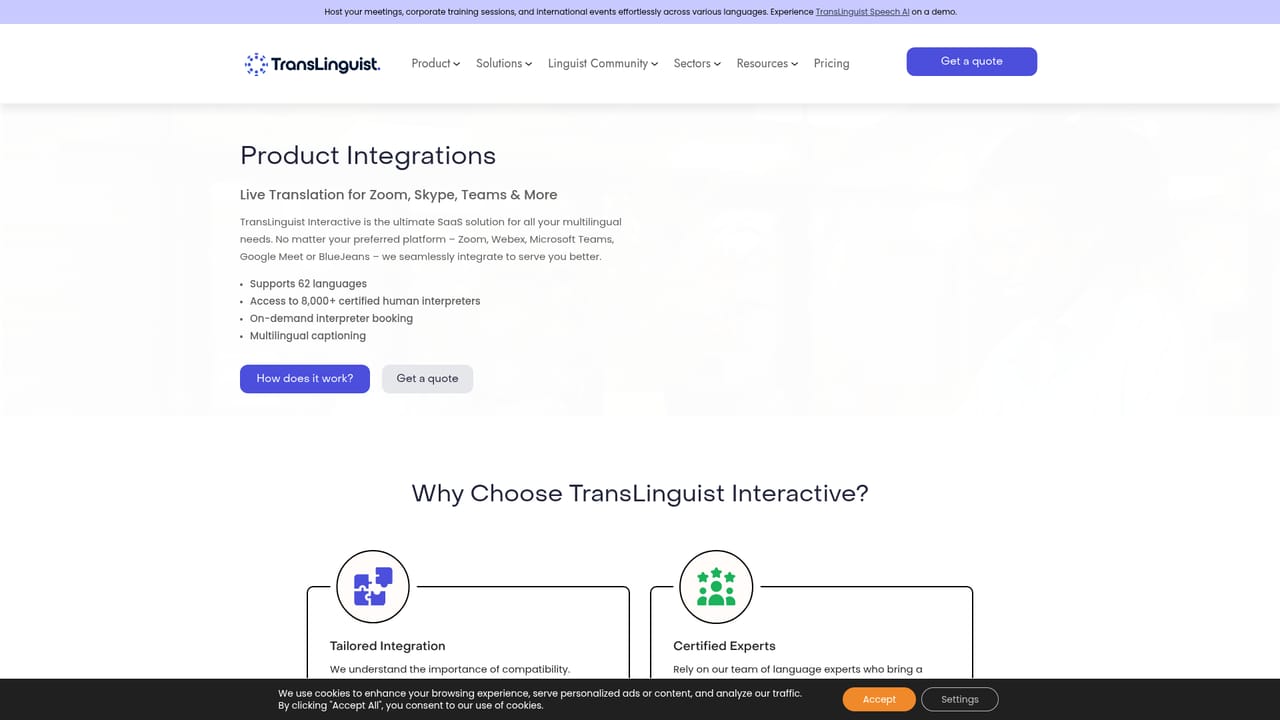
TransLinguist is a multilingual communication platform that combines human interpreters with AI speech translation. Its core product, TransLinguist Interactive, is built for live settings: business meetings, conferences and trade shows, medical appointments, online classes, customer service calls, legal proceedings, government forums, and media events. The platform bundles remote simultaneous interpretation, video remote interpretation, live captions and subtitles, sign language interpretation, and hybrid onsite plus remote interpretation under one browser-based interface. The AI layer is TransLinguist Speech AI, which performs speech-to-speech translation in more than 15 languages on demand. That makes the tool useful in two different modes. Teams that need certified human linguists can book them through the interpreter marketplace, schedule sessions by time zone and proximity, and manage invites from one place. Teams that need a quick machine translation of a live conversation can lean on Speech AI instead. Recordings, a waiting room, reliable audio fallback, and QR code access for global event participants round out the session tooling. In practice, an organizer schedules a session, invites participants, and either books an interpreter or runs Speech AI depending on the stakes of the conversation. TransLinguist also functions as a language services provider for work that happens before or after the live event: translation, transcription, web and app localization, transcreation, voice over, editing and proofreading, multilingual subtitling and captioning, and multilingual SEO. It sits closer to a managed interpretation platform than to a raw translation API. Buyers comparing it with standalone speech translation apps should note that the value comes from the interpreter marketplace and event logistics, not only the AI. Buyers comparing it with traditional language service agencies get the remote and hybrid delivery layer on top of the human expertise. Pricing is quoted per engagement, so budgets need a sales conversation rather than a self-serve checkout.
The homepage offers a Try It Live button linking to a public demo environment, which is the closest thing to a trial described on the site. No timed free trial of the full platform is stated.
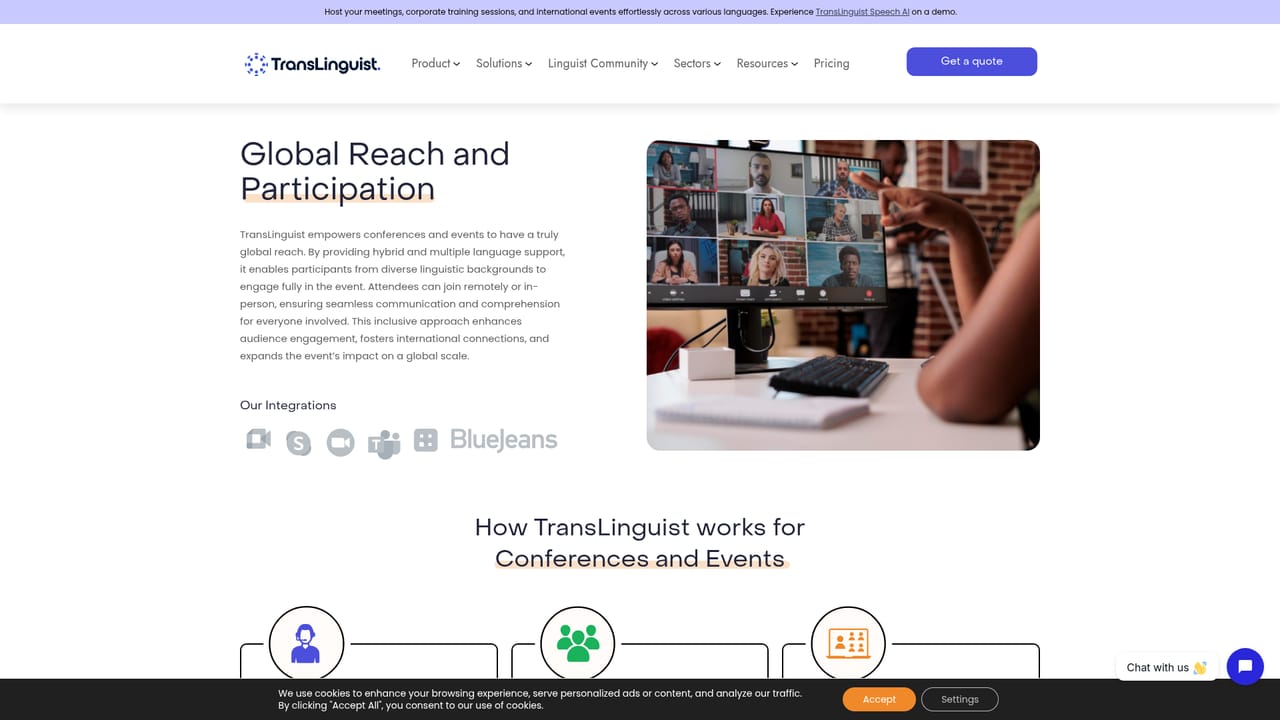
Learn moreThe platform connects with popular video conferencing platforms so sessions can be scheduled and run from a familiar tool. It also works in modern web browsers and offers a real-time interpreter marketplace inside the product.
Learn moreRemote simultaneous interpretation, video remote interpretation, TransLinguist Speech AI with speech-to-speech translation in 15+ languages, AI based live captions and subtitles, sign language interpretation, and hybrid onsite plus remote delivery. Session tooling includes scheduling, multi-service recordings, waiting rooms, audio fallback, and QR code access for attendees.
Learn more AI Angels400+ customizable AI girlfriends for NSFW chat, voice calls, and roleplay
 Candy AIExperience the future of companionship with AI friends who chat, role-play, and connect with you on a human level.
 ourdream.aiA vast AI roleplay platform with millions of characters for chat, images, video and voiceAI Angels400+ customizable AI girlfriends for NSFW chat, voice calls, and roleplayCandy AIExperience the future of companionship with AI friends who chat, role-play, and connect with you on a human level.ourdream.aiA vast AI roleplay platform with millions of characters for chat, images, video and voice