Support
A knowledge base and a resources section with case studies, a blog and news updates are available on the site. A demo can be scheduled from the homepage.
Learn moreSecure AI translation management for full documents and governed team workflows
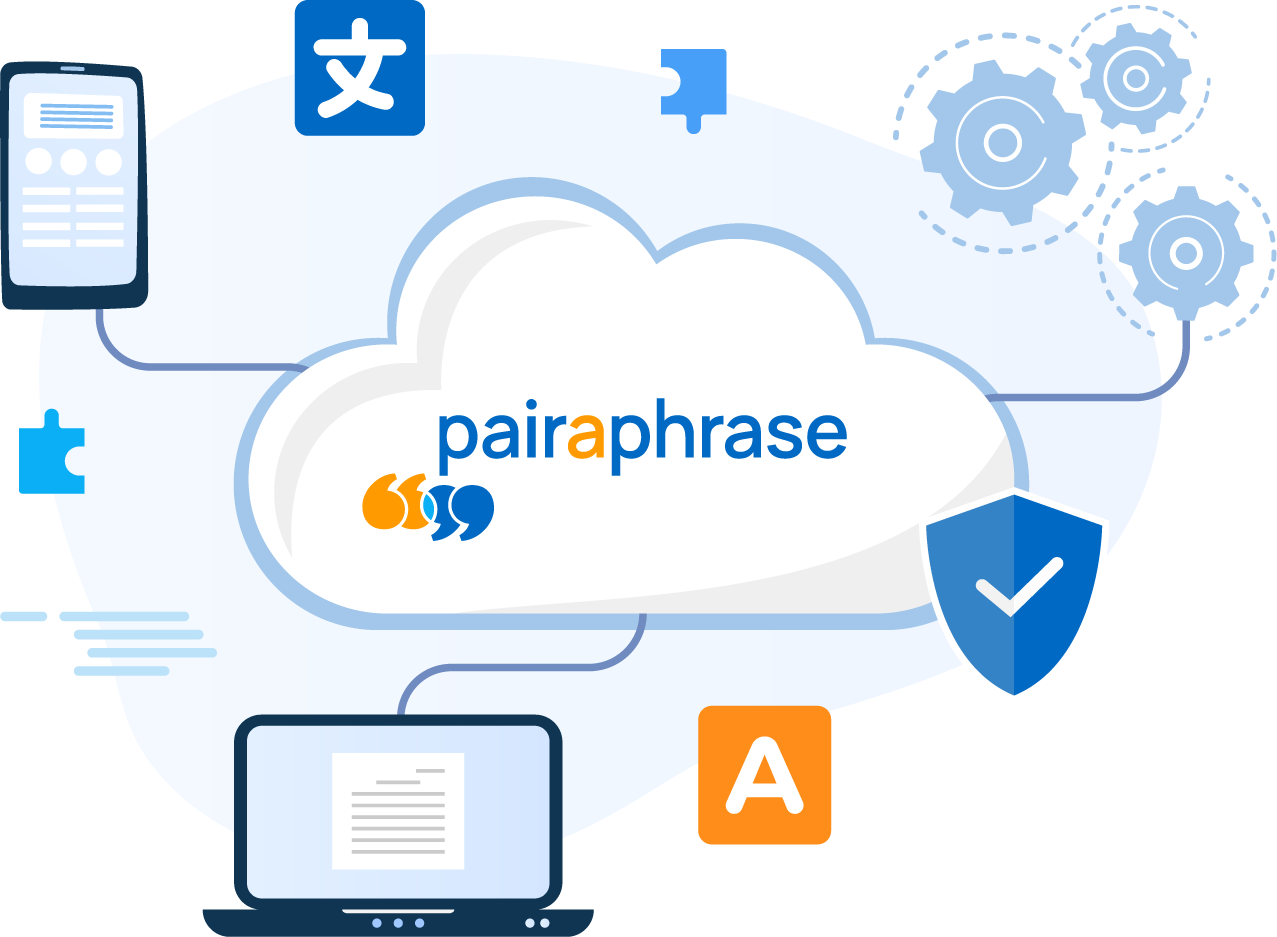
Pairaphrase is AI translation management software for teams that need to translate full documents across 160+ languages while keeping formatting, terminology and human review under control, aimed at regulated and compliance-sensitive organizations.
Pairaphrase is a translation management platform built for organizations that treat translation as a controlled process rather than a one-off text swap. It combines AI translation across more than 160 languages with support for over 30 file types, so a PDF, a spreadsheet or a formatted report can be translated without manually rebuilding the layout afterward. Automatic formatting preservation keeps the structure of the original document intact, which matters for the school districts, manufacturers, legal teams and healthcare groups the vendor names as customers. The workflow layer is what separates it from a general chatbot or a free online translator. Terminology management lets an organization define preferred terms so that product names, job titles and clinical vocabulary stay consistent across documents and across languages. Translation memory stores approved segments and reuses them on later jobs, which reduces both cost and drift over repeated multilingual communications. Collaboration tools let reviewers see and comment on translations before publication, so a human sign-off step sits inside the same system rather than in email threads or shared drives. In practice, a team uploads a source document, selects the target languages, and lets the engine produce a draft. Editors then work through the translation editor, applying glossary rules and memory matches, and reviewers approve the result before it is exported back in its original format. Security is positioned as a core selling point: the platform is aimed at regulated and compliance-sensitive environments where sending internal documents to consumer-grade tools is not acceptable. Compared with standalone machine translation services, Pairaphrase is closer to a lightweight translation management system, sitting between raw AI output and a full enterprise localization suite. Teams that only need to translate a sentence occasionally will find it heavy. Organizations with recurring multilingual documents, audit requirements and multiple reviewers are the intended fit. Language service providers are also addressed through a partnership track.
A knowledge base and a resources section with case studies, a blog and news updates are available on the site. A demo can be scheduled from the homepage.
Learn moreCore capabilities include AI translation across 160+ languages, support for 30+ file types, automatic formatting preservation for formatted documents, translation memory, terminology management and a collaborative editor with human review steps. Security and governed workflows are emphasized for regulated organizations.
Learn more AI Angels400+ customizable AI girlfriends for NSFW chat, voice calls, and roleplay
 Candy AIExperience the future of companionship with AI friends who chat, role-play, and connect with you on a human level.
 ourdream.aiA vast AI roleplay platform with millions of characters for chat, images, video and voiceAI Angels400+ customizable AI girlfriends for NSFW chat, voice calls, and roleplayCandy AIExperience the future of companionship with AI friends who chat, role-play, and connect with you on a human level.ourdream.aiA vast AI roleplay platform with millions of characters for chat, images, video and voice