Free trial
A free entry point is advertised: the Chrome extension is labeled free and the site invites visitors to start summarizing for free, but no trial length or plan limits are stated on the homepage.
Learn moreSummarize and repurpose any video, podcast, article or PDF with AI
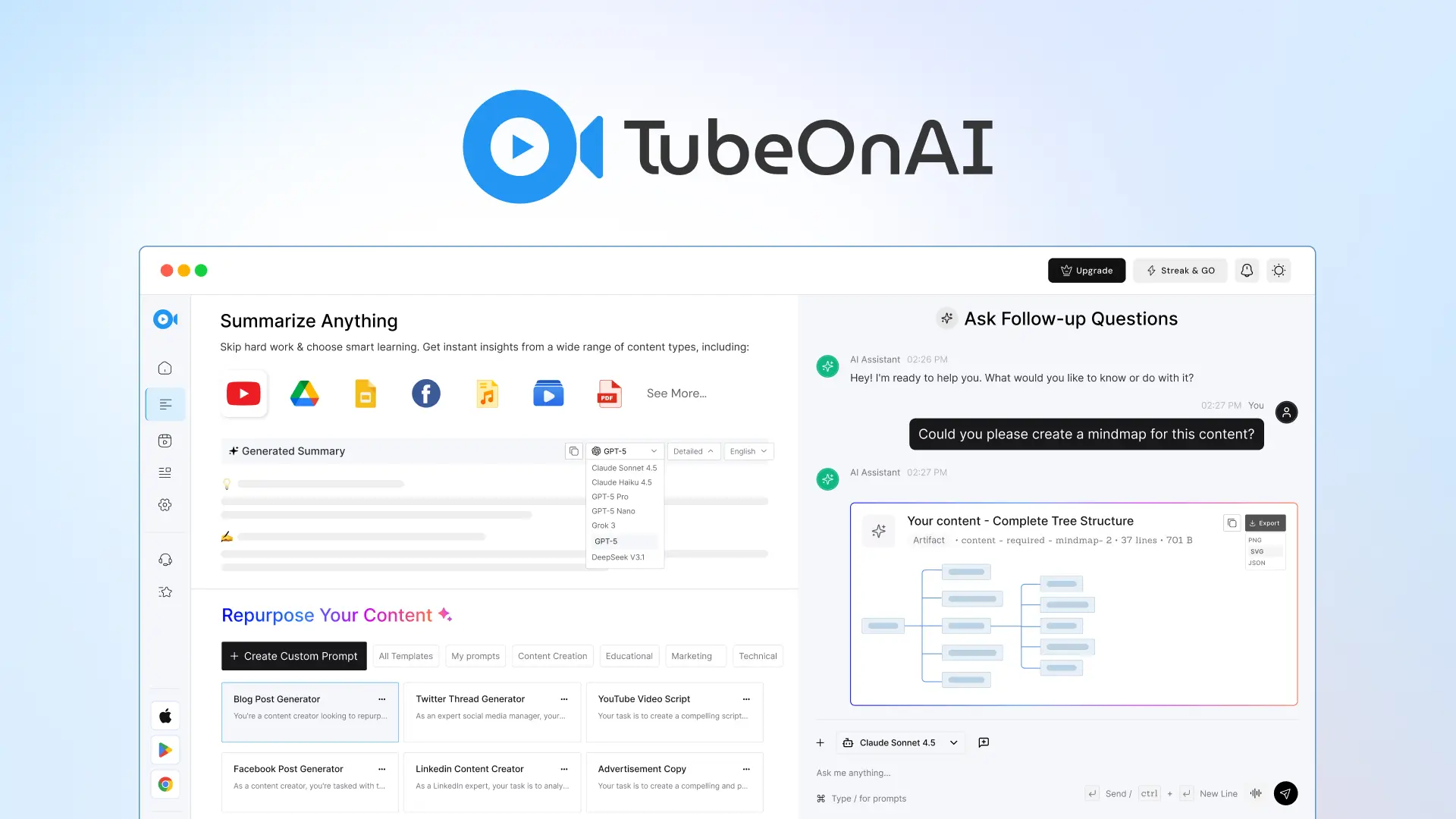
TubeOnAI is an AI summarizer tool that summarizes and repurpose any video, podcast, article or PDF with AI. TubeOnAI summarizes public video, audio, article and document links and repurposes them into blogs, scripts, threads and newsletters. Channel subscriptions, audio summaries, translation and chat with content round it out across web, Chrome, iOS and Android.
TubeOnAI is a summarizing and content repurposing workspace built around a simple premise: most people cannot watch, listen to or read everything they save. Drop in a public video or audio link, an article, a PDF, a Google Slides deck or a Google Drive file and the service returns a condensed set of takeaways in minutes. YouTube is the core source, with channel sync and notifications, but the platform also accepts links from Dailymotion, Bilibili, Twitch, SoundCloud and similar sites, though availability varies by service. Two features separate it from plain summarizers. Channel subscriptions let you import favorite YouTube channels in one click so new uploads are summarized automatically and pushed to you as notifications; the mobile app reads those summaries aloud in your preferred language, which suits commuters and anyone who prefers audio over text. A question and answer layer lets you chat with an uploaded video or document instead of re-reading a wall of text, and built-in translation surfaces the same insight in another language. The repurposing side targets creators and marketers. One source can become a blog post, a YouTube Shorts script, a Facebook post, a Twitter thread, a LinkedIn post, an email newsletter or a podcast script, and there is a library of over 150 templates. Extras include turning a PDF into a mindmap and a spreadsheet into a flowchart. It suits researchers, newsletter writers, students and anyone with a subscription backlog. Alternatives tend toward either bare video summarizers or general AI writing tools; TubeOnAI's edge is breadth of sources plus a repurposing layer, with the Chrome extension and iOS and Android apps extending it beyond the browser.
A free entry point is advertised: the Chrome extension is labeled free and the site invites visitors to start summarizing for free, but no trial length or plan limits are stated on the homepage.
Learn moreThe site mentions API integration with tools such as n8n and Notion in user reviews, and supports Google Drive and Google Slides as input sources. Broader integrations are not documented on the homepage.
Summaries of public video and audio links, articles, PDFs, Google Slides and Drive files; channel sync with notifications; question and answer chat with content; translated and audio summaries; 150+ repurposing templates covering blogs, Shorts scripts, social posts, newsletters and podcast scripts, plus PDF to mindmap and sheet to flowchart.
Learn more AI Angels400+ customizable AI girlfriends for NSFW chat, voice calls, and roleplay
 Candy AIExperience the future of companionship with AI friends who chat, role-play, and connect with you on a human level.
 ourdream.aiA vast AI roleplay platform with millions of characters for chat, images, video and voiceAI Angels400+ customizable AI girlfriends for NSFW chat, voice calls, and roleplayCandy AIExperience the future of companionship with AI friends who chat, role-play, and connect with you on a human level.ourdream.aiA vast AI roleplay platform with millions of characters for chat, images, video and voice


