Free trial
The first 5 images are free with no credit card, for one property with up to 10 input photos at 1K resolution. Free renders are watermarked.
Learn moreAI virtual staging that styles a whole listing in one consistent look
Own Twelve Lumens? Verify ownership to get a dofollow link
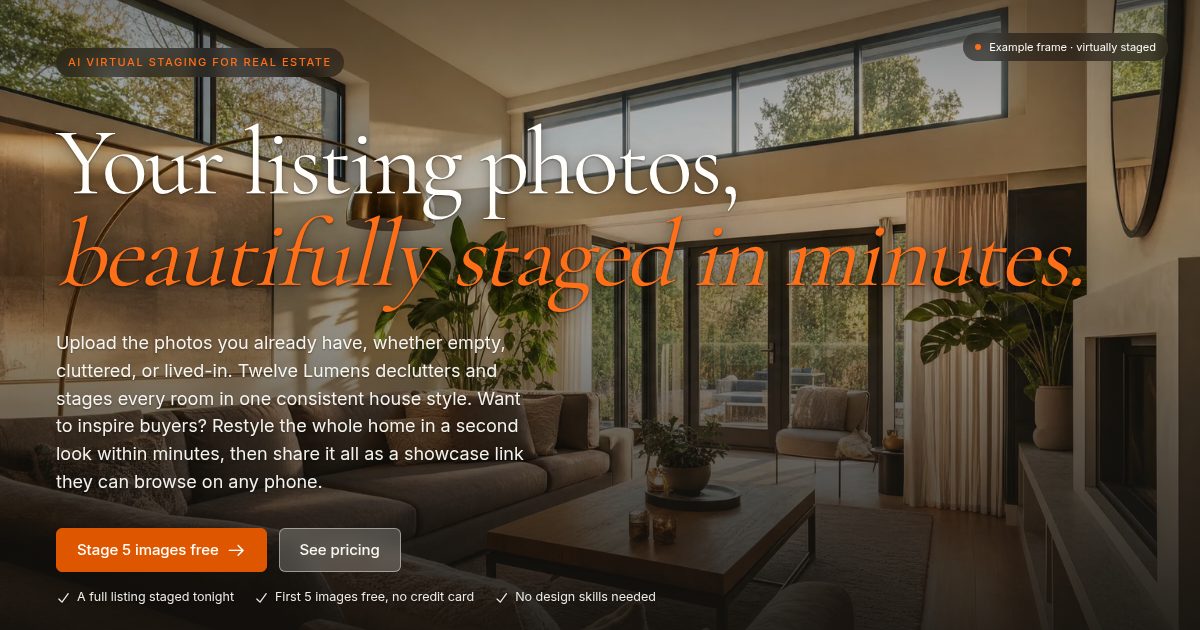
Twelve Lumens is a web virtual staging tool for real estate. It declutters and stages listing photos in one consistent house style, sorts rooms automatically, and publishes shareable showcase pages. Pricing is per property, with a free tier of five images.
Twelve Lumens is a web-based virtual staging tool for real estate photography. Users upload the photos they already have, whether the rooms are empty, cluttered or lived-in, and the software clears out the mess and adds furniture that fits each space. Walls and windows stay as photographed, and the lighting gets a modest lift. The aim is to replace physical staging, with its furniture rental, movers and scheduling delays, with renders that finish in minutes. The workflow is organized around properties. Each property is a workspace where photos are sorted automatically into rooms such as living room, kitchen, bedroom and exterior. Every room keeps its original, decluttered and staged versions side by side, so nothing is lost and a render can be reverted or redone. A house style is pinned once and applied across the listing, so the result reads as one home instead of a patchwork. Six presets are offered (Modern, Scandinavian, Luxury, Industrial, Mid-century and Coastal), along with custom styles described in words with optional reference photos, and a one-off Freestyle prompt. Batch processing lets a full shoot be rendered in several styles in one pass. Output goes beyond image files. On the Pro and Business plans, each property can publish a showcase page with a room gallery, before and after sliders, property facts and staging disclosure, set to public, password-protected or off. Exports can be watermarked only when a portal demands it, with ready-made AI disclosure labels in five languages or a custom branded template. The audience splits into homeowners and movers on personal plans, and agents, photographers, agencies and home stagers on professional plans with team seats and white-label options. Pricing is per property rather than per photo, which suits people staging whole listings. Among alternatives, Twelve Lumens sits between generic AI image editors and outsourced staging services: it is self-serve and fast, while its comparison pages position it against physical staging and other virtual staging providers.
The first 5 images are free with no credit card, for one property with up to 10 input photos at 1K resolution. Free renders are watermarked.
Learn moreFree plan: $0 for one property, 5 watermarked images. Personal $19/mo, Mover $39/mo, Pro $139/mo (showcase pages, 2K), Business $349/mo (white-label, admin roles). Paid plans include 25 to 50 images per property, no watermark. Cancel anytime.
Learn moreDeclutter and virtual staging, automatic room sorting, batch rendering across styles, six presets plus custom and Freestyle looks, version timeline per room, showcase pages with before and after sliders, watermark-optional export, and AI disclosure labels in five languages.


